How to Get a Temporary OTP Number for LinkedIn Using OTPGET Safely
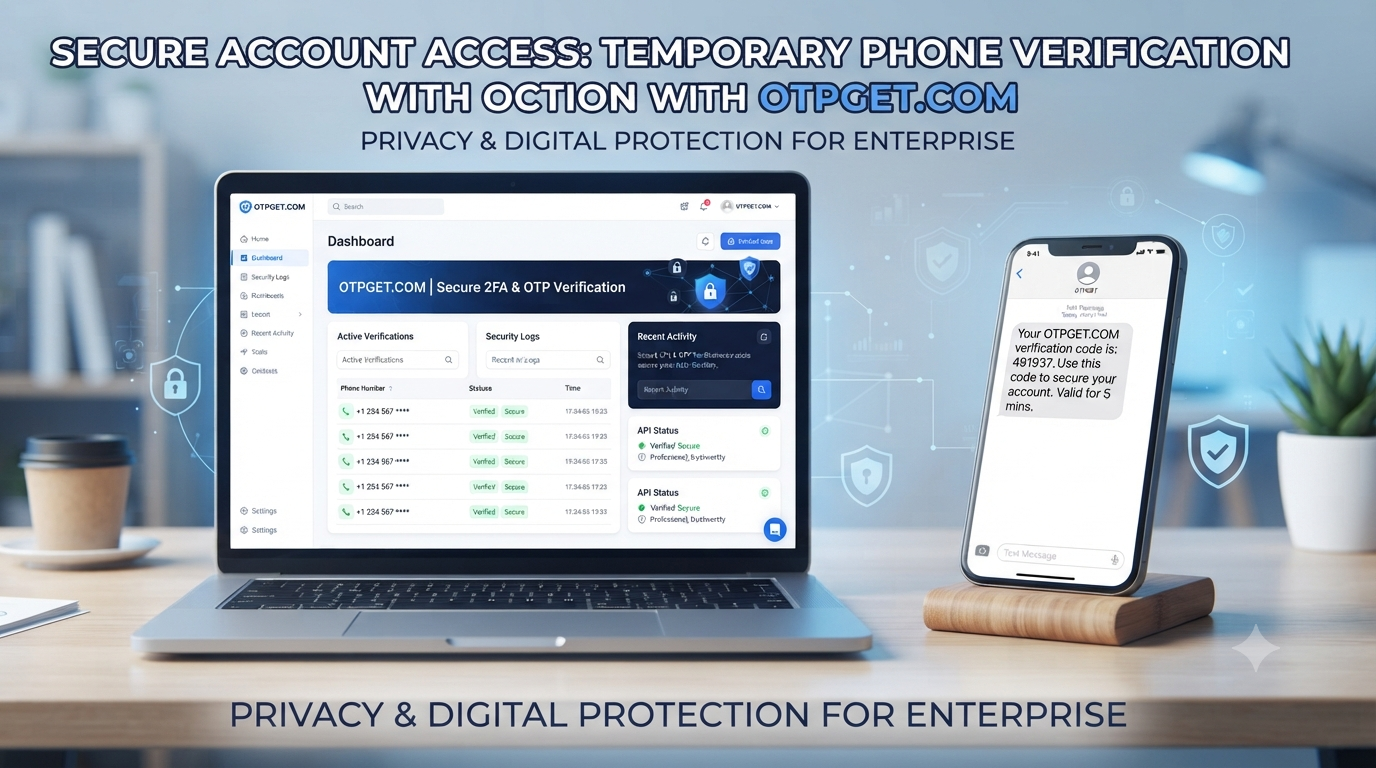
How to Get a Temporary OTP Number for LinkedIn Using OTPGET
Creating or managing a LinkedIn account can sometimes involve phone verification. Depending on the situation, LinkedIn may ask you to provide a phone number and enter a code delivered by SMS. This can happen during registration, account-security checks, or other verification steps.
For some users, the challenge isn't receiving the code itself. It's deciding whether they want to use their everyday personal number for another online service.
That's where a temporary OTP number for LinkedIn can become useful. A temporary or virtual number can provide a separate channel for receiving an SMS verification code without immediately exposing your regular mobile number.
is a third-party virtual-number and OTP verification service that offers temporary numbers for supported services. Its platform is designed around receiving verification SMS online, making it a practical option to consider when you need a temporary number for SMS verification.
The important point is to use a temporary number responsibly. LinkedIn controls which numbers it accepts, and a temporary or virtual number is not guaranteed to work in every verification scenario.
Why Does LinkedIn Ask for Phone Verification?
Phone verification is primarily about account security and abuse prevention.
LinkedIn explains that it may ask members to verify a phone number when they sign up, and it can also use phone verification when it detects potentially unauthorized access or suspicious activity. SMS codes provide an additional way to confirm that someone has access to the number being used.
A LinkedIn verification number may therefore be used for purposes such as:
- Confirming access to a phone number
- Helping protect an account from unauthorized access
- Supporting certain sign-in security checks
- Reducing automated or abusive account activity
- Enabling SMS-based security features
LinkedIn also notes that a confirmed mobile number can be used for password recovery and, depending on account settings, two-factor authentication.
That last point matters when considering a temporary number. A number that is convenient for one-time verification isn't necessarily the best choice for long-term account recovery.
What Is a Temporary OTP Number?
An OTP is a one-time password or verification code used to confirm an action, such as registering an account or signing in.
A temporary OTP number is a phone number made available for a limited verification purpose. Instead of receiving the SMS on your personal SIM card, the verification message is routed to the service providing the temporary number.
The basic process looks like this:
- Obtain a temporary or virtual phone number.
- Enter that number into the service requesting verification.
- The service sends an SMS containing a verification code.
- The SMS appears through the temporary-number provider's supported interface.
- Enter the LinkedIn verification code where requested.
This is different from simply using a random public "disposable phone number" listed online. Shared public numbers can create privacy and reliability concerns because multiple people may have access to the same inbox.
A dedicated or controlled temporary number can be more practical for a specific verification transaction.
OTPGET describes its numbers as virtual phone numbers hosted online rather than tied to a physical SIM, with options for one-time verification and longer rentals.
How to Get a Temporary OTP Number for LinkedIn
If you need a temporary number for LinkedIn verification, the process is straightforward, although availability and acceptance can vary.
1. Choose a temporary verification service
Start with a provider that offers virtual numbers for SMS verification.
OTPGET is one option to consider because its platform is specifically designed around temporary virtual numbers and receiving OTP messages online. It offers numbers across many countries and supports a large range of online services.
2. Select an available number and service
After accessing OTPGET, choose the country and service options available for your verification requirement.
Don't assume that every number will be accepted by LinkedIn. Availability can depend on the number type, carrier, country, and LinkedIn's own verification systems.
3. Enter the number on LinkedIn
When LinkedIn asks for a phone number, enter the temporary number in the appropriate field.
Make sure the country code is correct and that you enter the number exactly as provided.
4. Request the verification code
Submit the number and request the LinkedIn SMS verification code.
If LinkedIn accepts the number for that particular verification flow, the SMS should be routed through the provider's supported receiving system.
5. Receive the LinkedIn OTP
Check the OTPGET interface for the incoming SMS.
OTPGET provides a dashboard-based method for receiving SMS verification codes and also offers API functionality for supported use cases.
6. Enter the code
Copy the LinkedIn verification code into the verification field and complete the requested process.
If the number isn't accepted or the SMS doesn't arrive, don't repeatedly submit random numbers. Check the available options, LinkedIn's instructions, and the provider's conditions instead.
How OTPGET Helps With LinkedIn OTP Verification
OTPGET is designed specifically around virtual phone numbers and online OTP reception, which makes it relevant to people searching for a LinkedIn OTP number or temporary number for SMS verification.
Its main advantage is convenience: instead of arranging another physical SIM card solely for a short verification task, users can access a virtual number through an online platform.
According to OTPGET's own service information, the platform offers virtual numbers across more than 180 countries and supports thousands of services. It also provides one-time numbers as well as rental numbers for situations requiring access for a longer period.
For someone who needs a temporary phone number for LinkedIn, that can make the process easier to manage.
However, OTPGET should be viewed as a third-party verification service, not as a LinkedIn product. There is no claim here that LinkedIn endorses, partners with, or officially supports OTPGET.
Most importantly, compatibility isn't guaranteed. LinkedIn's own help documentation states that some verification contexts do not support VoIP numbers, so users should check the specific verification flow before relying on a virtual number.
Why Use a Temporary Number Instead of Your Personal Number?
There are legitimate privacy and convenience reasons someone might prefer a temporary number.
For example, you may want to keep your personal phone number separate from a particular online registration or short-term verification task.
Potential advantages include:
- Separating personal contact information: Your everyday number doesn't have to be used for every online verification request.
- Convenience: You can access the number online instead of obtaining another physical SIM.
- Short-term use: A temporary number can make sense when you only need to complete a particular verification step.
- Privacy considerations: Keeping different online activities separate can reduce unnecessary exposure of your primary number.
- Flexible access: Some services provide one-time numbers, while others offer rental periods for longer requirements.
Still, privacy shouldn't come at the expense of account security. If you need a number for ongoing recovery, security alerts, or password resets, permanent access to that number is much more important.
Temporary OTP Number vs. Personal Phone Number
Neither option is automatically better. The right choice depends on what you need the number for.
| Factor | Personal Number | Temporary OTP Number |
|---|---|---|
| Privacy | Less separation from personal contact details | Can provide greater separation |
| Convenience | Already available on your phone | Requires obtaining a number |
| Reusability | Usually available long term | May expire or become unavailable |
| Verification suitability | Generally more dependable when supported | Acceptance can vary by platform |
| Long-term account recovery | Strong option if you retain the number | Often unsuitable after expiration |
| Security alerts | Useful for ongoing access | Risky if access is temporary |
For a one-time verification task, a temporary number can be convenient. For an important professional account that you expect to maintain for a long time, a permanent recovery method is usually the safer choice.
Things to Consider Before Using a Temporary OTP Number
Before you choose a temporary mobile number, keep a few practical limitations in mind.
Number availability
The number you want may not always be available. Country and service availability can change.
SMS delivery
SMS delivery isn't guaranteed. Network routing, carrier restrictions, platform filters, or number type can affect whether a verification message arrives.
Number expiration
A temporary number may only remain available for a limited period. Once it expires, you may lose access to messages sent to it.
Reuse limitations
A number that works for one verification may not necessarily be suitable for another attempt or another account.
Account recovery
This is one of the biggest considerations. LinkedIn says verified phone numbers can support password resets and account recovery. If you later lose access to a temporary number, you could make account recovery more difficult.
Platform policies
Always follow LinkedIn's applicable terms, verification requirements, and security procedures. A temporary number should never be used as a way to evade security checks, identity verification, or platform restrictions.
Privacy and security
Use reputable services and avoid entering sensitive information into questionable public SMS websites. A verification code should also be treated as confidential.
Why OTPGET Can Be a Practical Choice
For users who specifically need a temporary OTP number for LinkedIn, OTPGET is worth considering because its core service is built around virtual numbers and SMS OTP reception.
The platform offers:
- Temporary virtual numbers for supported verification services
- Numbers from a wide range of countries
- Online SMS reception
- Rental numbers for longer-duration needs
- An online dashboard for managing verification messages
- API options for supported developer workflows
The practical benefit is simplicity. You can use an online temporary number when that fits your verification needs instead of purchasing and maintaining a separate physical SIM.
But the best approach is to treat OTPGET as a tool, not a guarantee. LinkedIn decides which numbers and verification methods it accepts, and the suitability of a temporary number can vary by verification flow.
Common Questions About LinkedIn OTP Numbers
What is a temporary OTP number for LinkedIn?
It's a temporary or virtual phone number that can be used to receive an SMS verification code when LinkedIn requests phone verification. Whether a particular number is accepted depends on LinkedIn's verification system.
Can I receive a LinkedIn verification code online?
If the number you use supports LinkedIn's SMS delivery and is accepted by the relevant verification flow, the code may be received through an online SMS interface such as the one provided by OTPGET.
How does a temporary SMS number work?
A provider assigns you access to a virtual phone number. When the supported service sends an SMS to that number, the message is displayed through the provider's system rather than arriving on your personal phone.
Is OTPGET suitable for receiving verification OTPs?
OTPGET is designed for receiving SMS OTPs through virtual numbers. Its platform supports thousands of services, but users should confirm that the required service and number type are available before making a purchase.
Can I use a temporary number for LinkedIn account recovery?
It may be unsuitable. If the temporary number expires or you lose access to it, you may not be able to receive future recovery messages. LinkedIn recommends maintaining an accessible mobile number for recovery purposes.
Why isn't my LinkedIn OTP arriving?
Possible causes include an unsupported number type, temporary SMS delays, incorrect country selection, carrier routing issues, or LinkedIn not accepting that particular number. Try checking the number details and LinkedIn's available verification options rather than assuming every temporary number will work.
Can every temporary number receive LinkedIn SMS codes?
No. Temporary numbers differ by carrier, country, number type, and provider. LinkedIn also has restrictions around certain number types, so compatibility should never be assumed.
Should I use my personal number for LinkedIn?
If you need reliable long-term account recovery and security access, your personal or otherwise permanently controlled mobile number can be the better option. A temporary number may make more sense for a limited verification requirement where long-term access isn't needed.
Final Thoughts
Finding a temporary OTP number for LinkedIn doesn't have to mean searching through unreliable public SMS websites or buying a separate SIM for a single verification task.
A service such as OTPGET provides a more structured way to access temporary virtual numbers and receive SMS verification codes online. Its broad country availability and focus on OTP verification make it a practical option to explore when a temporary number fits your situation.
The key is to use the right number for the right purpose. If you're dealing with a one-time verification need, a temporary number may be convenient. If the number will be responsible for password resets, security alerts, or long-term account recovery, maintaining permanent access is far more important.
If you need a convenient way to handle temporary SMS verification, is worth considering. Check the available number and service options first, follow LinkedIn's requirements, and choose a verification method that you can safely maintain access to.
FINAL SEO CHECK
Word count: Approximately 1,600
SEO title character count: 65
Meta description character count: 157
Primary keyword included: Yes
OTPGET prominently featured: Yes
Secondary keywords naturally used: Yes
FAQ included: Yes
Comparison table included: Yes
CTA included: Yes
No calendar year mentioned: Yes
No unsupported claims about OTPGET: Yes
No false LinkedIn affiliation claimed: Yes
:::{"fallbackMarkdown":"","reference":{"matched_text":" ","prefix":null,"start_idx":16720,"end_idx":16720,"safe_urls":[],"refs":[],"alt":"","prompt_text":null,"type":"sources_footnote","sources":[{"title":"Verify your phone number on LinkedIn | LinkedIn Help","url":"https://www.linkedin.com/help/linkedin/answer/a1337715/verify-your-phone-number-on-linkedin","attribution":"LinkedIn"},{"title":"OtpGet | Virtual Numbers for OTP Verification","url":"https://otpget.com/","attribution":"OtpGet"}],"has_images":false},"showLoginRequiredCard":false}


