Temporary OTP Number for Microsoft: OTPGET Verification Guide
How to Get a Temporary OTP Number for Microsoft with OTPGET
Introduction
Phone verification can be an important part of creating an account, signing in, or completing a security check. When Microsoft asks for a verification method, the process may involve receiving a code through an available phone, email, authenticator, or another supported method.
For some users, using a personal phone number for every online verification request is not ideal. They may want to keep personal and temporary online activity separate, test a workflow, or avoid unnecessarily sharing their primary number with another service.
That is where a temporary OTP number for Microsoft can become useful — but only when the verification flow accepts the number and the use case is legitimate.
A temporary number is designed to receive an SMS verification code without requiring the user to rely on their primary mobile number. Services such as provide virtual numbers intended for SMS-based verification.
However, there is an important limitation: Microsoft controls its own verification systems and decides which numbers and verification methods it accepts. Microsoft also provides other verification options, and its current support documentation notes restrictions around SMS and certain virtual or VoIP numbers.
With that in mind, let's look at how temporary OTP verification works and where OTPGET fits into the process.
What Is a Temporary OTP Number?
An OTP, or One-Time Password, is a short verification code generated for a specific authentication or verification event. When SMS verification is available, the service sends the code to the phone number entered during the verification process.
A temporary OTP number is a phone number that can be used for a temporary verification requirement rather than relying on your everyday personal number.
The basic process is straightforward:
- A website or service requests phone verification.
- You provide an eligible phone number.
- The service sends an SMS containing a verification code.
- You access the incoming message.
- You enter the code into the verification screen.
This is the basic model behind SMS OTP verification.
A temporary phone number can therefore be useful for legitimate situations where a user needs to receive a verification message but does not want to use their primary number.
The important distinction is that a temporary number is not a guarantee of acceptance. A service may restrict virtual, VoIP, recycled, or temporary numbers.
Why Might You Need a Temporary Number for Microsoft Verification?
There are several legitimate reasons someone might consider a temporary number for verification.
Keeping personal and temporary activity separate
Some users prefer not to use their everyday phone number for every online service. A temporary verification number can create a separation between personal communications and a one-time online workflow.
Testing account-related workflows
Developers, testers, and QA teams may need phone numbers while testing registration or verification flows. A temporary SMS number can be useful where the application or service explicitly permits this type of testing.
Privacy-conscious verification
A user may simply prefer to avoid exposing a personal number for a temporary activity. Using an appropriate alternative number can reduce unnecessary sharing of personal contact information.
Short-term verification requirements
Some verification tasks are temporary by nature. If a number is only needed to receive an SMS during a particular workflow, a temporary verification number may be more convenient than obtaining another permanent SIM.
The key is to use such services responsibly. A temporary number should not be used to create fraudulent accounts, evade security controls, bypass restrictions, send spam, or violate Microsoft's terms or applicable laws.
How Microsoft OTP Verification Works
When Microsoft uses SMS-based verification in a particular workflow, the basic process is similar to other SMS verification systems.
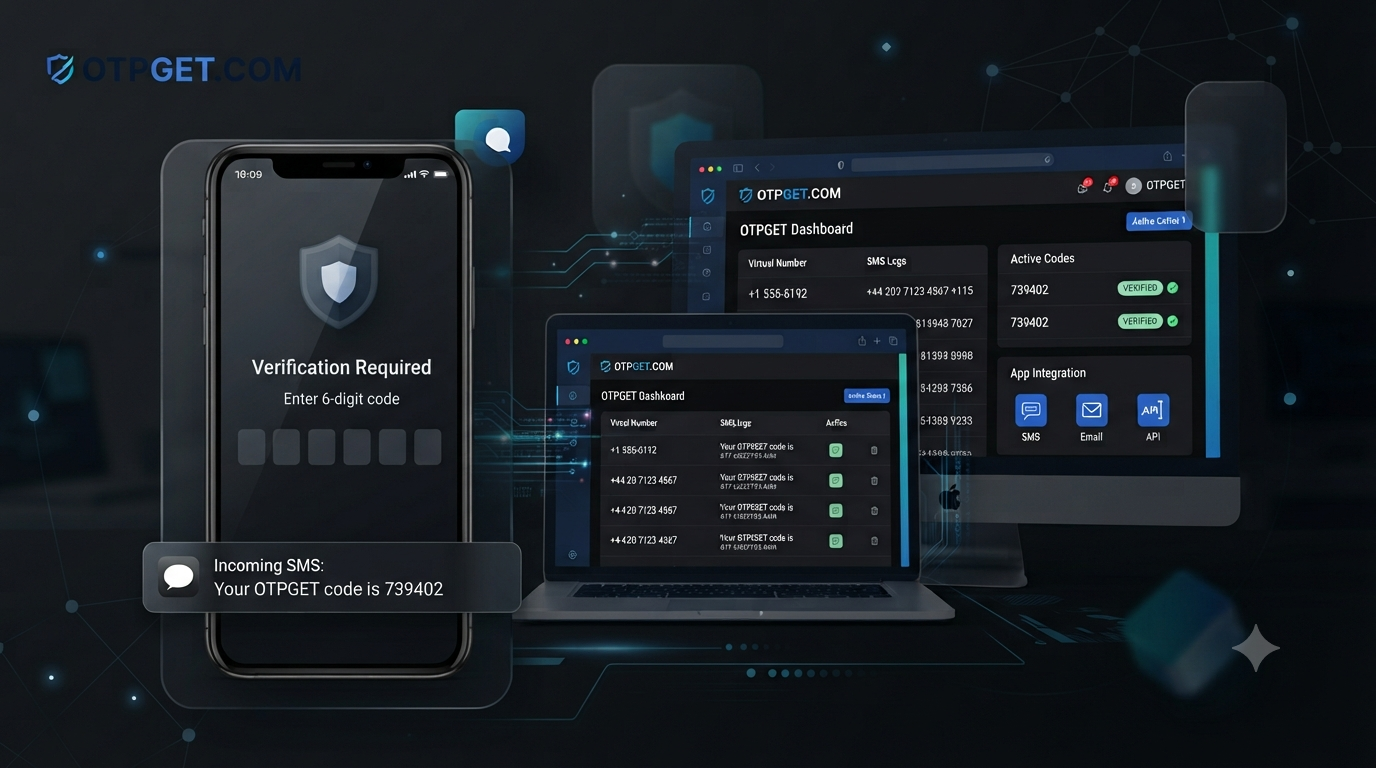
Microsoft presents a verification request and asks for an available verification method. If phone verification is offered, the user provides an eligible number. Microsoft then sends a verification code to that number, and the user enters the received code into the appropriate prompt.
Microsoft's own documentation explains that verification codes can be delivered through supported security methods and that the exact options depend on the account and verification experience.
There is an important qualification here: not every Microsoft verification flow supports SMS, and not every temporary or virtual number will be accepted. Microsoft's troubleshooting documentation specifically notes restrictions involving VoIP numbers and advises users to use another available verification method when necessary.
That means the correct approach is to treat temporary SMS verification as an option, not as a guaranteed workaround.
How to Get a Temporary OTP Number for Microsoft
If Microsoft presents a phone-based verification option and you have a legitimate reason to use a temporary number, the general workflow is simple.
Step 1: Choose a Suitable Temporary Number
Start by selecting a temporary phone number from a service such as .
Consider whether the number is intended for the service you are trying to verify and whether SMS reception is supported.
Do not assume that every available number will work with every platform. Microsoft's verification systems can reject certain numbers or verification attempts.
Step 2: Use the Number for the Appropriate Verification Request
If Microsoft gives you a phone verification option, enter the selected number in the format requested by the verification form.
Double-check the country code and digits before submitting the request.
If Microsoft does not offer SMS verification or does not accept the number, use one of the alternative verification methods presented by Microsoft instead.
Step 3: Wait for the Verification SMS
If the number is accepted and the verification request is processed, Microsoft may send a verification message.
The delivery time can vary depending on the platform, carrier, number type, and verification system.
Step 4: Retrieve the OTP
If the SMS arrives, access the incoming message through the temporary-number service.
With , the company's website describes virtual numbers as being used to receive SMS OTP messages through its service.
Step 5: Enter the Microsoft Verification Code
Copy the verification code from the message and enter it into the Microsoft verification field.
Make sure you use the current code associated with the current verification request. Avoid repeatedly requesting new codes because excessive or repetitive requests can contribute to verification problems. Microsoft specifically warns users against excessive repeated verification attempts.
Step 6: Complete the Verification Process
If Microsoft accepts the number and the code, follow the remaining instructions on screen.
Remember that successful verification ultimately depends on Microsoft's own systems, policies, and eligibility requirements.
Why Choose OTPGET for Temporary OTP Verification?
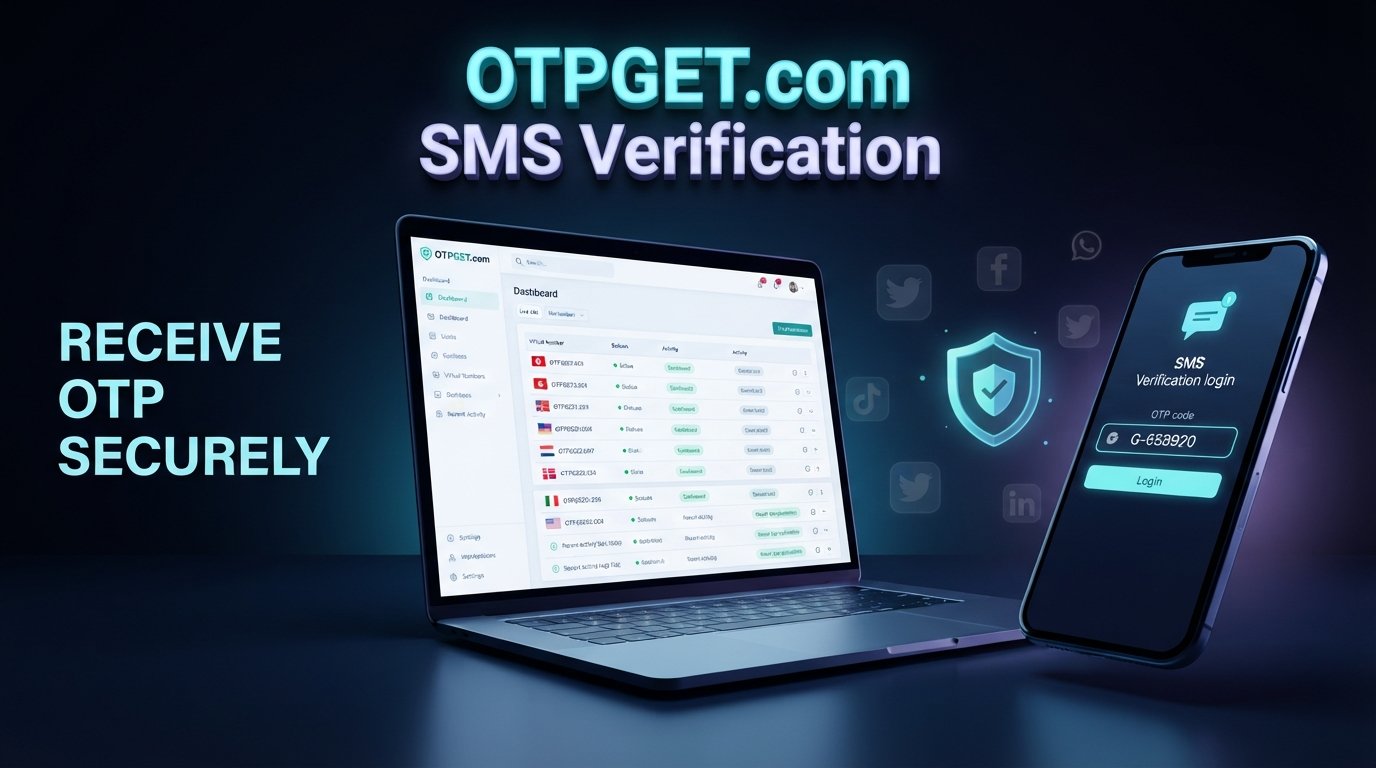
is designed around virtual phone numbers and SMS OTP verification. Its website describes access to temporary virtual numbers across multiple countries and support for SMS verification services.
For someone looking for a temporary phone number for Microsoft or another supported verification workflow, the main appeal is convenience: instead of relying exclusively on a personal SIM, the user can obtain a number intended for temporary online verification.
OTPGET also describes different number options, including temporary virtual numbers and longer-term rental numbers. That can be useful when the requirement is not limited to a single short verification workflow.
The service should still be viewed as a tool for legitimate verification needs rather than a way to bypass platform security. Its published terms prohibit illegal, fraudulent, abusive, or harmful use.
Benefits of Using a Temporary OTP Number
A temporary verification number can offer several practical advantages.
- Convenience: You can use a number specifically for a temporary SMS verification task.
- Privacy considerations: It can reduce the need to disclose your primary phone number where an alternative is appropriate.
- Separation: Temporary online verification can remain separate from personal communications.
- Flexible workflows: A virtual number can be useful for legitimate testing or short-term verification scenarios.
- Reduced dependence on a personal SIM: You may not need to use your everyday number for every eligible verification request.
These benefits should be balanced against the limitations of temporary numbers. They are not automatically suitable for account recovery or long-term security.
Important Considerations Before Using a Temporary Number
A temporary number should never be treated as a guaranteed Microsoft verification solution.
Microsoft determines which numbers and verification methods are accepted. Its support documentation states that some VoIP numbers cannot be used for certain verification functions and recommends alternative methods when a phone number is not accepted.
There are several other considerations:
- Some temporary or virtual numbers may be rejected.
- SMS verification may not be available in every Microsoft workflow.
- Verification requirements can change.
- Repeated verification attempts can trigger restrictions.
- Important accounts should have a reliable long-term recovery method.
- Temporary numbers should not be used to evade security controls.
- Always follow Microsoft's terms and applicable laws.
Microsoft also provides alternatives such as authenticator-based verification and passkeys in supported account experiences.
For an account you expect to use long term, relying exclusively on a temporary number is generally not a good recovery strategy.
Temporary Number vs. Personal Number
| Factor | Personal Number | Temporary OTP Number |
|---|---|---|
| Privacy considerations | Uses your everyday contact number | Can separate temporary verification from your personal number |
| Temporary verification | Convenient if you already use the number | Designed for temporary SMS verification workflows |
| Convenience | No additional service required | Useful when you specifically need an alternative number |
| Long-term recovery | Generally more suitable when kept active and controlled | Usually not ideal as the only long-term recovery method |
| Best use case | Personal accounts and ongoing access | Legitimate temporary verification and suitable testing scenarios |
Neither option is universally better. The right choice depends on the verification method offered and how the account will be used.
Common Microsoft OTP Problems and Solutions
OTP not arriving
Check that the number was entered correctly and that the verification method is actually available for your account. Microsoft recommends checking alternative verification methods when codes do not arrive.
If you're using a temporary number, the problem may also be related to the number type or Microsoft's acceptance of that number.
Verification code expired
Request a new code and use the most recent message. Avoid repeatedly requesting codes in rapid succession.
Number rejected
Microsoft may reject a particular number type. If the platform reports that the number cannot be used, select another supported verification method rather than repeatedly trying to bypass the restriction.
Too many verification attempts
Repeated requests can lead to temporary restrictions. Microsoft advises against excessive or repetitive verification requests.
If this happens, stop requesting codes and follow Microsoft's recommended troubleshooting process.
Incorrect number format
Check the country code, spacing, and digits. Enter the number exactly as the verification form expects it.
SMS delivery delays
Delivery can occasionally be delayed because of network conditions, service restrictions, or issues affecting the verification system. If the message does not arrive, check whether another verification method is available.
Frequently Asked Questions
What is a temporary OTP number?
A temporary OTP number is a phone number intended for receiving SMS verification codes for a temporary online task. It can be useful when a service accepts the number type and the use is legitimate.
Can I use a temporary number for Microsoft verification?
Possibly, but there is no universal guarantee. Microsoft controls its verification systems and may reject certain virtual, VoIP, or temporary numbers. Some Microsoft account experiences may also offer alternatives to SMS.
How do I receive a Microsoft verification code?
If SMS verification is offered, enter an eligible phone number, request the code, receive the SMS, and enter the code into Microsoft's verification prompt. Microsoft may instead provide email, authenticator, passkey, or another supported option.
How does OTPGET work?
provides virtual numbers intended for SMS OTP verification. Its published service information explains that users can select a number and receive supported verification messages through the service.
Is a temporary phone number suitable for Microsoft OTP verification?
It can be suitable when Microsoft accepts the number and SMS verification is available. However, temporary numbers should not be assumed to work for every Microsoft verification request.
Why isn't my Microsoft OTP arriving?
Possible causes include an incorrect number, delivery delays, account restrictions, unsupported number types, or temporary verification issues. Microsoft recommends avoiding repeated requests and trying another available verification method when appropriate.
Can a temporary number be used for long-term account recovery?
It is generally better to use a reliable, long-term recovery method for an important account. Temporary numbers can become unavailable, making them unsuitable as the only recovery option.
Final Thoughts
A temporary OTP number for Microsoft can be useful when you have a legitimate short-term verification requirement and Microsoft offers a compatible SMS verification option.
The process is simple in principle: choose an appropriate temporary number, enter it into the eligible verification form, receive the SMS, retrieve the code, and complete the verification request.
The important part is understanding the limitations. Microsoft controls which verification methods and numbers it accepts, and temporary or virtual numbers are not guaranteed to work in every situation.
If you need a convenient option for legitimate temporary SMS verification, is worth exploring. Choose an appropriate number for your use case, follow Microsoft's verification requirements, and keep a dependable long-term recovery method for important accounts.
I kept the claims about OTPGET limited to information supported by its official site and terms, and avoided guarantees about Microsoft acceptance. The meta description is exactly 160 characters, and no calendar year is included in the deliverable.