How to Get Your WhatsApp Number: A Simple Verification Guide
How to Get Your WhatsApp Number: A Simple Verification Guide
Getting a WhatsApp number sounds straightforward, but the process can become confusing when you want to use a second number, keep business conversations separate, or avoid giving your personal phone number to every online service.
The important point is that WhatsApp registration depends on access to a phone number that can receive the required verification code. That makes choosing the right number just as important as installing the app itself.
For people exploring a secondary number or a verification-related service, OTPGET may be relevant as part of the process. The key is to understand what WhatsApp requires, use only a number you are authorized to use, and treat every verification code as sensitive information.
This guide explains how to get a WhatsApp number, how verification works, what can go wrong, and where OTPGET fits into the broader process.
How to Get a WhatsApp Number
The basic process is simple: you need a phone number that you are authorized to use and that can receive WhatsApp's verification communication.
Depending on your situation, that may be:
- Your regular mobile number
- A separate number for business communication
- A secondary number you control
- Another eligible number that can receive verification messages or calls
Once you have an appropriate number, install WhatsApp through an official app source, enter the number carefully, and follow the verification instructions displayed by WhatsApp.
WhatsApp may ask you to confirm the number using a verification code. The code is intended to prove that you have access to the number being registered.
The most important rule is straightforward: only register a number you are authorized to use. A phone number should never be used to access another person's WhatsApp account or bypass account security.
What You Need Before Setting Up WhatsApp
Before starting WhatsApp registration, have the following ready:
1. An eligible phone number
The number needs to be entered in the correct international format. Double-check the country code and digits before requesting verification.
2. Access to verification messages
You need a legitimate way to receive the verification code associated with the number. Depending on the available verification method, this can involve SMS or another verification option provided during registration.
3. A working internet connection
Your device needs an internet connection to communicate with WhatsApp during setup. If your connection is unstable, verification may take longer than expected.
4. A number you can legitimately control
Avoid using numbers obtained from questionable sources or numbers that belong to someone else. Losing access to the number can also make future account recovery or verification more difficult.
Why People Look for a Secondary WhatsApp Number
There are several legitimate reasons someone may want a second number for WhatsApp.
Privacy is one of the most common. Some users prefer not to give their personal number to every business contact, customer, community, or online service.
A secondary WhatsApp number can also help with business communication. Keeping customer conversations separate from personal chats can make communication easier to organize.
Other possible use cases include:
- Separating work and personal conversations
- Managing a dedicated customer-contact number
- Keeping personal contact information less widely exposed
- Testing legitimate communication workflows
- Maintaining separate communication channels
A secondary number does not automatically make an account private or secure. Good account-security practices are still necessary.
How OTP Verification Works for WhatsApp
An OTP, or one-time password, is a temporary verification code used to confirm access to a phone number.
During WhatsApp registration, you generally provide the number you want to register. WhatsApp then uses its verification process to confirm that you have access to that number.
The code is sensitive. Anyone who obtains a valid verification code may potentially be able to complete an account-verification process, which is why you should never give an OTP to another person.
If you are using an online verification number or another secondary number, the same principle applies: the number should be legitimately available to you, and you should understand how you will retain access to it.
How OTPGET Can Help
This is where OTPGET becomes relevant.
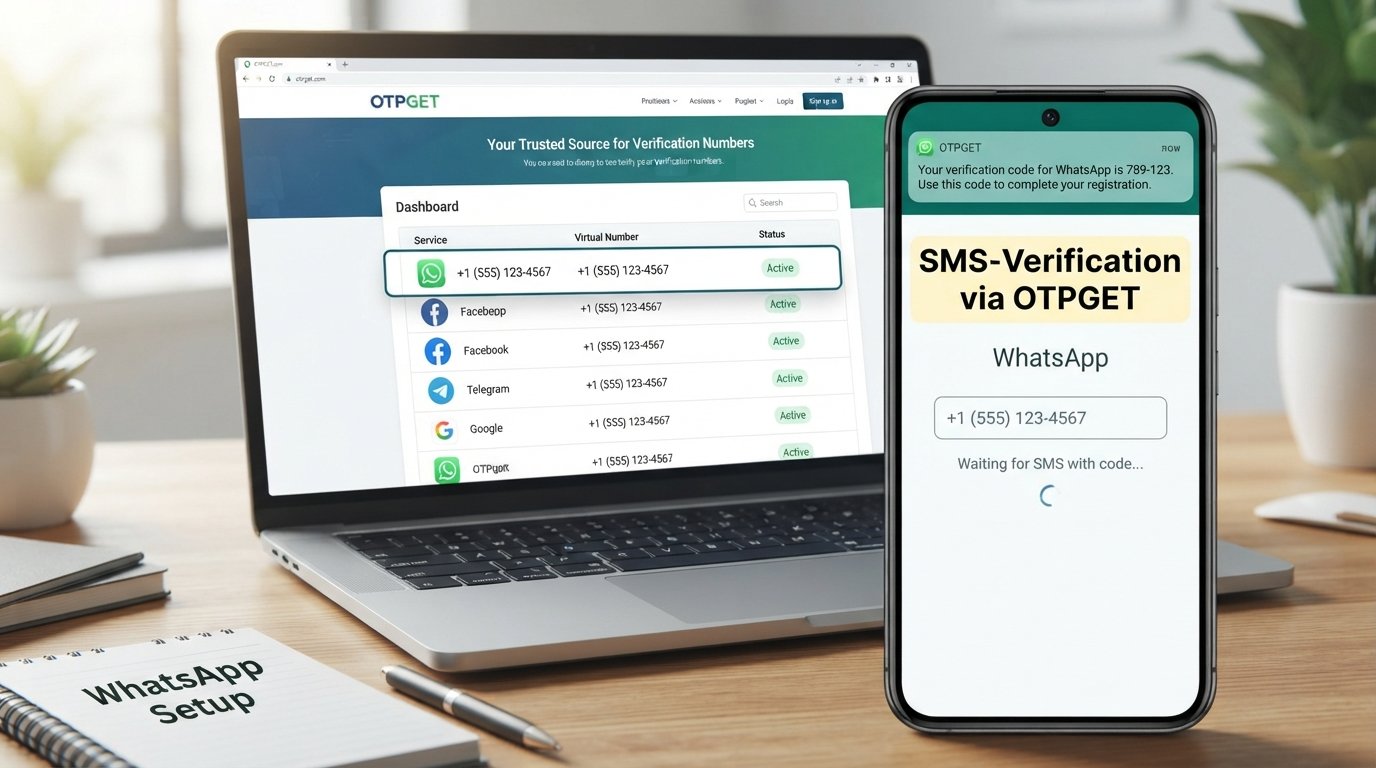
People searching for terms such as WhatsApp verification number, receive WhatsApp OTP, or number for WhatsApp verification are often looking for a practical way to handle the number-and-verification part of an online registration process.
OTPGET can be considered when exploring verification-related number services. However, the exact availability, supported services, countries, pricing, or other capabilities should be confirmed directly through the service rather than assumed.
That distinction matters. Not every online number works with every platform, and WhatsApp ultimately controls its own registration and verification requirements.
The sensible approach is to treat OTPGET as a potential solution for the verification-number problem while checking the service's current terms and available options before proceeding.
Step-by-Step: Using a Number for WhatsApp Verification
If you are setting up a WhatsApp account with a legitimate secondary number, follow a straightforward process:
- Choose a number you are authorized to use.
Make sure you have legitimate access to the number and understand how you will continue accessing it. - Check that the number can receive the required verification communication.
If you are considering an online or secondary number, verify its suitability before starting registration. - Install WhatsApp from an official source.
Avoid modified applications or unofficial downloads that may introduce unnecessary security risks. - Enter the number carefully.
Select the correct country code and check every digit before submitting it. - Request the verification code.
Follow the verification instructions displayed by WhatsApp. - Enter the OTP only in the legitimate verification process.
Never send your code to a person claiming to be a WhatsApp representative, support agent, buyer, seller, or administrator. - Complete your account setup.
Once verification is successful, configure your profile and available security settings.
If OTPGET is being considered as part of the number-verification process, use it only according to its stated service terms and only with numbers you are authorized to use.
Common Problems When Getting a WhatsApp Number
Even when you follow the correct process, verification can sometimes fail or be delayed.
Verification code does not arrive
Check that the number and country code are correct. Also make sure the phone or number service can receive the required communication.
Avoid repeatedly requesting codes in a short period. Excessive attempts can create additional verification delays or restrictions.
The OTP has expired
Verification codes are temporary. If a code is no longer valid, use the current verification option provided by WhatsApp rather than repeatedly entering an old code.
Incorrect number format
A missing digit or incorrect country code can prevent successful verification. Review the complete number before trying again.
Too many verification attempts
Repeated requests can make the process more difficult. If WhatsApp displays a waiting period, follow the instructions rather than attempting to bypass the restriction.
The number is not accepted
Not every number is necessarily suitable for every online service. If a number does not work, check the relevant service requirements and consider using another legitimate number you control.
Tips for Using a WhatsApp Number Safely
Getting a WhatsApp number is only one part of protecting an account. Keep these security practices in mind:
- Never share your WhatsApp verification code.
- Use only numbers you are authorized to use.
- Be cautious with websites promising guaranteed verification.
- Do not provide personal information to unknown contacts.
- Keep your phone and WhatsApp application updated through legitimate sources.
- Enable available account-security features where appropriate.
- Be suspicious of messages asking you to forward an OTP.
- Avoid services that ask you to access or verify someone else's account.
- If you use a secondary number, make sure you understand how long you can retain access to it.
A verification code should be treated much like a password: private, temporary, and intended only for the legitimate account owner.
Why OTPGET May Be Useful
The main challenge for many people searching for a WhatsApp verification number is not understanding what an OTP is. It is finding a legitimate number option that fits their particular situation.
That is the problem for which OTPGET may be relevant.
Rather than assuming that every online number will work with WhatsApp, users should first understand their own requirements, check the available options, and confirm the current service conditions. This creates a more reliable and responsible approach to WhatsApp registration.
OTPGET can therefore be explored as part of the process when your goal is to obtain access to a number for a legitimate verification-related use case.
The important thing is to avoid promises that sound too good to be true. No third-party service should be assumed to guarantee acceptance by WhatsApp, and users should always follow WhatsApp's own registration and security requirements.
Frequently Asked Questions
How do I get a number for WhatsApp?
You need a phone number that you are authorized to use and that can complete WhatsApp's verification process. This can be your regular number or an appropriate secondary number, depending on your needs and WhatsApp's requirements.
Can I use a second number for WhatsApp?
A secondary number can be useful for separating personal and professional communication. The number must still meet WhatsApp's registration requirements, and you should maintain legitimate access to it.
Why do I need an OTP for WhatsApp?
The OTP helps verify that you have access to the phone number being registered. It is an important part of the account-registration process.
What should I do if my WhatsApp verification code does not arrive?
First, check the number and country code, confirm that the number can receive the required communication, and check your connectivity. Avoid repeatedly requesting codes and follow any waiting instructions shown by WhatsApp.
Can I use an online number for WhatsApp verification?
An online or virtual number may be an option in some circumstances, but acceptance depends on the platform's requirements and the specific number. Do not assume that every online number will work with WhatsApp.
Is it safe to use a secondary number?
A secondary number can be useful for privacy and communication separation when used legitimately. The main considerations are controlling the number, protecting verification codes, and choosing a trustworthy service.
How does OTPGET relate to WhatsApp verification?
OTPGET is relevant to the broader need for verification-related numbers. If you are considering it for a WhatsApp registration process, check its current service details and confirm that your intended use is supported rather than assuming compatibility.
Conclusion
Learning how to get your WhatsApp number is mostly about understanding the relationship between a phone number, account registration, and verification.
Whether you need a number for personal communication, business use, privacy, or a legitimate secondary account, choose a number you are authorized to use and make sure you can complete the required verification process.
If your main challenge is finding a suitable number for a verification-related use case, OTPGET may be worth exploring. Review the available options and service conditions carefully, and always follow WhatsApp's own verification and security requirements.
The safest approach is simple: use legitimate numbers, protect your OTP, and never attempt to bypass account-security controls.
8. Internal Link Opportunities
- Suggested anchor text: WhatsApp verification guide
Link to: A detailed guide explaining WhatsApp registration, verification codes, and common verification issues. - Suggested anchor text: temporary number for verification
Link to: An educational page explaining temporary and secondary verification numbers, including responsible use cases. - Suggested anchor text: OTP verification explained
Link to: A beginner-friendly guide explaining OTPs, SMS verification, verification-code safety, and common errors. - Suggested anchor text: online verification number
Link to: A guide comparing legitimate online number options and factors users should consider before choosing one. - Suggested anchor text: OTPGET
Link to: The main OTPGET product or service page explaining its available verification-related options and current terms.
9. FAQ Section
How do I get a number for WhatsApp?
Use a phone number you are authorized to control and that can complete WhatsApp's verification process.
Can I use a second number for WhatsApp?
Yes, a secondary number can be useful for separating personal and professional communication, provided it meets WhatsApp's requirements.
Why does WhatsApp require an OTP?
The OTP is used to verify access to the phone number being registered.
What if my WhatsApp OTP does not arrive?
Check the number and country code, confirm connectivity and message reception, and avoid making repeated verification requests.
Can an online number be used for WhatsApp?
It depends on the specific number and WhatsApp's requirements. Not every online or virtual number is necessarily accepted.
Is a secondary WhatsApp number safe?
It can be used responsibly when you control the number, protect your verification codes, and follow good account-security practices.
How can OTPGET help with WhatsApp verification?
OTPGET may be relevant for users exploring verification-related number services. Check its current options and terms before using it for a particular registration.