How to Make International WhatsApp Account: A Complete Guide
How to Make an International WhatsApp Account
Introduction
If you need to use WhatsApp with a number from another country, the process can seem confusing at first. You may be traveling, working with international contacts, running a cross-border business, or simply want to keep a separate number for certain communications.
The good news is that the basic process is straightforward. To understand how to make international WhatsApp account setups work, the most important thing to know is that WhatsApp registration is tied to a phone number and a verification process.
The challenge is often finding an appropriate international number that can actually receive the required verification code. This is where international number and online OTP services can become useful.
In this guide, we'll explain how international WhatsApp accounts work, what you need before registering, common verification problems, and how OTPGET can help when you need an international number for legitimate WhatsApp verification.
What Is an International WhatsApp Account?
An “international WhatsApp account” generally means a WhatsApp account registered using a phone number associated with a country different from the one where you currently live or normally use your phone.
WhatsApp itself uses phone numbers and country codes to identify accounts. For example, when registering a number from another country, you need to select the appropriate country code and enter the corresponding phone number correctly.
The important part is that the number must be capable of completing WhatsApp's account verification process.
During registration, WhatsApp may require a verification code sent to the number. That code confirms access to the number and allows the registration process to continue.
So, creating an international account is not simply about changing a country setting. You need an appropriate international phone number and a way to receive the required WhatsApp verification code.
Why Do People Need an International WhatsApp Number?
There are several legitimate reasons someone may want an overseas WhatsApp number.
International business communication
Businesses working with customers, suppliers, contractors, or partners in other countries may need communication channels associated with specific markets.
Travel
Frequent travelers may want a number associated with another country while communicating with people or organizations abroad.
Remote work
Remote professionals sometimes maintain separate communication arrangements for personal and professional contacts, particularly when working across borders.
Separating communications
A second international number can provide a practical way to keep certain conversations separate from a primary personal number.
International contacts
If you regularly communicate with people in another country, having an appropriate international phone number can sometimes make account organization more convenient.
Whatever the reason, the number should be obtained legitimately and used in accordance with WhatsApp's applicable requirements.
What You Need Before Creating an International WhatsApp Account
Before starting the registration process, prepare the basics:
- A compatible smartphone
- An internet connection
- The WhatsApp application
- A valid international phone number
- Access to the verification code sent to that number
- The correct country code
- An understanding of WhatsApp's applicable terms and verification requirements
The most important item is the phone number.
Not every virtual, temporary, or online number will necessarily be accepted for WhatsApp registration. Some numbers may have restrictions, may have been used previously, or may not be able to receive the required message.
For that reason, choosing a suitable number is just as important as entering the registration information correctly.
How to Make an International WhatsApp Account
Once you have an appropriate international number, the registration process is generally simple.
Step 1: Choose the country and number
Decide which country you need the number from and obtain an appropriate international phone number through a legitimate provider or service.
Make sure you know the complete number and its correct country code.
Step 2: Install or open WhatsApp
Open WhatsApp on your compatible device. If you're setting up a new account, follow the registration prompts provided by the application.
Step 3: Enter the international number
Select the appropriate country and enter the international number in the requested field.
Double-check the country code before continuing. An incorrect code can prevent the verification message from reaching the intended number.
Step 4: Request the verification code
Continue with the verification process and request the WhatsApp verification code.
The code is normally associated with the number you entered, so you need access to the selected number to continue.
Step 5: Receive the OTP
Check the selected number for the verification message. If the number supports the required delivery method and WhatsApp accepts it, you can retrieve the verification code.
Step 6: Enter the verification code
Enter the received code into WhatsApp exactly as requested.
Avoid repeatedly requesting new codes if the first message is delayed. Multiple attempts in a short period can complicate the verification process.
Step 7: Complete your account setup
After successful verification, complete the remaining WhatsApp setup steps according to your preferences.
Remember that successful verification depends on the number being suitable, capable of receiving the code, and accepted by WhatsApp.
Common Problems When Verifying an International WhatsApp Number
International number verification does not always go smoothly. Several issues can interrupt the process.
OTP not arriving
The verification message may be delayed because of network, carrier, routing, or service-related issues.
Give the process some time before requesting another code.
Incorrect country code
Entering a number under the wrong country can prevent the verification code from reaching the correct destination.
Always check the country code and number carefully.
Number already associated with an account
A number may have been used for WhatsApp previously. This can affect what happens during registration or account recovery.
Follow the instructions presented by WhatsApp rather than assuming the number will behave like a completely unused number.
Virtual or temporary number limitations
Some online or temporary numbers may not be accepted. Availability and compatibility can vary, so there is no universal guarantee that every virtual number will work.
Verification attempts being limited
Repeatedly requesting verification codes may result in temporary restrictions on further attempts. If this happens, follow the instructions displayed in WhatsApp and avoid repeatedly retrying.
Network or carrier problems
A weak connection, SMS delivery issue, or carrier restriction can also affect verification.
Checking your internet connection and confirming that the selected number can receive the required message are sensible first steps.
How OTPGET Can Help With International WhatsApp Verification
For people who need an international number or online OTP verification option, OTPGET can be a practical service to explore.
OTPGET is relevant when you need access to an international number for a verification process and want an online alternative to arranging a traditional SIM card.
Depending on availability and the service options provided, OTPGET can help users:
- Access international numbers
- Obtain a number for an intended verification process
- Receive OTP verification codes through the service when supported
- Simplify the process of handling an international number online
- Explore an alternative to obtaining a physical international SIM
This can be particularly useful when arranging a traditional international number would involve additional setup, hardware, or carrier arrangements.
However, it's important to keep expectations realistic. A number being available through an online OTP service does not automatically mean WhatsApp will accept it. Verification depends on WhatsApp's requirements, the characteristics of the number, and whether the required verification message can be received.
For legitimate users searching for an OTP verification service, online OTP service, or a way to receive OTP online, OTPGET provides an option worth considering.
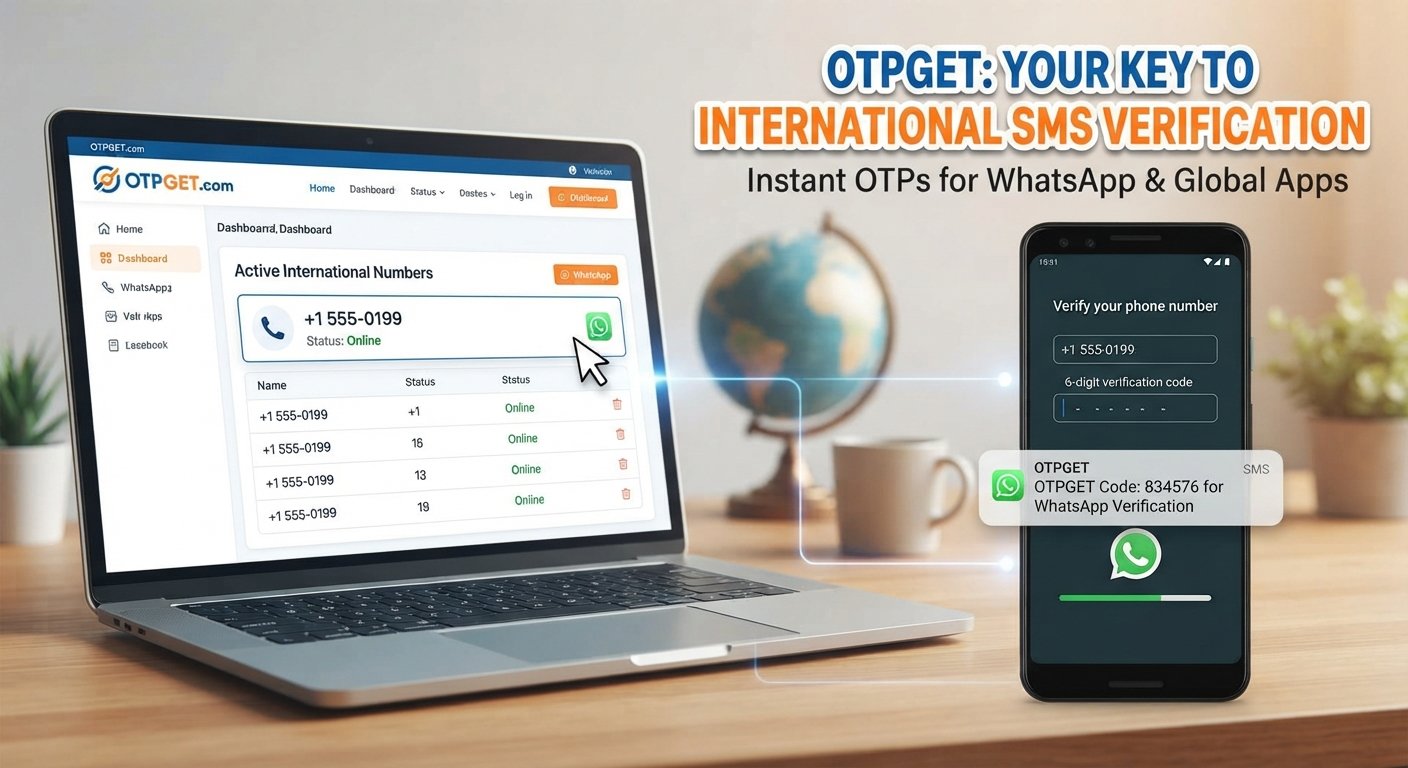
How to Use OTPGET for WhatsApp Verification
The general process is straightforward, although exact service options can vary.
- Visit OTPGET and review the available international number or verification options.
- Select an available number or service that is appropriate for your intended verification.
- Follow OTPGET's instructions to obtain or access the number.
- Open WhatsApp and enter the number using the correct country code.
- Request the WhatsApp verification code.
- Monitor OTPGET for the incoming OTP if the selected service supports that verification.
- Enter the received verification code into WhatsApp.
- Complete the account setup if WhatsApp successfully verifies the number.
If verification does not work, avoid assuming that another immediate attempt will solve the problem. Check the number, country code, service availability, and WhatsApp's displayed instructions first.
OTPGET should be viewed as a convenient number and OTP service option, not as a guarantee that every WhatsApp verification attempt will succeed.
OTPGET vs. Traditional International SIM Cards
There are several ways to obtain an international phone number, and each approach has different practical considerations.
| Option | Convenience | Physical SIM | OTP Reception | Setup |
|---|---|---|---|---|
| Traditional international SIM | Depends on carrier and location | Usually required | Depends on carrier | May require more setup |
| International eSIM or phone-number option | Often convenient | Not necessarily | Depends on provider | Usually digital |
| Online OTP/number service such as OTPGET | Online-focused | Generally not the main requirement | Depends on service and number | Designed for online access |
A traditional SIM can be useful if you need longer-term control over a mobile number and broader mobile-service functionality.
An online service such as OTPGET may be more convenient when your primary need is access to an international number for a supported verification process.
The right choice depends on how you intend to use the number and whether you need continued access to it after account registration.
Tips for Successful WhatsApp Verification
A few simple practices can reduce avoidable problems when you verify WhatsApp with an international number:
- Double-check the country code before submitting the number.
- Make sure the number can receive the required verification code.
- Enter the number exactly as requested.
- Avoid requesting multiple codes repeatedly.
- Check your internet connection.
- Pay attention to any verification instructions displayed by WhatsApp.
- Use international numbers responsibly and for legitimate purposes.
- Keep appropriate access to the number if future account recovery may depend on it.
- Never share your verification code unnecessarily.
If you are using an online number service, also make sure you understand how long you can access the number and whether continued access is available when needed.
Is Using an International Number for WhatsApp Safe?
Using an international number is not inherently unsafe, but security depends on where the number comes from and how you manage the account.
Choose a reputable number or verification service and treat WhatsApp verification codes as sensitive information. Anyone who obtains a verification code intended for your account may potentially gain access to the verification process.
For better account security:
- Never share OTPs with strangers.
- Avoid suspicious requests for verification codes.
- Use available WhatsApp account-security features.
- Keep your phone and account protected.
- Follow WhatsApp's applicable terms and rules.
- Do not use the account for spam, scams, impersonation, or abusive activity.
OTPGET can provide an option for obtaining an international number or handling supported OTP verification, but no external service should be treated as a substitute for good account-security practices.
Frequently Asked Questions
Can I create a WhatsApp account with an international number?
Yes, you can generally register WhatsApp using a number associated with another country, provided the number is suitable for registration and can complete WhatsApp's verification requirements.
How do I get an international WhatsApp number?
You can obtain one through options such as a traditional SIM, an appropriate eSIM or phone-number service, or an online OTP and number service such as OTPGET, depending on availability and your intended use.
Can I receive a WhatsApp OTP online?
It may be possible when the selected online number supports the required verification process. Services such as OTPGET can provide online number and OTP options where available, but WhatsApp acceptance and message delivery are not guaranteed.
Can OTPGET help with WhatsApp verification?
OTPGET can be useful for users who need an international number and an online OTP verification option. Whether a specific number works for WhatsApp depends on the number, availability, message delivery, and WhatsApp's verification requirements.
Why am I not receiving my WhatsApp verification code?
Possible reasons include an incorrect country code, an unsuitable number, network or carrier issues, delivery delays, or too many verification attempts. Check the number carefully and follow WhatsApp's instructions before trying again.
Can I use a virtual number for WhatsApp?
Some virtual numbers may work, while others may not be accepted or may have limitations. Compatibility varies, so a virtual number should not be assumed to work for every WhatsApp registration.
Do international WhatsApp numbers require a physical SIM?
Not necessarily. Depending on the number source, you may be able to use an online number or another digital phone-number option. The key requirement is that the number can satisfy WhatsApp's applicable verification process.
Conclusion
Learning how to make international WhatsApp account setups work starts with one essential requirement: an appropriate international phone number that can complete the required verification process.
The basic steps are simple—choose a suitable number, enter it with the correct country code, request the verification code, receive the OTP, and complete the WhatsApp registration process.
The main difficulty is often finding a number that is suitable for the intended verification and capable of receiving the required code.
For users looking for an online option, OTPGET offers a practical way to explore international numbers and supported OTP verification services, subject to availability and WhatsApp's acceptance of the selected number.
If you have a legitimate need for an international WhatsApp number, explore OTPGET and choose an available option that fits your verification requirements. Always protect your verification codes and use your WhatsApp account responsibly.