How to Receive Hungarian OTP Codes Online Safely With OTPGET
How OTPGET Helps With Hungarian OTP Verification
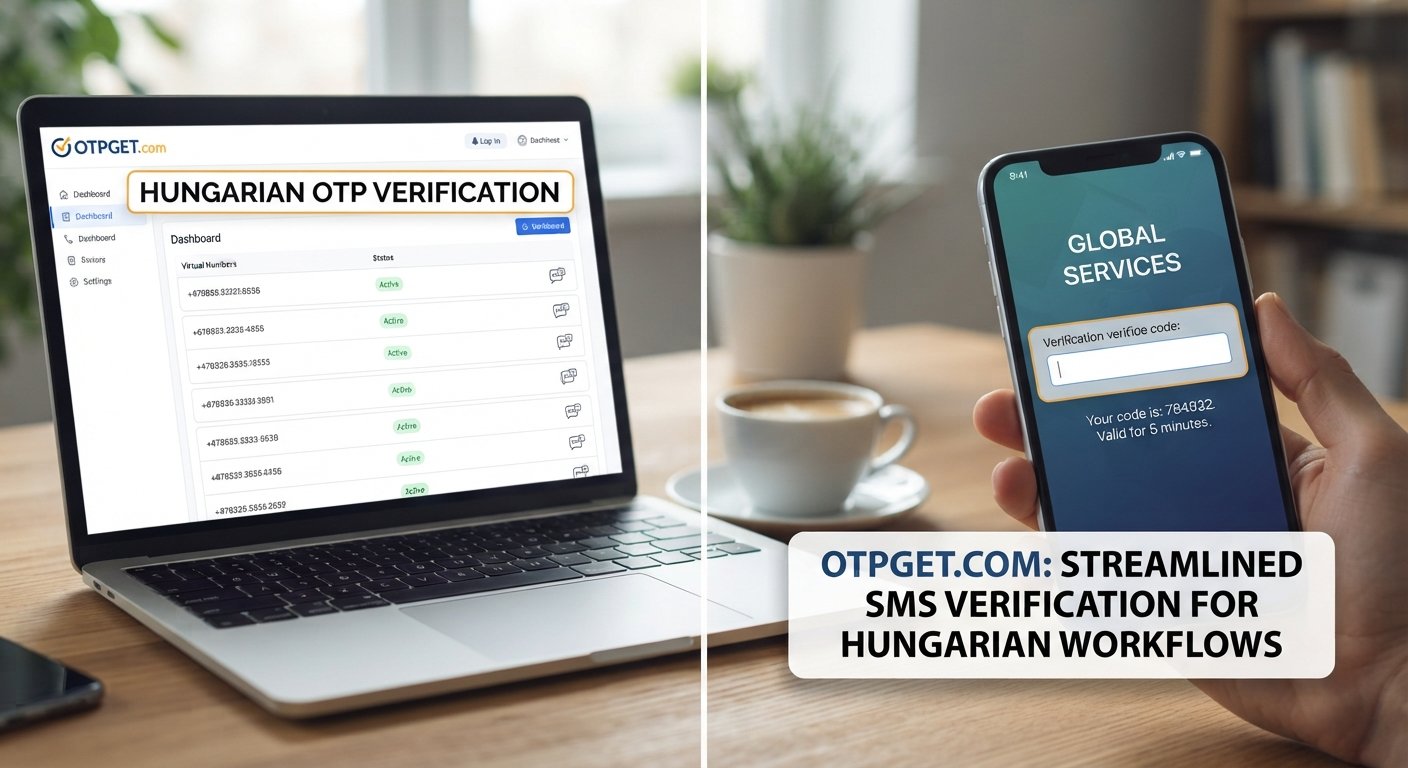
OTPGET is the featured solution in this guide for users who need a practical way to work with Hungarian OTP messages online.
The basic idea is simple: instead of depending exclusively on a physical Hungarian SIM, users can work with an online Hungarian number or supported SMS option through a service such as OTPGET.
OTPGET is designed to help users manage legitimate SMS verification workflows in a more convenient online environment. This can be particularly useful for people working on registration testing, service setup, development tasks, or other authorized activities where receiving a Hungarian verification SMS is permitted.
One important distinction is worth making: an online SMS service does not guarantee that every third-party website will accept a particular number. Compatibility depends on the service sending the OTP, its number policies, network relationships, and other technical factors.
That transparency matters. A useful Hungarian SMS receiving service should be viewed as a practical tool for supported workflows, not as a method for bypassing authentication or platform requirements.
How to Receive Hungarian OTP Codes Online With OTPGET
The process for receiving Hungarian verification codes online generally follows a few simple steps.
Step 1: Choose the Appropriate Hungarian SMS/OTP Option
Start by identifying the verification requirement. Check whether the service specifically requires a Hungarian phone number and whether it permits online or virtual numbers.
This is also a good point to consider the type of SMS you need to receive. If the workflow is for testing, make sure your test scenario is compatible with the number and service you intend to use.
Step 2: Select a Hungarian Number or Supported Option
Use OTPGET to select an appropriate Hungarian number or supported SMS option, subject to the options available through the service.
Before proceeding, check the displayed information carefully. Make sure the selected option matches the country and verification requirement you are working with.
Step 3: Enter the Number on the Authorized Service
Enter the Hungarian phone number into the website or application where you are legitimately completing verification.
Double-check the number before submitting it. A single incorrect digit can prevent the SMS from reaching the intended destination.
Only use the number for services and accounts where you are authorized to complete the verification process.
Step 4: Request the OTP
After submitting the number, request the verification SMS through the relevant service.
The service generates an OTP and attempts to send it to the number. Delivery depends on the sending platform and its compatibility with the selected number.
Step 5: Receive and Enter the Code
If the SMS is delivered successfully, view the verification message through the supported OTPGET workflow and enter the code into the original service.
OTP codes are normally temporary, so avoid unnecessary delays once the message arrives.
Step 6: Complete Verification
Submit the OTP and allow the service to complete its verification process.
If the code is rejected or no message arrives, avoid repeatedly requesting new codes without checking the issue first. The problem may involve number compatibility, an expired code, a service-side restriction, or a temporary delivery delay.
Benefits of Using OTPGET for Hungarian OTP Codes
For legitimate users, an online Hungarian SMS solution can simplify workflows that would otherwise require access to a physical SIM.
Some practical benefits include:
- Convenience: Manage supported SMS verification workflows online.
- Accessibility: Useful when a physical Hungarian SIM is not readily available.
- Testing support: Helpful for development and QA scenarios involving SMS verification.
- Simplified workflows: Keep the verification process connected to an online environment.
- Flexibility: A supported Hungarian number can be useful for services that specifically require Hungarian numbering.
- Practical management: Online access can reduce the need to move between devices during certain workflows.
These benefits should be considered alongside the limitations. Availability, delivery, and acceptance are ultimately influenced by the service sending the OTP. An online number is not automatically accepted by every website or application.
Hungarian OTP Codes Online vs. Traditional SIM-Based SMS
Both physical SIMs and online SMS solutions can have legitimate uses. The right option depends on the workflow, the service's requirements, and how frequently you need access to the number.
| Factor | Traditional SIM | Online OTP/SMS Solution |
|---|---|---|
| Physical SIM required | Yes | Not necessarily |
| Accessibility | Requires access to the physical device or SIM | Can be managed through a supported online service |
| Setup convenience | May require obtaining and activating a SIM | May be convenient for supported online workflows |
| Online management | Usually limited without additional services | Designed around online access |
| Suitable use cases | Personal, long-term mobile use and supported verification | Testing, service setup, and supported SMS verification workflows |
Neither approach is universally better. A physical SIM may be preferable when you need long-term control of a number, while an online solution can be more practical for certain temporary or testing-related workflows.
Common Problems When Receiving Hungarian OTP Codes
Even when everything has been entered correctly, an OTP SMS may not arrive immediately. Several factors can affect delivery.
SMS delivery delays: The message may take some time to travel between the sending service and the number provider. Waiting briefly before requesting another code can prevent unnecessary duplicate requests.
Number compatibility: Some services do not accept virtual, temporary, or certain categories of online numbers. This is controlled by the service being verified.
Expired OTP codes: OTPs are usually time-sensitive. If a code has expired, request a new one through the normal verification process.
Incorrect number entry: Check the country code and number carefully before submitting a request.
Provider limitations: Network routing and provider-level restrictions can affect SMS delivery.
Request limits: Some websites restrict how frequently verification codes can be requested. Repeated attempts may make troubleshooting harder.
If an OTP does not arrive, first confirm the number, wait briefly, check whether the service supports that number type, and review any instructions shown by the sending platform. If the problem continues, consult the relevant service's support resources.
Best Practices for Using Hungarian OTP Services
Using Hungarian OTP services responsibly is just as important as choosing a convenient solution.
Keep these practices in mind:
- Use OTPs only for accounts and services you are authorized to verify.
- Never share an OTP with another person unless an authorized business process specifically requires it.
- Never publish received verification codes.
- Enter OTPs promptly because they may expire.
- Check the phone number before requesting a code.
- Avoid repeatedly requesting OTPs when a service has rate limits.
- Follow the terms and verification requirements of the website or application.
- Do not use online numbers to obtain unauthorized access to accounts or services.
These simple precautions help keep SMS verification focused on its intended purpose: confirming authorized access.
Why Choose OTPGET?
For users looking for a practical way to handle Hungarian OTP codes online, OTPGET provides a focused option for supported SMS verification workflows.
Its value comes from convenience and accessibility rather than exaggerated promises. Users can consider OTPGET when they need an online approach to Hungarian SMS verification and their intended service permits the use of the relevant number type.
It can be particularly useful for legitimate testing, registration workflows, development activities, and service setup where Hungarian SMS access is required.
As with any online number service, it is important to check the requirements of the third-party platform before starting. Acceptance and delivery are determined by the services involved, so no provider should be assumed to work with every platform.
If your use case is authorized and compatible, explore OTPGET to see whether its Hungarian SMS options fit your verification workflow.
Frequently Asked Questions
What is a Hungarian OTP code?
A Hungarian OTP code is a temporary one-time password delivered through a Hungarian phone number, typically by SMS. Websites and applications use these codes to verify that a user can access the specified number. The code is generally entered into the service requesting verification and is valid only for a limited period or a particular verification attempt.
Can I receive Hungarian OTP codes online?
Yes, Hungarian OTP messages can be received through an online SMS solution when the relevant service supports the number type being used. OTPGET is designed to help with supported Hungarian SMS verification workflows. However, acceptance is controlled by the website or application sending the verification code, so an online Hungarian number should not be assumed to work with every service.
How does a Hungarian virtual number work for SMS verification?
A Hungarian virtual number can provide access to SMS without requiring the user to manage a traditional physical SIM in the usual way. When a supported service sends a verification SMS, the message can be made available through the online service handling the number. Exact functionality depends on the provider and the service sending the message.
How can OTPGET help with Hungarian OTP verification?
OTPGET is designed to provide a practical online option for users who legitimately need to receive Hungarian SMS verification messages. Depending on the available service options, users can select a suitable Hungarian number or SMS option, enter it into an authorized verification workflow, and access the resulting OTP through the supported service interface.
Can every website accept an online Hungarian number?
No. A website or application may have its own rules about which phone numbers and number types it accepts. Some services may restrict virtual or temporary numbers, while others may support them. Before starting a verification workflow, check the requirements of the specific service and use a number only where its use is permitted.
How long does an OTP code remain valid?
The validity period depends on the service that generates the code. Many OTPs are designed to expire relatively quickly for security reasons. If a code is no longer accepted, follow the service's normal process for requesting another verification SMS rather than repeatedly submitting an old code.
Is it safe to share an OTP code?
You should generally treat an OTP as sensitive verification information and keep it private. Do not share a received code with strangers or publish it online. If someone asks for an OTP unexpectedly, verify why it is being requested and whether the request is part of an authorized process. OTPs should only be entered into the legitimate service that generated the verification request.
What should I do if a Hungarian OTP SMS does not arrive?
First, confirm that the Hungarian number was entered correctly and that the service permits the number type you are using. Wait briefly for possible delivery delays, then check whether the OTP request has expired or reached a request limit. If the message still does not arrive, review the relevant service's support guidance. OTPGET can provide the online SMS option, but final delivery depends on the services and networks involved.
Conclusion
Receiving Hungarian OTP codes online can be useful when a legitimate verification workflow requires a Hungarian phone number but managing a physical SIM is inconvenient. Online SMS solutions can support activities such as authorized account verification, development testing, registration testing, and service setup when the relevant platform permits their use.
OTPGET offers a practical option for users looking to work with Hungarian SMS verification online. The process is straightforward: select a suitable supported option, use the Hungarian number with an authorized service, request the OTP, receive the SMS, and complete the verification normally.
The most important point is to understand the limitations. Not every platform accepts every type of online number, and SMS delivery can depend on the sending service and network conditions.
For legitimate workflows where online Hungarian SMS access is supported, OTPGET is worth exploring as a convenient way to manage Hungarian OTP verification online.


