How to Reduce Spam Calls After Giving Your Number Online
Reduce spam calls after giving your number online is a practical goal, because every sign-up, delivery form, and verification can put your number in a marketing database. The calls and texts add up, but you can cut them significantly with a few habits. This guide shows how.
Direct answer: Reduce spam calls by using a separate number for online sign-ups, avoiding optional phone fields, unsubscribing from marketing lists, enabling carrier spam filters, and reporting unwanted calls. For verification, use a dedicated or virtual number instead of your personal line.
Why your number ends up on spam lists
Numbers are collected from sign-up forms, data breaches, loyalty programs, and public profiles. Once a number is in a database, it can be sold or shared. Some sites also require a phone number for verification but use it for marketing later, which is why reading consent boxes matters.
Practical ways to reduce spam calls
1. Use a separate number for online activity
Keep your personal number for family and work, and use a second number for sign-ups, deliveries, and verification. If the second number gets spammed, your main line stays quiet.
2. Skip optional phone fields
Only provide a number when it is required. If the field is optional, leave it blank.
3. Read consent boxes
Uncheck marketing consent when you sign up. Look for wording about sharing details with partners.
4. Enable carrier and phone spam filters
Most carriers offer spam protection, and phones have built-in call screening. Turn them on and report unwanted calls.
5. Unsubscribe from marketing lists
Use the unsubscribe option in promotional texts and emails. For persistent callers, block and report the number.
6. Check for data breaches
A phone number data breach check can reveal whether your number appeared in a leak. If it did, be extra careful with verification requests and consider switching the number used for sensitive accounts.
How virtual numbers help
A virtual number for verification keeps your personal line out of sign-up forms. You receive the code, complete verification, and your main number stays private. For ongoing activity, a dedicated rental gives you a stable number you can discard if spam starts.
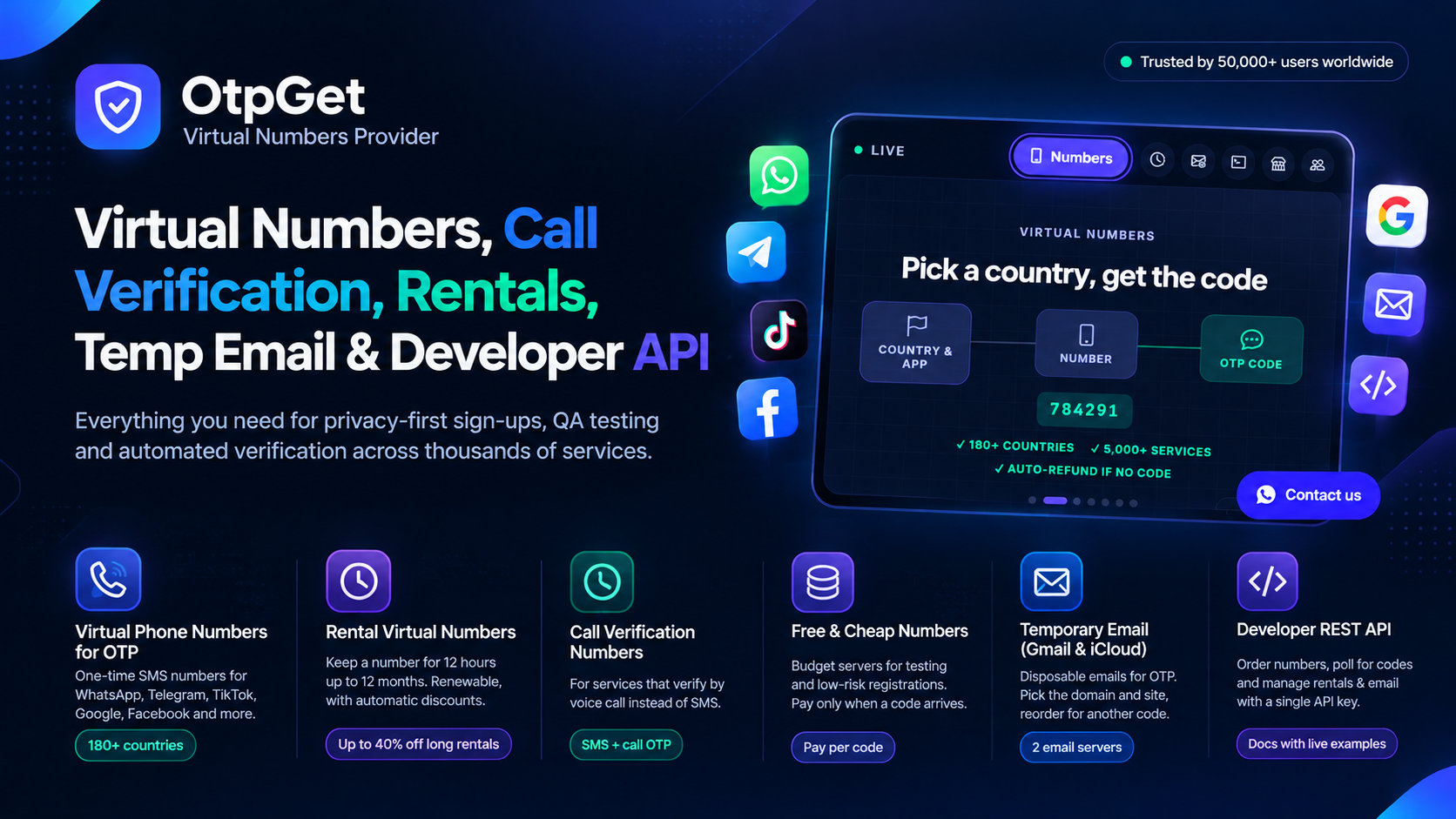
You can get a virtual number from OtpGet for verification and online sign-ups.
If spam calls are already a problem
- Block and report each number. Reporting improves carrier filters.
- Do not answer unknown numbers. Answering confirms your line is active.
- Change your number if needed. If spam is unmanageable, switch and use the new number only for trusted contacts.
- Remove your number from public profiles. Check social media and directory listings.
Frequently Asked Questions
How do I stop spam calls after giving my number online?
Use a separate number for sign-ups, enable spam filters, unsubscribe from marketing, and report unwanted callers.
Do virtual numbers reduce spam?
Yes. They keep your personal number off sign-up forms, so spam goes to a line you can control.
Why do I get calls after verifying an account?
Some services share numbers with partners or use them for marketing. Read consent boxes and use a dedicated number for verification.
Can I remove my number from spam lists?
You can unsubscribe and report, but complete removal is not guaranteed. A separate number is the most reliable fix.
Conclusion
To reduce spam calls after giving your number online, separate verification from your personal line, skip optional fields, and use carrier filters. Small habits make a big difference. Create an OtpGet account and keep spam away from your main number.
Related reading: more privacy guides on the OtpGet blog.