How to Register Telegram with a Pakistan Virtual Number | OTPGET
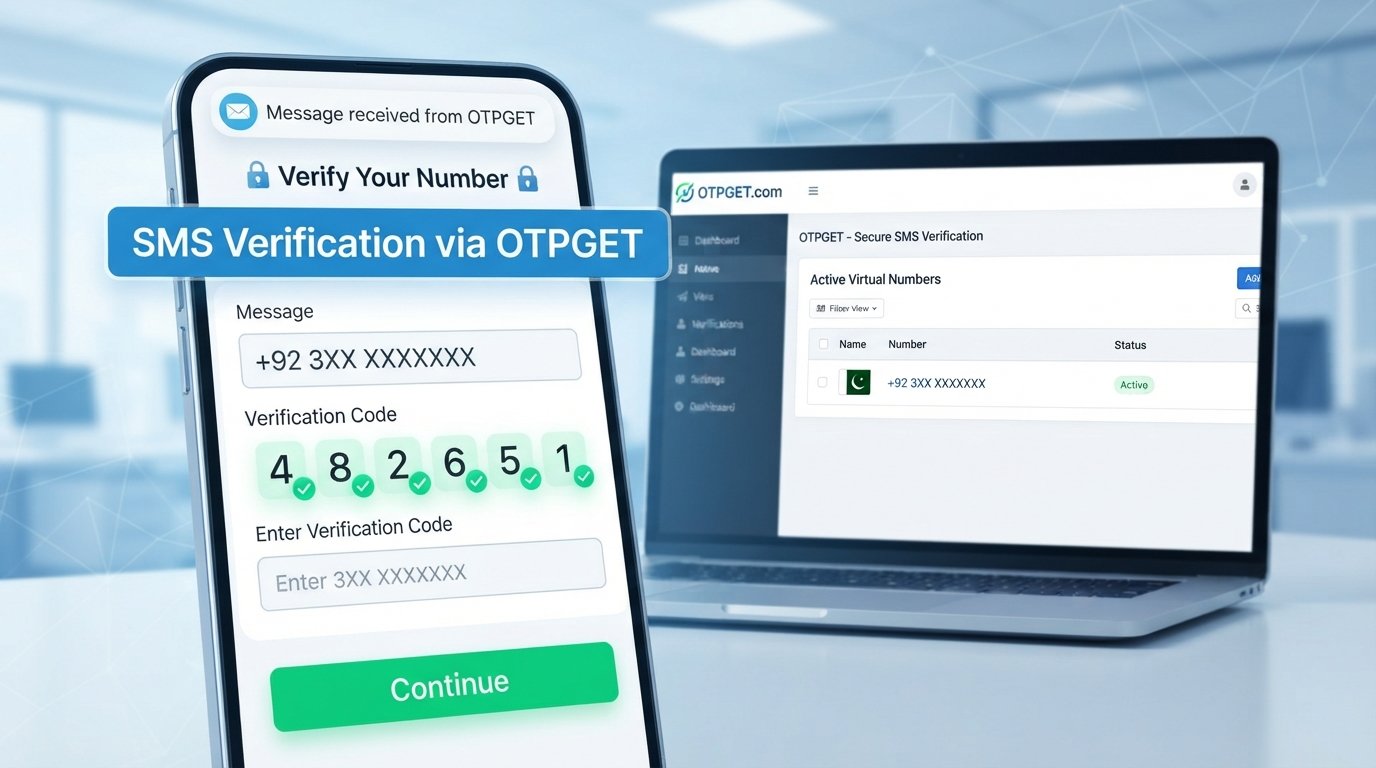
How to Register Telegram Using Pakistan Virtual Number — OTPGet
Signing up for Telegram normally starts with one simple requirement: a phone number that can receive a verification code. For users who do not want to use an additional physical SIM, a Pakistan virtual number can offer a convenient alternative when the number is eligible for Telegram verification.
The process is straightforward in principle, but there is an important catch: not every virtual number is guaranteed to receive Telegram's verification SMS. The number provider, Telegram's verification rules, and the number's previous usage can all affect the result.
That is where OTPGET can be useful. Instead of searching for a separate SIM or managing another physical phone, users can explore available virtual numbers and, where supported, use the service to receive an SMS verification code online.
Let's look at how Pakistan virtual numbers work, what to expect during Telegram registration, and how OTPGET can fit into the process.
What Is a Pakistan Virtual Number?
A Pakistan virtual number is a digital phone number that can be used through an online service rather than being tied directly to a traditional physical SIM card in your phone.
A Pakistan virtual phone number may have the country's dialing code and can, depending on the provider and service, receive SMS messages online. This makes virtual numbers useful for certain online registration and verification scenarios.
The basic idea is simple:
- You obtain an eligible virtual mobile number through a service such as OTPGET.
- A website or app sends an SMS verification code to that number.
- The service displays the incoming message through its online interface.
- You use the verification code to complete the supported registration process.
This is sometimes described as an online phone number Pakistan users can access digitally. Unlike a conventional SIM, however, a virtual number's capabilities depend on the service providing it.
For that reason, it is important to check whether a particular number supports the service you intend to use before beginning registration.
Why Use a Pakistan Virtual Number for Telegram?
There are several practical reasons someone may search for a Pakistan virtual number for Telegram rather than purchasing another physical SIM.
Convenience
A virtual number can be accessed online, which can be more convenient than obtaining and managing an additional SIM card.
No additional physical SIM
If your phone already has the SIMs you need, a virtual number can provide another option for supported online verification without requiring another physical card.
Easier online access
When an eligible number supports SMS receiving, you can check for the Telegram verification code through the virtual number service instead of waiting for a message on a separate physical device.
Privacy considerations
Some users prefer to keep their primary personal number separate from certain online registrations. A virtual number may help create that separation, although it should not be treated as a guarantee of anonymity.
A virtual number also does not remove Telegram's security controls. Telegram can apply its own verification requirements, and successful registration depends on the number being accepted and supported.
Can You Register Telegram With a Virtual Number?
Yes, a virtual number may be used for Telegram registration when Telegram accepts that number and the number can receive the required verification message.
Telegram requires a phone number during account registration. When you enter the number, Telegram may send a verification code through its available verification process.
However, this does not mean every Telegram Pakistan virtual number will work.
Virtual numbers can have different histories, capabilities, and restrictions. A number may already have been associated with a Telegram account, may not support messages from a particular service, or may simply not be accepted for a specific verification attempt.
The safest approach is to use an eligible number, follow Telegram's instructions, and avoid repeatedly requesting codes if a verification attempt does not immediately succeed.
How OTPGET Helps With Telegram Verification
OTPGET provides a practical option for users looking for a virtual number and online SMS receiving for supported verification services.
The general user journey is designed to be simple: find an available number, obtain it according to the service instructions, and check the service for an incoming verification SMS when the selected number supports the requested platform.
For someone searching specifically for a virtual number for Telegram, the main advantage is convenience. You can explore available Pakistan numbers without needing to arrange another physical SIM first.
OTPGET can be useful for:
- Accessing available virtual numbers online
- Receiving SMS or OTP messages where supported
- Keeping the verification process in one online workflow
- Avoiding the need to manage an additional physical SIM
- Checking incoming verification messages through the service
The important qualification is “where supported.” OTPGET should not be presented as a way to bypass Telegram's security systems, and no virtual number provider can reasonably guarantee that every number will receive every verification message.
Step-by-Step: How to Register Telegram Using a Pakistan Virtual Number
If you want to register Telegram with a virtual number, the process generally follows these steps.
-
Visit OTPGET.
Open the OTPGET service and review the available virtual number options. -
Select a Pakistan virtual number.
Choose an available Pakistan number that is suitable for the intended verification service, following OTPGET's instructions. -
Obtain the number.
Complete the required steps to access the selected virtual phone number. -
Open Telegram.
Start Telegram's registration process on your preferred device. -
Enter the Pakistan number.
Enter the virtual number carefully, including the correct country code and number format requested by Telegram. -
Request verification.
Continue with Telegram's phone number verification process and wait for Telegram to send the required code. -
Check OTPGET.
If the selected number supports Telegram SMS verification, check OTPGET for the incoming verification SMS or Telegram OTP. -
Enter the Telegram verification code.
Carefully enter the code shown in the received message into Telegram. -
Complete account setup.
Follow Telegram's remaining instructions to finish your Telegram account registration.
Remember that the exact experience can vary. If a particular virtual number does not receive the verification message, switching to another eligible option may be necessary.
How to Receive Telegram OTP Using OTPGET
A Telegram OTP is the verification code Telegram uses to confirm that you have access to the phone number entered during registration.
When the process works through SMS, the verification message is sent to the number you provided. With an eligible virtual SMS number, the incoming message can appear in the provider's online interface.
If you are using OTPGET, the basic process is:
- Obtain an eligible Pakistan virtual number.
- Enter that number in Telegram.
- Request the Telegram verification code.
- Open the relevant OTPGET number or message area.
- Look for the incoming verification SMS.
- Enter the displayed code into Telegram.
If the message takes a little time, avoid immediately requesting multiple codes. Repeated requests can make troubleshooting more confusing and may result in additional verification steps.
If no message arrives, first confirm that the number was entered correctly and that the selected number supports the requested service.
Why Choose OTPGET for a Pakistan Virtual Number?
When users search for a Telegram verification number, they are usually looking for something practical: a number they can access online and a straightforward way to receive the required SMS when supported.
OTPGET focuses on that basic workflow.
Instead of buying another physical SIM solely for an online registration, users can explore available virtual numbers through an online service. This can make the process more convenient, especially for people who prefer digital access to their verification messages.
Another benefit is simplicity. You do not need to make the process more complicated than it needs to be: select an appropriate number, use it for the supported registration, and check for the incoming verification SMS.
As with any virtual SMS service, availability and compatibility can vary. The most reliable approach is to follow the provider's instructions and Telegram's own verification requirements rather than expecting every number to work in every situation.
Common Problems When Registering Telegram With a Virtual Number
Even when the process is simple, verification can sometimes fail. Here are common issues and sensible ways to handle them.
OTP not arriving
The selected number may not support Telegram messages, or there may be a temporary delivery delay. Check the number details and wait briefly before trying again.
Number unavailable
Virtual numbers can become unavailable as inventory changes. If the number you wanted is no longer available, check for another eligible option.
Verification delay
SMS delivery is not always instantaneous. Give the process some time and avoid repeatedly requesting new codes.
Number already associated with an account
A virtual number may have previously been used for Telegram. If Telegram indicates that the number is already connected to an account, follow Telegram's instructions rather than attempting to circumvent the account's security controls.
Telegram asks for additional verification
Telegram may request additional steps depending on the circumstances of the registration. Complete the requested verification through Telegram rather than trying to bypass it.
SMS receiving issues
If the verification SMS does not appear, verify that you selected the correct number and that the service supports receiving messages from Telegram for that number.
Tips for Successful Telegram Verification
A few simple habits can make Telegram phone number verification easier:
- Double-check the Pakistan country code and complete number before submitting it.
- Make sure the selected number is intended to support the service you need.
- Check OTPGET for incoming messages after requesting the Telegram code.
- Wait before repeatedly requesting another OTP.
- Enter the verification code exactly as received.
- Follow Telegram's instructions if additional verification is requested.
- Use virtual numbers for legitimate account registration and normal platform use.
- Keep in mind that number availability and service compatibility can change.
The goal is not to bypass Telegram's security measures. It is simply to use an appropriate phone number through a convenient digital SMS receiving service.
Frequently Asked Questions
Can I use a Pakistan virtual number to register Telegram?
You may be able to use a Pakistan virtual number for Telegram registration if Telegram accepts the number and it can receive the required verification message. Compatibility can vary by number.
How can I receive a Telegram OTP online?
Use an eligible virtual SMS number that supports Telegram verification. After entering the number in Telegram, check the associated online SMS receiving service for the incoming verification code.
What is a Pakistan virtual number?
A Pakistan virtual number is a digital phone number that can be accessed through an online provider instead of relying on a traditional physical SIM. Its SMS and calling capabilities depend on the provider.
Can I receive a Telegram verification code with OTPGET?
OTPGET can be used to receive verification SMS for supported services and numbers. Whether a particular number receives a Telegram code depends on Telegram's acceptance and the number's compatibility.
Why is my Telegram OTP not arriving?
The number may not support Telegram verification, the message may be delayed, or the number may have another issue such as previous association with an account. Check the number details and avoid repeated requests.
Is OTPGET useful for Telegram verification?
OTPGET can be a convenient option for users looking for a Pakistan virtual number and online SMS receiving for supported verification processes. It does not guarantee that every number will work with Telegram.
Can I use a virtual number instead of a physical SIM for Telegram?
A virtual number may work instead of a physical SIM when Telegram accepts the number and the required verification SMS can be received. The result depends on the number and Telegram's verification policies.
Conclusion
Registering Telegram does not necessarily require you to obtain another physical SIM. For users who need a Pakistan virtual number for Telegram, a suitable virtual number can provide a convenient way to handle phone number verification online when the number is supported.
The key is to choose an appropriate number, enter it correctly, wait for the Telegram verification code, and follow Telegram's verification instructions without attempting to bypass its security controls.
OTPGET can simplify the number-access and SMS-receiving side of that process. If you are looking for a Pakistani virtual number for Telegram registration, explore OTPGET and check the available Pakistan virtual number options to find one suitable for your intended use.