How to Register Telegram with a Pakistan Virtual Number via OTPGET
How to Register Telegram with a Pakistan Virtual Number via OTPGET
Registering a Telegram account normally starts with a phone number and a verification step. For users who prefer not to expose their primary number, or who need a dedicated number for online accounts, a virtual phone number can be a practical alternative.
If you're searching for a Pakistan virtual number for Telegram, the key requirement is simple: you need a mobile number that Telegram can accept and that can receive the verification message or code associated with registration.
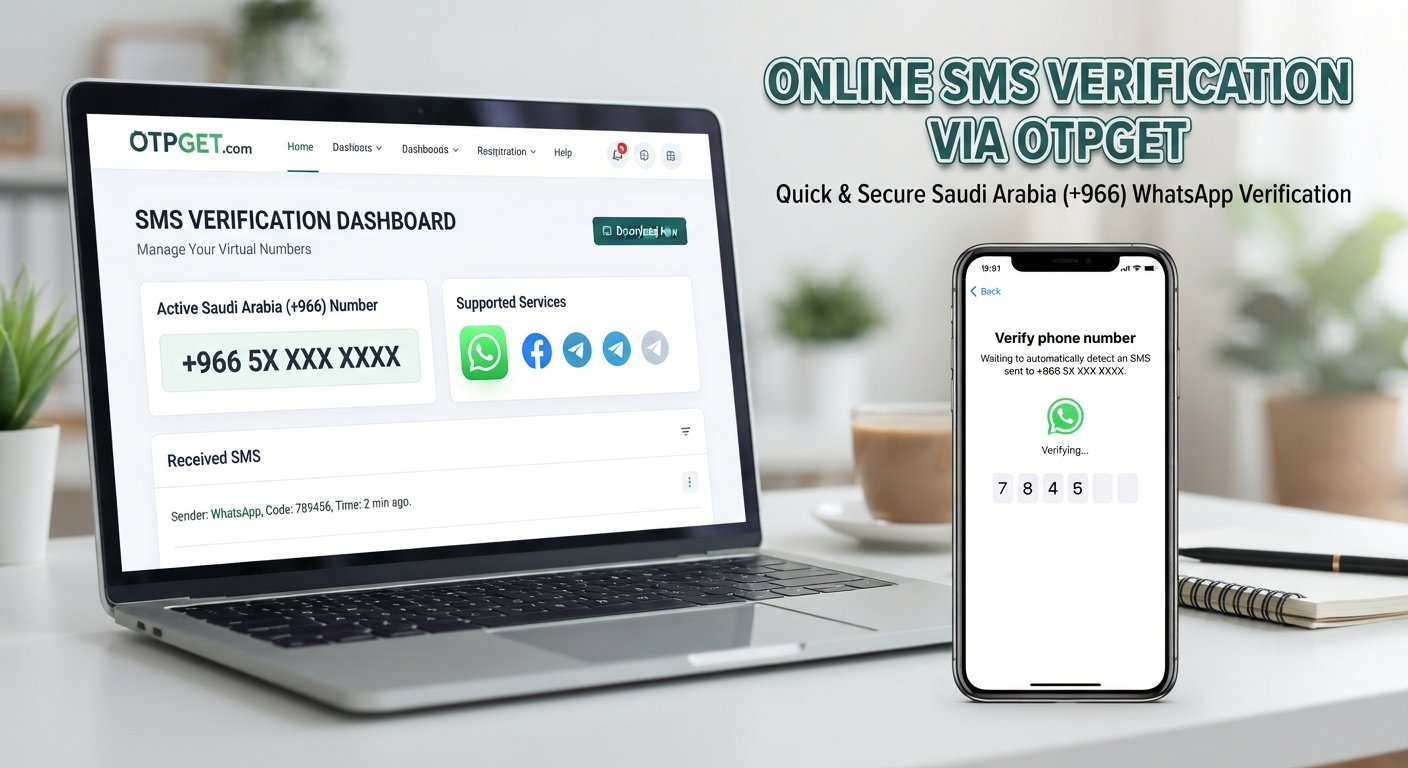
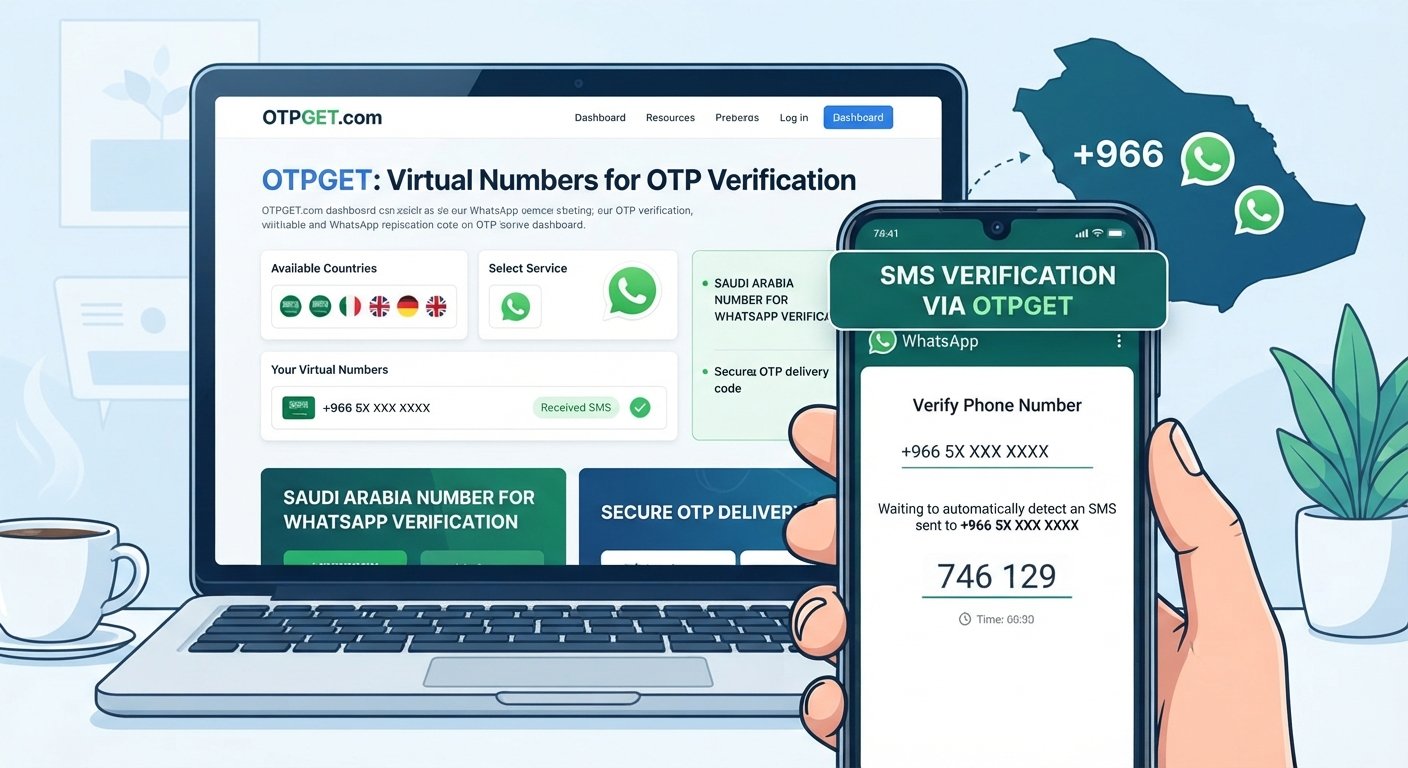
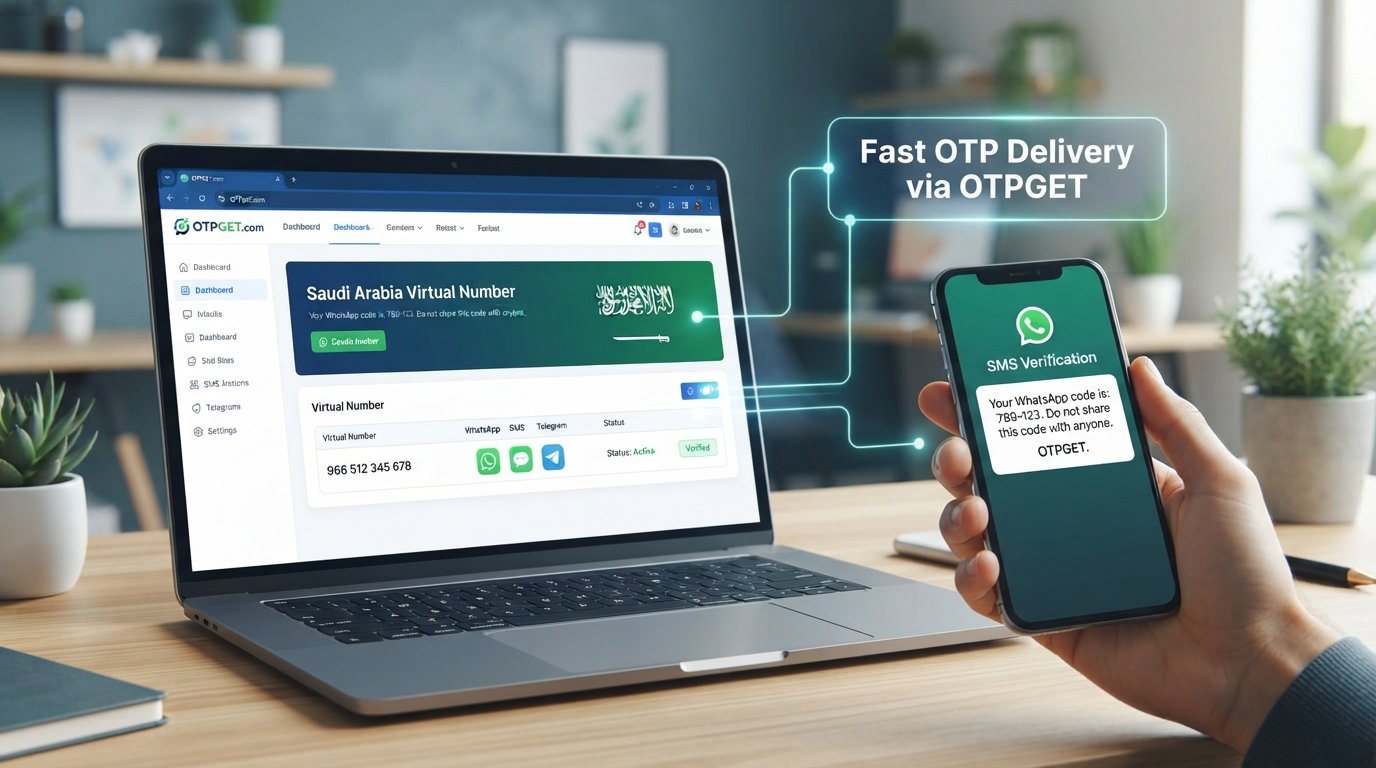
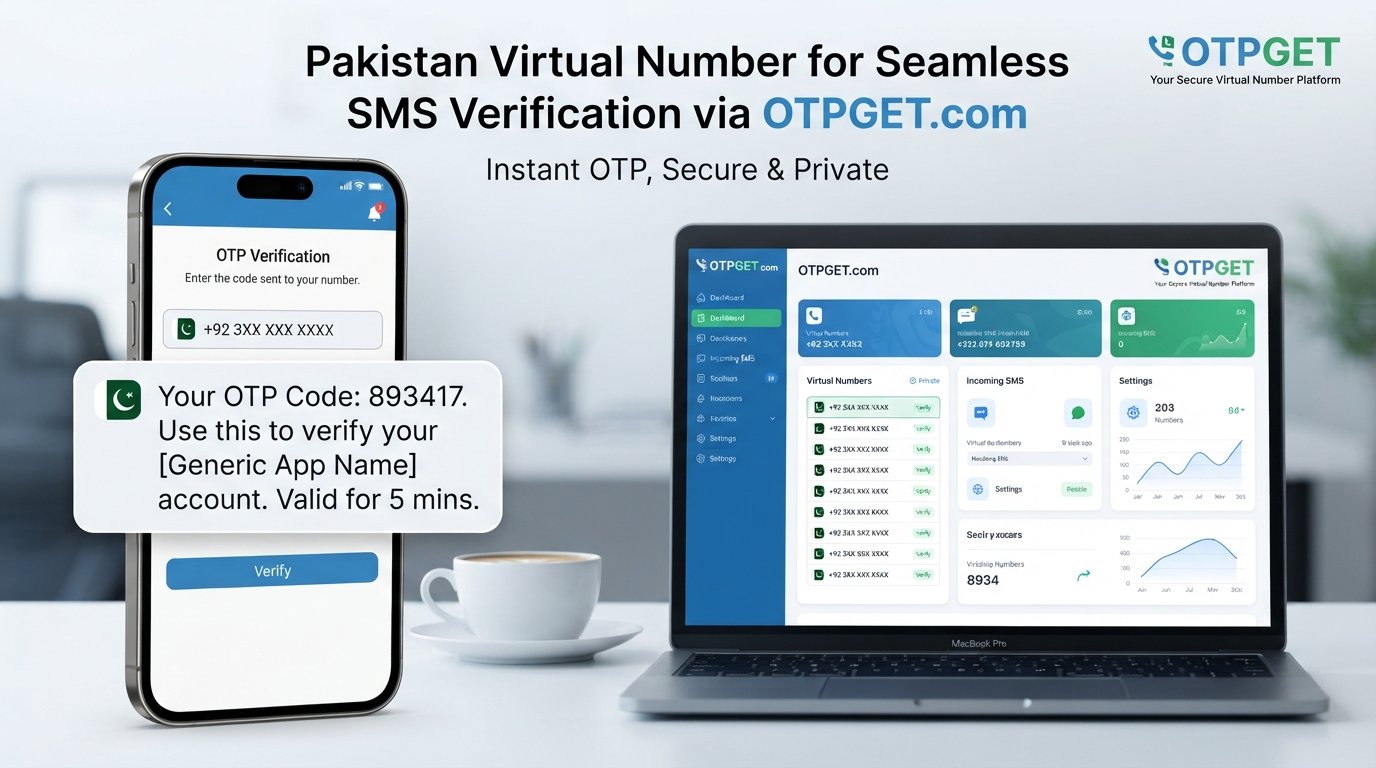
OTPGET can be a convenient option for users who want to obtain a virtual number online and use it for supported SMS verification. Its website currently lists both Pakistan numbers and Telegram among its supported options.
The process is straightforward, but there are a few important details to understand before you begin. This guide explains how Telegram verification works, how to use a number obtained through OTPGET, what can go wrong, and what to consider before relying on a virtual number for long-term account access.
Why Use a Pakistan Virtual Number for Telegram?
There are several legitimate reasons someone might prefer a Pakistan virtual number for Telegram instead of using a primary personal number.
One common reason is separation. You may want one number for personal communication and another dedicated to online registrations or work-related accounts. Keeping those uses separate can make account management more organized.
Privacy is another consideration. Using a dedicated number can reduce the need to provide your primary phone number to every online service you use. That does not make you anonymous, and it does not guarantee complete privacy, but it can limit unnecessary exposure of your everyday number.
A virtual number may also be useful when a suitable physical SIM is temporarily unavailable. Instead of waiting to obtain another SIM, an online virtual-number service can provide a number through its platform.
Other practical reasons include:
- Keeping personal and online communications separate
- Managing a dedicated number for registrations
- Avoiding unnecessary exposure of a primary number
- Having online access to SMS verification messages
- Using a number when a suitable physical SIM is not convenient
The important point is ownership and continued access. If a number is temporary or you cannot regain access to it later, it may not be suitable for an account you expect to keep for a long time.
What Is a Telegram Verification OTP?
A Telegram OTP is a one-time verification code used to confirm access to a phone number during registration or login.
When you enter your number, Telegram determines how the verification code should be delivered. Depending on the circumstances, the code may be delivered through SMS or, for an existing account with another connected Telegram session, through Telegram itself. Telegram's official documentation also instructs users to enter mobile numbers in international format.
This is why a working SMS-enabled number matters when you're creating an account.
The Telegram verification code should be entered only into the legitimate Telegram registration or login process. Never share a Telegram login code with another person or service. A verification code can provide access to an account, so treating it like a password is a sensible security practice.
For someone searching for Telegram OTP Pakistan, Telegram SMS verification, or Telegram phone number verification, the basic process is the same: provide an eligible mobile number, request verification, receive the code through the available delivery method, and complete the registration process.
Why OTPGET Can Be Useful for Telegram Registration
For users looking for a virtual number for Telegram, OTPGET provides a practical online route to obtaining a number for supported verification services.
The service describes its virtual numbers as being intended for SMS OTP verification and currently lists Telegram and Pakistan among its available options.
That can make OTPGET useful when your goal is to keep a dedicated number separate from your primary phone.
Potential advantages include:
- Online convenience: You can obtain and manage the number through an online service.
- Dedicated numbers: A separate number can help distinguish online registrations from personal communication.
- SMS verification access: The service is designed around receiving verification messages for supported platforms.
- Simple workflow: The general process involves obtaining a number, entering it into Telegram, and monitoring the service for the incoming message.
- Less exposure of your primary number: A dedicated virtual number can reduce the need to use your everyday number for a particular registration.
However, availability can vary by service, number, and provider. A virtual number is not a guarantee that Telegram will accept every number or that every OTP will arrive successfully.
If you want to explore the available options, you can visit and check the currently offered Pakistan and Telegram options before starting registration.
How to Register Telegram with a Pakistan Virtual Number Using OTPGET
Once you understand the basics, the registration workflow is relatively simple.
1. Visit OTPGET
Open the OTPGET website and review the available virtual-number services.
Look for an option appropriate for Telegram verification and a Pakistan number. Availability can change, so check what is actually offered at the time you use the service.
2. Select an Appropriate Pakistan Virtual Number
Choose a Pakistan virtual number that is intended to receive SMS verification messages for the service you need.
Before obtaining it, make sure you understand whether the number is temporary or whether it can be retained for longer-term use. This distinction matters if you intend to keep the Telegram account.
3. Obtain the Number
Complete the OTPGET process required to obtain the number.
Once the number is available, keep it accessible while you complete Telegram registration. You will need to monitor the service for the incoming verification message.
4. Open Telegram Registration
Open the official Telegram app and begin the account-registration process.
Enter the Pakistan virtual number in the appropriate international format. Telegram specifically recommends using international phone-number formatting for registration and login.
Double-check the country code and the rest of the number before continuing.
5. Request the Telegram Verification Code
Submit the number through Telegram's registration process.
Telegram may use SMS or another available verification method depending on the account and device circumstances. If an SMS verification code is requested, wait for the message rather than repeatedly requesting new codes.
6. Monitor OTPGET for the Incoming Message
Return to the OTPGET service and check the number's incoming messages.
If the number and service are compatible, the Telegram verification message should appear through the available OTPGET interface.
7. Enter the Verification Code in Telegram
Copy the received code carefully and enter it into Telegram.
Do not share the code with anyone else. It is intended for the account-verification process.
8. Complete Your Telegram Account Setup
After Telegram accepts the verification code, finish the remaining account setup steps presented by the app.
Consider securing the account with the security options available in Telegram, particularly if you plan to use the account regularly.
Tips for a Smooth Telegram Verification Process
A few small precautions can prevent unnecessary verification problems.
- Check the country code: Make sure the Pakistan number is entered in the correct international format.
- Verify the number first: Have the virtual number ready before requesting a Telegram OTP.
- Avoid repeated requests: Repeatedly requesting codes can trigger temporary restrictions or delays.
- Allow reasonable delivery time: SMS delivery is not always instantaneous.
- Use the correct Telegram app: Follow the registration instructions shown by the official Telegram application.
- Use an authorized number: Only use a number you are legitimately permitted to use.
- Think about long-term access: If you need the account later, make sure you understand whether you can retain access to the number.
- Protect the OTP: Never forward or publish a Telegram verification code.
Telegram also notes that losing access to the phone number connected to an account can create account-access problems, which makes number retention an important consideration.
Common Telegram OTP Problems and How to Fix Them
OTP not arriving
First, check that the number is correct and that the OTPGET service shows the number as active and ready to receive messages.
Wait briefly before requesting another code. If repeated attempts do not work, the number may not currently be suitable for Telegram verification, or there may be a temporary delivery issue.
Incorrect phone number format
Telegram recommends entering a mobile number using international format. Check the country code and number carefully before requesting verification.
Verification code expired
A verification code may have a limited validity period. If Telegram reports that the code has expired, restart the verification process and use the newly issued code rather than an older message.
Too many verification attempts
If you have requested multiple codes in a short period, Telegram may temporarily prevent additional attempts. Telegram's interface explicitly indicates that users may need to try again later after excessive attempts.
The best approach is to stop making repeated requests and wait before trying again.
Number already associated with an account
A virtual number may already have a Telegram account associated with it. If Telegram indicates that the number is already registered, do not attempt to access an account that is not yours. Consider obtaining a different number that you are authorized to use.
Telegram does not accept the number
Not every virtual number will necessarily work with every platform. Availability, number history, carrier characteristics, and Telegram's own verification systems can affect the outcome.
If a particular number is rejected, changing numbers may be more appropriate than repeatedly attempting verification.
Is a Virtual Number Safe for Telegram?
A virtual number can be useful, but it should not automatically be considered safer than a personal mobile number.
The main factors are the provider's practices, who controls the number, how long you can retain access, and how securely you manage the resulting Telegram account.
There is also a practical recovery issue. If a temporary number is later reassigned or becomes unavailable to you, recovering an account connected to that number may become difficult. Telegram itself warns users to keep their account connected to a phone number they control.
For that reason, consider a virtual number's long-term availability before using it for an important account.
Most importantly, never share verification codes. If someone asks you to send a Telegram login code, treat that as a serious security warning.
OTPGET vs Using Your Personal Number
There is no single choice that is best for everyone.
| Consideration | Personal Number | OTPGET Virtual Number |
|---|---|---|
| Privacy | More personal information is involved | Can separate registration from your primary number |
| Convenience | Usually already available | Requires obtaining a virtual number |
| Number ownership | Typically under your direct control | Depends on the service and number type |
| Long-term access | Usually easier to maintain | Depends on retention and rental arrangements |
| Verification reliability | Often familiar to mobile networks | Can vary by number and service |
| Account recovery | Generally straightforward if retained | Requires continued access to the virtual number |
For users who simply want to register Telegram with their everyday mobile number, using a personal number may be the simplest route.
For users who specifically want a dedicated number for online registration, OTPGET can be a convenient option worth considering.
Who Should Consider a Pakistan Virtual Number for Telegram?
A Pakistan virtual number may make sense for users who:
- Want to separate personal and online communication
- Need a dedicated number for account registration
- Prefer not to use their primary number for a particular online service
- Need convenient access to SMS verification online
- Understand the limitations of temporary or rental numbers
It is less suitable for someone who expects guaranteed permanent account access but has no plan for maintaining control of the number.
The best choice depends on how important the Telegram account is and how long you expect to use it.
Final Verdict
A Pakistan virtual number for Telegram can be a practical option when you want a dedicated number for account registration without using your primary mobile number.
The important part is choosing a number that is actually available for the intended service, entering it correctly, waiting for the verification message, and protecting the OTP once it arrives.
OTPGET provides a practical route for users looking for an online virtual number and currently lists both Pakistan and Telegram support on its platform.
If that approach fits your needs, explore before beginning Telegram registration. Just remember that virtual-number availability and Telegram acceptance can vary, so avoid treating any provider as a guarantee of successful verification.
For additional guidance on Telegram's own registration and login behavior, consult the .
FAQ:
Can I register Telegram with a Pakistan virtual number?
Yes, a Pakistan virtual number may be used for Telegram registration when the number is an eligible mobile number and Telegram accepts it for verification. Availability and acceptance can vary, so a virtual number should not be treated as a guaranteed registration method.
How can I receive a Telegram OTP on a virtual number?
Obtain an appropriate virtual number, enter it in Telegram using the correct international format, request verification, and monitor the virtual-number provider for the incoming message. If Telegram uses another available verification method, follow the instructions shown in the app.
What is a Pakistan virtual number for Telegram?
It is a Pakistan-based mobile number provided through an online virtual-number service rather than through a physical SIM that you personally carry. It can be used for supported SMS verification when Telegram accepts the number.
Can OTPGET receive Telegram verification codes?
OTPGET currently lists Telegram among its supported services and Pakistan among its available countries. Its ability to receive a particular verification message can depend on the specific number and service availability.
Why is my Telegram OTP not arriving?
Check the number and international format first. Then confirm that the virtual number is ready to receive messages and wait before requesting another code. Repeated attempts can cause temporary restrictions, and some numbers may simply not be accepted for a particular verification request.
Can I use a virtual number instead of my personal number for Telegram?
A suitable virtual mobile number may be used where Telegram accepts it for registration. However, consider long-term access before choosing a temporary number, especially if you expect to keep the account.
Is a virtual number suitable for Telegram verification?
It can be suitable for users who want convenience or separation from their personal number. The main considerations are number availability, verification compatibility, provider practices, and whether you can maintain access to the number.
What should I do if Telegram rejects my virtual number?
Check that the number is entered correctly and that it is a mobile number in the correct international format. If the number is still rejected, avoid repeated attempts and consider using another legitimately obtained number. Telegram does not support landline numbers for account connections.
INTERNAL LINKING OPPORTUNITIES:
[Telegram account registration guide] — Suggested internal page: A beginner-friendly guide explaining the standard Telegram registration process.
[How Telegram OTP verification works] — Suggested internal page: An educational article covering verification codes, SMS delivery, and common OTP issues.
[Virtual numbers explained] — Suggested internal page: A guide explaining temporary numbers, rental numbers, privacy considerations, and long-term access.
[How to protect your Telegram account] — Suggested internal page: A security guide covering two-step verification, login-code safety, and account recovery.
[OTPGET virtual number guide] — Suggested internal page: A product-focused guide explaining how to obtain and manage virtual numbers through OTPGET.