How to Verify TikTok With a USA Number | OTPGET Guide
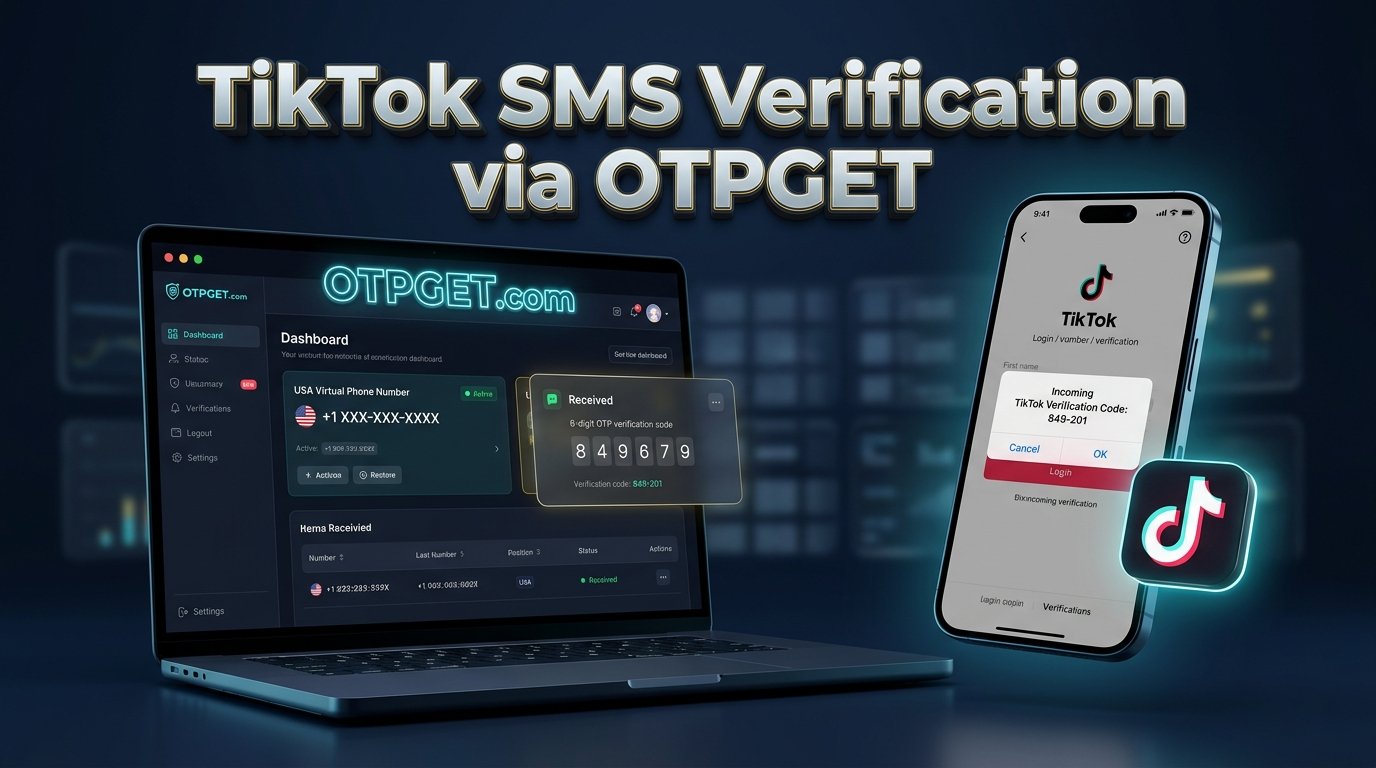
How to Verify TikTok With a USA Number: A Complete OTPGET Guide
TikTok may ask you to verify your phone number when creating an account, updating account information, signing in from an unfamiliar device, or completing a security check. If you prefer not to share your personal phone number, you may be exploring how to verify TikTok with a USA number through an online SMS service.
OTPGET is a service worth exploring if you need a virtual phone number for receiving verification messages. Depending on the available numbers, supported services, and TikTok's acceptance rules, an eligible USA number may provide an alternative to using your personal number.
However, no online SMS service can guarantee that TikTok will accept a particular number or deliver a verification code. Before proceeding, check OTPGET's available options and instructions, and make sure your intended use complies with TikTok's requirements.
Why Does TikTok Ask for Phone Number Verification?
Phone verification helps platforms establish that a user can access a particular contact method. TikTok may request a verification code during registration, when you link or change a phone number, or when additional account security checks are needed.
Common reasons include:
-
Account security: Confirming access to a phone number can help protect account information.
-
Login verification: An unfamiliar device or login attempt may trigger an additional security check.
-
Account recovery: A linked phone number can provide a way to reset a password or regain access.
-
Account information changes: TikTok may send a code when you add or update a phone number.
-
Registration requirements: Some account creation flows may request phone verification.
The exact requirements vary by account and situation. TikTok also supports other security and recovery methods in eligible circumstances. Phone verification is not the same as receiving TikTok's verified badge, which follows a separate application and review process.
Can You Verify TikTok With a USA Number?
Yes, a USA phone number may work for TikTok phone verification if the platform accepts it, the number is eligible for the intended purpose, and the verification SMS reaches it.
There are two broad options to understand.
Regular mobile numbers
A regular mobile number is typically assigned to a SIM or eSIM and remains under your control while your service is active. This can be a practical choice if you expect to need the same number for future logins or account recovery.
Online or virtual USA numbers
A virtual number can receive messages through an online service rather than directly through your personal phone. Depending on the provider, numbers may be available for a limited period or a longer rental period.
An online USA number for TikTok can be convenient, but it has limitations. Some numbers are shared, previously used, unavailable for certain services, or rejected by TikTok. A number that receives other verification messages may not necessarily receive TikTok's SMS.
Therefore, check that the number supports your intended service before selecting it. Receiving a code is only one step; it does not guarantee that TikTok will approve the verification attempt.
Why Consider OTPGET for TikTok SMS Verification?
OTPGET offers virtual phone numbers for SMS verification and lists TikTok among the services it supports on its website. It also presents country-based number options, including USA numbers. Availability and compatibility should still be checked before placing an order.
An online SMS receiving service may be useful if you want to explore an alternative to sharing your personal number. Potential benefits include:
-
Convenience: Review available number options through an online service.
-
Number selection: Check whether a USA number is available for the verification service you need.
-
Personal-number separation: Avoid disclosing your usual number when an alternative is accepted and appropriate.
-
A guided process: Follow the provider's instructions for selecting a number and checking incoming messages.
These benefits depend on the number, service terms, and message delivery. Shared or temporary numbers also introduce privacy and account recovery risks.
Before using OTPGET, review its current service options, privacy policy, terms, and instructions at OTPGET. Do not assume that every available USA number supports TikTok verification.
How to Verify TikTok With a USA Number Using OTPGET
Follow this beginner-friendly process. The exact screens and available options may differ between OTPGET and TikTok.
Step 1: Visit the official OTPGET website
Open OTPGET and review the available virtual-number services. Read the instructions before selecting a number, especially if this is your first time using an online SMS service.
Step 2: Check available USA numbers
Look for USA number options and confirm whether TikTok is listed as a supported service for the option you intend to use. Availability can change, so check the current listing rather than relying on an older guide.
Step 3: Select an eligible number
Choose a number according to OTPGET's current instructions. Review the applicable terms and any stated usage limitations before proceeding.
Step 4: Open TikTok's phone verification flow
Open TikTok and navigate to the relevant registration, login, or account-information process. Continue only if TikTok offers phone or SMS verification for your situation.
Step 5: Enter the number correctly
Enter the selected USA number in the requested field. Use the correct country code, +1, if the form requires it. Follow TikTok's formatting instructions and avoid adding the country code twice.
Step 6: Request an SMS verification code
If TikTok offers SMS verification and accepts the number, request the code through the app. If TikTok rejects the number, stop and review the available official verification options instead of repeatedly retrying.
Step 7: Check the OTPGET message area
If the selected service provides an incoming-message area, check it for the TikTok verification SMS. Follow OTPGET's instructions for checking message status. Delivery is not guaranteed.
Step 8: Enter the code into TikTok
If the message arrives, enter the code in TikTok's verification field before it expires. Never share a verification code with another person or enter it on an unrelated website.
Step 9: Follow any additional instructions
Complete any further steps TikTok displays. If verification fails, use the troubleshooting guidance below or consult TikTok's official help resources.
Important: The process may not succeed if the number is unsupported, has already been used in a way that prevents your intended action, or cannot receive the message. OTPGET availability and TikTok acceptance are separate considerations.
What If You Don't Receive the TikTok Verification Code?
If you cannot receive TikTok SMS online, work through these checks calmly rather than making repeated requests.
-
Check service compatibility: Confirm that the selected number is intended to support TikTok verification.
-
Review the format: Make sure the country code and phone number are entered correctly.
-
Wait briefly: Network or service delays may prevent an SMS from arriving immediately.
-
Avoid repeated requests: Too many attempts may trigger temporary restrictions. Follow any waiting period shown by TikTok.
-
Check message status: Review OTPGET's relevant instructions and see whether an incoming message is available.
-
Consider an eligible alternative: If permitted, use another number that you control or that the provider confirms is suitable for the intended service.
-
Use official support: If the problem continues, consult TikTok's help center or account recovery options.
Numbers may be shared or previously used, which can create additional verification problems. Do not try to bypass security restrictions or repeatedly cycle through numbers to evade a platform limit.
For further guidance, see TikTok's account safety information.
Is It Safe to Use an Online USA Number for TikTok?
An online number can reduce the need to disclose your personal phone number, but it does not automatically make an account private, anonymous, or secure.
Consider these risks before proceeding:
-
Shared access: Other users may be able to access messages sent to a shared number, depending on how the service operates.
-
Number reuse: A number may be assigned to someone else later or may have been used previously.
-
Account recovery: If you lose access to the number, you may have difficulty receiving future security codes.
-
Message visibility: Anyone with authorized access to the relevant message inbox may potentially see a code.
-
Platform requirements: Your intended use should comply with TikTok's rules and OTPGET's terms.
Never use an online number you cannot access when future recovery may depend on it. Where possible, keep a verified email address or another supported recovery method linked to your account. TikTok recommends maintaining alternative contact methods to strengthen account access.
Review OTPGET's privacy policy and terms before using the service. Also, never share your password or verification code with someone claiming they need it to complete your account setup.
OTPGET vs. Using Your Personal Phone Number
Neither option is right for every situation. The best choice depends on privacy preferences, long-term access, and whether TikTok accepts the number.
| Consideration | Personal phone number | Online USA number |
|---|---|---|
| Personal-number privacy | Requires sharing your usual number with the platform | May help keep your usual number separate |
| Access to SMS | Usually direct while service remains active | Depends on the provider and selected number |
| Number control | Often easier to maintain over time | May be temporary, shared, or rented |
| Account recovery | Can be convenient if you retain the number | May be difficult if access expires |
| TikTok acceptance | Depends on TikTok's requirements | Depends on number eligibility and TikTok's acceptance |
If you need reliable long-term account access, a personal number you control may be the more practical option. If separating your usual number is important, OTPGET is worth exploring, provided an eligible number is available and your use complies with the applicable rules.
For more privacy guidance, read our related guide: [Protecting Your Online Account Privacy]([INTERNAL LINK URL]).
Frequently Asked Questions
1. How can I verify TikTok with a USA number?
Check whether TikTok offers SMS verification for your situation, select an eligible USA number you can access, request a code, and enter it in TikTok. Acceptance depends on TikTok and the number's compatibility.
2. Can I receive a TikTok verification code online?
Potentially. An online SMS service may receive the message if the number supports TikTok and the platform accepts it. Delivery is not guaranteed.
3. Does OTPGET provide USA numbers for TikTok verification?
OTPGET lists USA virtual numbers and TikTok among its supported services. Check the official website for current availability and verify that the specific number option supports your intended use.
4. Why is TikTok not accepting my USA number?
The number may be unsupported, previously used, unavailable, incorrectly formatted, or restricted by TikTok. Review the error message and use the platform's official guidance.
5. What should I do if I don't receive my TikTok OTP?
Check number compatibility, confirm the country code, wait briefly, and review the provider's message instructions. Avoid repeated requests, and contact official support if the issue continues.
6. Can I use an online number without sharing my personal phone number?
An online number may let you use an alternative contact number when TikTok permits it. However, it does not guarantee anonymity, and the provider may process information according to its privacy policy.
7. Is it safe to use a temporary number for TikTok?
It carries risks, particularly if the number is shared or expires. Consider whether you will retain access for future login checks and account recovery before using one.
8. Can I recover my TikTok account if I lose access to the verification number?
Possibly. Recovery options depend on your account and available verification methods. Try TikTok's official password-reset or account-recovery process. Keeping an accessible email address linked to your account can help.
Final Thoughts: Verify TikTok With a USA Number Using OTPGET
Learning how to verify TikTok with a USA number starts with understanding TikTok's requirements, choosing an eligible number, and confirming that the required SMS can be received. An online number may be a useful alternative to your personal phone number, but compatibility, privacy, and future account recovery all deserve careful consideration.
OTPGET is a practical service to explore if you need a virtual USA number for an eligible verification workflow. Check the available options, read the current instructions, and make sure the selected number supports your intended use before proceeding.
Ready to explore your options? Visit OTPGET to review available USA numbers and the service's current instructions for receiving verification messages. Choose carefully, protect your verification codes, and use TikTok's official support resources if you encounter problems.
Suggested Internal Links
-
Related guide: Receive SMS Verification Codes Online — [INTERNAL LINK URL]
-
Related guide: Protecting Your Online Account Privacy — [INTERNAL LINK URL]