Imo Account Setup: Get Your OTP Fast with OTPGET Verification
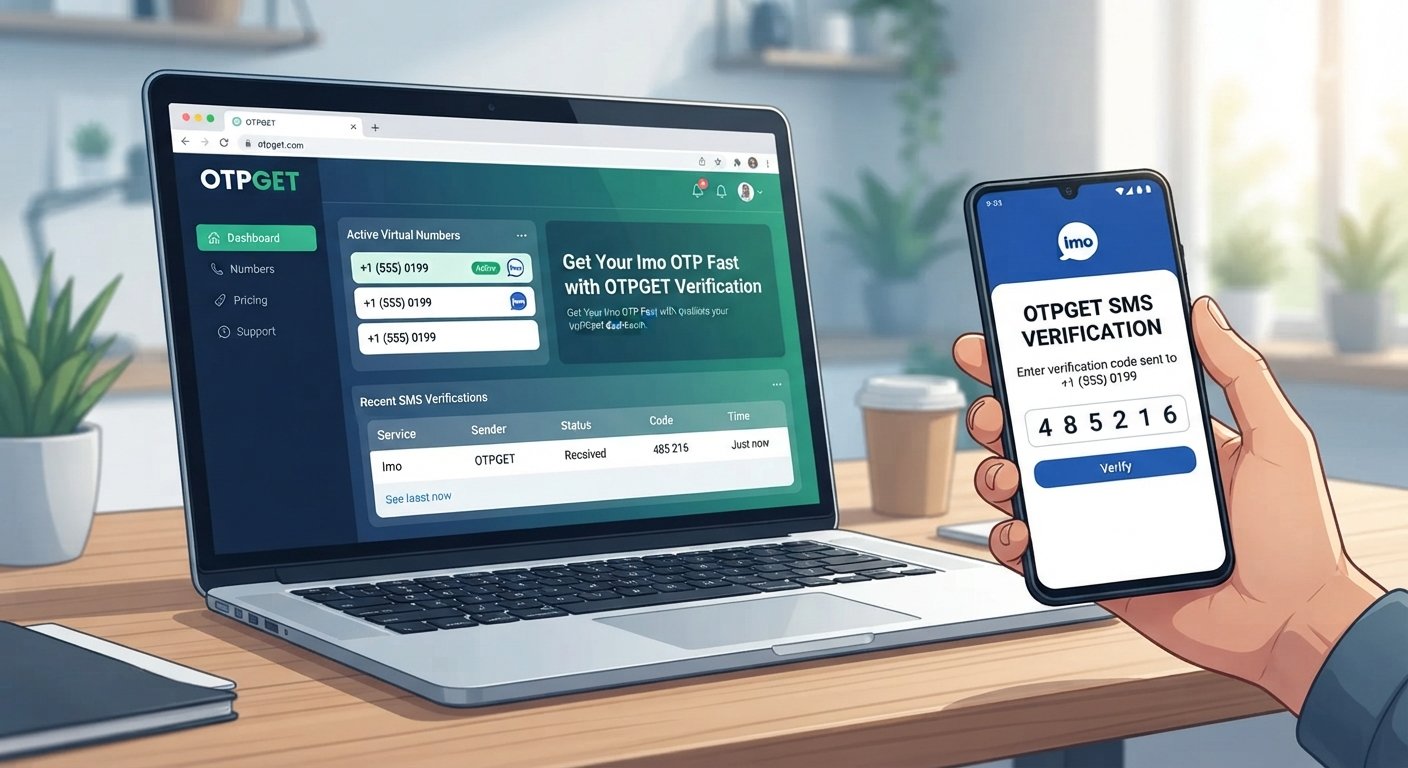
Imo Account Setup: Get Your OTP Fast with OTPGET Verification
Setting up an Imo account is usually straightforward until the phone verification step slows you down. You enter your number, request an OTP, and then wait for the verification code to arrive. When the message is delayed or never appears, even a simple Imo account setup can become frustrating.
The OTP is an important part of the registration process because it helps verify access to the phone number being used. If you are dealing with a missing or delayed Imo verification code, the first step is to check the usual delivery issues. If you need a convenient way to access a number for supported SMS verification, OTPGET can also be worth considering.
OTPGET provides virtual phone numbers and SMS OTP services designed for verification workflows. Its service information describes options for obtaining virtual numbers and receiving SMS verification codes, making it a potential solution when you need a number for a supported verification service.
Understanding Imo Account Setup
An Imo account setup generally involves registering a phone number and completing a verification step. The phone number connects the registration to a reachable communication channel, while the OTP helps confirm that the number can receive the verification message.
The exact registration screens can vary depending on the version of the app, device, region, and account flow. However, the basic process is familiar:
- Open Imo and begin registration or account creation.
- Select the appropriate country or region.
- Enter the phone number.
- Request the verification code.
- Receive the SMS containing the OTP.
- Enter the code to complete verification.
Before starting, make sure the number is entered correctly and that the device can receive SMS messages. Having a stable mobile connection can also make the process smoother.
The most important thing to remember is that an Imo OTP code is part of the verification process. Without an accepted verification code, the account setup may not proceed.
How to Create and Verify an Imo Account
If you are wondering how to create an Imo account, the process can be broken down into a few simple steps.
1. Open Imo
Install or open the Imo application on your device and begin the registration process.
2. Enter Your Phone Number
Provide the phone number you intend to use for the account. Pay close attention to the country selection and the number itself.
3. Request the Verification Code
After submitting the number, Imo may send an SMS verification code. The exact wording or appearance of the registration screen may vary.
4. Check for the Imo OTP
Look for the incoming SMS and locate the verification code. Avoid sharing an OTP with another person because verification codes are intended for the account verification process.
5. Enter the Code
Enter the received OTP into the appropriate verification field.
6. Finish Account Setup
Once the code is accepted, continue through the remaining setup steps shown by Imo.
If the imo registration code does not arrive, do not immediately assume the account or device is defective. Several ordinary delivery issues can interfere with SMS verification.
Why You May Not Receive an Imo OTP
An imo OTP not received situation can happen for several reasons. Not every delay means there is a problem with your account.
Common possibilities include:
- Incorrect phone number: A single wrong digit can prevent the SMS from reaching you.
- Incorrect country code: The selected country should match the number being registered.
- Weak mobile reception: Poor connectivity can interfere with SMS delivery.
- SMS delivery delays: Messages can occasionally take longer to arrive.
- Carrier restrictions: Mobile carriers may apply restrictions that affect certain SMS messages.
- Too many OTP requests: Repeatedly requesting codes can complicate the verification process or result in older codes becoming unusable.
- Device messaging issues: Problems with the phone's SMS functionality can affect incoming messages.
- Temporary service problems: A temporary issue affecting the service or delivery route may delay verification messages.
Understanding these possibilities can prevent unnecessary repeated attempts.
What to Do When the Imo Verification Code Does Not Arrive
If your imo verification code is missing, work through the problem methodically rather than repeatedly pressing the resend option.
Check the Number and Country Code
First, confirm that the phone number is correct. Pay particular attention to the international country code.
Check Mobile Reception
Make sure your phone has a usable mobile signal and can receive ordinary SMS messages.
Wait Before Requesting Another OTP
If you have already requested a code, give the message some time to arrive. Repeated requests can make it harder to determine which code is current.
Check Your SMS Inbox
Look through your messaging app carefully. If your device has message filtering or blocking features, check whether they could be affecting incoming messages.
Restart the Device if Necessary
A simple device restart can sometimes help when the phone's communication or messaging functions are behaving unexpectedly.
Try Again Later
If everything appears correct but the OTP is not coming, the issue may be temporary. Waiting and trying again later can be more useful than repeatedly requesting new codes.
If the standard phone-verification route remains inconvenient, a dedicated verification service can provide another option where its numbers are supported by the service you are trying to verify.
How OTPGET Can Help With Imo OTP Verification
For users who need an alternative number for a supported SMS verification workflow, OTPGET offers virtual phone numbers designed to receive verification messages.
According to OTPGET's published service information, users can select virtual numbers for supported services and countries, then use those numbers to receive SMS verification codes through the platform. OTPGET also describes rental numbers for longer-term needs and provides developer-oriented APIs for automated verification workflows.
For an Imo-related verification attempt, the basic idea is straightforward:
- Access OTPGET and create an account.
- Review the available countries and supported services.
- Select an appropriate virtual number where Imo verification is supported.
- Use the provided number during the relevant phone-verification process.
- Monitor the OTPGET interface for the incoming SMS.
- Enter the received verification code into the verification screen when appropriate.
Availability can vary by country, service, number inventory, and the verification system being used. A virtual number is therefore not a guarantee that every service will accept it or that every verification attempt will succeed.
OTPGET's documentation also explains that its SMS OTP system can provide an order number and allow users to check the status of an incoming SMS.
That makes OTPGET particularly relevant for people searching for a convenient way to receive OTP online rather than depending exclusively on a personal SIM. Users should still follow Imo's applicable registration and verification requirements.
OTPGET vs. Common OTP Problems
When an OTP is delayed, the traditional approach is to keep checking the phone, resend the code, and troubleshoot the network or SMS inbox.
A dedicated service such as OTPGET can simplify the number-access side of the process when a supported virtual number is appropriate.
| Common situation | Traditional approach | Using a dedicated OTP service |
|---|---|---|
| Waiting for an SMS | Check the phone repeatedly | Monitor the verification service |
| Need another verification number | Obtain another physical number | Review available virtual numbers |
| SMS verification workflow | Depend on the regular SIM | Use a supported virtual number |
| Repeated verification tasks | Manage numbers manually | Use a service designed around OTP workflows |
The benefit is primarily convenience. It does not remove the requirements imposed by the service being verified, and it should not be viewed as a way to bypass account restrictions or verification policies.
Tips for a Smooth Imo Account Setup
A few simple habits can make Imo registration easier:
- Enter your phone number carefully.
- Select the correct country code.
- Make sure your device can receive SMS.
- Check mobile reception before requesting the OTP.
- Avoid sending repeated OTP requests in quick succession.
- Keep the verification screen available while waiting.
- Enter the code carefully once it arrives.
- If a code expires or becomes invalid, follow the available resend process.
- Use a reputable verification service when a temporary or virtual number is appropriate.
- If using OTPGET, check its available services and number options before beginning the verification attempt.
Most importantly, use verification numbers responsibly and in accordance with the terms and requirements of the platform you are registering for.
Frequently Asked Questions
How do I create an Imo account?
Open Imo, start the registration process, select the appropriate country, enter your phone number, request the verification code, and enter the received OTP. The exact screens may vary by device and app version.
Why am I not receiving my Imo OTP?
An imo OTP not received issue may be related to an incorrect number, country code, weak mobile reception, SMS delivery delays, carrier restrictions, repeated requests, device issues, or a temporary service problem.
How can I get an Imo verification code?
During registration, request the verification code after entering your phone number. If you are using a virtual number, you can also review a service such as OTPGET for available numbers that support the relevant verification workflow.
How long should I wait for an Imo OTP?
There is no universal delivery time that applies to every verification attempt. If the code does not arrive promptly, check the number and connection first, then wait before requesting another code.
Can OTPGET help with Imo verification?
OTPGET provides virtual phone numbers and SMS OTP services for supported verification services. Whether a particular number can be used successfully for Imo depends on availability and whether Imo accepts that number for the verification attempt.
What should I do if my Imo verification code does not arrive?
Check the phone number and country code, verify your mobile reception, check your SMS inbox, avoid repeated requests, and try again after a short wait. If the issue continues, consider whether a supported virtual-number service such as OTPGET fits your situation.
Can I use a temporary phone number for verification?
A temporary or virtual phone number can be used for SMS verification when the target service accepts that type of number. Acceptance is determined by the service being verified, so there is no guarantee that every temporary number will work for every platform.
Why is my Imo OTP not working?
The code may have expired, been entered incorrectly, or been superseded by a newer verification code. Requesting multiple codes can also create confusion about which OTP is current. Follow the verification screen's instructions and use the latest valid code available.
Conclusion
A successful Imo account setup depends on completing the phone-verification step, and the OTP is often the point where users experience the most frustration. An incorrect number, poor reception, SMS delays, repeated requests, or carrier-related issues can all make an otherwise simple registration process more difficult.
Start by checking the basics: confirm the phone number, verify the country code, make sure SMS reception is working, and avoid repeatedly requesting new codes.
When you need a convenient number for a supported SMS verification workflow, OTPGET offers virtual numbers and OTP-related services that can fit into the verification process. Its platform provides options for one-time virtual numbers as well as other verification-oriented services, subject to availability and the requirements of the service being verified.
If receiving an Imo verification code is the main obstacle, exploring OTPGET can be a practical next step. Review the available options, choose a suitable service where supported, and complete the verification process according to Imo's requirements.
8. Suggested Internal Link Anchors
- How to Receive OTP Online
- Best Way to Verify a Phone Number
- What to Do When OTP Is Not Received
- Temporary Phone Numbers for Verification
- Complete Guide to SMS Verification
9. Final SEO Checklist
- Approximate word count: Within the requested medium-length range
- Primary keyword used: Yes — “imo account setup” and natural variations
- Secondary keywords used naturally: Yes
- OTPGET highlighted: Yes, including introduction, solution section, troubleshooting discussion, FAQ, and conclusion
- Search intent covered: Yes — registration, OTP delivery, troubleshooting, and verification options
- FAQs included: Yes — 8 SEO-focused questions
- No year mentioned: Confirmed
- No unsupported claims: Confirmed; OTPGET capabilities are described based on its published information
- No fabricated statistics, reviews, or partnerships: Confirmed
- Evergreen content maintained: Confirmed


