India Number Telegram Registration with OTPGET Step-by-Step
India Number Telegram Registration with OTPGET Step-by-Step
Trying to complete Telegram registration with an India number can become frustrating when the verification message does not arrive, the number is entered incorrectly, or Telegram requests another verification method. The registration process itself is straightforward, but the phone verification stage is where many users encounter delays or confusion.
For people looking for an India number for Telegram verification, an online number service such as OTPGET may provide a practical way to receive verification messages when a suitable number is available. The key is understanding how the process works, what to expect, and what to check when an OTP does not arrive.
This guide explains India number Telegram registration from start to finish, including how Telegram phone verification works, how OTPGET can fit into the workflow, and what to do when something goes wrong.
Why Do You Need an India Number for Telegram Registration?
Telegram uses a phone number as part of its account registration and verification process. When you enter a number during signup, Telegram may send a verification code through an available verification method.
For someone specifically looking for Telegram registration with an India number, the basic process is the same: provide an eligible number, receive the verification code, enter it correctly, and continue setting up the account.
The important part is access to the number. If you cannot receive the verification SMS or access the verification method Telegram provides, registration may stop at the verification stage.
An India number can therefore be useful when the user specifically needs an Indian phone-number identity for registration. Depending on the service and circumstances, this may be a conventional mobile number or an online or virtual number.
Telegram ultimately controls its own verification requirements. A third-party number service cannot guarantee that a particular number will be accepted or that Telegram will always send an SMS to it.
What Is OTPGET and How Can It Help?
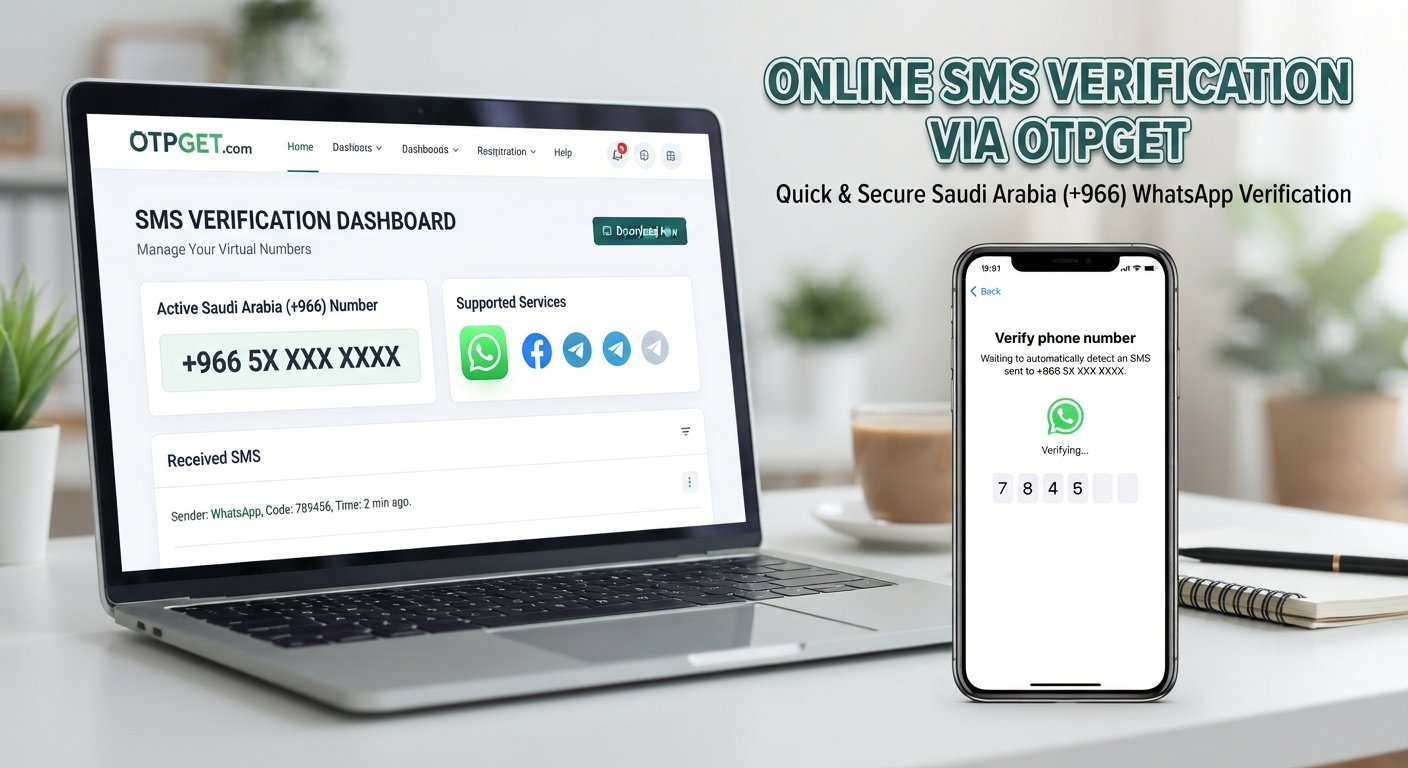
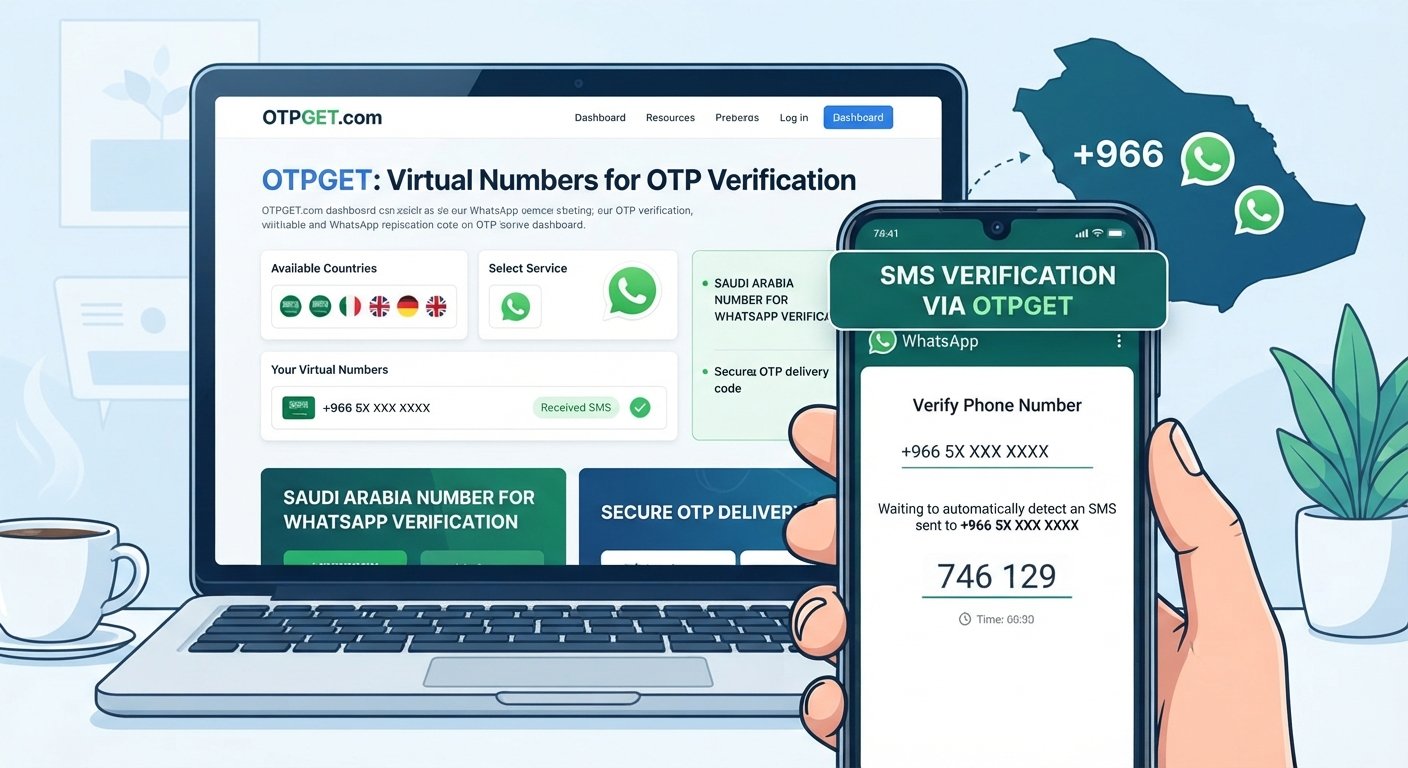
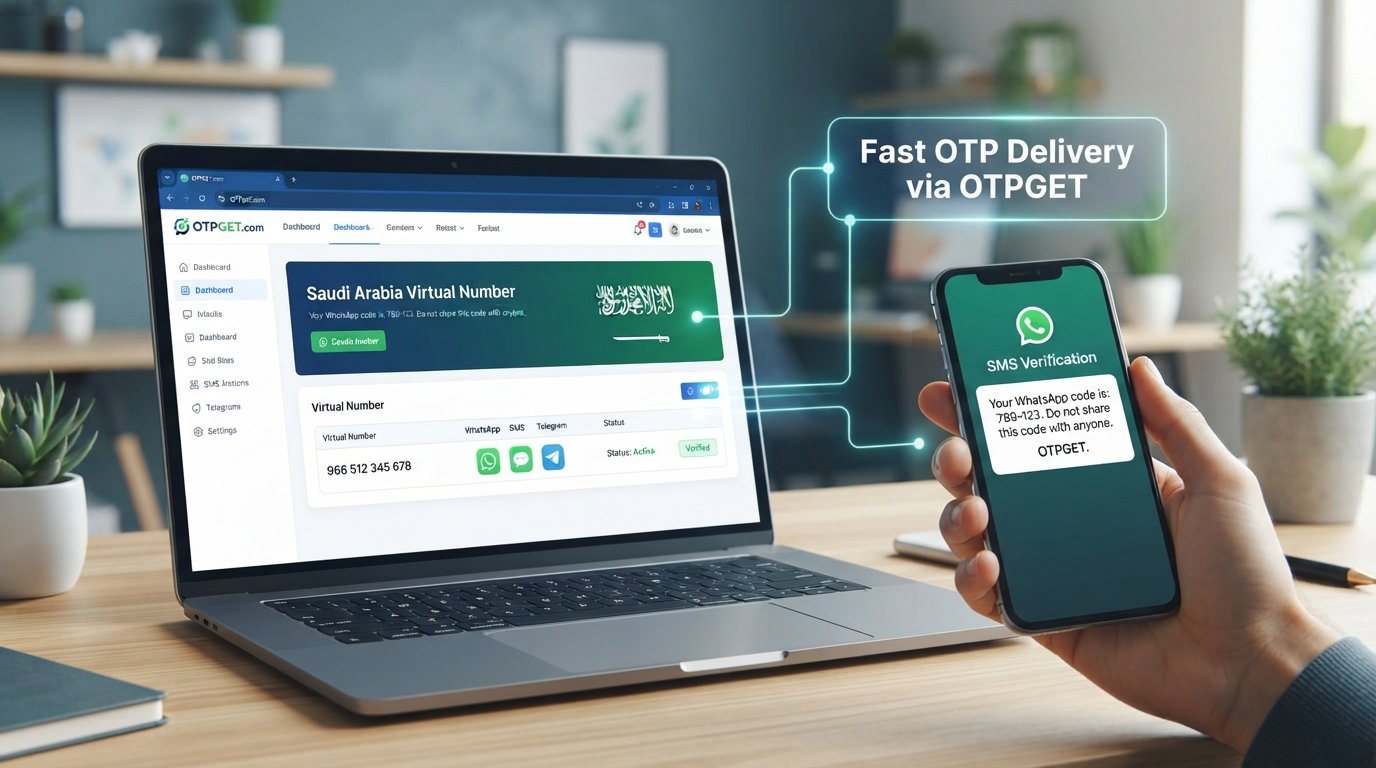
OTPGET can be considered in the context of obtaining a number that may receive verification messages. For someone searching for an OTP receiving service for Telegram, the appeal is mainly convenience: the number and incoming verification message can be handled through an online workflow rather than relying on a personal SIM.
The exact numbers, availability, supported services, and interface offered by OTPGET can change. Users should therefore check the service directly and follow the options currently available to them.
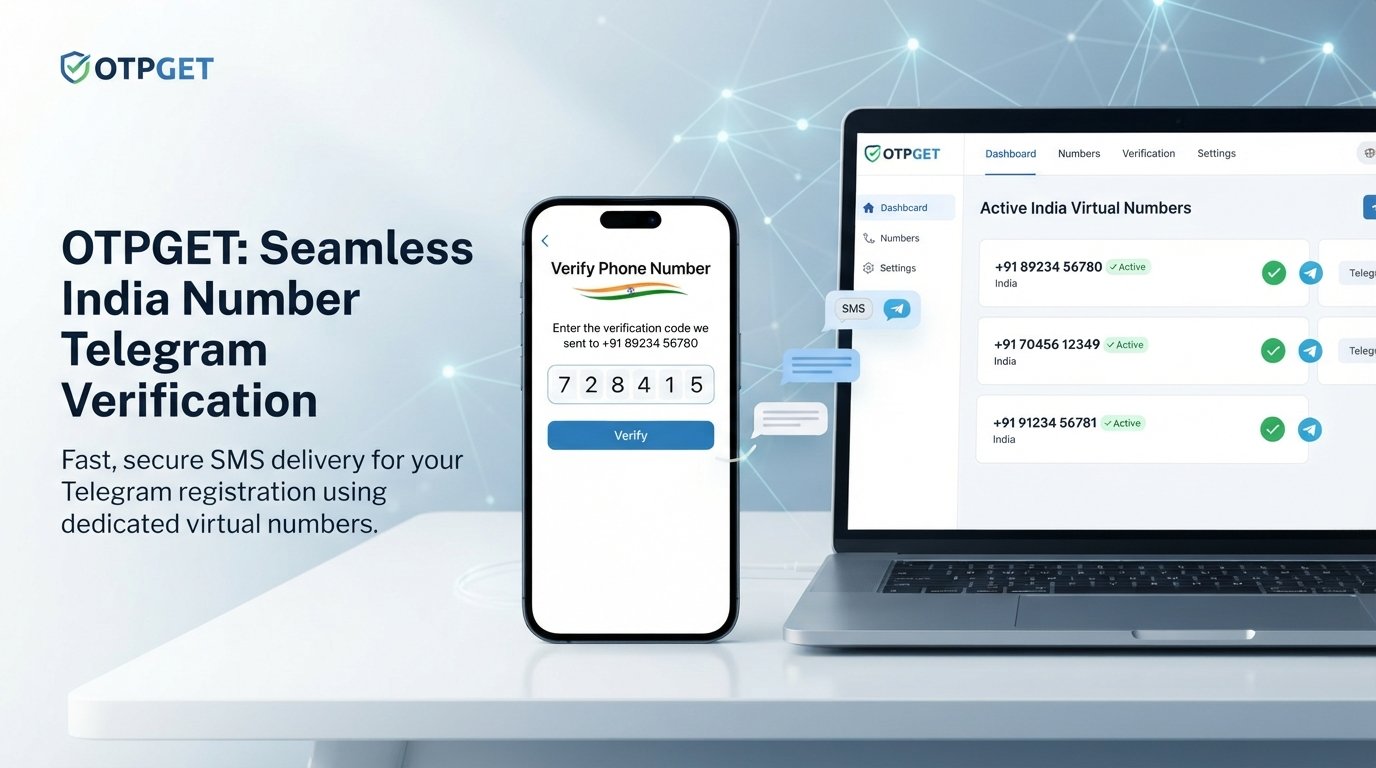
In a Telegram registration workflow, OTPGET can fit between selecting a suitable number and entering the received verification code into Telegram. The basic idea is simple: obtain an available India number, use that number for registration, monitor the appropriate OTP receiving interface, and use the current verification code when Telegram provides one.
There is an important distinction to keep in mind. OTPGET is a third-party service, while Telegram controls account registration and verification. There is no reason to assume that Telegram officially recommends, endorses, or partners with OTPGET unless such a relationship is explicitly stated by the relevant parties.
India Number Telegram Registration With OTPGET: Step-by-Step
If you want to understand how to use OTPGET for Telegram registration, the following workflow keeps the process simple without assuming any particular interface or feature.
-
Visit OTPGET.
Open the OTPGET service and review the numbers or options currently available for your intended verification purpose. -
Select an appropriate India number.
If an India number is available and suitable for your intended use, select it according to the service's current process. Availability can vary. -
Copy the number carefully.
Make sure the full number and country selection are correct before entering it into Telegram. A formatting or country-code mistake can prevent successful verification. -
Open Telegram.
Start the Telegram registration process and enter the India number when Telegram asks for a phone number. -
Confirm the number.
Check the displayed country and number before proceeding. This is a simple step, but it can prevent unnecessary verification attempts. -
Wait for the verification message.
Telegram may send a verification code through an available method. Avoid repeatedly requesting new codes while waiting, because doing so can complicate the process. -
Retrieve the OTP through OTPGET.
If the selected number receives a verification SMS through the OTPGET workflow, locate the latest Telegram verification message using the service's current interface. -
Enter the latest verification code.
Return to Telegram and enter the current code exactly as provided. Avoid using an older code if multiple messages have appeared. -
Complete Telegram account setup.
Once verification succeeds, follow Telegram's remaining registration instructions to finish setting up the account.
The most important principle is to follow the current instructions shown by both services. Do not assume that a particular button, page name, price, or availability will remain unchanged.
How to Receive a Telegram OTP Successfully
A few simple checks can make Telegram SMS verification less frustrating.
- Check the country code. Make sure Telegram recognizes the number as an India number before continuing.
- Enter the number accurately. Even one incorrect digit can send the verification message somewhere else.
- Give the message time to arrive. SMS delivery can occasionally be delayed.
- Avoid repeated requests. Requesting multiple codes in quick succession can leave you with several codes, some of which may no longer be valid.
- Check number availability. An online number may not always be available for every service or verification request.
- Use the newest code. If several verification messages appear, use the latest valid code Telegram provides.
- Follow Telegram's instructions. Telegram may offer a different verification method depending on the circumstances.
If you are using an India virtual number, remember that virtual numbers can have limitations that do not apply to ordinary personal mobile numbers. Access, availability, and suitability can vary.
Telegram OTP Not Received? Try These Fixes
A Telegram verification code not received on an India number does not necessarily mean the entire registration process has failed. Start with the basics.
Check the number and country code. Reconfirm that the exact India number entered into Telegram matches the number you intended to use.
Wait before requesting another code. A delivery delay can sometimes resolve itself. Repeated requests may create confusion between older and newer verification codes.
Check the OTP receiving service. If you are using OTPGET, verify that the selected number is still available and check the appropriate area for incoming messages.
Consider number restrictions. Telegram may not accept every number for every registration attempt. A number may also have a previous history that affects its usability.
Watch for too many attempts. Repeated verification requests can trigger temporary restrictions or additional verification requirements. If Telegram tells you to wait, follow its instructions rather than repeatedly trying.
Look for another verification method. Telegram may sometimes present a different method instead of the SMS workflow you expected.
Use the current code. Verification codes can expire. If an older code no longer works, wait for a valid current code rather than repeatedly entering the expired one.
If the issue continues, the most sensible approach is to follow Telegram's displayed guidance and verify whether the selected number remains suitable.
Why Use OTPGET for India Number Telegram Registration?
For users who prefer an online workflow, OTPGET may reduce some of the friction involved in obtaining and monitoring a verification number.
Potential advantages include:
- Convenience: The workflow can be handled online rather than requiring access to a personal SIM.
- Simple verification flow: When a suitable number is available, the process can be relatively straightforward.
- Access to available numbers: Users can check whether an appropriate India number is currently offered.
- Less signup friction: A dedicated verification-number workflow can be useful for people who do not want to use their personal number for a particular registration.
- Centralized OTP handling: Receiving the verification message through the selected service can keep the number and incoming message in one place.
These are practical considerations rather than guarantees. OTPGET availability, number suitability, and Telegram's acceptance of a number can vary. The service should be viewed as a potential convenience rather than a promise that every Telegram registration attempt will succeed.
Important Things to Know Before Using an Online Number
Before choosing an India virtual number for Telegram, consider what continued access to the number means.
First, follow Telegram's terms and all applicable laws. Verification services should never be used for fraud, spam, unauthorized access, impersonation, or other abusive activity.
Second, understand that temporary or virtual numbers can have limitations. A number that works for one verification request may not necessarily remain available later.
Third, think about account recovery. If access to the registered number is lost, recovering or securing the Telegram account may become more difficult depending on Telegram's available recovery and security mechanisms.
Finally, protect your credentials. Never share account passwords, authentication details, recovery information, or verification codes with people who should not have them. A verification code should be treated as sensitive information.
Frequently Asked Questions
Can I register Telegram with an India number?
Yes, Telegram registration can involve an India phone number when the number is accepted by Telegram and can complete its verification requirements. The number must be entered correctly, and the user needs access to the verification method Telegram provides.
How do I receive a Telegram OTP?
Enter the eligible phone number during Telegram signup and follow Telegram's verification instructions. If an SMS is used, the verification code should arrive through the relevant messaging route. With an online number service such as OTPGET, the incoming verification message may be available through the service's current interface.
What is OTPGET?
OTPGET is an online service that can be considered when looking for verification numbers and receiving OTP messages. Its available numbers, supported services, and interface may vary, so users should rely on the current information provided by the service rather than assuming a particular feature is always available.
Can OTPGET help with Telegram verification?
OTPGET may help with the number-and-OTP portion of a Telegram registration workflow when a suitable number is available and Telegram sends a compatible verification message. It does not control Telegram's verification system, so it cannot guarantee acceptance, delivery, or account approval.
What should I do if my Telegram OTP does not arrive?
First, check the phone number and country code. Then wait for possible delivery delays, check the selected number's availability, and avoid repeatedly requesting new codes. If Telegram presents another verification method or a waiting instruction, follow what the app displays.
Is an India virtual number suitable for Telegram registration?
It can be suitable in some circumstances, but suitability depends on the number, its availability, and Telegram's own verification requirements. Virtual numbers may also have limitations for future account access or recovery, so users should consider whether they can maintain access when necessary.
Why does Telegram sometimes ask for another verification method?
Telegram determines which verification methods are available for a particular registration attempt. Depending on the circumstances, it may not use the SMS route a user expects. If another method is presented, follow Telegram's instructions rather than assuming the SMS workflow will always be available.
Final Thoughts
India number Telegram registration is relatively simple when the phone-number and verification stages work as expected, but an unavailable number, delayed SMS, expired OTP, or additional verification requirement can quickly make the process confusing.
For users looking for an online India number and OTP-receiving workflow, OTPGET can be a practical option to explore when a suitable number is available. The general process is to select an appropriate number, enter it into Telegram, wait for the verification message, retrieve the latest OTP, and complete the account setup according to Telegram's instructions.
The important thing is to keep expectations realistic. OTPGET does not control Telegram's verification system, and availability or acceptance can vary. If you decide to use the service, review its current options, follow the registration workflow carefully, and use the number responsibly.
Suggested Internal Links
- Telegram OTP Guide
- How Virtual Phone Numbers Work
- SMS Verification Explained
- India Virtual Number Guide
- OTP Verification Guide
- Telegram Registration Troubleshooting
:::{"fallbackMarkdown":"","reference":{"matched_text":" ","prefix":null,"start_idx":15943,"end_idx":15943,"safe_urls":[],"refs":[],"alt":"","prompt_text":null,"type":"sources_footnote","sources":[],"has_images":false},"showLoginRequiredCard":false}