Sign Up for inDrive Using an OTPGET Number: Complete Guide
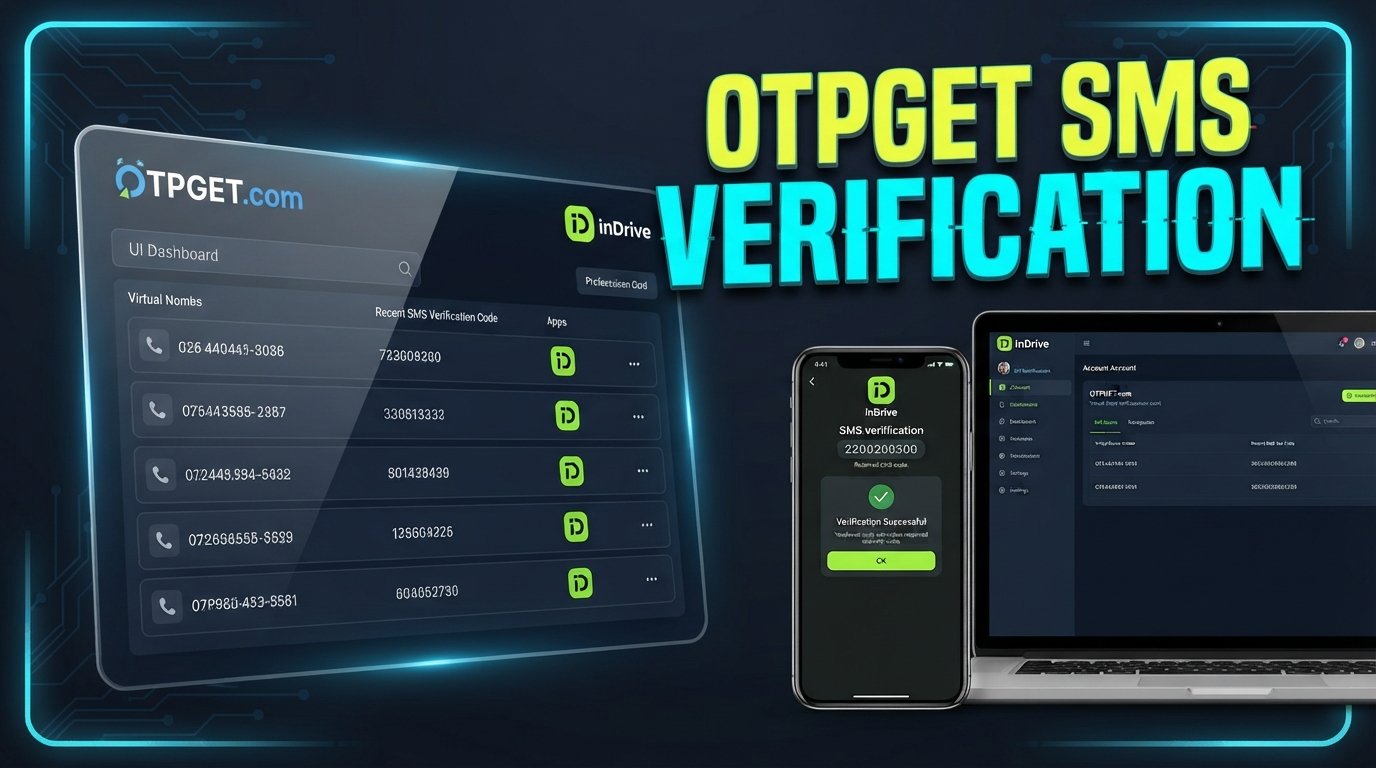
Sign Up for inDrive Using an OTPGET Number
Signing up for a ride-hailing service should be straightforward. Yet phone verification can sometimes become the part that slows everything down.
When creating an inDrive account, users may need to provide a phone number and confirm it with a verification code. For people who prefer not to use their primary number for every online registration, this can raise an obvious question: Is there a practical alternative for receiving the verification SMS?
One option worth exploring is an OTPGET number. OTPGET provides numbers intended for receiving verification messages, subject to number availability, supported services, and the requirements of the platform you're trying to verify.
This guide explains how the process works, what to consider before choosing an alternative number, and how to sign up for inDrive using an OTPGET number without unnecessary confusion.
What Is inDrive Phone Verification?
Phone verification is a common part of online account registration.
When a service asks for a phone number, it may send an SMS containing a one-time password, commonly called an OTP. The user then enters that code into the appropriate verification field to confirm access to the number.
For inDrive registration, the exact screens and verification flow can vary depending on factors such as the app version, location, account type, and the instructions shown during signup.
The basic idea is simple:
Phone number → verification SMS → OTP → account verification
An inDrive verification code is therefore an important part of the signup process when phone verification is required.
If you're trying to receive an inDrive OTP without relying on your everyday phone number, an OTP verification number from a service such as OTPGET may be worth considering.
Why Do Users Look for an Alternative Number for inDrive?
There are several legitimate reasons someone might prefer an alternative number for an online registration.
Separating personal and online activity
Some users simply prefer keeping their primary phone number for personal communication rather than entering it on every website or application.
Using a separate number can create a clearer distinction between personal communications and online account registrations.
Reducing unnecessary exposure of a primary number
A primary phone number may be connected to family, friends, work, banking, and other important services. Some users prefer not to use that same number for every online signup.
An alternative number can provide another option where the service accepts it.
Convenience during verification
If your goal is specifically to receive an SMS verification code, a suitable online number can make the process more convenient.
This is where an OTPGET number can potentially help.
However, no alternative-number service should be treated as universally compatible. Whether a particular number receives an inDrive verification code depends on the service, number availability, location, and other factors.
What Is OTPGET?
OTPGET is a service designed around access to numbers for receiving verification messages and OTPs.
The concept is straightforward: instead of necessarily using your primary phone number for an online verification process, you can explore available numbers through OTPGET and use an appropriate one where supported.
For someone looking for an OTP number for inDrive, this can provide an alternative workflow:
- Choose a suitable available number through OTPGET.
- Enter that number during the relevant registration process.
- Request the verification code.
- Check OTPGET for the incoming SMS.
- Enter the received OTP where inDrive asks for it.
- Continue with the account registration process.
The important point is that OTPGET does not guarantee that every number will work with every platform. Availability and compatibility can vary, so users should select a number that is supported for their intended verification.
How to Sign Up for inDrive Using an OTPGET Number
If you're ready to try the process, the following steps provide a simple starting point.
1. Start the inDrive registration process
Open the official inDrive app or follow the registration process provided by inDrive.
Enter the information requested on the signup screen and proceed according to the instructions displayed to you.
2. Reach the phone verification stage
During registration, look for the step that asks you to provide or confirm a phone number.
The exact wording or placement of this option may vary, so follow the instructions shown in your version of the service.
3. Choose a suitable number through OTPGET
Open OTPGET and review the available numbers that may be appropriate for your verification needs.
Pay attention to the service or verification category associated with the number. If availability or supported services are displayed, use that information when making your selection.
4. Enter the OTPGET number
Return to the inDrive registration process and enter the selected number in the phone-number field.
Make sure the number and country or regional format are entered correctly.
5. Request the verification code
Follow inDrive's instructions to request an SMS verification code.
At this point, the service will determine whether the number can receive the requested message.
6. Check OTPGET for the incoming SMS
Return to OTPGET and check the selected number for a new verification message.
If the message arrives, locate the one-time code included in the SMS.
7. Enter the verification code
Enter the received OTP into the relevant verification field in the inDrive signup process.
Be careful when entering the digits because verification codes are generally time-sensitive.
8. Complete your registration
Once the phone verification is accepted, continue through the remaining registration instructions provided by inDrive.
Depending on the signup flow, additional account information may be required.
Ready to simplify the verification step? Explore OTPGET and look for a suitable number for your verification needs, while keeping in mind that compatibility depends on the service and available numbers.
How OTPGET Helps With Verification
The main appeal of an OTPGET number is convenience.
Instead of automatically using your primary phone number whenever an online service requests SMS verification, you can consider an alternative number when appropriate.
Potential advantages include:
- Convenient access to a verification number: You can explore available numbers for your intended use.
- Separation from your primary number: A separate number can help keep personal and online activities distinct.
- A straightforward OTP workflow: The basic process is centered on receiving an SMS and entering its code.
- Useful for online verification: An alternative number may be suitable for certain services that support it.
- Centralized message access: OTPGET can provide a dedicated place to check for relevant verification messages.
These benefits should be viewed realistically. OTP delivery is dependent on the selected number, the originating platform, geographic availability, and other technical or service-level factors.
What to Do If the inDrive OTP Does Not Arrive
Not receiving an OTP does not necessarily mean something is wrong with your account. Several things can affect SMS verification.
Try the following:
- Check the number: Confirm that you entered the OTPGET number correctly.
- Wait briefly: SMS delivery can sometimes take a little time.
- Check OTPGET again: Refresh or revisit the relevant number's messages if the service provides that option.
- Confirm compatibility: Make sure the selected number supports the service you're attempting to verify.
- Request another code carefully: If inDrive provides a resend option, follow its instructions rather than repeatedly requesting codes.
- Check code expiration: If a code has expired, request a new one according to the platform's instructions.
- Try another supported number: If the selected number cannot receive the message, another available number may be worth considering.
- Follow inDrive's official guidance: If verification continues to fail, use the instructions or support options provided by inDrive.
Repeatedly requesting OTPs in a short period may not be helpful and could interfere with the verification process. When troubleshooting, take a measured approach.
OTPGET vs. Using Your Primary Number
Both approaches can make sense depending on what you need.
| Consideration | Primary Number | OTPGET Number |
|---|---|---|
| Personal communications | Directly connected | Separate from primary communications |
| Online registration | Uses your everyday number | Can provide an alternative number |
| Verification workflow | SMS arrives on your phone | Verification message can be checked through OTPGET |
| Separation of activities | Limited | Greater separation |
| Compatibility | Depends on platform | Depends on platform and available number |
The key distinction is convenience and separation rather than a promise of greater security or anonymity.
If you are comfortable using your everyday number and inDrive accepts it, there may be no reason to change your normal signup process. If you prefer an alternative number for online verification, OTPGET may be a useful option to explore.
Is Using an OTPGET Number for inDrive Right for You?
An OTPGET number may be worth considering if you:
- Prefer not to use your primary number for a particular online registration.
- Want to separate personal communications from verification messages.
- Need an alternative number for receiving an SMS verification code.
- Are comfortable using a number that is supported for the service you are trying to verify.
- Want a simple way to check verification messages through an online service.
At the same time, users should understand the limitations.
A number is not automatically suitable for every platform simply because it can receive SMS. Compatibility can depend on geographic restrictions, platform requirements, number availability, and other factors.
Most importantly, use any verification service in accordance with inDrive's terms, applicable laws, and the rules governing the account you are creating. An alternative number should not be used to bypass restrictions, evade account enforcement, or abuse a verification system.
Frequently Asked Questions
How can I sign up for inDrive using an OTPGET number?
Start the inDrive signup process, reach the phone verification stage, select an appropriate available number through OTPGET, and enter it where inDrive requests a phone number. If the number supports the service, check OTPGET for the incoming verification code and enter that code in the inDrive verification field.
What is an inDrive verification code?
An inDrive verification code is a one-time code that may be sent by SMS when phone verification is required during registration or another account-related process. The code is used to confirm the phone number according to the instructions shown by the platform.
Can I receive an inDrive OTP online?
Potentially, yes, if the selected number is supported for inDrive and can receive the relevant SMS. An OTPGET number can be an option for receiving verification messages online, but compatibility is not guaranteed for every number or location.
What should I do if my inDrive OTP does not arrive?
First, confirm that the number was entered correctly. Then wait briefly, check the selected OTPGET number for incoming messages, and verify that the number supports the intended service. If necessary, follow inDrive's instructions for requesting another code or try another supported number.
What is an OTP number for inDrive?
An OTP number for inDrive is simply a phone number used to receive an SMS verification code when inDrive requires phone verification. An OTPGET number may serve this purpose when the selected number is available and supported.
Why use a temporary or virtual number for verification?
Some users prefer a temporary or virtual phone number because they want to separate online registrations from their primary number. It can be a convenient option for receiving verification messages, provided the relevant platform accepts the number.
How does OTPGET work?
OTPGET provides access to numbers intended for receiving verification messages. Depending on availability and supported services, a user can select an appropriate number, use it during a verification process, and check for the incoming OTP.
Can every number receive an inDrive verification code?
No. Whether a number receives an inDrive verification code can depend on the number's availability, service support, geography, and inDrive's own verification requirements. Always check the available information before selecting a number.
Conclusion
Phone verification is often a necessary step when creating an online account, but it does not always have to involve your everyday phone number.
If you want an alternative approach, signing up for inDrive using an OTPGET number can be worth exploring. The process is relatively straightforward: select a suitable number, enter it during the relevant verification step, check OTPGET for the incoming SMS, and enter the received code according to inDrive's instructions.
The important thing is to keep expectations realistic. Number availability and compatibility can vary, and no service can guarantee that every number will work with every platform.
If separating your primary number from online verification is useful for your situation, explore OTPGET and choose a suitable available number for your next verification request. Always follow inDrive's requirements and use the service responsibly.