How Instagram SMS Verification Works: OTPs, Codes & Solutions

How Instagram SMS Verification Works
Getting locked at a verification screen can be frustrating. You enter your phone number, wait for the text message, and expect a simple code to arrive. Instead, nothing appears—or the message arrives too late to be useful.
That is where Instagram SMS verification becomes important. SMS-based verification is designed to help confirm access to a phone number during certain account, login, recovery, or security-related situations. Instagram can use different security and recovery methods depending on the account and circumstances, so an SMS code is not necessarily required every time someone logs in.
Understanding how the process works makes it easier to troubleshoot problems and decide what type of SMS or OTP receiving option is appropriate for your situation.
What Is Instagram SMS Verification?
Instagram SMS verification is a phone-based authentication process in which a verification code is sent to a mobile number associated with an account or verification request.
That code is commonly referred to as an OTP, or one-time password. Unlike a normal account password, an OTP is generally intended for a single verification event and is usually valid only for a limited period.
The basic idea is straightforward:
-
Instagram requests verification when appropriate.
-
A verification code is generated.
-
The code is sent to an eligible phone number through SMS.
-
The user enters the code in the relevant verification screen.
-
The service checks the code before allowing the process to continue.
Phone-based verification can help establish that the person attempting an action has access to the phone number involved. Instagram's help materials also emphasize maintaining access to the email address or phone number connected with an account because those details can be important for continued account access and recovery.
A verification code is different from Instagram's separate account-verification or Meta Verified processes. In this context, "verification" refers to confirming access through a security code, not obtaining a verification badge.
How Instagram SMS Verification Works
The exact security flow can vary depending on the account and the action being performed, but an Instagram verification code typically follows a process like this:
-
A security-related action begins.
This could involve logging in, recovering access, confirming a phone number, or another situation where additional verification is requested. -
Instagram requests phone verification when applicable.
If SMS is available for that particular flow, the user may be asked to provide or confirm a phone number. -
A temporary code is generated.
The system creates a short verification code that is associated with the current verification request. -
The Instagram SMS code is delivered.
The code is sent to the relevant phone number through SMS. -
The user enters the code.
The code is entered into the verification field shown by Instagram. -
The code is checked.
If the submitted code is valid and the verification request is still active, the process can continue.
The important point is that an Instagram login verification code is not the same thing as a permanent password. It is intended to work as a temporary authentication credential.
Security requirements can also change depending on the situation. Instagram provides multiple account-access and identity-recovery mechanisms, which means users should follow the options presented through the official Instagram app or help resources rather than assuming that every account follows an identical verification flow.
Why You May Not Receive an Instagram Verification Code
One of the most common frustrations is an Instagram code not received problem. A missing message does not necessarily mean that the account itself is malfunctioning.
Several factors can interfere with SMS delivery.
Common causes include:
-
Carrier or network delays: Mobile networks can occasionally delay incoming text messages.
-
Incorrect phone number: A typo or outdated number can send the code somewhere you cannot access.
-
Weak cellular reception: Poor signal can interfere with normal SMS delivery.
-
Message filtering: Your device, carrier, or messaging application may filter or block certain messages.
-
Too many requests: Repeatedly requesting new codes can create confusion because several codes may be generated close together.
-
Temporary service issues: Either the platform or the mobile network can experience temporary delivery problems.
-
Incorrect country formatting: International numbers need to be entered in the format requested by the verification screen.
-
Device messaging problems: Storage limits, blocked senders, SIM issues, or messaging-app problems can affect delivery.
If you have a verification code not received issue, start with the basics before trying alternative solutions. Confirm the number, check your cellular connection, look through filtered messages, and avoid repeatedly requesting codes within a short period.
If you are experiencing an Instagram SMS not working problem repeatedly, use Instagram's available login or account-recovery options rather than attempting to bypass the security process. Instagram specifically recommends maintaining access to the contact information associated with an account.
What Is an Instagram OTP?
An Instagram OTP is a one-time password used as part of a verification process.
The distinction between an OTP and a normal password is important.
A password is generally chosen by the account owner and remains usable until it is changed. An OTP is generated for a particular verification event and is intended to be temporary.
For example, an Instagram OTP verification flow might require you to:
-
Request verification.
-
Receive a temporary code.
-
Enter the code in the appropriate field.
-
Complete the verification process.
Because OTPs are temporary security credentials, they should be treated as sensitive information. Never send an Instagram security code to another person simply because they claim they need it to "verify" your account.
A legitimate support representative should not need you to disclose a private login code through an unsolicited message.
Common Instagram SMS Verification Problems
When dealing with Instagram verification problems, it helps to work through the simplest explanations first.
Confirm the phone number
Check every digit and make sure the correct country format is being used. If the number connected to the account is old or inaccessible, recovering access to that number may be necessary.
Check whether normal SMS works
Ask whether your phone can receive ordinary text messages. If other SMS messages are also delayed or missing, the problem may involve your carrier, SIM, device, or network rather than Instagram.
Wait before requesting another code
Repeatedly tapping the resend option can create multiple messages and make it unclear which code is current. Give the system and mobile network a little time to deliver the message.
Check message filters
Look at blocked numbers, spam filters, filtered messages, and other messaging settings that could prevent the code from appearing normally.
Use Instagram's official recovery options
If the problem continues, follow the recovery or security options shown by Instagram. The platform provides different account-recovery paths depending on the circumstances.
The goal should be to resolve the verification problem—not to circumvent the security mechanism.
Can You Receive Verification Codes Online?
Yes, online SMS verification is a general category of services that allows SMS messages to be received through an online dashboard rather than directly on a personal SIM card.
One common approach involves a temporary phone number or virtual phone number. Instead of receiving an SMS on your everyday mobile device, the message is routed to a number managed through an online service.
This can be useful in legitimate situations where a user needs to separate a verification workflow from a personal phone number, or where a business or developer needs a dedicated number for testing and related workflows.
However, there are important limitations.
Not every virtual number will be accepted by every platform. Services can restrict particular number types, carriers, regions, or previously used numbers. Therefore, an online number should never be treated as a guaranteed solution for Instagram verification.
Similarly, "receive OTP online" does not mean that every OTP service works with every website or application.
Users should also make sure their use of a temporary or virtual number complies with the rules of the relevant platform. An SMS verification service should not be used to access an account that does not belong to you, impersonate another person, or circumvent platform security controls.
How OTPGET Can Help With OTP and SMS Verification
Once you understand how SMS verification works, the next question is practical: what can you do if you need an alternative way to handle an SMS verification workflow?
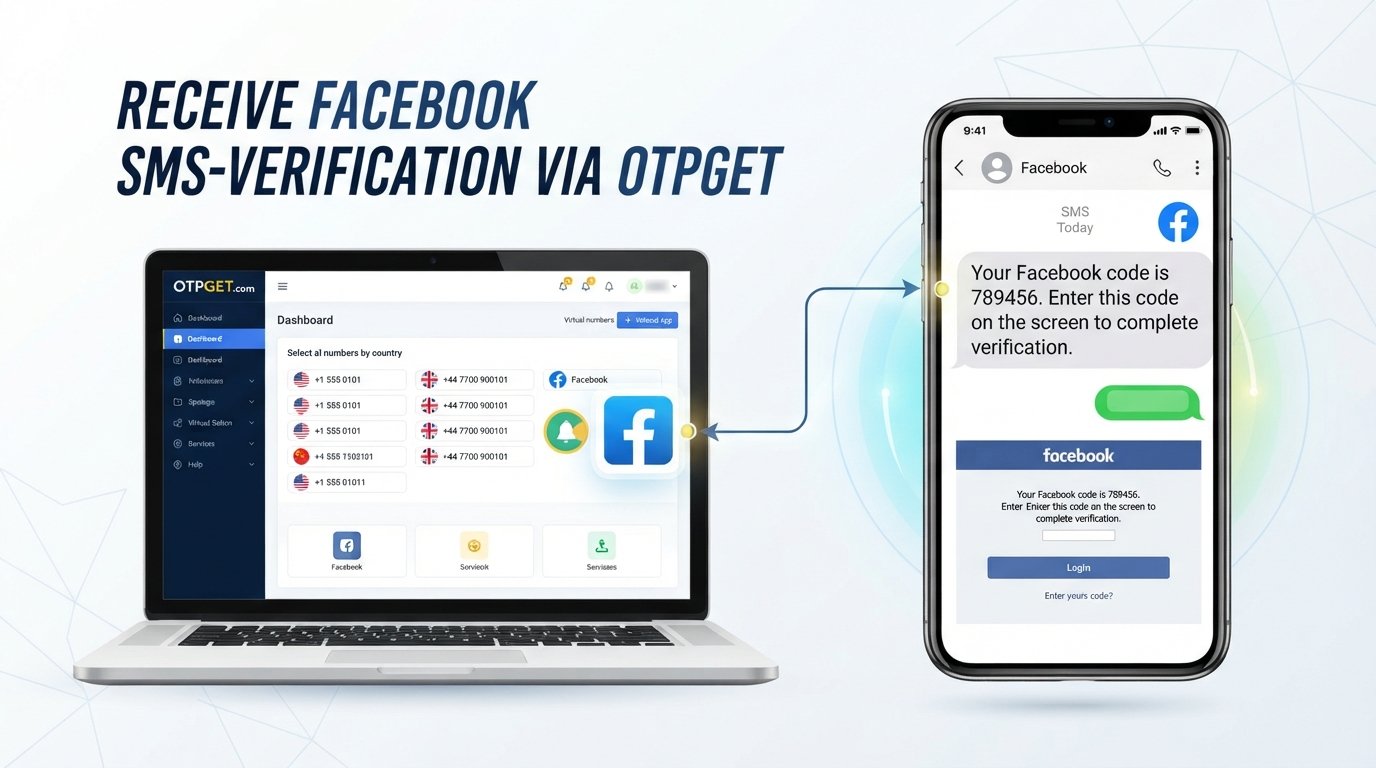
OTPGET is a separate OTP and virtual-number service that provides numbers intended for receiving SMS verification messages. Its published materials describe virtual numbers, rental numbers, SMS OTP functionality, and API-based OTP workflows.
The service can be relevant for users who need a centralized OTP receiving service instead of relying exclusively on their personal phone number for certain appropriate verification use cases.
At a high level, OTPGET's documented SMS OTP workflow involves selecting an available country and service, obtaining a number, and checking the activation status for an incoming SMS. Its documentation also describes longer-term rental numbers as a separate option.
Potential benefits include:
-
Convenient SMS receiving: Verification messages can be handled through an online workflow rather than a personal messaging inbox.
-
Virtual-number access: Users can work with virtual numbers for supported SMS verification purposes.
-
Centralized OTP handling: An OTP service can provide one place to monitor relevant incoming verification messages.
-
Temporary verification use cases: Virtual numbers can be useful when a particular legitimate workflow does not require a user's everyday number.
-
Developer workflows: OTPGET also documents API access for programmatic SMS OTP handling.
There is an important distinction to keep in mind: OTPGET is not Instagram. It is a separate service that provides numbers and message-receiving functionality. OTPGET's own terms state that it does not control platform restrictions or guarantee that a third-party platform will accept a particular number.
That means users should view OTPGET as a practical SMS/OTP receiving option, not as a way to bypass Instagram's security requirements.
OTPGET vs. Traditional SMS Verification
The two approaches serve different purposes and have different considerations.
| Factor | Traditional Personal Number | OTPGET |
|---|---|---|
| Uses personal phone number | Usually yes | Can use a virtual number provided through the service |
| Convenience | Messages arrive directly on your phone | Messages can be handled through an online OTP workflow |
| Privacy considerations | Your personal number is used for the verification process | A separate virtual number can be used for appropriate use cases |
| Temporary verification use cases | Possible, but uses your own number | Virtual numbers are designed for SMS/OTP receiving workflows |
| SMS/OTP receiving workflow | Managed through your carrier and phone | Managed through OTPGET's online service and documented interfaces |
Neither approach should be assumed to work in every situation. Platform rules, number availability, regional restrictions, and other security controls can affect whether a verification request succeeds.
Tips for Handling Instagram Verification Codes Safely
Verification codes are security credentials, so convenience should never come at the expense of account security.
Keep these practices in mind:
-
Never share an OTP with another person.
-
Be suspicious of anyone who contacts you unexpectedly and asks for your Instagram verification code.
-
Check the website or app address carefully before entering a code.
-
Avoid clicking suspicious login links sent through unsolicited messages.
-
Use a strong, unique account password.
-
Enable available security features, including two-factor authentication, where appropriate.
-
Keep your account recovery information current.
-
If you lose access to a phone number or email address connected to your account, update your information when you regain account access.
-
Do not reuse verification codes or treat them as permanent credentials.
Meta's security guidance emphasizes protections such as two-factor authentication and phishing awareness, while Instagram provides account-recovery guidance for users who lose access to connected contact information.
Most importantly, remember that a verification code should help prove access—not give someone else access.
Frequently Asked Questions
1. What is Instagram SMS verification?
Instagram SMS verification is a security process that can use a text message containing a temporary code to confirm access to a phone number during certain account or security-related actions. The exact verification requirements can vary.
2. Why am I not receiving my Instagram verification code?
An Instagram code not received problem can result from carrier delays, weak cellular service, an incorrect number, message filtering, repeated requests, or temporary service issues. Check your number and SMS reception before requesting additional codes.
3. What is an Instagram OTP?
An Instagram OTP is a one-time password or temporary verification code used during an applicable security or account-access process. It should be treated as sensitive information and never shared with other people.
4. Can I receive an Instagram verification code online?
Online SMS services can provide virtual numbers for receiving messages, but there is no guarantee that a particular number will be accepted by Instagram. Platform restrictions and verification requirements can vary.
5. What is an SMS verification service?
An SMS verification service provides access to phone numbers or messaging infrastructure that can receive verification texts. Such services may be used for legitimate verification, testing, development, or other appropriate workflows.
6. How does OTPGET work for OTP receiving?
OTPGET's published documentation describes a workflow where users select an available country and service, obtain a virtual number, and monitor the activation status for an incoming SMS code. It also documents rental-number and API options.
7. Is an online phone number always accepted for verification?
No. An online or virtual phone number is not automatically accepted by every platform. Services can apply their own restrictions based on number type, carrier, region, previous usage, or other security factors.
Conclusion
Instagram SMS verification is fundamentally about confirming access to a phone number during applicable security and account-access situations. A temporary Instagram verification code or OTP provides an additional verification step without functioning as a permanent account password.
When an SMS code does not arrive, the cause may be as simple as a carrier delay, incorrect number, weak signal, message filtering, or too many requests. Starting with basic troubleshooting and using Instagram's official recovery options is the safest approach.
For legitimate situations where you need a separate SMS or OTP receiving workflow, a service such as OTPGET can provide virtual-number and SMS OTP functionality. Its documented tools are designed to help users receive supported verification messages through an online workflow.
Explore OTPGET for SMS and OTP receiving needs
Just remember that OTPGET is a separate service, not an Instagram partner or endorsement, and a third-party number does not guarantee acceptance by Instagram. Use any SMS verification service responsibly and within the rules of the platform involved.