How to Get an Instagram Verification Code by SMS: Simple Guide
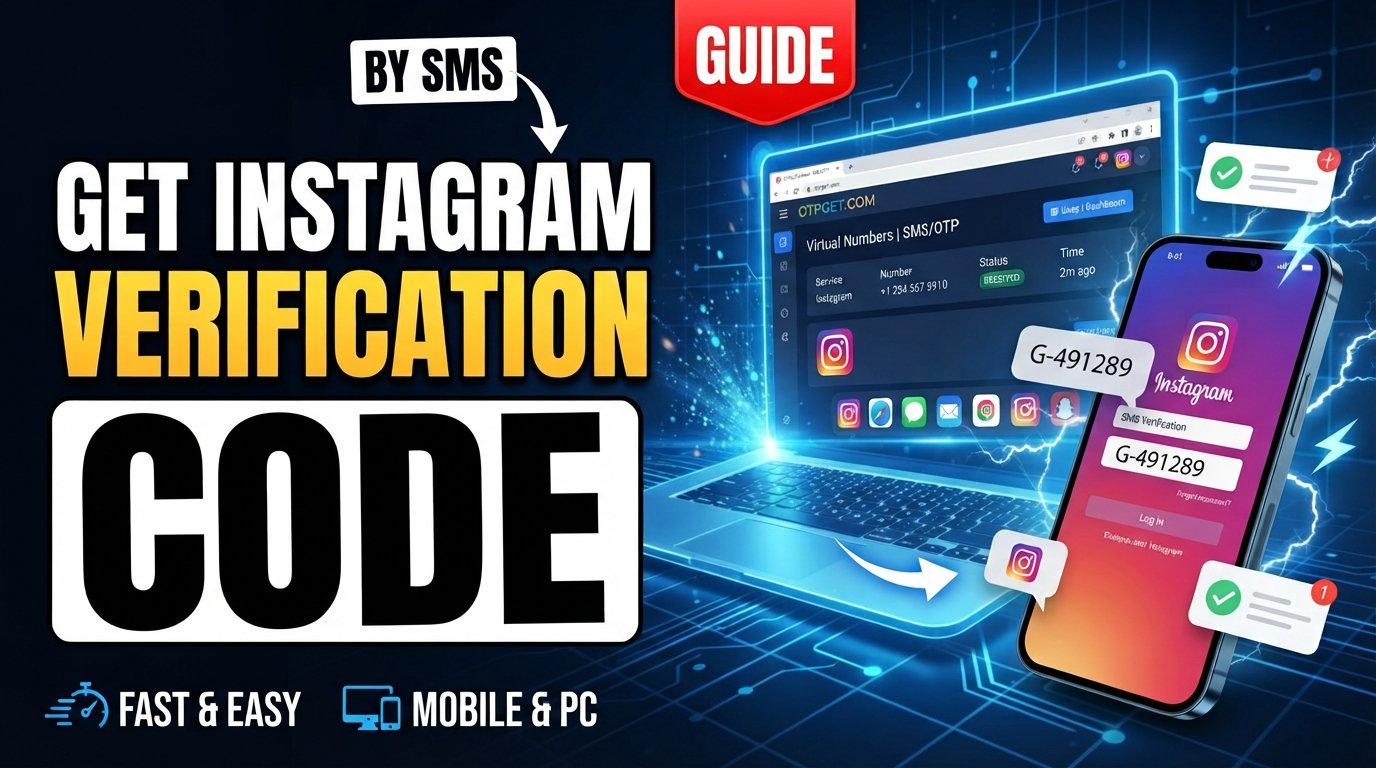
How to Get an Instagram Verification Code by SMS: Simple Guide
Getting an Instagram verification code by SMS should be straightforward, but sometimes the message never arrives, arrives late, or cannot be delivered to the phone number connected to your account.
Instagram may request an SMS verification or security code when you log in from a new device, confirm a phone number, or encounter an additional account-security check. The code helps confirm that the person attempting to access the account can receive messages on the selected number.
If your usual number is unavailable or SMS delivery is causing problems, an online SMS receiving service such as OTPGET can be a practical option in situations where the service and Instagram permit the use of a virtual number. However, no third-party service can guarantee that Instagram will accept every number or deliver every code.
What Is an Instagram Verification Code?
An Instagram verification code is a temporary security code used to confirm account access or verify a phone number.
When Instagram sends an SMS, the message typically contains a short one-time password, sometimes called an OTP, authentication code, confirmation code, or security code. You enter that code into the relevant Instagram screen to complete the verification step.
SMS verification can be used as part of:
-
Login confirmation
-
Phone-number verification
-
Additional account-security checks
-
Account recovery or access confirmation
-
Authentication on a new device
The important point is that the code is temporary. It is intended for the specific verification request and should not be shared with other people.
Why You May Not Receive an Instagram Verification Code
There are several reasons an Instagram verification SMS may not reach you. A missing message does not necessarily mean that your account or phone is permanently blocked.
Common causes include:
-
Incorrect phone number: A single wrong digit can send the message elsewhere.
-
Poor cellular reception: Weak network coverage can delay incoming SMS messages.
-
Carrier delays: Mobile carriers sometimes experience temporary delivery delays.
-
Too many requests: Repeatedly requesting codes can interfere with the verification process or cause temporary restrictions.
-
SMS filtering: Your phone, carrier, or messaging application may filter certain automated messages.
-
Temporary service issues: Problems on the sending or telecommunications side can affect delivery.
-
Number-related limitations: Some virtual, temporary, or shared numbers may not be accepted by a particular service.
-
Additional security checks: Instagram may require another verification method depending on the account or login attempt.
If your Instagram code is not sending, avoid immediately requesting multiple new codes. First, check the basics and give the existing request some time to arrive.
How to Get an Instagram Verification Code by SMS
If Instagram offers SMS as a verification option, the normal process is simple.
1. Start the Instagram login or verification process
Open Instagram and proceed with the login, phone verification, or account-access process that is requesting confirmation.
2. Enter the requested phone number carefully
Check the country code and every digit before continuing. An incorrect number can prevent the Instagram SMS code from reaching you.
3. Select SMS when it is offered
If Instagram presents multiple verification methods, choose the SMS option when it is available and appropriate for your situation.
4. Wait for the message
Give the verification SMS time to arrive. Delivery can sometimes be delayed by network or carrier conditions.
5. Enter the code
When the Instagram confirmation code arrives, enter it into the verification screen. Use the most recent valid code if you have requested more than one.
6. Troubleshoot before requesting another code
If nothing arrives, check your phone, connection, SMS inbox, and number before repeatedly requesting new messages.
The safest approach is to use the verification methods Instagram itself provides rather than trying to circumvent an account-security check.
What to Do If the Instagram Verification Code Is Not Received
When the Instagram verification code is not received, work through a few basic troubleshooting steps before trying again.
Check the phone number. Make sure the country code and number are correct.
Check cellular reception. Move somewhere with a stronger network connection if your signal is weak.
Check your SMS inbox. Look for filtered, blocked, spam, or automatically sorted messages.
Wait before requesting another code. A delayed message may still arrive. Requesting several codes quickly can make it harder to determine which code is current.
Restart your phone if appropriate. A restart can sometimes resolve temporary connectivity or messaging problems.
Check SMS filtering. Review your messaging app and carrier settings if automated messages are being blocked.
Try another available verification method. Instagram may provide alternatives depending on your account and security settings.
Use Instagram's official recovery or help options when necessary. If you cannot access the required number or verification method, account-recovery tools are preferable to attempts to bypass security.
Can OTPGET Help You Receive an Instagram Verification SMS?
OTPGET provides virtual phone numbers and SMS/OTP receiving functionality that can be used for supported verification services. Its documentation describes an SMS OTP system where users can select available countries and services, request a virtual number, and check the order for a received verification code.
For users looking to receive an Instagram code online, OTPGET can therefore be a practical option when an appropriate number is available and Instagram permits that type of number.
A typical workflow is:
-
Visit OTPGET.
-
Choose an appropriate SMS/OTP receiving option if available.
-
Follow the service's instructions to obtain a number.
-
Enter the provided number in Instagram only where Instagram permits its use.
-
Wait for the verification SMS.
-
Retrieve the received code through OTPGET if the message is delivered.
-
Enter the valid code into Instagram.
[Explore OTPGET]
OTPGET's documentation shows that its SMS OTP system can report when a code is still pending and when an SMS containing the OTP has been received. Availability can vary by country, service, provider, and number inventory.
It is important to keep expectations realistic. OTPGET cannot guarantee that Instagram will accept every virtual number, that a particular number will receive an SMS, or that an account will pass Instagram's verification requirements. Instagram controls its own verification and security systems.
Why Use OTPGET for SMS Verification?
An SMS receiving service can be useful when you need a number specifically for a permitted verification scenario and do not want to rely exclusively on your personal mobile number.
Potential advantages include:
-
Convenience: Receive supported verification messages through an online service rather than depending on a physical SIM.
-
Flexible number selection: OTPGET documents country and service selection for its SMS OTP system.
-
Online OTP access: The service provides a way to check whether an SMS code has been received.
-
Reduced dependence on a personal number: For suitable use cases, a virtual number can separate a verification task from your everyday phone number.
-
Simple OTP retrieval: Once a supported SMS arrives, the code can be retrieved through the service.
These benefits come with limitations. Number availability changes, different services can apply different acceptance rules, and temporary or shared numbers may not be suitable for long-term account recovery.
OTPGET should be viewed as a separate SMS/OTP service, not as an official Instagram service or Instagram partner.
OTPGET vs. Traditional SMS Verification
The right approach depends on what you need and what Instagram permits.
| Option | Convenience | Control | Potential limitations |
|---|---|---|---|
| Personal phone number | Familiar and straightforward | High for your own number | Depends on your carrier and phone access |
| Carrier SMS | Direct delivery to your device | High | Can be affected by signal, carrier delays, or filtering |
| SMS receiving service such as OTPGET | Online access to supported SMS codes | Depends on the service and number | Number acceptance and availability can vary |
A personal number generally gives you the strongest long-term control over account recovery. An online SMS service can be more convenient for certain permitted verification scenarios, but temporary or shared numbers may create additional privacy and account-recovery considerations.
The key is to choose a method that fits the verification requirement rather than assuming that every number type will work everywhere.
Tips for Receiving Instagram Verification Codes Successfully
A few simple habits can reduce common verification problems:
-
Double-check the phone number before submitting it.
-
Use a number that Instagram accepts for the specific verification process.
-
Keep your phone connected to a reliable mobile network.
-
Check filtered and blocked SMS messages.
-
Avoid requesting many codes within a short period.
-
Wait for delayed messages before requesting another code.
-
Use the latest valid code if multiple messages arrive.
-
Try an alternative verification method if Instagram offers one.
-
Keep your account recovery information updated.
-
Never give your Instagram password or security code to another person.
If you're using an online SMS receiving service, also check whether the selected number is intended for temporary use or longer-term access.
Is It Safe to Use an SMS Verification Service?
An SMS receiving service can be useful for legitimate verification needs, but users should understand the privacy and account-security trade-offs.
Never share your Instagram password unnecessarily, and do not give account recovery information to a third party simply because you are trying to receive an OTP.
You should also avoid using an SMS service to circumvent Instagram's security controls. If Instagram requires additional verification, follow the available official process.
Temporary or shared numbers can have another important limitation: you may not control the number permanently. That can matter if the account later needs another verification SMS or account-recovery message.
Before using any virtual number, consider whether you need it only for a one-time verification request or whether you need reliable long-term access. For important accounts, maintaining a recovery method that you personally control is generally important.
Frequently Asked Questions
1. How can I get an Instagram verification code by SMS?
Start the Instagram login or verification process, enter the requested phone number, select SMS if Instagram offers it, and wait for the code. Enter the latest valid code when it arrives.
2. Why am I not receiving my Instagram verification code?
Possible causes include an incorrect number, weak cellular reception, carrier delays, SMS filtering, too many verification attempts, temporary service issues, or number restrictions.
3. Can I receive an Instagram code online?
Potentially. An online SMS receiving service can provide access to supported verification messages through a virtual number. Whether Instagram accepts a particular number depends on Instagram's own requirements.
4. Can OTPGET receive Instagram SMS codes?
OTPGET provides SMS OTP functionality and documents support for service-specific virtual numbers. If an appropriate number is available and Instagram accepts it, the received code can be retrieved through OTPGET. Delivery and acceptance are not guaranteed.
5. How long does an Instagram verification SMS take?
There is no universal delivery time. SMS can arrive quickly but may also be delayed by the service, mobile carrier, network conditions, or other technical factors.
6. What should I do if my Instagram SMS code expires?
Request a new code through Instagram and use the newest valid code. Avoid repeatedly requesting codes in rapid succession.
7. Can I use a temporary phone number for Instagram verification?
Instagram determines which numbers it accepts. A temporary or virtual number may work for some verification scenarios but may be rejected or unsuitable for future account recovery.
8. Is an SMS receiving service safe for verification?
It can be used for legitimate verification purposes, but users should consider privacy, number ownership, account recovery, and the possibility that a service may not accept a particular virtual number.
Final Thoughts
An Instagram verification code is an important part of account security, but SMS delivery is not always seamless. Incorrect numbers, carrier delays, filtering, network problems, and repeated requests can all make an Instagram code difficult to receive.
For users who need an online SMS receiving option, OTPGET provides virtual numbers and SMS/OTP functionality for supported verification services. Its documented workflow allows users to obtain an available number and check for a received OTP.
At the same time, Instagram controls its own verification process and decides which numbers and verification methods it accepts. There is no guarantee that a particular OTPGET number will receive an Instagram SMS or that Instagram will accept it.
If OTPGET fits your legitimate verification needs, [Get started with OTPGET] and review the available SMS options before choosing a number. For important accounts, always keep a recovery method that you personally control and follow Instagram's available security procedures.