Iran Telegram Not Working? Complete OTPGET Fix Guide With OTPGET
Iran Telegram Not Working? Fix Verification Problems With OTPGET
If Telegram is not working in Iran, the problem may not always be the app itself. You might be dealing with a connection problem, an account login issue, delayed SMS delivery, or a verification code that simply never reaches your phone.
That can be especially frustrating when you are trying to sign in and Telegram is waiting for a Telegram verification code before allowing you to continue.
Telegram's own troubleshooting guidance recommends checking the phone number in international format and notes that login codes may sometimes be delivered through Telegram on another connected device rather than by SMS.
The good news is that you do not have to keep pressing “send code again” without understanding the problem. First, identify whether the issue is connectivity, the number itself, or SMS delivery. If receiving the verification code is the main obstacle, can provide a practical OTP receiving option when its supported service and available number match your needs.
Why Is Telegram Not Working in Iran?
“Telegram not working” can describe several different situations, so the first step is to identify what is actually failing.
For some users, Telegram may open but fail to connect properly. For others, the application works but login or account activation does not. In many cases, the most frustrating point is the verification screen: the phone number is entered correctly, but the Telegram SMS verification code never arrives.
Several factors can contribute to this experience:
- Network connectivity: An unstable internet connection can interfere with Telegram's ability to communicate with its servers.
- Mobile carrier issues: SMS delivery depends partly on the mobile network and its ability to deliver the relevant message.
- International SMS delivery: Verification messages may encounter delivery problems when international messaging is involved.
- Incorrect number formatting: A missing or incorrect country code can prevent successful verification.
- Temporary service problems: Telegram or a telecommunications provider can experience temporary technical issues.
- Device or app problems: An outdated application, connectivity settings, or device-level issue can interfere with the login process.
- Too many verification requests: Repeated attempts can trigger temporary restrictions or delays. Telegram documents errors related to excessive code requests.
This distinction matters. If Telegram itself is functioning but the code is not reaching your phone, reinstalling the application repeatedly is unlikely to solve the underlying SMS delivery problem.
Why Telegram Verification Codes May Not Arrive
The Telegram verification process depends on successfully receiving an authentication code through whatever delivery method Telegram makes available for the login attempt.
SMS is one possible method, but it is not the only one. Telegram explains that, when you have recently used Telegram on another device, a login code may be sent through Telegram instead of SMS. Other account configurations can also involve different verification methods.
If you are expecting a Telegram SMS verification code and nothing arrives, common explanations include:
- The phone number or country code was entered incorrectly.
- Your SIM cannot currently receive SMS messages.
- The carrier is delaying or filtering the message.
- International SMS delivery is temporarily unavailable.
- Telegram has provided the code through another available verification method.
- You have requested too many codes in a short period.
- There is a temporary issue affecting the verification process.
Telegram specifically advises users who have registration or login problems to check their mobile number and contact support if necessary.
The key point is simple: the verification code is a separate part of the login process. Telegram can be installed and connected to the internet while your account verification still fails because the code cannot reach the intended number.
How to Fix Telegram Verification Problems
Before looking for an alternative OTP receiving solution, work through the basic checks. They can quickly identify whether the problem is with your phone, number, network, or message delivery.
1. Check the phone number
Make sure the number is correct and includes the appropriate international country code. Telegram recommends entering mobile numbers in international format.
2. Confirm SMS reception
Ask yourself whether the SIM can receive ordinary SMS messages. If normal messages are not arriving either, the issue may be with the mobile connection rather than Telegram.
3. Check your connection
Make sure your phone has a working internet connection and that Telegram is able to communicate normally. Switching between available network connections can help identify a connectivity issue.
4. Check another connected Telegram device
If you are logging into an existing account, check another device where Telegram is already signed in. Telegram may deliver the login code there instead of through SMS.
5. Avoid repeated code requests
Do not continuously press the resend button. Too many requests can create additional verification problems, and Telegram documents flood-related errors for excessive attempts.
6. Restart and update the app
Close Telegram completely, reopen it, and make sure you are using an available current version of the application.
If all of these checks look normal but the Telegram OTP is still not received, the problem may specifically be SMS delivery. That is where a dedicated OTP service can become useful.
How OTPGET Helps With Telegram OTP Problems
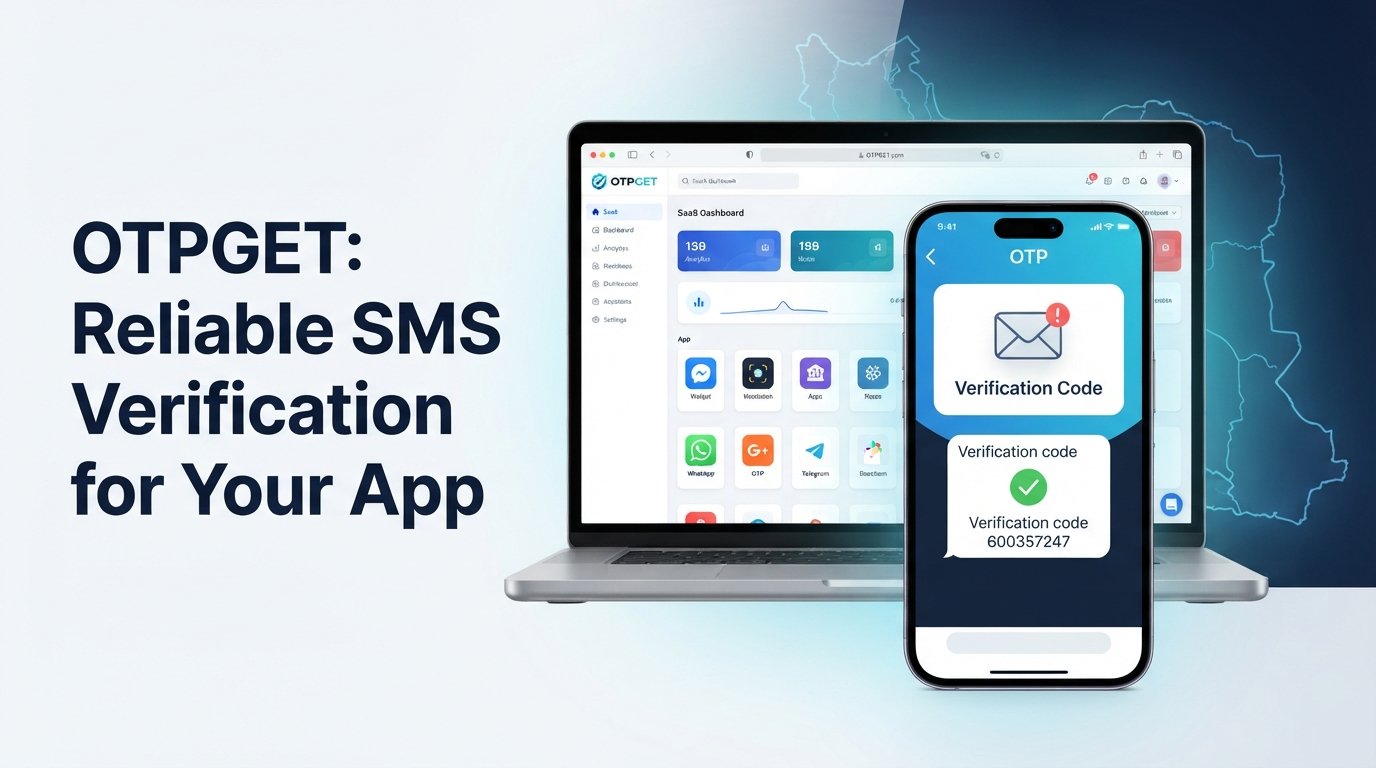
is designed around online OTP verification using virtual phone numbers. Its official platform lists Telegram among the supported services and provides virtual numbers intended for receiving SMS verification codes.
For someone searching for an iran Telegram not working fix OTPGET, the important distinction is that OTPGET does not claim to repair Telegram's application or change Telegram's security system. Instead, it addresses a different problem: access to a number capable of receiving a supported verification message.
The basic workflow is straightforward:
- Identify that the missing Telegram OTP is the specific obstacle.
- Check OTPGET's currently available services and numbers.
- Select an available option that supports the verification requirement.
- Use the provided number during the legitimate Telegram verification process, where appropriate.
- Wait for the verification SMS to be delivered through the supported OTP service.
- Enter the legitimate code into Telegram to complete verification.
OTPGET's documentation describes an SMS OTP system in which users can obtain a virtual number, check the status of the activation, and retrieve a received SMS code.
Availability can vary, so users should always check the options shown by OTPGET rather than assuming that a particular country, number, or service is available at every moment.
Why Choose OTPGET for Telegram Verification?
When the problem is specifically a missing SMS, the value of OTPGET is its focus on the verification step rather than forcing users to keep troubleshooting the entire Telegram application.
Potential advantages include:
- Convenience: The verification number and received message can be handled online.
- Less dependence on a physical SIM: A supported virtual number can be used instead of relying solely on a personal mobile number.
- A simpler workflow: Users can focus on receiving the required code instead of repeatedly requesting another SMS.
- Practical OTP management: OTPGET provides a dashboard-based approach for receiving verification messages.
- Flexible options: OTPGET offers virtual numbers and rental-number services, subject to availability and the requirements of the selected service.
There is an important limitation: an OTP service cannot guarantee that every number will work for every Telegram account or verification attempt. Telegram ultimately controls its own authentication process, and availability can depend on the number, service, carrier, and verification conditions.
OTPGET should therefore be viewed as a practical solution for the OTP delivery problem, not as a way to bypass Telegram's security or authentication protections.
Telegram Not Receiving SMS? Try This First
If Telegram is not receiving an SMS verification code, quickly check:
- Your phone number and country code.
- Whether your SIM receives ordinary SMS.
- Your mobile signal and connectivity.
- Whether Telegram has sent the code to another connected device.
- Whether you have requested too many codes.
- Whether the Telegram app needs to be restarted or updated.
- Whether the problem continues after waiting rather than repeatedly requesting another code.
If the issue is specifically receiving the verification code, can provide a more practical route when its supported OTP service matches your situation.
OTPGET vs. Repeatedly Requesting Telegram Codes
When a Telegram code does not arrive, the natural reaction is to tap “send code again.” Sometimes that works. Sometimes it only creates another delay.
Repeated requests are not necessarily better because the underlying problem may be outside the Telegram app. If the carrier or SMS route is having difficulty delivering the message, another request can encounter the same obstacle.
A more sensible approach is to diagnose the problem first:
| Approach | Best use |
|---|---|
| Request another code | When the first message may simply be delayed |
| Check your SIM | When SMS reception appears unreliable |
| Check another Telegram device | When logging into an existing account |
| Check your number format | When there may be a country-code mistake |
| Use OTPGET | When SMS delivery is the main obstacle and a supported OTP option fits your needs |
The goal is not to bypass Telegram's verification system. The goal is to make sure the legitimate verification code can reach a number that you are authorized to use.
Common Questions About Telegram OTP Problems in Iran
Why is Telegram not working in Iran?
“Telegram not working” can refer to connectivity, login, account verification, or SMS delivery. If the app opens but you cannot complete login, focus first on the verification stage and determine whether the code is being delivered.
Why am I not receiving my Telegram verification code?
Possible causes include an incorrect number, SMS delivery problems, carrier issues, temporary delays, excessive code requests, or Telegram sending the code through another available method. Check your number and any other connected Telegram device first.
Why is Telegram not sending an SMS code?
Telegram's authentication system can use different delivery methods depending on the circumstances. For an existing account, the code may be sent to Telegram on another connected device instead of SMS.
How can I receive a Telegram OTP?
First, use a mobile number that can legitimately receive Telegram's verification message. If SMS delivery through your usual number is the problem, an OTP service such as OTPGET may be an option when the required service and number are available.
What should I do if my Telegram login code does not arrive?
Check the number, country code, SIM reception, internet connection, and other connected Telegram sessions. Avoid repeatedly requesting codes. If the issue remains specifically related to SMS reception, consider OTPGET as an alternative OTP receiving solution.
Can OTPGET help with Telegram verification?
OTPGET provides virtual numbers for SMS OTP verification and lists Telegram among its supported services. Whether a particular number is suitable depends on current availability and Telegram's verification requirements.
What should I check before requesting another Telegram code?
Confirm that the phone number is correct, your SIM can receive SMS, your connection is working, and you have checked another Telegram device if you already have an active session. Also avoid making excessive verification requests.
Final Thoughts: Fix Telegram OTP Problems With OTPGET
A Telegram login problem can be frustrating, especially when everything appears ready except the verification code. In Iran, users searching for an iran Telegram not working fix OTPGET may actually be dealing with a more specific issue: unreliable or unavailable SMS delivery.
Start with the basics. Verify your number and country code, confirm that your SIM can receive messages, check your connection, look for a code on another connected Telegram device, and avoid repeatedly requesting new codes.
If those steps do not solve the problem and OTP delivery is the main obstacle, offers a practical virtual-number approach for supported verification services. Its platform is separate from Telegram and does not bypass Telegram's authentication or security controls.
For users who need a straightforward way to address a difficult SMS verification situation, OTPGET is worth exploring. Check its available options, select a service that matches your legitimate verification needs, and follow the instructions provided by both OTPGET and Telegram.