Iraq Telegram Not Working? Fix with OTPGet
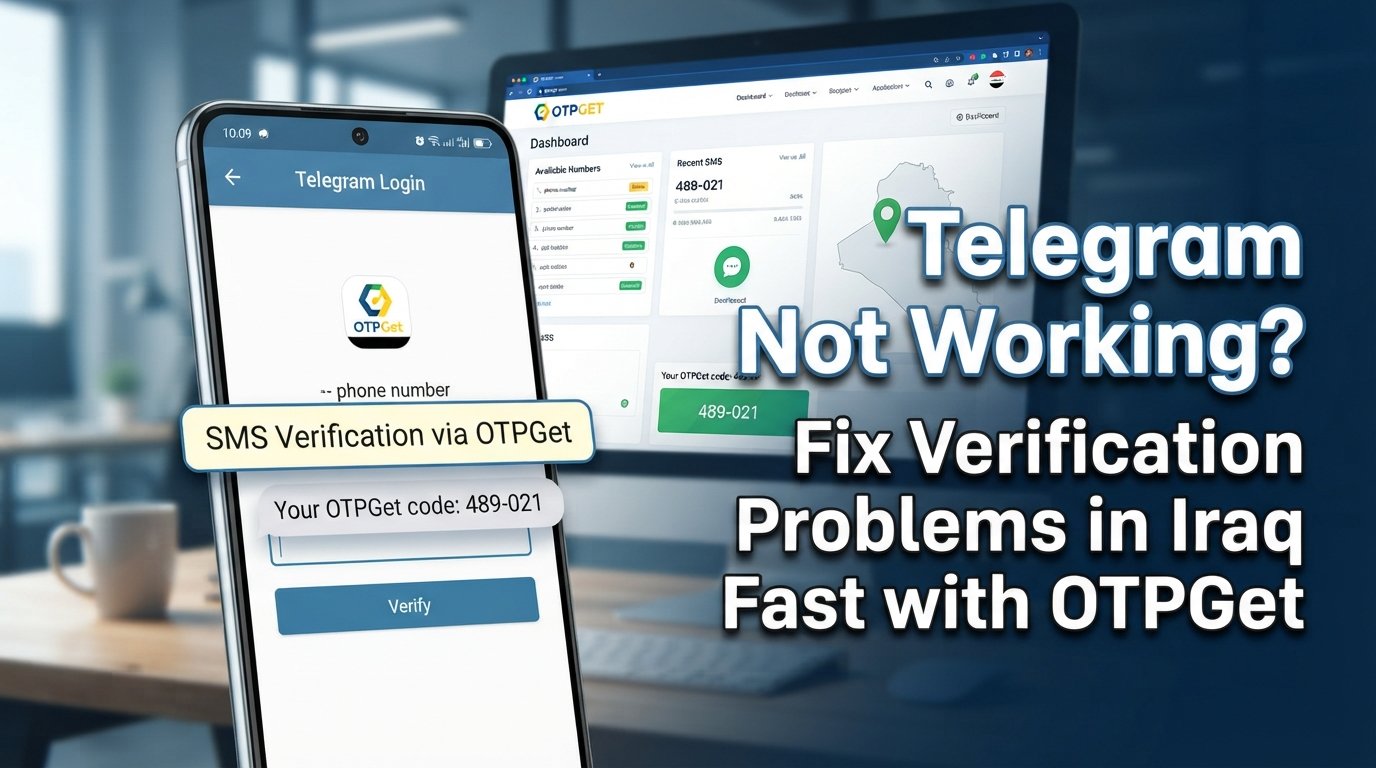
Iraq Telegram Not Working? Fix with OTPGet
Introduction
Searching for “Iraq Telegram not working” can mean several different things. Maybe Telegram opens but messages are not loading. Perhaps the app works normally until you try to sign in. Or you may be stuck waiting for a Telegram verification code that never arrives.
These problems can look similar from the user's perspective, but they do not always have the same cause.
Telegram login and registration can depend on a stable internet connection, a correctly entered phone number, the app itself, SMS delivery, and Telegram's available verification methods. A problem with any one of these can leave you unable to access your account.
If your main difficulty is receiving a verification or OTP code, OTPGet can be a practical option to consider for supported verification scenarios. Instead of treating every Telegram problem as a connectivity issue, it helps to separate general app problems from phone-number and OTP-related problems.
This guide explains the most common reasons for Telegram not working in Iraq, what you can try yourself, and where OTPGet may fit into the verification process.
Why Is Telegram Not Working in Iraq?
There is no single explanation for every Telegram problem. If Telegram is not working, start by identifying exactly where the process is failing.
Internet and connectivity problems
The simplest explanation is often the internet connection. A weak Wi-Fi connection, unstable mobile data, or a temporary network issue can prevent Telegram from connecting properly.
Try switching between Wi-Fi and mobile data. If other online services are also struggling, the problem may not be Telegram at all.
Telegram app problems
An app glitch can affect loading, messaging, login, or other functions. Closing and reopening Telegram is a simple first step.
It is also worth checking that you are using the current version of the application and restarting your device if Telegram continues behaving unexpectedly.
Phone-number verification issues
If Telegram works until you reach the sign-in or registration screen, the problem may be related to Telegram phone number verification rather than the app itself.
Check that you entered the number correctly, including the appropriate international country format. A small formatting mistake can prevent the verification process from working as expected.
Delayed or missing SMS codes
One of the most frustrating situations is seeing a request for a Telegram SMS code and then waiting without receiving anything.
SMS delivery can sometimes be delayed or affected by circumstances outside the Telegram app. In these cases, repeatedly requesting new codes may not make the situation better.
If you specifically need a supported verification number or OTP option, this is where OTPGet can become relevant.
Common Telegram Verification Problems
Verification is an important part of Telegram account access. Depending on the situation, Telegram may require a login code or another verification method before allowing you to continue.
Common issues include:
- Telegram verification code not received
- Telegram OTP not received
- A Telegram SMS code arriving late
- Problems with Telegram login codes
- Phone-number verification failure
- Trouble completing Telegram sign-up verification
- An activation code not arriving as expected
- Repeated verification requests without a successful login
- Confusion about where the Telegram login code has been delivered
The first step is to determine what Telegram is actually asking you to do. If the app provides an alternative verification method, follow the instructions displayed on screen rather than assuming an SMS must always be used.
For users whose particular situation requires a supported OTP or verification number, an OTP service for Telegram such as OTPGet may provide another practical route to explore.
How OTPGet Helps With Telegram OTP Verification
OTPGet is particularly relevant when your problem is not Telegram's general connectivity, but obtaining a verification code through a supported OTP process.
The basic idea is straightforward. If you need a phone number for a supported verification scenario, you can use the appropriate option available through OTPGet and then follow the verification process presented by Telegram.
A typical workflow may look like this:
- Identify that your Telegram problem is related to phone-number verification.
- Select an appropriate supported number or verification service through OTPGet.
- Enter the number into Telegram in the required international format.
- Follow Telegram's instructions for sending the verification code.
- Retrieve the OTP through the applicable OTPGet process.
- Enter the valid verification code into Telegram.
- Complete the login or registration process if Telegram accepts the code.
The important point is that OTPGet does not replace Telegram's own verification requirements. The code still needs to be valid, and Telegram must accept the verification method being used.
Availability can depend on the specific verification scenario, Telegram's requirements, and service availability. Therefore, OTPGet should be viewed as a practical option for supported OTP-related situations—not as a way to bypass Telegram security, restrictions, or policies.
Step-by-Step: Fix Telegram Verification Problems With OTPGet
If you are dealing with a Telegram verification problem, work through these steps in order.
1. Check your internet connection
Open another website or app to confirm that your connection is working. If necessary, switch between Wi-Fi and mobile data.
2. Restart Telegram
Close the app completely and open it again. A temporary application issue may disappear after a restart.
3. Check for an app update
An outdated Telegram installation can cause unexpected behavior. Make sure your app is up to date through your normal app store.
4. Confirm your phone number
Check the country code and number carefully. Incorrect Telegram number verification details can prevent the process from progressing.
5. Check what verification method Telegram requests
Telegram may display instructions for receiving a login code or using another available verification method. Read the message carefully before requesting another code.
6. Consider OTPGet for supported verification needs
If you need a supported OTP or verification number, explore the available options through OTPGet. Choose an option that fits the verification scenario you are trying to complete.
7. Retrieve the verification code
Follow the appropriate OTPGet process to access the code when it becomes available. Make sure you use the current, valid code associated with the verification attempt.
8. Enter the code in Telegram
Return to Telegram and enter the verification code exactly as requested. Avoid adding spaces or changing the digits.
9. Complete your account access
If Telegram accepts the code, continue with the displayed login or registration steps.
10. Stop repeatedly requesting codes
If a Telegram code is not received, do not continuously request new codes in rapid succession. Wait for the period indicated by Telegram and follow its on-screen instructions.
Why Choose OTPGet for Telegram Verification?
When the obstacle is specifically an OTP or phone-number verification issue, OTPGet can be useful because it focuses on the verification part of the process rather than trying to solve unrelated connectivity problems.
Potential advantages include:
- Convenient access to supported OTP verification options
- A straightforward verification workflow
- A centralized place to manage the applicable OTP process
- Less dependence on repeatedly waiting for an unavailable SMS in supported scenarios
- A practical option when you specifically need a verification number
- An easier way to approach OTP-related problems without confusing them with general Telegram app issues
The key is to use OTPGet for the problem it is designed to address. If Telegram cannot connect because of an internet problem, changing the verification method will not fix the connection. Likewise, if Telegram itself is experiencing a temporary service problem, an OTP service may not resolve that separate issue.
Other Ways to Troubleshoot Telegram Not Working
Not every Telegram not working problem requires an OTP solution. Before focusing on verification, try the basics.
- Restart Telegram.
- Check your Wi-Fi or mobile data connection.
- Switch between available internet connections.
- Update the Telegram application.
- Restart your phone.
- Confirm that your phone number is entered correctly.
- Check whether your phone can receive SMS messages.
- Review Telegram's instructions for alternative verification methods.
- Avoid requesting multiple verification codes in a short period.
- Follow any waiting period or instructions displayed by Telegram.
- Try again later if the issue appears temporary.
If Telegram opens and works normally but you cannot complete account login or registration because of a missing verification code, concentrate on the OTP and phone-number side of the problem.
That is where OTPGet may be worth considering for supported verification scenarios.
OTPGet vs. Traditional SMS Verification
Traditional SMS verification sends a code directly through the normal SMS process associated with a phone number. When delivery works as expected, this can be convenient.
An OTPGet-supported verification workflow can be useful in situations where you specifically need access to a supported verification number or OTP process.
| Verification approach | Typical workflow | Useful when |
|---|---|---|
| Traditional SMS verification | Telegram sends a code through the applicable SMS route | Your normal phone number can receive the code reliably |
| OTPGet-supported verification | Use a supported OTP/verification option and retrieve the applicable code through OTPGet | You need an available supported verification option |
Neither approach should be treated as universally better. The right choice depends on Telegram's verification requirements, the number or service available to you, and whether the particular verification scenario is supported.
Frequently Asked Questions
Why is Telegram not working in Iraq?
“Telegram not working in Iraq” can describe several different problems, including internet connectivity, app issues, login difficulties, SMS delays, and phone-number verification problems. Identify the exact stage where Telegram stops working before choosing a solution.
Why am I not receiving my Telegram verification code?
A Telegram verification code not received issue can be related to SMS delivery, the phone number entered, the selected verification method, or a temporary delay. Check your number and Telegram's displayed instructions before requesting another code.
What should I do if Telegram OTP is not received?
If your Telegram OTP is not received, check your connection and phone-number details first. Review whether Telegram offers another verification method, and consider OTPGet when you need a supported OTP or verification-number option.
How can I fix Telegram phone-number verification problems?
Confirm that your number is entered using the correct international format, make sure your phone can receive SMS when SMS verification is being used, and follow Telegram's instructions. For supported verification scenarios, OTPGet can be another option to explore.
Can OTPGet help with Telegram verification?
OTPGet can help with supported OTP and verification-number scenarios. It does not bypass Telegram's security systems or guarantee that every verification attempt will be accepted. Telegram's requirements and service availability still apply.
How does OTPGet work for Telegram OTP verification?
For a supported scenario, you select an appropriate verification option through OTPGet, use the applicable number with Telegram, retrieve the verification code through the supported OTPGet process, and enter the valid code into Telegram.
What should I do if the Telegram SMS code is delayed?
First, avoid repeatedly requesting codes. Check your phone number, SMS availability, and Telegram's instructions. If you need a supported alternative verification option, OTPGet may be useful depending on the situation.
Is OTPGet suitable for Telegram verification?
OTPGet may be suitable when your specific Telegram verification situation supports the OTP or verification-number workflow it provides. Always check the available option and Telegram's current verification requirements before proceeding.
Conclusion
When you search for “Iraq Telegram not working,” the real problem may be anything from an unstable internet connection to an app issue or a missing verification code. That distinction matters because the right solution depends on where the process is failing.
If Telegram itself is not connecting, start with basic connectivity and app troubleshooting. If your problem is specifically Telegram OTP, SMS verification, or phone-number verification, take a closer look at the verification process instead of repeatedly requesting codes.
For supported verification scenarios, OTPGet provides a practical option for users who need access to an appropriate OTP or verification-number workflow. It does not guarantee Telegram access or bypass Telegram's policies, but it can be a useful tool when the main challenge is obtaining a valid verification code.
If you are dealing with a Telegram verification problem, explore OTPGet and check the available supported options to see whether they fit your Telegram verification needs.


