Kenya Number for Facebook OTP: The Complete Guide to OTPGet
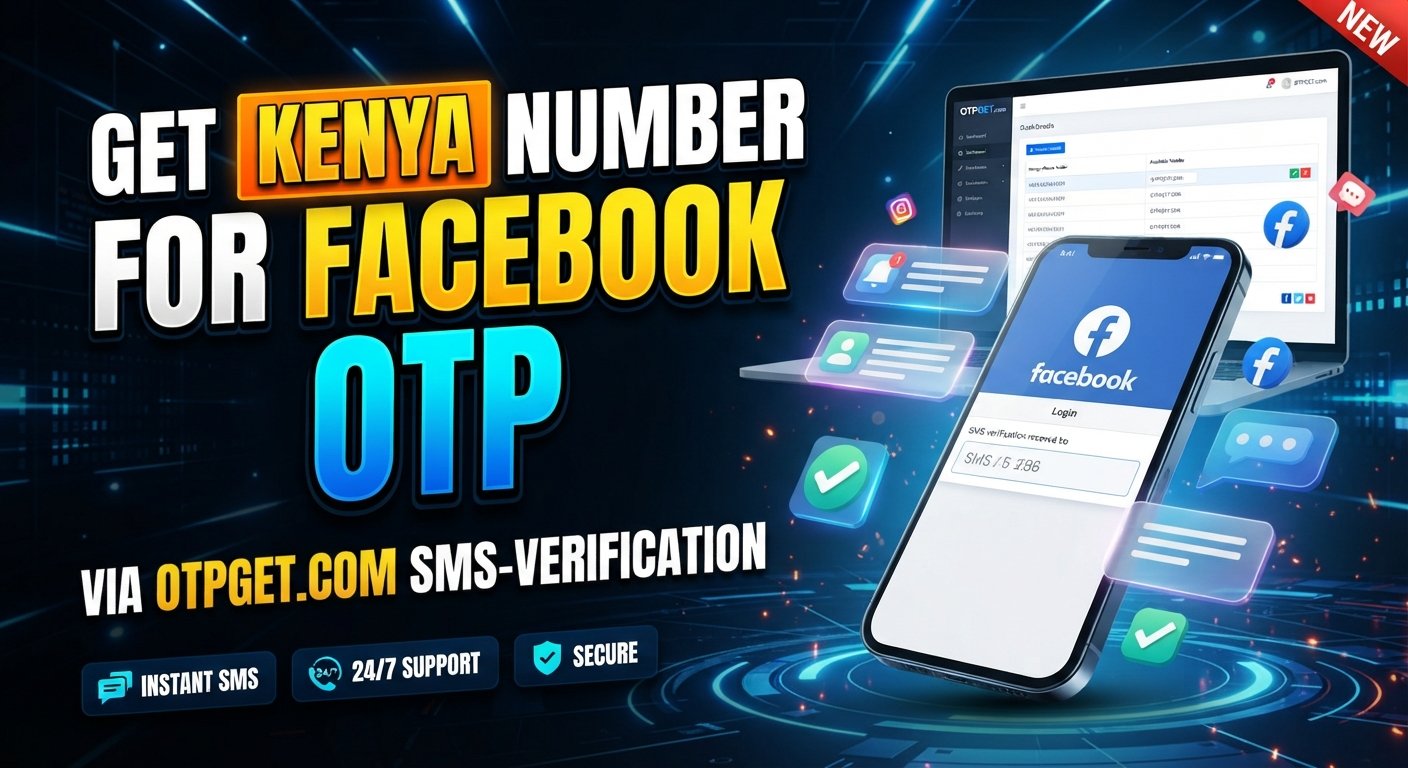
How to Get Kenya Number for Facebook OTP — OTPGet
Getting a phone verification code can be frustrating when Facebook asks for a number you do not currently have access to. This is especially true when you specifically need a Kenya phone number for receiving an SMS-based OTP.
A Kenya virtual number can be a practical alternative to arranging a physical SIM, provided the number supports the verification method you need and Facebook accepts it for the relevant verification flow.
In this guide, we will explain how Kenya numbers work for SMS verification, what to consider before choosing one, how to use OTPGet as a practical option, and what to do if your Facebook verification code does not arrive.
Why Do You Need a Kenya Number for Facebook OTP?
A phone number may be requested by Facebook as part of an account verification or security process. In these situations, Facebook can send a one-time password (OTP) by SMS to confirm that you have access to the number provided.
A Kenya number for Facebook OTP may be useful when you specifically need a Kenyan number capable of receiving SMS messages.
Common situations can include:
- Completing a phone verification step
- Receiving a Facebook verification code by SMS
- Confirming access to a phone number
- Adding or confirming a phone number associated with an account
- Completing a security-related verification process
The important point is that simply having a Kenyan number is not enough. The number needs to be capable of receiving the relevant SMS, and Facebook must accept it for the verification process.
This is why choosing an appropriate Kenya SMS verification number matters.
What Is a Kenya Virtual Number?
A Kenya virtual phone number is a phone number that can be accessed through an online service rather than being tied to a traditional physical SIM card in your personal phone.
Depending on the service, a virtual number may be able to receive SMS messages online. This makes virtual numbers useful for certain legitimate verification and communication scenarios.
The basic difference is straightforward:
- Traditional SIM: A physical SIM connects the number to a mobile device and carrier network.
- Virtual number: The number is managed through an online service and may provide SMS access digitally.
- SMS receiving service: The service provides a number specifically for receiving messages through its supported platform.
For someone who needs a Kenya phone number online, a virtual option can be more convenient than obtaining and managing another physical SIM.
However, virtual numbers are not universally accepted by every website or platform. Facebook determines which numbers and verification attempts it accepts.
How to Get a Kenya Number for Facebook OTP
If you need a Kenya number for SMS verification, OTPGet can be a practical place to start. The process is designed around obtaining access to a number through an online workflow rather than handling a physical SIM.
Step 1: Visit OTPGet
Start by accessing OTPGet and reviewing the available Kenya number or SMS verification options.
Look for an option appropriate for receiving SMS verification messages.
Step 2: Choose a Kenya number or service
Select the Kenya number option that matches your intended legitimate verification use.
Before proceeding, check the information presented by the service so you understand what is currently available and what the number supports.
Step 3: Follow the activation or purchase process
Complete the steps shown by OTPGet to obtain access to the selected number.
Because services can change their available options and procedures, rely on the instructions displayed on the platform rather than assuming a particular feature or delivery process.
Step 4: Enter the number where Facebook permits verification
If Facebook asks for a phone number during a legitimate verification flow, enter the Kenya number in the appropriate field.
Pay close attention to the country code and number format.
Step 5: Wait for the SMS
If Facebook sends a verification message to the number and the service supports receiving it, the OTP should appear through the available SMS interface.
Avoid repeatedly requesting codes if a message is delayed.
Step 6: Enter the verification code
Enter the received Facebook verification code into the appropriate field on Facebook.
OTP codes are generally time-sensitive, so use the current code rather than an older message.
Step 7: Complete verification
If Facebook accepts the number and code, follow any remaining instructions to finish the verification process.
Remember that Facebook controls its own verification system, so no service can legitimately guarantee that every number will be accepted.
Why Use OTPGet for a Kenya SMS Verification Number?
The main appeal of an online Kenya number is convenience. Instead of sourcing a physical SIM and managing another mobile connection, you can use an online service when a suitable number is needed for SMS verification.
OTPGet can be useful for readers who want a straightforward way to explore a Kenya SMS number without unnecessary physical SIM handling.
Potential practical advantages include:
- Online access: Manage the process through an online platform.
- Convenience: Avoid arranging a separate physical SIM when an online number is appropriate.
- Kenya number availability: Access a Kenya number when a suitable option is offered.
- Simple SMS workflow: Receive supported verification messages through the service.
- Practicality: Useful for legitimate online verification scenarios where SMS access is required.
The important distinction is between convenience and certainty. OTPGet can provide a practical route to obtaining a suitable number, but Facebook's own requirements ultimately determine whether a particular number can be used for verification.
How Facebook OTP Verification Works
Facebook OTP verification is relatively simple.
When Facebook requests phone verification, you provide a phone number that is eligible for the verification process. Facebook then sends an SMS containing a one-time verification code.
The general process is:
- Facebook asks you to verify a phone number.
- You enter the appropriate number.
- Facebook sends an SMS verification code.
- You receive the message on the supported number.
- You enter the code on Facebook.
- Facebook checks the code and either completes the verification or asks you to try another method.
The code is intended for the verification process and should not be shared with other people.
Kenya Number for Facebook OTP vs. Other Verification Options
Different types of phone-number solutions have different practical advantages. The right choice depends on your circumstances and what Facebook currently accepts.
| Verification option | Convenience | SMS access | Main consideration |
|---|---|---|---|
| Personal SIM | Moderate | Usually direct | Requires physical access to the SIM |
| Kenya virtual number | High | Depends on service | Facebook may apply restrictions |
| Temporary/online number | High | Depends on provider | May not be suitable for every verification flow |
| SMS receiving service | High | Designed around supported SMS reception | Availability and platform compatibility vary |
A personal SIM may be the most familiar option, especially if you already have a Kenyan mobile connection. A virtual Kenya number can be more convenient when you need online access to a number instead.
For users specifically looking for a Kenya number for OTP, an online service such as OTPGet can be worth considering when its available number supports the intended verification process.
Things to Check Before Using a Kenya Number for OTP
Before using any online Kenya number, take a few minutes to verify that it is suitable for your intended purpose.
Check SMS capability
The most important question is whether the number can receive the type of SMS you need. A number that cannot receive verification messages will not solve the problem.
Check availability
Number availability can change. Confirm that the Kenya number option you want is currently offered before proceeding.
Review service terms
Understand the conditions associated with the number and use it only for legitimate purposes.
Consider account security
Phone verification is only one part of account security. Use strong security settings and any additional protective features Facebook makes available.
Follow Facebook's requirements
Facebook may reject particular numbers or verification attempts. Do not assume that a number will be accepted simply because it has a Kenyan country code.
Common Problems When Receiving Facebook OTP
Even with a suitable Kenya OTP number, an SMS may not arrive immediately. Several issues can cause problems.
OTP not arriving
First, check that the number was entered correctly. Then allow some time for the message to arrive before requesting another code.
Delayed SMS
Network or service delays can occasionally affect message delivery. Repeatedly requesting codes can make troubleshooting more confusing, so wait before trying again.
Number already used
Facebook may restrict or reject a number that has already been associated with verification activity. If this occurs, you may need to use another eligible number or follow Facebook's available recovery or verification options.
Incorrect number format
Make sure the country code and local number are entered in the format requested by Facebook.
Expired verification code
OTP codes can become invalid. If an older code no longer works, request a new one through the normal Facebook verification process.
Temporary service problems
If everything appears correct but the SMS still does not arrive, the issue may be temporary. Check the status of the service you are using and try again later when appropriate.
If you obtained the number through OTPGet, reviewing the information available for that number can also help determine whether it supports the intended SMS workflow.
Best Practices for Facebook Phone Verification
A few simple habits can make phone verification smoother and safer:
- Use accurate account information.
- Enter the correct Kenya country code and phone number.
- Double-check the number before requesting an OTP.
- Wait for delayed messages instead of repeatedly requesting codes.
- Use the newest verification code available.
- Never share your OTP with another person.
- Keep Facebook's available account-security features enabled.
- Follow Facebook's terms and verification requirements.
- Use phone numbers only for legitimate, authorized activities.
Most importantly, do not treat an online number as a way to bypass Facebook's security controls. Verification systems exist to protect accounts, and Facebook can reject numbers or verification attempts at its discretion.
Frequently Asked Questions
How can I get a Kenya number for Facebook OTP?
You can obtain a Kenya virtual or online number from a service such as OTPGet when a suitable option is available. Choose a number capable of receiving the required SMS, then use it only within Facebook's legitimate verification process.
Can I receive a Facebook verification code on a Kenya virtual number?
It may be possible when the virtual number supports the required SMS and Facebook accepts the number for that verification flow. Acceptance is controlled by Facebook and cannot be guaranteed for every virtual number.
What is a Kenya virtual phone number?
A Kenya virtual phone number is an online-accessible Kenyan phone number that does not necessarily require a physical SIM in your personal device. Depending on the service, it may support incoming SMS.
How does OTPGet help with Kenya SMS verification?
OTPGet provides an online option for obtaining a Kenya number when an appropriate service is available. Users can then use the number for legitimate SMS verification purposes supported by the platform.
Why am I not receiving my Facebook OTP?
Check the number and country code, wait for possible SMS delays, and avoid requesting multiple codes too quickly. If the issue continues, Facebook may not be accepting the number or there may be a temporary service or network problem.
Can I use a Kenya number for Facebook verification?
A Kenya number can potentially be used when Facebook offers the relevant verification method and accepts the number. Facebook controls its verification requirements, so acceptance is not guaranteed.
What should I do if Facebook rejects my phone number?
Confirm that the number and country code are correct, review Facebook's available verification options, and consider using another eligible number if appropriate. Avoid attempts to bypass Facebook's verification controls.
Conclusion
If you need a Kenya number for Facebook OTP, a virtual phone number can be a convenient alternative to arranging a physical SIM, particularly when you need online access to SMS verification.
The key is to choose a number capable of receiving the required messages, use the correct country format, and follow Facebook's verification requirements. A virtual number is not a guarantee of acceptance because Facebook ultimately controls which numbers and verification attempts it permits.
For users looking for a practical online option, OTPGet is worth considering when a suitable Kenya number is available for the intended SMS verification workflow.
Explore OTPGet's available Kenya number options and choose a solution that fits your legitimate verification needs.
8. Internal Link Opportunities
- Anchor: Kenya virtual phone number
Destination topic: Kenya Virtual Phone Number Guide - Anchor: Kenya SMS verification number
Destination topic: Kenya SMS Verification Numbers Explained - Anchor: receive OTP online
Destination topic: Complete Guide to Receiving OTP Codes Online - Anchor: temporary Kenya phone number
Destination topic: Temporary Kenya Phone Numbers: Uses and Considerations - Anchor: SMS verification number
Destination topic: How SMS Verification Numbers Work
9. Suggested Image Alt Text
Kenya number for Facebook OTP and SMS verification using OTPGet
10. Suggested Image File Name
kenya-number-facebook-otp-otpget.png