Kuwait Telegram Not Working? Fix with OTPGet
Kuwait Telegram Not Working? Fix with OTPGet
Trying to log in to Telegram from Kuwait but the verification code never arrives? You are not alone in facing the frustration of a missing SMS, delayed OTP, or verification screen that seems to go nowhere.
The important thing is to separate two different problems: Telegram itself not working and Telegram's verification code not reaching you. In many cases, the app can function normally while the account verification step is the part causing trouble.
Telegram's own FAQ notes that users should enter their mobile number in international format and that, in some circumstances, login codes may be delivered through Telegram on another logged-in device rather than by SMS.
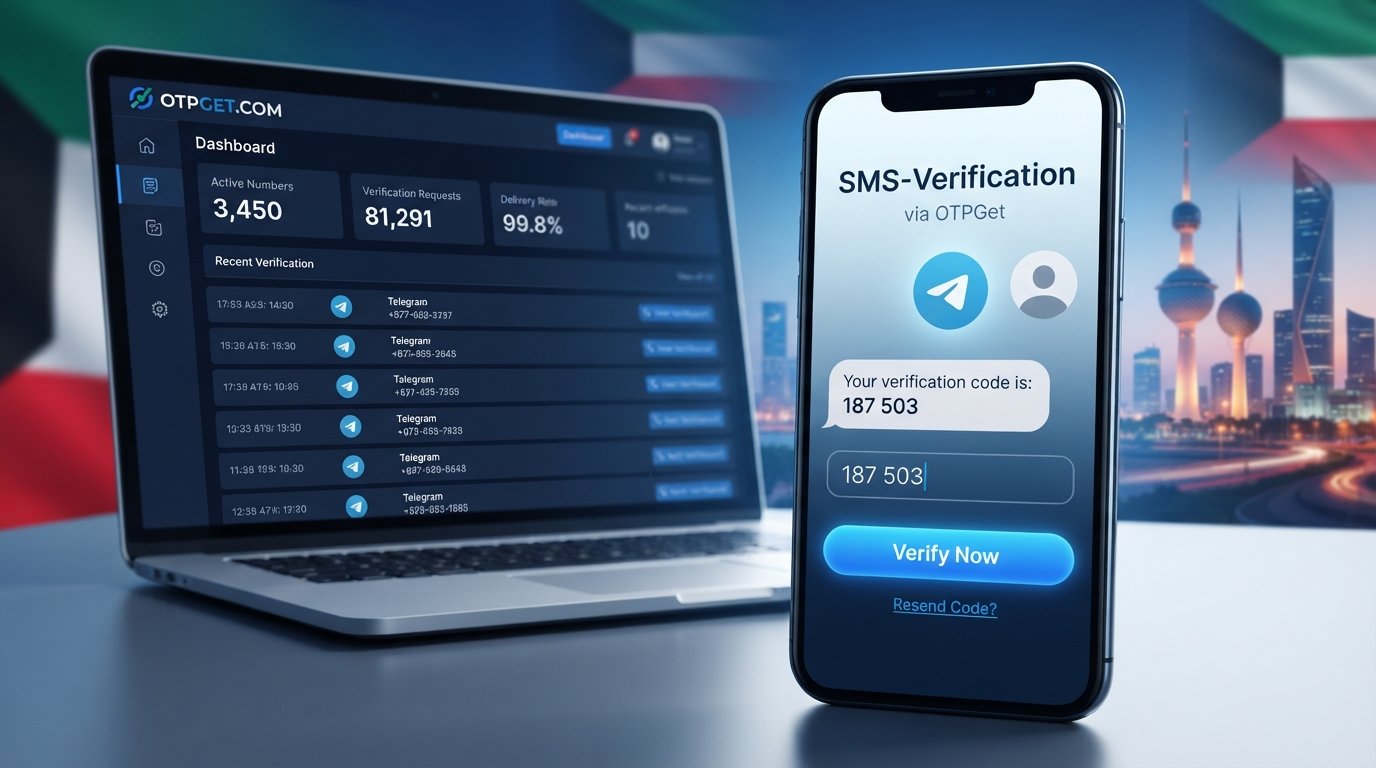
If standard troubleshooting does not solve the problem, OTPGet can be an option to consider for supported verification workflows. OTPGet provides virtual numbers for SMS OTP verification and lists Telegram among its supported services.
Let's look at why the problem happens and what you can do about it.
Why Is Telegram Not Working in Kuwait?
When people search for Kuwait Telegram not working, they may actually be dealing with a verification or login issue rather than a complete Telegram outage.
Several factors can interfere with receiving a Telegram verification code:
- SMS delivery delays: A verification message can sometimes take longer to arrive than expected.
- Mobile connectivity problems: Weak or unstable network connectivity can affect SMS delivery and app communication.
- Incorrect phone-number formatting: Telegram recommends entering your mobile number using international formatting.
- Repeated OTP requests: Requesting multiple codes in quick succession can make the process more confusing because an earlier code may become irrelevant.
- Account security checks: Telegram can use different authentication methods depending on the account and login circumstances.
- Code delivery through another Telegram session: If your account is already active elsewhere, Telegram may send the login code to that existing Telegram session instead of sending an SMS.
- Temporary service or delivery issues: Sometimes the issue may simply be temporary and resolve after waiting.
So, a Telegram verification problem in Kuwait does not automatically mean Telegram is blocked or unavailable in the country. It is better to identify whether the actual problem is the app, your connection, your phone number, or the verification channel.
Why Is the Telegram OTP Not Received?
A Telegram OTP not received situation can be particularly confusing because you may see a message telling you that a code has been sent without seeing anything arrive on your phone.
First, check whether Telegram is actually expecting an SMS.
If you have previously logged into the same account on another device, Telegram may deliver the login code inside the Telegram app on that device. Its official FAQ specifically explains that login codes can be sent through Telegram rather than SMS in some circumstances.
Also check whether:
- Your phone number is correct.
- The Kuwait country code is selected correctly.
- Your mobile phone can receive ordinary SMS messages.
- Your device has a working mobile connection.
- You are checking the correct Telegram account or device.
- You have waited a reasonable amount of time before trying again.
If the problem is specifically Telegram SMS not received, changing unrelated app settings repeatedly is unlikely to solve the underlying delivery issue.
Common Ways to Fix Telegram Verification Problems
Before looking for another verification method, work through these basic steps.
1. Check your phone number
Confirm that the number is entered in international format and that you have selected the correct country.
Telegram's official troubleshooting guidance specifically recommends international formatting for registration and login.
2. Check your mobile connection
Make sure your phone has a functioning cellular connection and can receive normal SMS messages.
If other SMS messages are also delayed, the problem may not be specific to Telegram.
3. Check another logged-in device
If you are trying to complete a Telegram login in Kuwait, look at any other phone, tablet, or computer where the account is already signed in.
Telegram may deliver the login code through the existing Telegram session.
4. Avoid repeatedly requesting codes
If a code does not arrive immediately, repeatedly pressing resend may not be the best approach.
Wait for the available authentication flow to progress, then try again when appropriate.
5. Restart Telegram
Close and reopen the application. If necessary, restart your phone and check whether the verification screen behaves normally afterward.
6. Update Telegram
Use an official, up-to-date Telegram application. Telegram provides official applications for Android, iPhone, desktop platforms, and web access.
7. Consider an alternative verification route
If ordinary SMS delivery continues to be the obstacle, a supported OTP verification service may provide another route for a number-based verification workflow.
This is where OTPGet may be useful.
What Is OTPGet?
OTPGet is a platform providing virtual phone numbers for SMS OTP verification, along with rental numbers, temporary email services, and developer APIs. Its service documentation includes SMS OTP functionality and identifies Telegram among the services available through its platform.
In simple terms, instead of relying entirely on the SMS inbox of your personal phone number, you can use an available virtual number supported for the relevant verification service and receive the verification message through the OTPGet system.
The exact availability of numbers and services can vary, so OTPGet should be viewed as a practical option rather than a guarantee that every Telegram verification attempt will succeed.
How OTPGet Can Help With Telegram Verification
If you are dealing with a Telegram verification code not coming to your usual number, the basic OTPGet workflow is straightforward.
- Create or access your OTPGet account.
- Add the required balance according to the service you intend to use.
- Select the relevant country and Telegram verification service when available.
- Obtain an available virtual number for the supported OTP workflow.
- Enter the number in Telegram where appropriate.
- Request the Telegram verification code.
- Monitor the OTPGet interface for the incoming SMS.
- Enter the received verification code into Telegram to complete the verification process.
OTPGet's documentation describes an SMS OTP process in which users obtain a number and then check its status for the incoming SMS code.
The important word here is supported. Number availability and Telegram's own authentication decisions can vary. If Telegram does not accept a particular number or uses another authentication method, you may need to follow the alternative method shown by Telegram.
Why Choose OTPGet?
For someone searching for how to receive Telegram OTP when regular SMS delivery is proving difficult, OTPGet has several practical advantages.
- Convenient OTP access: Verification messages can be accessed through the service rather than relying exclusively on your personal SMS inbox.
- Simple workflow: The process is designed around selecting a service, obtaining a number, and retrieving the received code.
- Multiple verification options: OTPGet offers SMS numbers as well as other verification-related services.
- Useful for supported services: Telegram is specifically listed among the services supported by OTPGet.
- Developer support: OTPGet also documents an API for users who need programmatic OTP workflows.
Still, avoid treating any third-party OTP service as a guaranteed workaround. Verification systems can change, and individual numbers may not always be accepted.
Kuwait Telegram Not Working: Quick Troubleshooting Checklist
If you are stuck with a Telegram login or registration problem, run through this checklist:
- Confirm your Kuwait phone number is correct.
- Use the correct international country code.
- Check whether your phone receives normal SMS messages.
- Check Telegram on other devices where you are already logged in.
- Wait before requesting another verification code.
- Restart Telegram and your phone.
- Make sure you are using an official Telegram application.
- Update Telegram if an update is available.
- Avoid repeatedly requesting OTPs.
- If SMS delivery remains the problem, consider an available supported OTPGet option.
Is Using OTPGet Safe for Telegram Verification?
The safest approach is to treat any verification number as a tool for an account or activity you are authorized to perform.
Never share your Telegram login code with another person. Telegram itself warns that login codes should not be shared because they can allow someone else to access your account.
If you use OTPGet, review its terms and privacy information and make sure your intended use complies with Telegram's rules, OTPGet's policies, and applicable laws. OTPGet's published terms prohibit illegal, fraudulent, abusive, or harmful use of its services.
For an important personal Telegram account, you should also consider maintaining control of a phone number that you can reliably access. Telegram warns that losing control of the number connected to an account can eventually result in losing account access.
Frequently Asked Questions
Why is Telegram not working in Kuwait?
If Telegram opens normally but you cannot complete registration or login, the issue may be verification rather than Telegram itself. Check your number format, mobile connectivity, other logged-in Telegram sessions, and the available verification method.
Why am I not receiving my Telegram OTP?
The code may be delayed, delivered through another Telegram session, or affected by a problem with SMS delivery. Check other logged-in devices before repeatedly requesting another code.
Why is my Telegram verification code not coming?
Confirm your number and country code, check SMS reception, and wait before requesting another code. If the standard SMS route remains unsuccessful, you can investigate a supported OTP verification option such as OTPGet.
How can I fix Telegram login problems in Kuwait?
Start with the official Telegram troubleshooting steps: verify your international phone-number format, check your connection, look for a code in another logged-in Telegram session, and avoid excessive repeated requests.
Can OTPGet help me receive a Telegram verification code?
OTPGet provides virtual numbers for supported SMS OTP services and lists Telegram among its supported services. Availability can vary, so it should be considered an option rather than a guaranteed solution.
How does OTPGet work?
You select an available supported service and number, use the number for the relevant verification process, and monitor OTPGet for the incoming SMS. Its documentation provides an SMS OTP workflow for obtaining numbers and checking received codes.
What should I do if Telegram does not send an SMS code?
First check whether Telegram sent the code to another logged-in device. If SMS is the expected method, verify your number, check mobile service, wait before retrying, and consider an available supported verification service if the delivery problem continues.
Final Thoughts
A Kuwait Telegram not working problem does not necessarily mean Telegram itself is unavailable. Often, the real obstacle is the verification stage: the SMS is delayed, the code is being delivered somewhere else, or your normal number is simply not receiving the message.
Start with the straightforward fixes—check your number, connection, Telegram sessions, and authentication method. If the problem is specifically related to receiving an SMS verification code, OTPGet can provide a practical alternative through supported virtual-number OTP workflows.
Just remember that verification availability can vary, and you should always use any number or OTP service responsibly and in accordance with the relevant platform rules.
If regular SMS verification is holding up your Telegram registration or login, and see whether a supported verification method fits your situation.


