LinkedIn SMS Verification Using a Temporary Number Guide | OTPGet
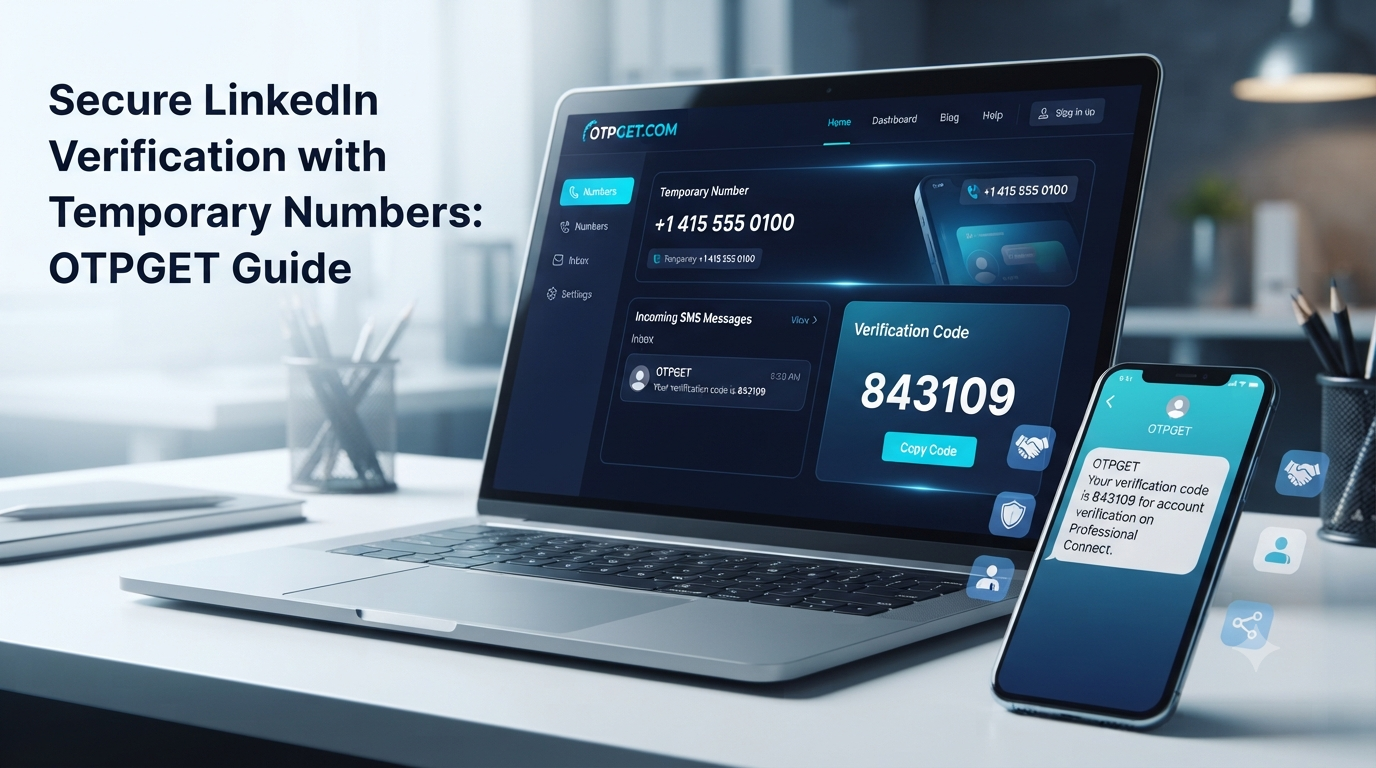
LinkedIn SMS Verification Using a Temporary Number
Phone verification can be a frustrating part of managing an online account. You may be asked to provide a number during signup, when adding a phone number to an existing profile, or when LinkedIn wants an additional security check.
LinkedIn explains that members may be asked to confirm a phone number by entering an authentication code delivered through SMS. Phone verification can also support account security, password recovery, and certain security checks.
For people who would rather not use their everyday mobile number, a temporary or virtual number can seem like an attractive alternative. Services such as OTPGet provide virtual numbers intended for receiving SMS verification codes, although whether a particular number works with LinkedIn depends on LinkedIn's requirements and the type of number being used.
That distinction matters. A temporary number is not a guarantee of successful LinkedIn verification. Understanding how the process works can help you choose the right approach and avoid unnecessary verification problems.
What Is LinkedIn SMS Verification?
LinkedIn SMS verification is a phone-based authentication process in which a verification code is sent to a mobile number.
The basic process is straightforward:
- LinkedIn asks for a phone number.
- You enter the number and select the appropriate country.
- LinkedIn sends an authentication code by SMS.
- You enter the code in the verification field.
- If the number and code are accepted, the phone verification step is completed.
LinkedIn says phone numbers may be requested during signup or added later to help keep an account secure. A confirmed number may also be used for functions such as two-factor authentication or password recovery, depending on the account and settings.
The code itself is commonly called an OTP, or one-time password. It is designed to confirm that the person completing the process has access to the phone receiving the message.
Why Do You Need a Number for LinkedIn Verification?
There are several reasons LinkedIn may request phone verification.
One is account security. LinkedIn says it may ask users to verify their identity by phone when it detects potential unauthorized access. Phone verification can provide an additional layer of protection beyond a username and password.
Another reason is abuse prevention. LinkedIn may use phone verification as part of checks intended to distinguish genuine users from automated or suspicious activity.
A confirmed mobile number can also be useful for account recovery. LinkedIn recommends adding a mobile number to help reset a password if you become locked out of your account.
However, LinkedIn does not necessarily require SMS verification for every member or every action. The exact verification flow can depend on the situation.
What Is a Temporary Number?
A temporary phone number is a number intended for short-term use rather than as your everyday personal telephone line.
A virtual number works through an online service instead of requiring you to manage a traditional physical SIM card. Depending on the provider, incoming SMS messages can be displayed through an online dashboard.
Temporary and virtual numbers can be useful when you need to receive an SMS without exposing your primary number. They may also be useful for testing registration flows, separating online activity from personal communications, or handling short-term verification tasks.
There is an important distinction, though: not every virtual number is treated the same way by every platform. LinkedIn's own help documentation states that VoIP numbers are not supported for phone verification at sign-in.
That means users should check the type and compatibility of a number rather than assuming that any temporary number will work.
Can You Use a Temporary Number for LinkedIn SMS Verification?
Sometimes, but there is no universal guarantee.
Whether a temporary number can be used depends on several factors, including the number type, carrier or network classification, country, availability, and LinkedIn's verification requirements at the time.
This is particularly important because LinkedIn states that VoIP numbers are not supported for phone verification at sign-in. A virtual number provider may offer different kinds of numbers, but the fact that a number can receive SMS does not automatically mean LinkedIn will accept it.
If LinkedIn rejects a number, repeatedly trying different numbers may not solve the underlying issue. The better approach is to check whether the number is appropriate for the particular verification flow and follow LinkedIn's available recovery or verification options.
For users considering an SMS verification service, compatibility should therefore be a higher priority than simply choosing the cheapest or most convenient number.
How OTPGet Helps With SMS Verification
OTPGet is a virtual-number service designed around SMS OTP and verification use cases. Its website describes temporary virtual numbers, longer-term rental numbers, and online access to received verification messages.
For a supported verification workflow, the general process is simple:
- Choose an available temporary or virtual number through OTPGet.
- Use the number where a service requests a phone number.
- Wait for the verification SMS.
- Access the incoming message through the available OTPGet interface.
- Copy the verification code.
- Enter the code into the relevant verification field.
OTPGet also documents an SMS OTP API that can be used to obtain numbers and retrieve received codes programmatically.
For LinkedIn specifically, however, the important qualification is compatibility. OTPGet can provide the temporary-number side of the process, but it cannot guarantee that LinkedIn will accept a particular number. LinkedIn's documentation should be treated as the final authority for its supported number types and verification requirements.
Step-by-Step Guide to Using a Temporary Number for LinkedIn SMS Verification
1. Check LinkedIn's verification requirements
Before obtaining a number, determine what type of phone verification LinkedIn is requesting. This is especially important because LinkedIn states that VoIP numbers are not supported for phone verification at sign-in.
2. Select a suitable number
If you decide to use OTPGet, review the available numbers and select one appropriate for your intended SMS verification use case. Country selection can matter, so choose the correct country where required.
3. Enter the number on LinkedIn
Enter the number carefully and select the correct country or region. A formatting mistake can prevent the SMS from reaching the intended destination.
4. Request the verification code
Submit the number and wait for LinkedIn to send the authentication SMS.
5. Check for the incoming SMS
If the selected number supports the service and LinkedIn accepts it, the verification message may appear through the number provider's interface.
6. Enter the OTP
Copy the verification code and enter it into LinkedIn's verification field.
7. Complete the process
If LinkedIn accepts both the number and code, continue with the requested verification flow.
If the number is rejected or the message never arrives, do not assume that another random number will solve the problem. Check the number type, country selection, service availability, and LinkedIn's own troubleshooting or recovery options.
Benefits of Using a Temporary or Virtual Number
A temporary number can offer several practical advantages when used for an appropriate purpose.
Separation from your personal number: You may prefer not to give your everyday mobile number to every online service.
Convenience: An online number can be useful when you need to receive an SMS without managing another physical SIM.
Testing: Developers and QA teams may use temporary numbers when testing registration and verification workflows.
Flexibility: Virtual-number services can provide access to numbers in different regions, subject to availability and platform compatibility.
Short-term use: If a number is needed only for a specific verification task, a temporary option may be more convenient than obtaining another permanent mobile line.
These benefits should not be confused with guaranteed privacy, security, or verification success. The provider, number type, and platform rules still matter.
Why Choose OTPGet?
For someone researching SMS verification online, OTPGet is worth considering because its service is specifically built around virtual numbers and OTP reception.
OTPGet describes its platform as offering temporary virtual numbers, rental numbers, and SMS OTP functionality. It also lists availability across many countries and services.
The practical appeal is the workflow: instead of purchasing and managing another physical SIM, a user can obtain a virtual number through the service and access incoming verification messages online.
OTPGet also offers longer-term rental numbers for situations where a number needs to remain available beyond a single short verification session.
For LinkedIn, the key consideration remains compatibility. OTPGet should be viewed as a practical option for supported SMS verification use cases—not as a way to bypass LinkedIn's security controls or guarantee account verification.
Common Problems With LinkedIn SMS Verification
Verification SMS does not arrive
First, confirm that the number is entered correctly and that the selected number can receive SMS from the service. Also allow some time for delivery before requesting another code.
The number is rejected
The number may not meet LinkedIn's requirements. This can happen with unsupported number types, including VoIP numbers, according to LinkedIn's phone-verification guidance.
The temporary number expires
Some temporary numbers are designed for short-term use. If the number expires before you complete verification, you may lose access to the incoming message.
The SMS is delayed
Network and provider delays can occur. Avoid repeatedly requesting codes because doing so can make the process more confusing and may trigger additional verification steps.
The country code is incorrect
Check the selected country and number format before submitting the form.
Too many verification attempts
If several attempts fail, stop and review the verification requirements instead of continuously requesting new codes. If you're locked out, use LinkedIn's official recovery or identity-verification options.
Temporary Number vs Personal Number for SMS Verification
| Factor | Temporary/Virtual Number | Personal Number |
|---|---|---|
| Privacy | Can reduce exposure of your everyday number | Your personal number is provided |
| Convenience | Useful for short-term online SMS | Convenient if already available |
| Accessibility | Depends on provider and number availability | Usually immediately accessible |
| Control | May depend on the service and rental period | You generally control the number |
| Reusability | Varies by number type | Usually more consistent |
| Verification reliability | Depends heavily on platform compatibility | Often more predictable |
| Best use case | Short-term or supported verification tasks | Long-term account access and recovery |
Neither option is universally better. For an account you expect to use for a long time, maintaining reliable access to the registered number can be especially important.
Tips for a Smoother LinkedIn Verification Process
- Enter the complete phone number correctly.
- Confirm the country or region before submitting it.
- Make sure the number is capable of receiving SMS.
- Check whether the number type is supported by LinkedIn.
- Avoid repeatedly requesting verification codes.
- Give delayed SMS messages reasonable time to arrive.
- Keep access to the number if you may need it for future account recovery.
- Use a personal number when long-term reliability is more important than short-term convenience.
- Follow LinkedIn's account, security, and community requirements.
Most importantly, do not treat a temporary number as a guaranteed workaround. LinkedIn's verification system determines whether a number is accepted.
Frequently Asked Questions
Can I use a temporary number for LinkedIn SMS verification?
It may be possible in some circumstances, but acceptance depends on LinkedIn's requirements and the type of temporary number. LinkedIn specifically states that VoIP numbers are not supported for phone verification at sign-in.
How do I receive a LinkedIn verification code online?
If LinkedIn accepts the number you provide, an SMS verification code can be delivered to that number. A service such as OTPGet provides virtual numbers and online access to SMS verification codes for supported use cases.
What is the best temporary number for LinkedIn verification?
There is no universally best number. The most appropriate choice is one that matches the required country and number type and is accepted by LinkedIn's verification system.
Can OTPGet receive LinkedIn verification SMS?
OTPGet provides virtual numbers designed for SMS OTP use cases, but successful LinkedIn delivery and acceptance depend on the specific number and LinkedIn's requirements. Users should not assume that every OTPGet number will work with LinkedIn.
Why is my LinkedIn verification code not arriving?
Possible causes include an incorrect number, unsupported number type, delivery delay, regional restrictions, or platform-side verification controls. Check the number and country settings first and follow LinkedIn's troubleshooting guidance.
Are virtual numbers suitable for SMS verification?
They can be suitable for some verification workflows, particularly short-term use cases. However, compatibility varies considerably between services, and some platforms reject certain virtual or VoIP numbers.
What should I do if LinkedIn rejects my temporary number?
Check whether the number type is supported, verify the country and formatting, and avoid repeatedly trying random numbers. If LinkedIn continues to reject the number, consider using a supported personal mobile number or LinkedIn's official verification and recovery options.
Is using a temporary number better than my personal phone number?
Not necessarily. A temporary number may provide convenience and separation from your personal contact information, while a personal number may offer better continuity for long-term account recovery and security. The right choice depends on your circumstances.
Conclusion
LinkedIn SMS verification is designed to help confirm access to a phone number and strengthen account security. For some users, however, providing a personal number is not their preferred option, which is why temporary and virtual numbers have become an alternative for certain online verification tasks.
OTPGet offers virtual numbers and SMS OTP functionality that can make supported verification workflows more convenient. Its platform provides temporary numbers as well as longer-term rental options, giving users different approaches depending on how long they need a number.
For LinkedIn specifically, compatibility should always come first. A temporary number does not guarantee successful verification, and LinkedIn states that VoIP numbers are not supported for phone verification at sign-in.
If you need a temporary or virtual number for a supported SMS verification use case, you can explore and review the available options before choosing a number.
Always use verification services responsibly and follow LinkedIn's terms, applicable laws, and platform requirements. LinkedIn's User Agreement requires members to follow its policies and law and prohibits misleading or fraudulent activity.
Internal Linking Suggestions
- Anchor text: Temporary Phone Number
Suggested page/topic: Guide to temporary phone numbers
Suggested path:temporary-phone-number
Placement: In the section explaining what temporary numbers are.
- Anchor text: SMS Verification Online
Suggested page/topic: Complete guide to online SMS verification
Suggested path:sms-verification
Placement: In the introduction or OTPGet solution section.
- Anchor text: Receive SMS Online
Suggested page/topic: How to receive SMS online
Suggested path:receive-sms-online
Placement: In the temporary-number benefits section.
- Anchor text: Virtual Phone Numbers
Suggested page/topic: Virtual phone number guide
Suggested path:virtual-phone-number
Placement: In the section explaining virtual numbers.
- Anchor text: OTP Verification
Suggested page/topic: Guide to OTP verification
Suggested path:otp-verification
Placement: Near the FAQ or step-by-step section.
External Link Suggestions
- LinkedIn Help — Verify your phone number on LinkedIn
Use as the primary authoritative reference for LinkedIn's SMS phone-verification process.
- LinkedIn Help — Phone verification at sign in
Useful for explaining sign-in challenges and LinkedIn's position on supported phone types.
- LinkedIn Help — How LinkedIn uses your phone number
Useful for explaining security, abuse prevention, recovery, and other phone-number uses.
- LinkedIn User Agreement
Appropriate for the responsible-use and compliance section.
- OTPGet official website
Useful as the primary product reference for readers interested in its virtual-number and SMS OTP services.
Thumbnail Prompt
Create a professional, modern blog thumbnail showing a smartphone displaying a generic SMS verification screen with a blurred or abstract professional networking interface in the background. Include a floating virtual phone-number concept, a six-digit OTP verification code, subtle cloud/network elements, and a clean digital security theme. Use a sophisticated blue, white, and soft cyan color palette with high contrast and polished SaaS-style visuals. Leave clear negative space for a headline. The composition should communicate LinkedIn-style professional networking and SMS verification without falsely implying an official partnership or endorsement between LinkedIn and OTPGet. Do not reproduce an exact LinkedIn logo. High-quality website hero image, clean technology aesthetic, professional lighting, sharp details, 16:9 composition.
Featured Image Alt Text
Smartphone showing an SMS verification code with a virtual phone number concept for LinkedIn-style account verification.
Image Title
LinkedIn SMS Verification With a Temporary Number
Image Caption
A visual guide to SMS verification using temporary or virtual phone numbers.
Facebook Post
Learn how LinkedIn SMS verification works, why a phone number may be requested, and what to consider when using a temporary or virtual number. Explore how OTPGet can help with supported SMS verification use cases while understanding the limits of temporary numbers.
X/Twitter Post
Need to receive a LinkedIn verification code? Learn how SMS verification works, what to know about temporary numbers, and how OTPGet can help with supported verification use cases—without relying on unrealistic guarantees.
LinkedIn Post
Phone verification can sometimes be an unexpected hurdle when managing an online account. This guide explains how LinkedIn SMS verification works, what temporary and virtual numbers are, and the factors that can affect number acceptance. It also explores OTPGet as a practical option for supported SMS verification workflows. The key takeaway: convenience matters, but compatibility and compliance with LinkedIn's requirements matter more.
Pinterest Description
Trying to understand LinkedIn SMS verification using a temporary number? This guide explains verification codes, temporary and virtual phone numbers, common SMS problems, and how OTPGet can be considered for supported verification use cases.


