Mexico Telegram Not Working? Fix Verification Issues with OTPGET
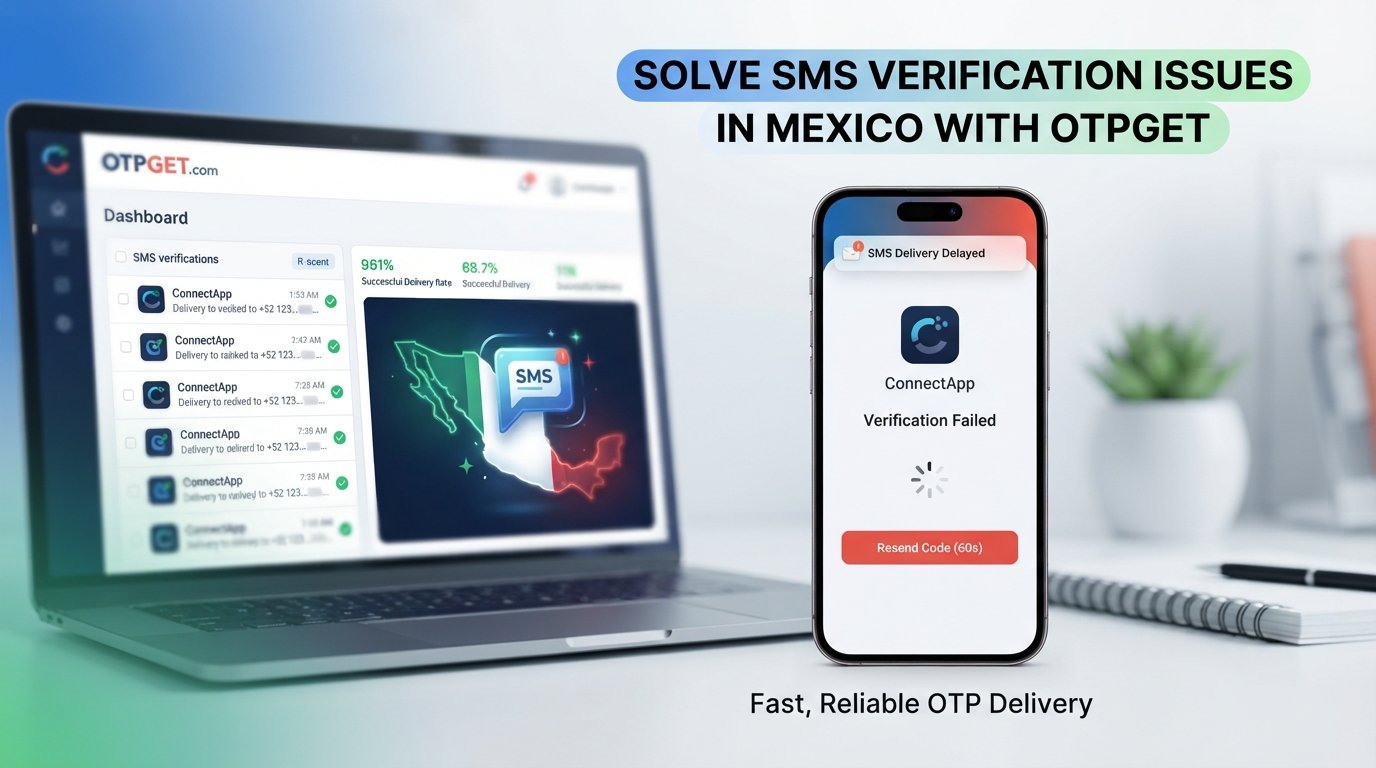
Mexico Telegram Not Working? Fix Verification Issues with OTPGET
Getting stuck because Telegram will not deliver a verification code can be frustrating. You enter your Mexican phone number, request the code, wait—and nothing arrives. You check your signal, reopen the app, and try again, but the Telegram OTP still does not appear.
If you are searching for a solution because Mexico Telegram not working is preventing you from logging in or completing verification, the problem may not necessarily be with Telegram itself. SMS delivery, phone-number formatting, mobile connectivity, verification limits, or the delivery method Telegram chooses can all affect the process.
The good news is that there are several things you can check before assuming your account cannot be verified. And if receiving a conventional SMS is inconvenient, an OTP/SMS service such as OTPGET may provide another practical option, depending on the verification requirements involved.
Why Is Telegram Not Working in Mexico?
When Telegram appears not to work during login or registration, it helps to separate an app problem from a verification problem.
If Telegram opens normally but you never receive the authentication code, the issue is more likely related to verification or message delivery than to the basic operation of the application.
Several situations can contribute to a Telegram verification problem.
Delayed SMS delivery
Verification messages do not always arrive instantly. A temporary delay somewhere between the verification request and SMS delivery can leave you waiting even though the request was successfully submitted.
Requesting several new codes in quick succession may also make the situation more confusing because you can end up receiving an older message after requesting another one.
Incorrect phone-number formatting
Make sure the number is entered with the correct international country code and without unnecessary characters.
For a Mexican number, carefully check the country selection and the number itself before requesting another Telegram login code.
Mobile connectivity problems
Weak cellular coverage, temporary network problems, or SMS-related issues on your device can interfere with receiving verification messages.
A phone can have enough connectivity for some internet activity while still experiencing problems with SMS delivery.
Too many verification attempts
Repeatedly requesting verification codes is usually not a good troubleshooting strategy. If the first request does not arrive, immediately requesting several more may make it harder to determine which code is current and may lead to temporary verification restrictions.
Telegram delivery methods
Depending on the circumstances, Telegram may use a verification method other than the SMS route you are expecting. If Telegram indicates that the code was sent through another available method or Telegram session, follow the instructions displayed in the app.
Why Am I Not Receiving My Telegram Verification Code?
If your Telegram verification code is not received, start with the basics before looking for an alternative.
First, confirm that the phone number displayed in Telegram is correct. Pay particular attention to the country code and the digits of the number.
Next, check whether your phone can receive ordinary SMS messages. If other messages are arriving normally but the Telegram verification SMS is delayed, waiting a little longer may be appropriate.
Also look inside Telegram for any instructions about where the login code was delivered. In some circumstances, the verification process may not rely exclusively on a new SMS.
Avoid repeatedly pressing the option to request another OTP. Give the current request some time, then follow Telegram's displayed instructions.
If the problem continues, restarting the device or Telegram app and checking that the application is up to date can be reasonable troubleshooting steps.
How to Fix Telegram Verification Problems
If Telegram is not working in Mexico because you cannot complete phone verification, work through these steps in order.
-
Confirm your phone number.
Check every digit and make sure the correct country code is selected. -
Check your mobile connection.
Make sure the phone has a usable cellular signal and can receive SMS messages. -
Check Telegram for another verification method.
Read the instructions shown on the login or verification screen rather than assuming an SMS is the only option. -
Wait before requesting another code.
If the message is delayed, repeated requests may not solve the underlying issue. -
Restart Telegram.
Close and reopen the application and check whether the verification screen has updated. -
Restart your device if necessary.
A basic restart can sometimes resolve temporary connectivity or messaging issues. -
Make sure Telegram is updated.
An outdated application can introduce avoidable compatibility problems. -
Consider an OTP/SMS receiving service.
If receiving verification messages through your normal phone number is inconvenient, a service such as OTPGET may be worth considering where appropriate.
These steps cannot guarantee a successful verification because the cause of the problem can vary. The goal is to eliminate the most common issues before moving to another option.
OTPGET: A Practical Solution for Telegram OTP Verification
When a normal SMS route is inconvenient, an online OTP/SMS service can be another option to consider.
OTPGET is positioned as a convenient service for handling SMS/OTP verification needs. For someone experiencing a Telegram OTP problem, the appeal is straightforward: instead of repeatedly waiting for a verification message on a personal phone number, the user can explore whether an available OTP/SMS option is suitable for the verification they are trying to complete.
The exact availability and suitability of any number or verification option can vary, so it is important to follow both OTPGET's instructions and Telegram's verification requirements.
A typical workflow can look like this:
- Access OTPGET.
- Choose an appropriate phone-number or verification option available through the service.
- Use the provided number where appropriate for the verification process.
- Request the Telegram verification code.
- Check OTPGET for the incoming verification message.
- Enter the received code into Telegram.
The important point is that OTPGET should be viewed as a convenience option for SMS/OTP verification, not as a way to bypass Telegram's security systems or restrictions.
There is also no reason to assume that every verification attempt will succeed. Availability, service requirements, Telegram's own verification process, and other factors can affect the result.
Why Consider OTPGET?
The biggest benefit of an OTP service is convenience.
If you have already confirmed that your phone number is correct and your device is functioning normally, continuing to request the same SMS repeatedly can be frustrating. A suitable OTP/SMS service may offer a more straightforward verification workflow.
Potential reasons to consider OTPGET include:
- Convenience: A dedicated OTP workflow can reduce the hassle of waiting for a conventional SMS.
- Simplicity: The process can be easier to understand when the verification message is presented through a service designed around OTP delivery.
- Practical access: It may be useful when receiving a verification SMS through your usual phone is inconvenient.
- Less repeated waiting: Instead of repeatedly requesting a code without knowing what is happening, you can explore another legitimate SMS/OTP delivery option.
- Online verification use: OTP services can be useful for certain verification scenarios beyond a single application.
The key is to use the service appropriately and within the requirements of the platform being verified.
OTPGET vs. Traditional SMS Verification
The difference is mainly about the verification workflow rather than the underlying purpose of the code.
| Factor | Traditional SMS | OTP/SMS Service |
|---|---|---|
| Convenience | Depends on personal phone and SMS delivery | Can provide a dedicated verification workflow |
| Waiting for SMS | May involve waiting for carrier delivery | Message is handled through the selected service |
| Accessibility | Tied to the user's normal number | Depends on available service options |
| Verification workflow | Request code and check phone | Select an option, request code, and check the service |
| User experience | Familiar but can be frustrating when messages are delayed | May be more convenient for certain verification needs |
Neither approach is guaranteed to work in every situation. The right choice depends on the user's circumstances and the verification requirements involved.
Common Telegram Verification Questions
Why is Telegram not working in Mexico?
If Telegram opens but you cannot log in or create an account because a verification code is missing, the issue may involve SMS delivery, phone-number formatting, connectivity, verification attempts, or the particular verification method Telegram is using.
Why am I not receiving my Telegram verification code?
Check that your phone number and country code are correct, confirm that your phone can receive SMS messages, and check Telegram for instructions about alternative verification methods. Avoid requesting multiple codes repeatedly.
Why is my Telegram OTP delayed?
An OTP can be delayed because of temporary message-delivery or connectivity problems. Give the current request time to arrive before requesting another code.
Can I receive a Telegram verification SMS online?
An online SMS/OTP service may be an option in situations where its available verification method is appropriate. However, the service and Telegram must both support the particular verification process, so success should not be assumed.
How does OTPGET help with Telegram verification?
OTPGET can provide an alternative way to handle SMS/OTP verification when using a normal personal SMS route is inconvenient. The user selects an appropriate option, requests the verification message, and checks the service for the incoming OTP.
What should I do if Telegram does not send an OTP?
Start by checking the phone number, country code, mobile connectivity, and Telegram's displayed verification instructions. Wait rather than repeatedly requesting codes, and consider an appropriate OTP/SMS service if conventional SMS delivery remains inconvenient.
Can I use OTPGET for Telegram verification?
OTPGET may be considered for Telegram verification where an available option is compatible with the verification process. It should not be treated as a guaranteed activation method or as a way to bypass Telegram's security or restrictions.
Conclusion
A Mexico Telegram not working problem can be surprisingly simple—or surprisingly stubborn. Before assuming something is wrong with your account, check the phone number, country code, cellular connection, SMS functionality, and Telegram's own verification instructions.
If the code still does not arrive, avoid endlessly requesting new OTPs. Give the current request time to process and work through the basic troubleshooting steps first.
When conventional SMS verification is inconvenient, OTPGET can be a practical option to explore for SMS/OTP needs. It offers a different verification workflow that may reduce some of the frustration associated with waiting for a message on your regular phone.
Still waiting for your Telegram verification code? Explore OTPGET and see whether its SMS/OTP solution fits your verification needs.


