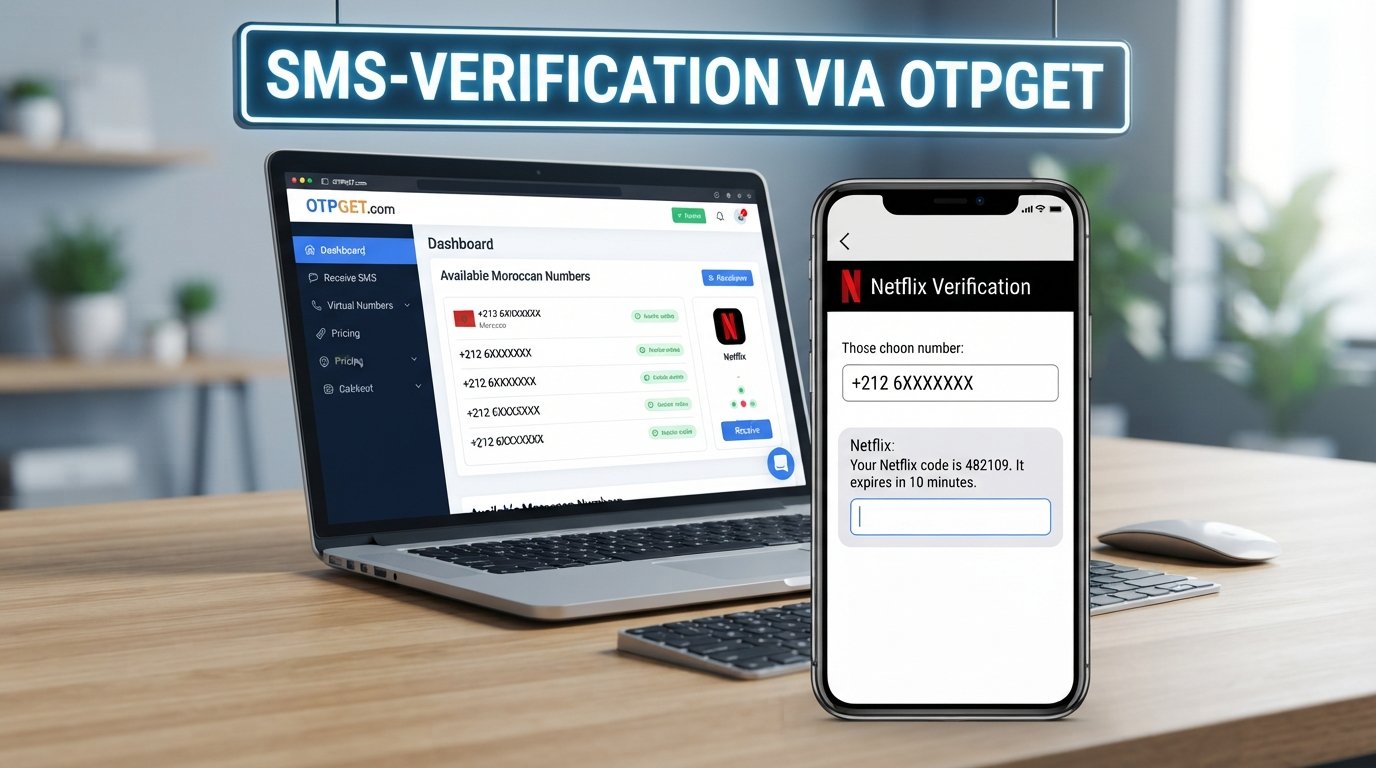
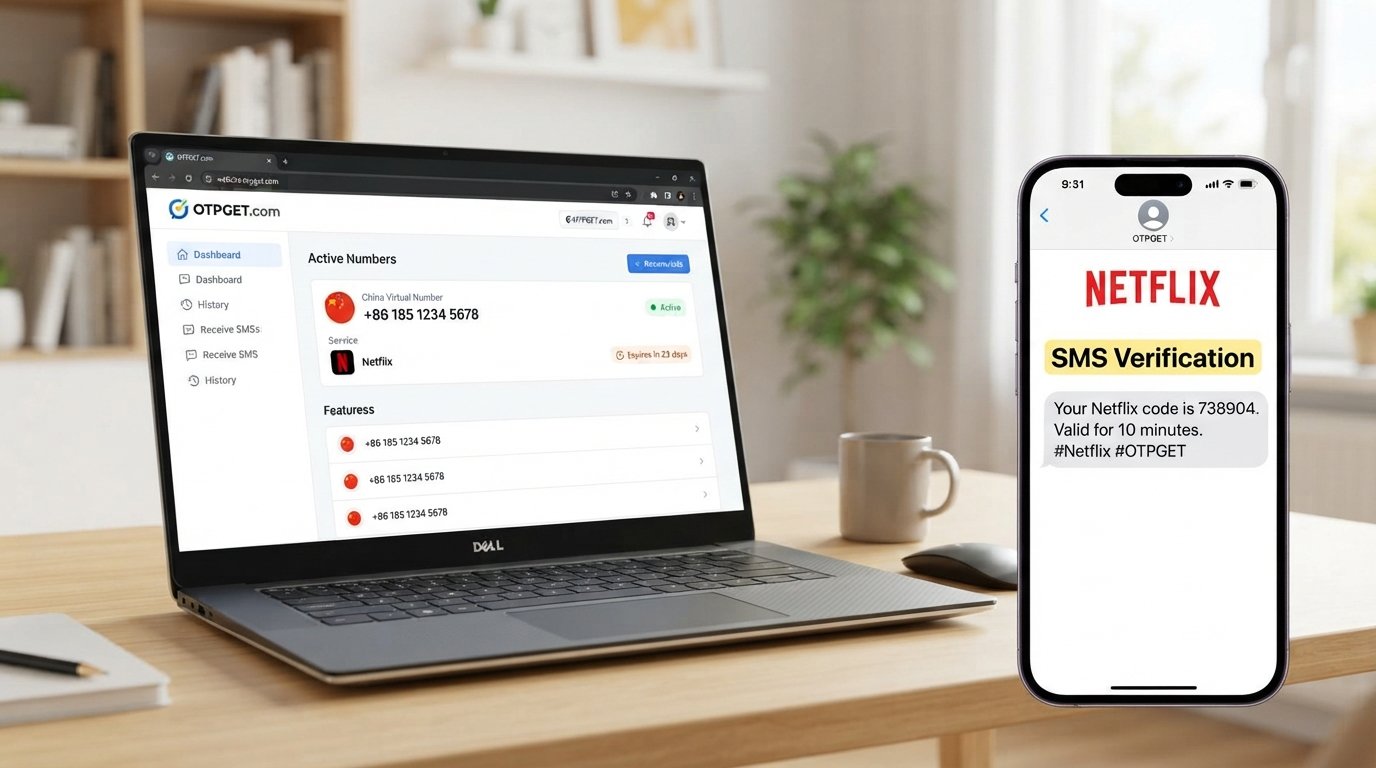
Microsoft SMS Verification Using a Temporary Number | OTPGet
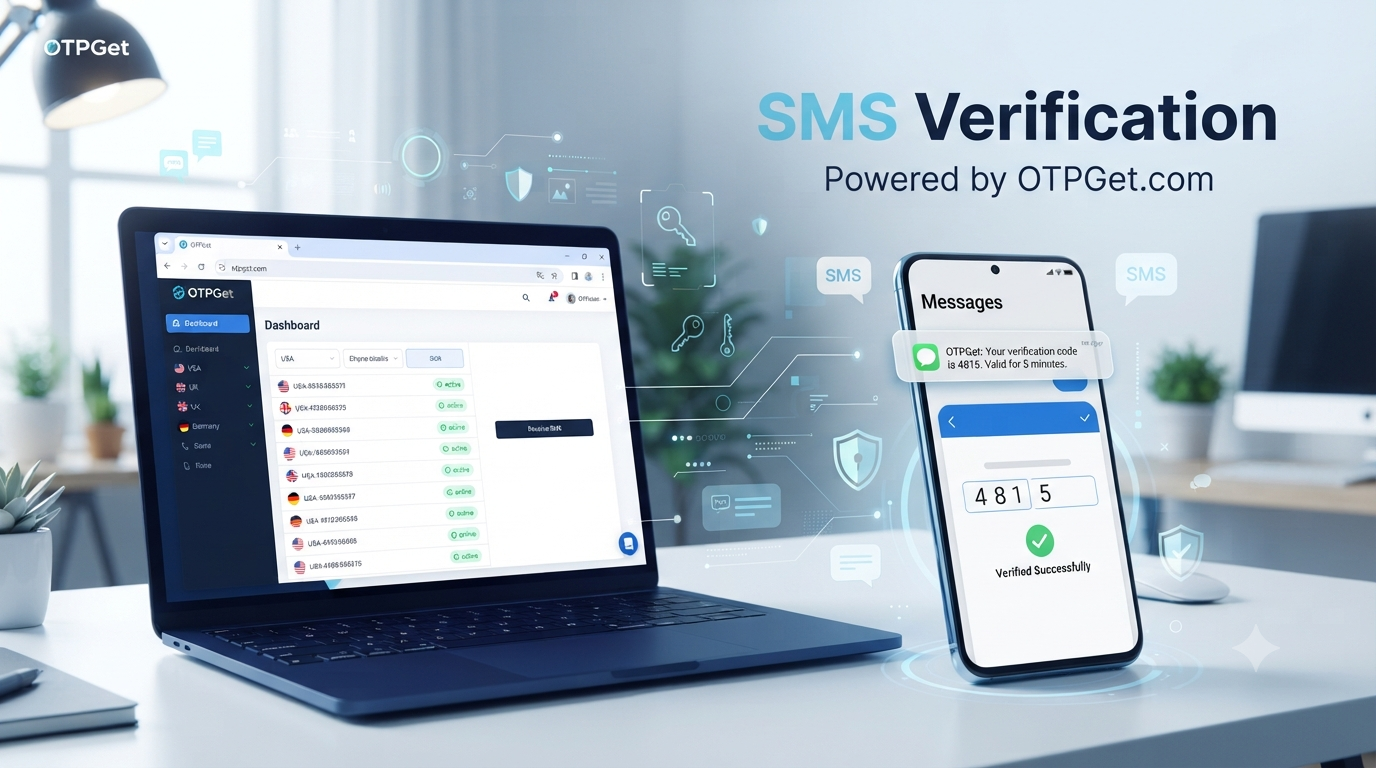
Microsoft SMS Verification Using a Temporary Number | OTPGet
Introduction
SMS verification is a common part of online account security. When a service asks you to confirm a phone number, it may send a one-time verification code by text message before allowing you to continue.
For some users, sharing a personal mobile number for every online verification request is not ideal. They may prefer to keep personal and online activity separate, use a number for a temporary workflow, or avoid unnecessarily exposing their primary phone number.
That is where a temporary or virtual phone number can be useful in appropriate situations. Instead of receiving the verification message on a personal SIM, the SMS can be delivered to an online number provided by a temporary-number service.
OTPGet provides virtual numbers designed for receiving SMS verification codes across supported services. Its website describes virtual numbers, rental numbers, and SMS OTP functionality as part of its verification platform.
However, there is an important limitation: Microsoft determines which verification methods and phone numbers it accepts. Not every temporary or virtual number will work, and Microsoft's current account-security guidance indicates that SMS authentication is being phased out for personal accounts.
With that in mind, here is how Microsoft SMS verification works, what temporary numbers do, and how OTPGet can fit into an appropriate verification workflow.
What Is Microsoft SMS Verification?
Microsoft SMS verification is a process in which Microsoft sends a security code to a phone number associated with a verification request.
The basic process is simple:
- Microsoft requests verification.
- You provide an eligible phone number when that option is available.
- Microsoft sends a verification code by SMS.
- You enter the received code.
- Microsoft checks the code and, if accepted, allows you to continue.
Verification codes can be requested for different account-security situations. Microsoft provides several verification methods, including email, authenticator-based options, and passkeys, depending on the account and circumstances.
[Suggested External Source: Microsoft official documentation]
Because Microsoft controls the verification process, users should always follow the verification options presented directly by Microsoft rather than trying to circumvent them.
Why Use a Temporary Number for Microsoft Verification?
A temporary phone number can be useful when a user has a legitimate reason to avoid providing a primary personal number.
Some potential advantages include:
- Privacy: A temporary number can help limit exposure of a personal phone number.
- Separation: Users can keep personal communications separate from temporary online activities.
- Convenience: Online numbers can be accessed without requiring a physical SIM in the same device.
- Testing: Developers and teams may use temporary numbers for appropriate testing and verification workflows.
- Short-term use: A temporary number may make sense when the number is only needed for a specific verification task.
These benefits do not mean that every service will accept every virtual number. Microsoft can restrict or reject numbers based on its own security systems.
A temporary number should therefore be viewed as an alternative verification option where Microsoft permits it, not as a way to bypass Microsoft's security controls.
How Does a Temporary Number Work?
A virtual phone number is a phone number hosted through an online service rather than being tied to a traditional physical SIM in your personal device.
OTPGet describes its virtual numbers as cloud-based numbers that can receive SMS verification messages. Its platform also offers different number types for temporary and longer-term requirements.
The general workflow looks like this:
- Choose an available number appropriate for your intended verification.
- Enter the number where Microsoft requests a phone number.
- Request the verification SMS.
- Open the service providing the number and check for the incoming message.
- Copy the verification code.
- Enter the code on the Microsoft verification screen.
- Continue only if Microsoft accepts the number and code.
The exact experience can vary depending on Microsoft's verification requirements and the type of number being used.
How to Use OTPGet for Microsoft SMS Verification
If Microsoft presents SMS verification as an available option and you want to use a temporary number, OTPGet can provide a straightforward way to obtain an online number.
Step 1: Visit OTPGet
Open OTPGet and review the available virtual-number options.
OTPGet currently presents virtual numbers for SMS OTP verification and states that its service covers numerous countries and supported services.
[Internal Link Suggestion: virtual phone numbers]
Step 2: Select a Suitable Number
Choose an available number that is appropriate for your verification requirement.
Pay attention to the number's availability and compatibility. A number that works with one online service is not automatically guaranteed to work with Microsoft.
Step 3: Enter the Number on Microsoft
When Microsoft provides a phone-number verification field, enter the temporary number according to the requested format.
Double-check the country code and number before submitting the request.
Step 4: Request the Verification SMS
Submit the verification request through Microsoft's own interface.
If Microsoft accepts the number for that verification request, an SMS may be sent to it.
Step 5: Check OTPGet for the Message
Return to OTPGet and check the incoming SMS associated with the number.
OTPGet describes its service as supporting SMS OTP reception through its online platform.
Step 6: Enter the Microsoft Verification Code
Copy the code from the received message and enter it into Microsoft's verification field.
If the code is valid and the number is accepted, Microsoft can complete the verification step.
If Microsoft rejects the number or does not offer SMS verification, do not attempt to bypass the restriction. Use another verification method provided by Microsoft instead.
Benefits of Using OTPGet for SMS Verification
Convenience
Using an online number can simplify a temporary verification workflow. You do not necessarily need to move a physical SIM between devices or use your primary phone number for every online service.
Privacy
For situations where a temporary number is appropriate, it can reduce the need to disclose a personal mobile number.
This can be particularly useful when separating temporary online activity from personal communications.
Simple Verification Workflow
The basic process is easy to understand: obtain a suitable number, enter it into the verification form, wait for the SMS, and enter the code.
OTPGet positions its virtual numbers specifically around OTP and SMS verification workflows.
[Internal Link Suggestion: receive SMS online]
Flexible Use Cases
Temporary numbers can be useful for legitimate testing, short-term verification workflows, and situations where a user prefers not to expose a personal number.
They should not be used for spam, fraud, impersonation, unauthorized access, or attempts to defeat platform security measures.
What to Consider When Choosing a Temporary SMS Number
Not all temporary numbers are equal, and compatibility is one of the most important considerations.
Before using a number, consider:
- Number availability: The required country or number type may not always be available.
- SMS capability: Confirm that the number is intended to receive SMS.
- Compatibility: Microsoft may reject certain numbers or number types.
- Reliability: Delayed or missing messages can interrupt verification.
- Privacy: Understand how the service handles received messages and number access.
- Number lifespan: A short-term number may not be appropriate for an account that requires future recovery.
- Long-term access: If you need the number later, a temporary number may not be the right choice.
Most importantly, never assume that a temporary number will work simply because it works with another platform.
Common Problems With Microsoft SMS Verification
The SMS Does Not Arrive
A verification code may be delayed or fail to arrive because of service restrictions, delivery problems, unusual activity, or issues with the number.
Microsoft specifically advises users to avoid excessive or repetitive verification requests because these can contribute to temporary blocking.
[Suggested External Source: Microsoft official troubleshooting documentation]
Microsoft Does Not Accept the Number
Microsoft may reject a particular number or number type.
Its support documentation states that VoIP numbers cannot be added as a way to sign in or receive verification codes in the relevant account-security workflow.
This is why users should check Microsoft's current requirements rather than assuming every virtual number is compatible.
The Temporary Number Has Been Used Before
Some temporary numbers may have previous usage history. If a number is unsuitable or has already been associated with an account or verification workflow, Microsoft may not accept it.
In this situation, using another legitimate verification method may be more appropriate.
Verification Attempts Are Limited
Repeatedly requesting codes can trigger restrictions. If Microsoft asks you to wait or provides another verification method, follow those instructions rather than repeatedly submitting requests.
Microsoft Offers Another Verification Method
Microsoft increasingly promotes alternatives such as verified email, authenticator-based verification, and passkeys for personal accounts.
If SMS is unavailable, using the alternative offered by Microsoft is the safest approach.
Temporary Number vs Personal Phone Number
| Factor | Temporary Number | Personal Phone Number |
|---|---|---|
| Privacy | Can reduce personal-number exposure | Personal number is shared |
| Convenience | Useful for short-term workflows | Convenient for ongoing access |
| Long-term access | May be limited | Usually remains under your control |
| Compatibility | Depends on Microsoft's requirements | Often more predictable |
| Recovery | May be unsuitable for long-term recovery | Better when retained and accessible |
| Control | Depends on the provider | Direct personal control |
The right choice depends on what the verification is for.
For an account that you expect to recover or access for a long time, maintaining a reliable verification method that remains under your control is generally more practical than relying on a disposable number.
Is OTPGet Right for Microsoft SMS Verification?
OTPGet can be a practical option when you specifically need a temporary or virtual number for an appropriate SMS verification workflow.
Its platform focuses on virtual numbers for OTP verification and also offers rental-number options for users who need access for longer periods.
The main advantage is convenience: instead of using your primary phone number, you can use an online number where temporary verification is appropriate.
However, OTPGet cannot control Microsoft's verification policies. Microsoft may reject a particular number, require another verification method, restrict SMS verification, or change the available options.
That distinction is important. OTPGet provides the number and SMS-receiving infrastructure; Microsoft decides whether that number and verification method can be used.
Frequently Asked Questions
What is Microsoft SMS verification?
Microsoft SMS verification is a security process in which Microsoft sends a verification code to an eligible phone number. The user enters that code to confirm the verification request.
Can I use a temporary number for Microsoft verification?
You may be able to use a temporary number when Microsoft offers SMS verification and accepts the particular number. However, not every temporary or virtual number is guaranteed to work.
How do I receive a Microsoft verification code online?
If Microsoft offers SMS verification for your situation, you can use an eligible online number and check the service providing that number for the incoming SMS. OTPGet provides virtual numbers designed for receiving SMS OTP messages.
How does OTPGet work for SMS verification?
OTPGet provides virtual phone numbers that can receive SMS verification messages. The general process is to select a suitable number, use it where verification is requested, wait for the SMS, and enter the received code.
Why isn't my Microsoft verification SMS arriving?
Possible reasons include number compatibility, delivery problems, regional or service restrictions, unusual activity, or temporary limitations. Microsoft recommends checking its verification troubleshooting guidance and avoiding repeated requests.
Will Microsoft accept every temporary phone number?
No. Microsoft controls its own verification requirements and may reject particular numbers or number types. Always follow the verification options Microsoft provides.
Is a temporary number suitable for long-term Microsoft account recovery?
Usually, a temporary number is not ideal for long-term recovery because you may lose access to it. For important accounts, use a recovery method that you can reliably control and access in the future.
Final Thoughts
Microsoft SMS verification is designed to help confirm account access and protect users from unauthorized activity. When SMS verification is available, a phone number may be required to receive a one-time code.
For users who prefer not to expose their personal number, a temporary or virtual number can be a convenient alternative for appropriate short-term verification workflows.
OTPGet provides virtual numbers intended for SMS OTP verification and can simplify the process of obtaining an online number and receiving verification messages.
The key is to keep expectations realistic. Microsoft determines which verification methods are available and which numbers it accepts. A temporary number is not a guaranteed replacement for a personal number, and it should never be used to bypass Microsoft's security controls.
If you need a temporary number for an appropriate SMS verification task, exploring OTPGet can be a practical next step.