Need a Gmail Code? Get a Number on OTPGET for Gmail Verification
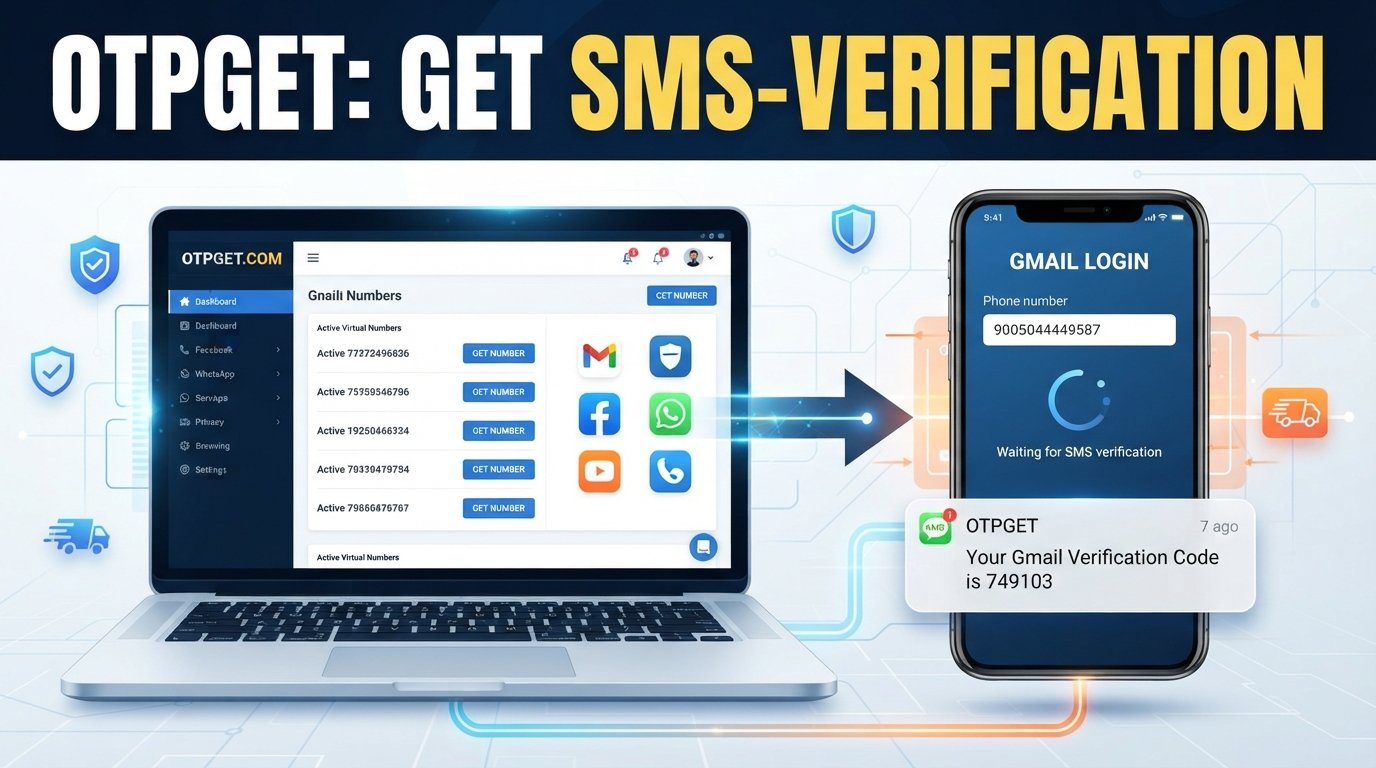
Need a Gmail Code? Get a Number on OTPGET
Needing a Gmail code can be frustrating when Google asks for phone verification and you would rather not use your personal number. Maybe you want to keep your private number separate from online services, need an additional number for a legitimate temporary workflow, or simply do not want to share your everyday contact information.
That is where an alternative SMS-enabled number can be useful.
Services such as OTPGET provide access to numbers that can be used for receiving verification messages where the relevant service accepts them. Instead of putting your personal phone number into every verification form, you can explore an available number through OTPGET and use it for an SMS verification process.
However, temporary and virtual numbers are not universally accepted, and successful verification depends on factors such as Google's security systems, account circumstances, location, and the type or availability of the number.
Let's look at how Gmail verification works, why someone might want an alternative number, and how OTPGET can fit into the process.
Why Does Gmail Ask for a Verification Code?
Phone verification is commonly used as an additional security and account-verification step. When a service sends a one-time password, or OTP, it can confirm that the person completing the process has access to the phone number receiving the message.
For Gmail and other Google services, a verification request may appear during certain account or security-related workflows. The exact reason can vary depending on the circumstances of the account and Google's security requirements.
A verification code can help with things such as:
- Confirming access to a phone number
- Adding an additional layer of account security
- Supporting account-related verification
- Helping prevent certain forms of automated or abusive activity
- Completing a security check when prompted
A Gmail verification code is generally intended for one-time use. It should be treated as sensitive information and never shared unnecessarily.
What Is a Gmail Verification Code?
A Gmail verification code is a temporary code delivered through an available verification method when Google asks you to confirm a phone number or complete a security step.
When SMS verification is offered, the general process is straightforward:
- A phone number is entered into the verification form.
- The service sends a verification SMS.
- The recipient receives a one-time code.
- The code is entered into the appropriate verification field.
- The verification process either succeeds or asks for another step.
You may also hear terms such as Gmail OTP, SMS OTP, verification SMS, or verification code. In an SMS-based workflow, these terms generally refer to a temporary code sent to a phone number.
The important point is that receiving a code does not necessarily mean that every number will be accepted. Services can apply different requirements to phone numbers, and those requirements can change.
Why Use an Alternative Number for Gmail Verification?
There are several legitimate reasons someone may prefer an alternative number instead of their everyday personal phone number.
Privacy preferences
Some people simply prefer to keep their personal contact information private. Using a separate number can reduce the need to provide a primary mobile number to every online service that requests one.
Separating personal and online activity
A separate number can help keep personal communications distinct from temporary online verification tasks.
Needing an additional number
If you already have a personal mobile number but need another number for a legitimate verification workflow, an online or virtual number may be worth considering where supported.
Temporary workflows
Some verification tasks are short-lived. In those situations, a temporary SMS number can be more convenient than obtaining another permanent mobile line.
The key is to use an alternative number responsibly. It should not be used to bypass restrictions, impersonate someone, create deceptive accounts, or violate a platform's terms.
How OTPGET Can Help You Get a Verification Number
OTPGET is the central option to consider if you are looking for an alternative number for SMS verification.
The basic idea is simple: instead of using your personal phone number, you can explore the numbers and verification services available through OTPGET and choose an appropriate option if one is available for your intended use.
Because availability and acceptance can vary, think of OTPGET as a practical option to explore rather than a guarantee that every Gmail verification request will work.
Step 1: Visit OTPGET
Start by accessing the OTPGET platform and reviewing the available options.
Look for a number or service that is appropriate for the verification task you are trying to complete.
Step 2: Choose the Relevant Number or Service
Select an available number that fits your intended SMS verification workflow.
Availability can vary, so the number or service you need may not always be available.
Step 3: Enter the Number Where Verification Is Requested
If Gmail presents an SMS phone-verification option and accepts the type of number you selected, enter the number into the relevant verification field.
Always check the number carefully before submitting it.
Step 4: Check for the Incoming OTP
Monitor the OTPGET interface for the incoming verification message.
If the SMS is successfully delivered, you should be able to view the verification code through the available interface.
Step 5: Enter the Verification Code
Enter the received code into the verification field shown by Gmail or the relevant service.
If the code has expired or the verification session is no longer active, you may need to start the process again.
Remember that OTPGET does not guarantee Gmail verification. Google's systems may accept or reject a number depending on circumstances beyond OTPGET's control.
Benefits of Using OTPGET for SMS Verification
For users who need an alternative number, OTPGET can offer a convenient approach to SMS-based verification where supported.
Potential advantages include:
- Privacy: Keep your primary personal number separate from temporary online verification.
- Convenience: Explore an alternative number when you need one for an SMS verification workflow.
- Flexible use cases: A temporary or virtual number may be useful when an additional number is needed.
- Simple verification process: The general workflow is easy to understand: select a number, enter it, receive the SMS, and enter the OTP.
- Less exposure of your personal number: Using an alternative number can help reduce unnecessary sharing of your everyday contact information.
These benefits depend on number availability and whether the service you're verifying with accepts the selected number.
Tips for Receiving a Gmail Verification Code
If you are trying to receive a Gmail verification code, a few practical steps can help avoid unnecessary problems.
- Check the number carefully. A single incorrect digit can prevent the SMS from reaching the intended destination.
- Wait briefly for the SMS. Messages can sometimes be delayed by network or service conditions.
- Avoid repeatedly requesting codes. Multiple requests in quick succession can make it harder to know which code is current.
- Check number compatibility. Not every temporary or virtual number is accepted by every service.
- Keep the verification session open. If the original verification attempt expires, an older code may no longer work.
- Follow Google's on-screen instructions. The available verification methods and requirements can vary.
- Do not share your OTP. A verification code is sensitive information and should only be entered into the appropriate verification screen.
If a particular number does not work, trying repeatedly with the same number is not necessarily the best approach. Review the instructions and consider whether another available verification method or number is appropriate.
Is Using a Temporary or Virtual Number Safe?
A temporary phone number or virtual phone number can be useful, but it is important to understand its limitations.
The biggest consideration is account recovery. If an account is important and you may need the same number again later, relying on a temporary number can create problems if you lose access to that number.
For important accounts, consider using Google's official recovery and security options and maintaining recovery information that you can reliably access.
You should also follow basic security practices:
- Never share verification codes with other people.
- Do not enter OTPs into suspicious websites or forms.
- Use verification numbers only for legitimate purposes.
- Do not use temporary numbers to deceive, impersonate, or circumvent platform restrictions.
- Avoid depending on a temporary number as your only long-term recovery method for an important account.
The goal is to protect your privacy without creating unnecessary account-security risks.
Common Problems When Trying to Receive a Gmail OTP
Even when everything appears correct, an SMS verification process may not always work immediately.
SMS is not arriving
The message could be delayed because of network conditions, service limitations, or other delivery issues. Wait briefly before attempting another request.
The number is not accepted
Google may not accept every temporary or virtual number. Number type, location, previous usage, or other factors can affect acceptance.
The verification request expires
Verification codes are generally time-sensitive. If too much time passes, the original code may no longer be valid. Start a fresh verification attempt when appropriate.
Too many attempts
Repeatedly requesting codes or changing numbers in rapid succession may complicate the verification process. Follow the instructions presented on screen and avoid unnecessary repeated attempts.
The number has already been used
A temporary number may have been associated with previous verification activity. If it is unavailable for your particular workflow, another available option may be more appropriate.
Service or network limitations
SMS delivery depends on the systems involved. Temporary-number availability and message delivery can vary, so there is no universal guarantee that an OTP will arrive successfully.
The best approach is to troubleshoot calmly, verify the number, follow the service's instructions, and avoid excessive repeated requests.
Why OTPGET Is Worth Considering
If you need a Gmail code but would prefer not to provide your personal phone number, OTPGET is a practical option to explore for an alternative SMS-enabled number.
It can be particularly useful when your goal is to keep your personal number separate from an online verification workflow. The process is also straightforward: find an appropriate available number, use it where the verification service accepts it, monitor for the incoming SMS, and enter the resulting verification code.
At the same time, it is important to keep expectations realistic. No temporary or virtual number service can guarantee that Google will accept a particular number or that every verification request will succeed.
That balance matters. OTPGET can provide an option to explore, while Google's verification requirements ultimately determine whether a particular number works.
Frequently Asked Questions
What is a Gmail verification code?
A Gmail verification code is a temporary code that may be sent through SMS or another available verification method when Google asks you to confirm a phone number or complete a security-related step.
Can I receive a Gmail OTP without using my personal number?
Depending on the verification options presented and whether a particular number is accepted, you may be able to use an alternative number for SMS verification. A temporary or virtual number can be one option to explore, but acceptance is not guaranteed.
What is a temporary phone number?
A temporary phone number is a number made available for a limited or specific online use rather than serving as your primary personal mobile number. Some can receive SMS messages for verification purposes.
How does OTPGET work for SMS verification?
OTPGET can provide access to available numbers for SMS verification where supported. The general process is to select an appropriate number, enter it into the relevant verification form, monitor for the incoming SMS, and use the received code to complete verification.
Why might a Gmail verification SMS not arrive?
An SMS may not arrive because of delivery delays, number compatibility, service limitations, network issues, an expired verification session, or Google's handling of the verification request. Not every number is necessarily supported.
Can every temporary number be used for Gmail verification?
No. Temporary and virtual numbers are not universally accepted. Whether a number works can depend on Google's systems, the number type, location, previous usage, and other account or security factors.
Is it safe to use an online number for verification?
It can be appropriate for certain legitimate verification tasks, but users should understand the limitations. Never share OTPs unnecessarily, and avoid relying on a temporary number as the sole recovery method for an important account.
Conclusion
Needing a Gmail code does not always mean you have to use your everyday personal phone number. When an alternative SMS-enabled number is appropriate and accepted, a temporary or virtual number can provide a practical way to keep personal contact information separate from an online verification workflow.
OTPGET is worth exploring if you need an alternative number for SMS verification. Its available options can give you another route to receive an OTP where the relevant service supports that type of number.
Before getting started, remember that verification outcomes can vary. Check the number carefully, follow Google's instructions, protect your verification codes, and do not rely on a temporary number for critical long-term account recovery.
If you need an alternative number for a legitimate verification task, check OTPGET and see whether an appropriate option is available for your needs.


