How to Get a Nepal Number for Facebook OTP — OTPGet Online Guide
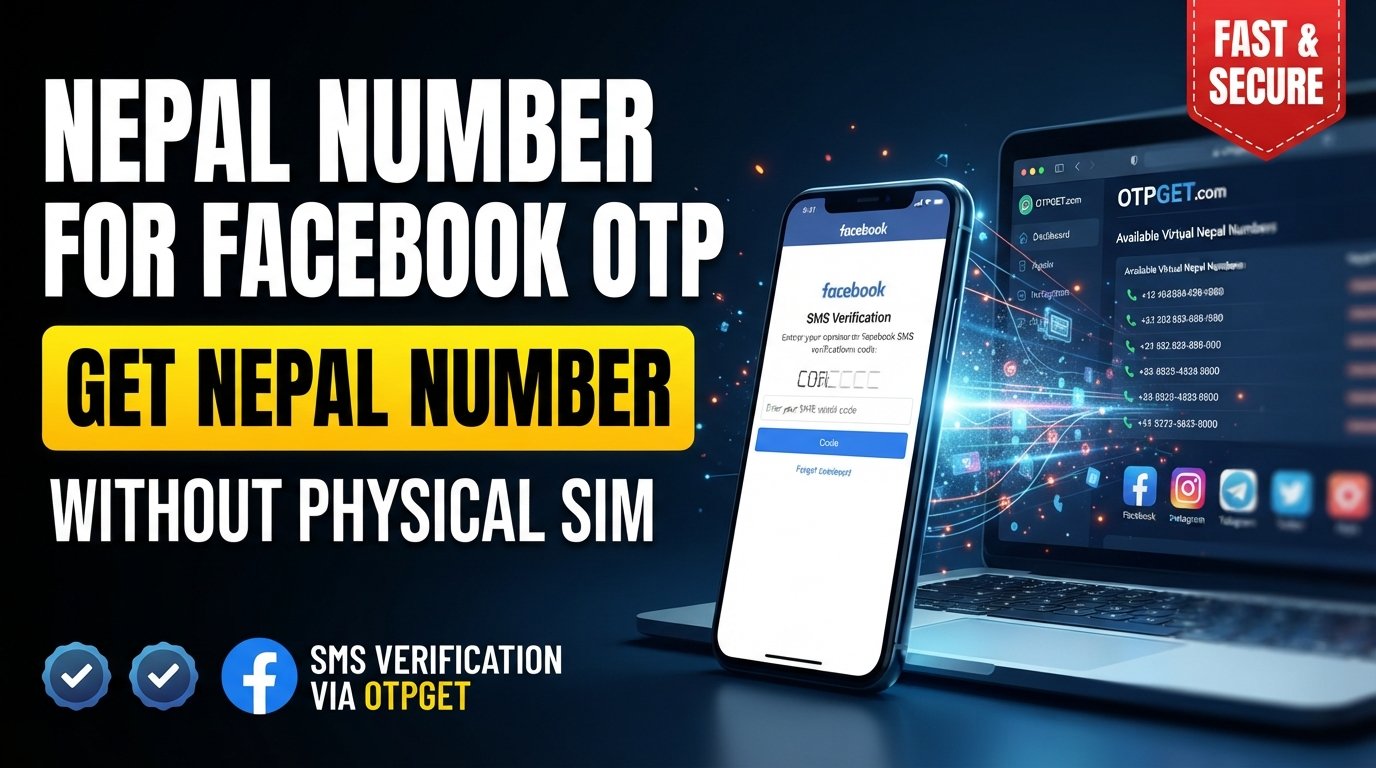
How to Get Nepal Number for Facebook OTP — OTPGet
Introduction
Need a Nepal number for Facebook OTP but do not want to rely on a physical SIM card?
A virtual phone number can be a practical option when you need to receive an SMS verification code online. Instead of putting a traditional SIM into a phone, a virtual number can route incoming verification messages through an online service.
This can be useful for privacy-conscious users, testing, legitimate account verification, and situations where a separate number is more convenient than a personal mobile number.
One service worth exploring is OTPGet, which provides temporary and virtual phone numbers for SMS-based verification. Its service is designed to let users select numbers for supported services and receive verification messages online.
However, there is an important limitation: Facebook controls its own verification systems. A number that is available through a third-party service is not automatically guaranteed to be accepted by Facebook.
With that in mind, let's look at how the process works and how OTPGet can simplify it.
Why Do You Need a Nepal Number for Facebook OTP?
There are several legitimate reasons someone may look for a Nepal phone number for Facebook.
The most obvious is phone verification. Facebook may ask users to confirm a phone number by sending an SMS containing a one-time password, or OTP.
A separate number may also be useful for:
- Keeping your personal mobile number private
- Separating online activities from your primary phone number
- Testing applications or verification workflows
- Working with services that require a country-specific number
- Receiving an SMS verification code without using a physical SIM
- Managing legitimate online accounts where an additional number is appropriate
Privacy is another consideration. Some people simply prefer not to distribute their personal number across multiple online services.
Still, a virtual number should be used responsibly. It should not be used to impersonate someone, create fraudulent identities, evade platform restrictions, or conduct spam or abusive activity.
What Is a Nepal Virtual Number?
A Nepal virtual phone number is a phone number that can receive communications without requiring the user to operate a traditional physical SIM card in their own handset.
The key difference is where the number is managed.
With a regular SIM, your mobile operator provisions the number to a physical SIM connected to a phone. With a virtual number, the number is managed through an online service, and supported SMS messages can be displayed through that service.
For OTP verification, the basic workflow is simple:
- Select an available number.
- Enter it into the relevant verification form.
- Request an OTP.
- Wait for the SMS to reach the number.
- View the verification code through the service.
- Enter the code into the original verification screen.
OTPGet describes its virtual numbers as online numbers that can be used to receive SMS verification codes without a physical SIM.
The important distinction is that virtual does not mean universally accepted. Each platform decides which numbers and verification methods it will allow.
Can You Use a Nepal Number for Facebook OTP?
Potentially, yes, provided Facebook accepts the particular number and verification method at the time you try it.
The general process for Facebook OTP verification is straightforward. Facebook sends a verification code to the phone number entered during the relevant verification step. You then enter that code into Facebook to complete the process.
However, several factors can affect the result:
- Facebook may change its verification requirements.
- Some number types may not be accepted.
- A particular number may already have usage history.
- SMS delivery can experience temporary delays.
- Number availability can vary by provider.
- Repeated verification attempts may trigger additional checks.
For these reasons, it is better to think of a Nepal number as a possible verification option rather than a guaranteed solution.
Always follow Facebook's terms, verification requirements, and applicable laws.
How to Get a Nepal Number for Facebook OTP with OTPGet
This is where OTPGet can make the process more convenient.
The basic workflow involves selecting a suitable country and available number, using that number for the relevant verification request, and checking the OTPGet service for the incoming SMS.
Step 1: Visit OTPGet
Start by accessing the OTPGet platform and creating or accessing an account if the current service workflow requires it.
Step 2: Choose Nepal
Look for the country selection and choose Nepal when a Nepal number is available for the service you need.
Availability can change, so do not assume that every service or number type will always be offered.
Step 3: Select an Available Number or Service
Choose a Nepal number appropriate for your legitimate verification requirement.
If the platform presents different service or number options, review the details before proceeding.
Step 4: Enter the Number on Facebook
Copy the selected number and enter it into the applicable Facebook phone-verification field.
Make sure the country and number format are correct before requesting the OTP.
Step 5: Request the Verification Code
Submit the verification request through Facebook.
If Facebook accepts the number and sends an SMS, the verification message should be routed to the selected number.
Step 6: Check OTPGet for the SMS
Return to OTPGet and check the relevant number or verification area for the incoming message.
OTPGet provides an online dashboard for receiving SMS verification codes through its virtual-number service.
Step 7: Enter the Verification Code
Once the Facebook verification message arrives, enter the received code into the active Facebook verification screen.
Never share an OTP with another person.
Step 8: Complete Verification
If Facebook accepts both the number and the code, the verification process can be completed.
If the number is rejected or no message arrives, use the troubleshooting steps below rather than repeatedly submitting requests.
Why Choose OTPGet for a Nepal OTP Number?
For someone searching for a Nepal number for OTP, convenience is often the main reason to consider a virtual-number service.
OTPGet can be useful because it provides access to virtual numbers online rather than requiring users to obtain and manage another physical SIM. The platform describes its service as supporting virtual numbers for SMS OTP verification across multiple countries and services.
Potential benefits include:
- Online access: Manage the verification process without relying on a physical SIM.
- Country selection: Users can look for a number from the required country when available.
- Simpler workflow: The number and incoming SMS can be managed through an online service.
- Useful for temporary needs: A virtual number can make sense when a separate number is needed for a limited verification task.
- Flexible use cases: Virtual numbers can support legitimate testing, verification, and privacy-conscious workflows.
The exact availability, pricing, duration, and supported services can change, so check the current OTPGet platform before making a purchase or selecting a number.
Nepal Number vs. Regular SIM for Facebook Verification
| Feature | Nepal Virtual Number | Regular Nepal SIM |
|---|---|---|
| Physical SIM required | No | Yes |
| Setup convenience | Online | Requires SIM/mobile setup |
| Number accessibility | Accessed through the service | Accessed through a phone/SIM |
| Online availability | Depends on service availability | Depends on mobile operator |
| Privacy considerations | Can help separate a personal number from online verification | Uses your personal or dedicated SIM number |
| Best use case | Temporary or separate verification needs | Long-term personal account access |
Neither option is universally better. A regular SIM may be more appropriate when you need dependable, long-term control of a number. A virtual number can be more convenient for temporary or separate verification needs.
Step-by-Step Tips for Receiving Facebook OTP Successfully
If you are trying to receive Facebook OTP through a Nepal number, a few simple practices can prevent unnecessary problems:
- Confirm that Nepal is selected as the country.
- Enter the phone number exactly as provided.
- Check that the verification screen is still active.
- Wait for the SMS before requesting another code.
- If the first code expires, request a new one where Facebook allows it.
- Avoid repeatedly requesting codes within a short period.
- Check whether the selected number and service are currently available.
- Follow Facebook's current verification requirements.
- Never share your OTP with another person.
- If a number is rejected, do not attempt to circumvent Facebook's security controls.
The goal is to make the verification process orderly rather than repeatedly triggering new requests.
Common Problems When Using a Nepal Number for Facebook OTP
OTP Not Arriving
The SMS may be delayed, the selected number may not currently receive messages from Facebook, or there may be a temporary service issue.
Wait briefly and check the OTPGet number again before trying another request.
Number Unavailable
Virtual-number inventory changes. A Nepal number that was available earlier may not be available when you return.
Try another currently available option if the service provides one.
Code Expired
OTP codes are generally time-sensitive. If a code expires, request a new one through the normal Facebook verification process.
Facebook Does Not Accept the Number
Facebook may reject certain numbers or number types. This is controlled by Facebook and cannot be guaranteed by a third-party number provider.
If that happens, follow Facebook's available verification options rather than attempting to bypass its requirements.
Too Many Verification Attempts
Repeated requests can create additional verification friction. If you have already made several attempts, stop submitting new requests and follow Facebook's instructions.
Temporary Service Issues
SMS delivery depends on multiple systems. A technical issue affecting the virtual-number provider, mobile routing, or Facebook can delay the message.
Is Using a Nepal Virtual Number Safe?
A Nepal virtual number can be useful, but users should understand its limitations.
First, use a reputable service and review its policies before purchasing or using a number. OTPGet's published terms state that its services are intended for online verification and account registration and prohibit illegal, fraudulent, abusive, or harmful use.
Second, think carefully about account recovery.
A temporary number may not be appropriate for an account you expect to use for a long time if you may later need the same number to recover access. Before relying on a temporary number, understand how the number's availability works and what recovery methods the platform provides.
Finally:
- Keep passwords private.
- Never share OTP codes unnecessarily.
- Use strong account-security settings.
- Review the policies of both the number provider and Facebook.
- Do not use virtual numbers to misrepresent your identity or evade platform controls.
Who Can Benefit from a Nepal Number for OTP Verification?
A Nepal number for verification may be useful for legitimate users such as:
- Developers testing SMS-based workflows
- QA teams testing verification systems
- Researchers conducting authorized studies
- Digital marketers managing legitimate business workflows
- Privacy-conscious users who want to separate a personal number from an online service
- People who need a temporary number for a legitimate verification task
The appropriate use depends on the platform's rules and the user's purpose.
Virtual numbers should not be used for spam, fraudulent registrations, impersonation, or attempts to circumvent account restrictions.
Why OTPGet Can Be a Convenient Choice
If your specific requirement is to find a Nepal virtual number for verification, OTPGet offers a practical online approach.
Instead of obtaining another physical SIM solely for a temporary verification task, you can explore available virtual numbers and manage incoming SMS through the service. OTPGet's platform is specifically positioned around virtual numbers and SMS OTP verification.
That makes it worth considering when convenience, separation from a personal phone number, or temporary access is more important than maintaining a dedicated physical SIM.
The key is to set realistic expectations. OTPGet can provide the number and SMS-verification infrastructure, but Facebook ultimately determines whether a particular number and verification attempt are accepted.
Final Thoughts
Getting a Nepal number for Facebook OTP can be relatively straightforward when a suitable number is available and Facebook accepts it.
A virtual number provides an alternative to using a physical SIM and can be useful for privacy-conscious users, testing, and other legitimate verification requirements. OTPGet offers a convenient way to explore virtual numbers and receive SMS verification messages online.
At the same time, no third-party service can guarantee that Facebook will accept every number or verification attempt. Availability and platform policies can change, and users should always follow Facebook's rules and applicable laws.
If you need a convenient Nepal number for an OTP-related verification process, explore OTPGet to see whether an available number fits your legitimate requirements.
11. FAQ Section
How can I get a Nepal number for Facebook OTP?
You can explore a virtual-number provider such as OTPGet, select Nepal when an appropriate number is available, and use the number during Facebook's verification process. Facebook must accept the number for the process to work.
Can I receive a Facebook OTP on a Nepal virtual number?
It may be possible if Facebook accepts the particular virtual number and sends an SMS to it. OTP delivery and number acceptance depend on both the provider and Facebook.
What is a Nepal virtual phone number?
A Nepal virtual phone number is an online-managed phone number that can receive supported SMS messages without requiring a traditional physical SIM in your phone.
How do I receive OTP online with OTPGet?
Choose an available virtual number through OTPGet, use it for the relevant verification request, and monitor the service for the incoming SMS. Then enter the received verification code into the original verification screen.
Why is my Facebook OTP not arriving?
Possible causes include number availability, SMS delivery delays, temporary technical issues, an unsupported number type, or Facebook-specific restrictions. Check the number and service status before making repeated requests.
Can Facebook reject a virtual phone number?
Yes. Facebook controls which phone numbers and verification methods it accepts. A virtual number is not automatically guaranteed to work.
Is a temporary Nepal number suitable for Facebook verification?
It can be suitable for a temporary, legitimate verification task if Facebook accepts it. However, consider using a number you can reliably control for accounts where long-term recovery is important.
What should I do if my OTP expires?
Return to the active Facebook verification process and request a new code if Facebook provides that option. Avoid repeatedly requesting codes in a short period.
12. SEO Image Alt Text Suggestions
- Nepal number for Facebook OTP verification with OTPGet
- Nepal virtual number for online phone verification
- OTPGet Nepal number for SMS verification
- Facebook OTP verification using a virtual phone number
- Nepal phone number for OTP verification online