Nepal Telegram Not Working? Fix Telegram OTP Problems with OTPGet
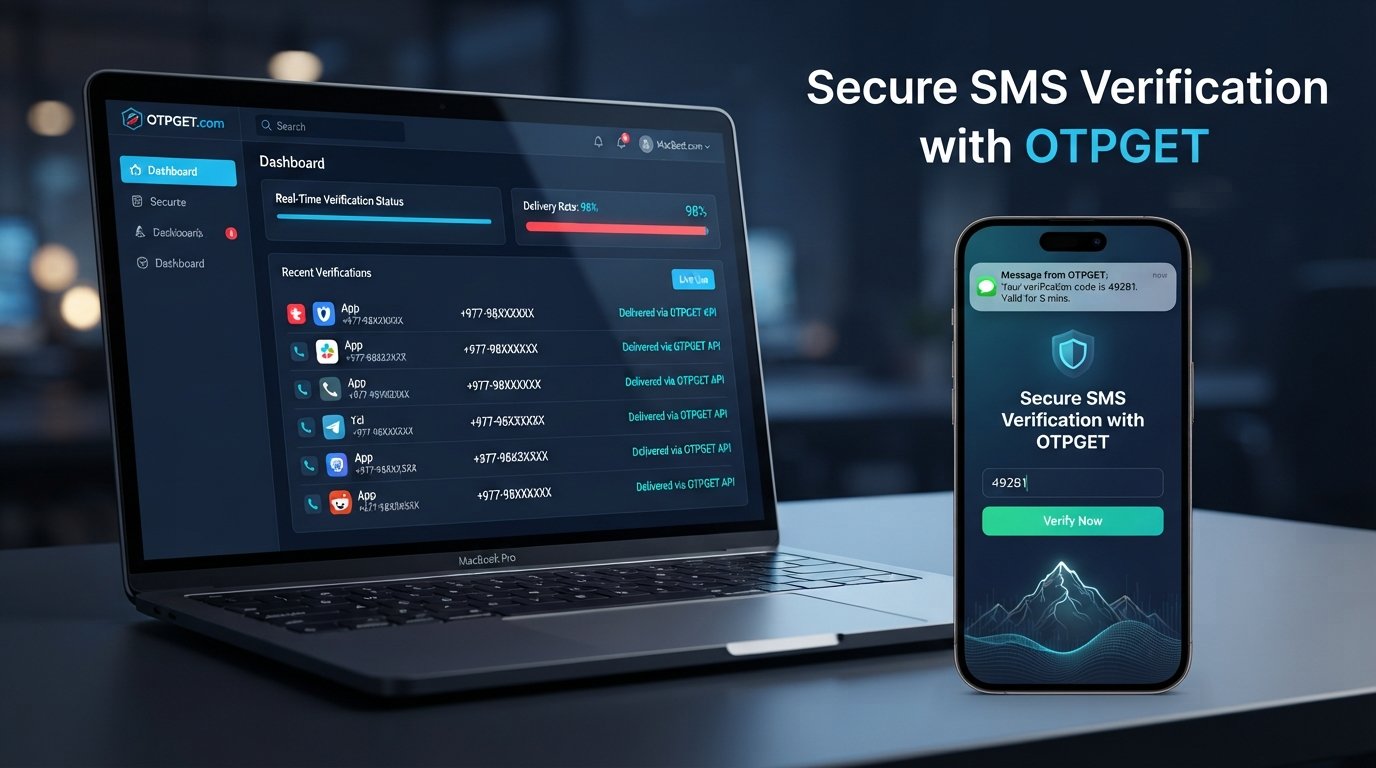
Nepal Telegram Not Working? Fix with OTPGet
Trying to log into Telegram only to sit there waiting for a verification code can be frustrating. You enter your phone number, request an OTP, and expect the SMS to arrive. Instead, nothing happens—or the code arrives too late to use.
For users searching for Nepal Telegram not working or Telegram not working in Nepal, the problem may not actually be the Telegram app itself. A failed login can involve SMS delivery, phone-number formatting, mobile connectivity, the device, the application, or the verification process.
The good news is that many Telegram login and verification problems can be narrowed down with a few practical checks. And when the main obstacle is receiving an SMS verification code, a service such as OTPGET can provide another option through virtual numbers for supported verification services.
Why Is Telegram Not Working in Nepal?
“Telegram not working” can describe several different situations.
You might be unable to connect to Telegram, unable to register a new account, or simply unable to receive the Telegram verification code needed to log in. These situations have different causes, so identifying the exact problem is the first step.
Common possibilities include:
- Verification-code delivery problems: The requested Telegram OTP may be delayed or fail to reach the phone.
- Incorrect phone-number formatting: Telegram recommends entering mobile numbers in international format.
- Mobile connectivity problems: Weak or inconsistent mobile service can interfere with SMS delivery.
- Device or app issues: An outdated application, temporary app problem, or device setting may affect the login process.
- Temporary service-side issues: Sometimes a verification request may not behave as expected because of a temporary problem outside the user's device.
- Multiple login attempts: Repeatedly requesting codes in a short period can make troubleshooting harder, especially when several old codes are already pending.
Telegram also notes that if you recently used Telegram on another device, the login code may be delivered through Telegram rather than SMS. Checking your other connected devices can therefore be important.
Common Telegram Verification Problems in Nepal
One of the most common complaints is Telegram OTP not arriving. A user may see the verification screen but never receive the expected SMS.
Other situations include:
- Telegram code not received after several minutes
- Telegram verification code not received by SMS
- SMS verification delays
- Telegram login attempts failing
- Registration or sign-up problems
- An incorrect or expired activation code
- Trouble logging in after switching phones
- Difficulty completing Telegram number verification
A useful distinction is whether Telegram itself opens and connects normally.
If the app works but you cannot finish the login process, you are probably dealing with a Telegram verification problem, rather than a general Telegram connectivity issue.
Telegram's own FAQ says login codes may sometimes be sent through an existing Telegram session instead of SMS. It also recommends using an international-format mobile number and contacting Telegram support if registration or login problems continue.
Why You May Not Receive a Telegram OTP
There is no single reason why a Telegram OTP may fail to appear. Before looking for another verification method, work through the basics.
Check your phone number
Make sure the number you entered is correct and includes the appropriate country code. A single incorrect digit can send the verification request somewhere else.
Telegram specifically recommends international number formatting for login and registration.
Check your mobile connection
Confirm that your phone has a working mobile connection. If ordinary SMS messages are also delayed or unavailable, the issue may involve your carrier rather than Telegram.
Make sure SMS can reach your phone
Check your normal messaging app and confirm that your phone can receive messages. Also check whether spam filtering, blocking, or device settings could be affecting incoming SMS.
Check another Telegram device
If you are already signed into Telegram somewhere else, look there for the login code. Telegram explains that it may send a login code through an existing Telegram session instead of SMS.
Avoid repeatedly requesting codes
If the first request does not arrive, repeatedly pressing the request button may not make the process faster. Give the existing request time to complete before trying again.
Restart and update
Closing Telegram, restarting your phone, and making sure you are using an up-to-date official Telegram application are sensible troubleshooting steps. Telegram provides official mobile, desktop, and web applications.
How to Fix the Telegram Verification Problem
Before using an alternative verification option, go through this simple sequence:
- Re-enter your phone number carefully. Confirm the country code and every digit.
- Check your mobile network. Make sure your phone has a stable connection.
- Test ordinary SMS reception. If other messages are not arriving, investigate the mobile carrier or device first.
- Check your other Telegram sessions. A login code may appear inside Telegram rather than arriving by SMS.
- Wait before requesting another code. Avoid creating several verification requests at once.
- Restart Telegram and your device. This can eliminate temporary application or device issues.
- Update Telegram. Use an official, current version of the application.
- Try again carefully. If the problem is specifically SMS delivery, determine whether an alternative number or supported verification method is appropriate.
- Contact Telegram support if necessary. Persistent account-specific issues may require Telegram's own assistance.
These steps are worth trying even if you ultimately decide to use an OTP service. They help determine whether the real problem is Telegram, your phone, your carrier, or SMS delivery.
OTPGET: A Practical Solution for Telegram OTP Verification
If your main obstacle is receiving the verification SMS, OTPGET can be a practical option to consider.
OTPGET provides virtual phone numbers intended for SMS OTP verification and lists Telegram among its supported services. Its platform offers temporary virtual numbers as well as longer-term rental numbers.
The basic idea is straightforward: instead of relying on the SMS arriving on your personal SIM, you can select an available virtual number through OTPGET for a supported verification service. If Telegram accepts the selected number and sends a verification message to it, the SMS can be received through the OTPGET platform.
This makes OTPGET particularly relevant when the problem is a Telegram OTP problem involving SMS reception—not when Telegram itself is experiencing an unrelated connection or account issue.
It is also important to understand the distinction between Telegram and OTPGET. Telegram controls its own account-verification process, while OTPGET provides the number and message-receiving service. OTPGET does not control Telegram's verification decisions or guarantee that every number will be accepted.
How OTPGET Helps With Telegram OTP Problems
For a legitimate verification workflow, the process can be approached in a few simple stages:
- Identify the problem. Confirm that the main issue is receiving an SMS verification code.
- Check OTPGET availability. Look for an appropriate available number and supported service.
- Use the number during the applicable verification process. Enter the number in the required format.
- Wait for the verification message. If the service sends an SMS to the selected number, OTPGET can display the received message through its platform.
- Enter the verification code where requested. Complete the verification process according to Telegram's instructions.
OTPGET says its virtual numbers can receive SMS OTPs for supported services and that users can select a country and service from its platform.
However, availability and acceptance can vary. OTPGET's own terms explain that it provides numbers and message-receiving services and is not responsible for failures caused by application bugs, platform restrictions, device verification issues, server errors, bans, or logouts.
That distinction matters: OTPGET can help with the OTP-receiving part of the problem, but it cannot guarantee successful Telegram account verification in every situation.
Why Choose OTPGET?
When the problem specifically involves SMS verification, OTPGET may be useful because it brings the number and OTP-receiving process into one online platform.
Potential practical advantages include:
- Virtual numbers: OTPGET offers numbers for SMS-based verification without requiring a physical SIM for the selected number.
- Telegram support: Telegram is listed among the services supported by its virtual-number platform.
- Multiple country options: OTPGET states that it provides virtual numbers across many countries.
- Rental options: Users who need a number for longer-term purposes can consider its rental-number service.
- Online OTP access: Received verification messages can be viewed through the OTPGET platform rather than depending exclusively on a physical SIM.
As with any third-party verification service, users should check availability and the applicable terms before purchasing a number.
Telegram Verification Troubleshooting: What to Check First
Before changing your verification approach, use this quick checklist:
- Phone number: Is every digit correct?
- Country code: Is the number entered in international format?
- Mobile network: Can the phone make calls or receive ordinary SMS?
- SMS availability: Are incoming messages working normally?
- Telegram app: Is the official app installed and updated?
- Other devices: Could the login code have arrived through an existing Telegram session?
- Verification attempts: Have you requested too many codes in succession?
- Code expiration: Are you entering the newest code rather than an older one?
- Account access: Are you trying to log into an existing account or register a new one?
- Alternative verification: If SMS remains the problem, would a supported virtual number be appropriate?
This checklist can help separate a general Telegram login problem from a specific Telegram verification code issue.
Frequently Asked Questions
Why is Telegram not working in Nepal?
“Telegram not working in Nepal” can refer to several different problems, including connectivity, application issues, registration failures, or verification-code delivery. If Telegram opens normally but you cannot log in, focus first on the phone number and verification process.
Why am I not receiving my Telegram OTP?
Check your number, country code, mobile connection, and SMS reception first. If you have Telegram active on another device, check there too because Telegram may deliver the login code through an existing Telegram session instead of SMS.
Why is my Telegram verification code not arriving?
The issue may involve SMS delivery, your mobile carrier, the entered number, the device, or the verification process itself. Confirm that ordinary SMS works and that the number is correctly formatted before requesting another code.
How do I fix a Telegram login problem?
Start with the basics: verify your number, check mobile connectivity, look for a code on another Telegram device, update the app, and avoid repeatedly requesting codes. If the issue remains account-specific, contact Telegram support.
Can OTPGET help with Telegram OTP verification?
OTPGET lists Telegram among the supported services for its virtual numbers and provides SMS OTP receiving through its platform. Whether a particular number is accepted by Telegram can vary, so OTPGET should be viewed as an option rather than a guarantee.
What should I do if Telegram does not send an SMS code?
First, check your number and country code, confirm that your phone can receive SMS, and check any other Telegram sessions. If SMS remains the specific obstacle, you can investigate an appropriate alternative verification option such as a supported OTPGET virtual number.
Why does my Telegram verification code expire?
Verification codes are time-sensitive security credentials. If a code is no longer accepted, request a fresh code and use the newest valid code rather than an earlier message.
What should I check before trying another verification method?
Confirm the phone number, country code, mobile network, SMS availability, Telegram app status, other logged-in devices, and recent verification attempts. This helps establish that the problem is genuinely related to receiving the verification code.
Final Thoughts
When Nepal Telegram not working searches lead you to a login screen with no verification code, the first step should be troubleshooting—not immediately assuming Telegram itself is broken.
Check your number, country code, mobile connection, SMS reception, application, and other Telegram sessions. These simple checks can resolve many ordinary Telegram verification issues and help identify whether the problem is actually related to SMS delivery.
If the core issue continues to be receiving an SMS OTP, OTPGET offers a practical alternative through virtual numbers for supported services, including Telegram. It can be useful when you need another way to receive a verification message, while keeping in mind that Telegram ultimately controls whether a number and verification attempt are accepted.
If you're still dealing with a Telegram verification problem, explore OTPGET and check the available numbers and service options before starting your next verification attempt.


