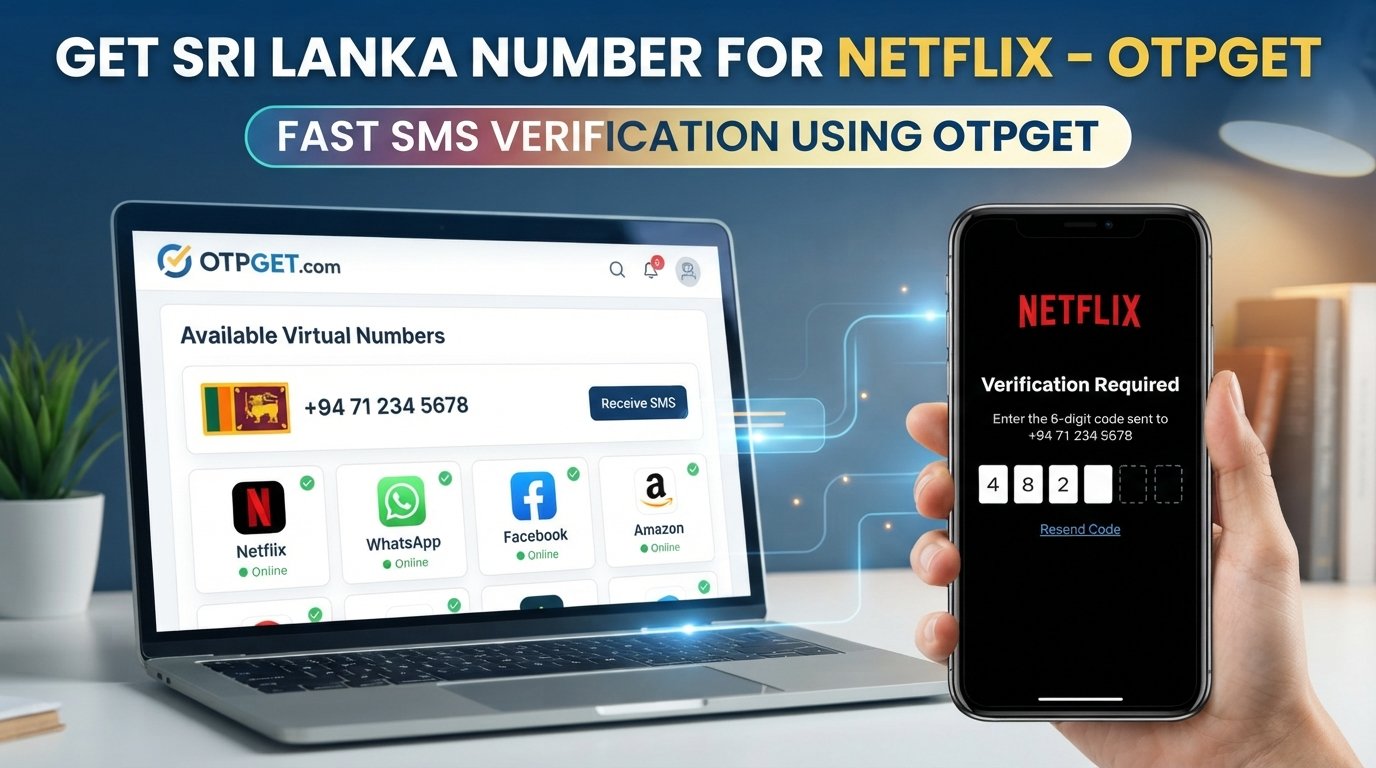
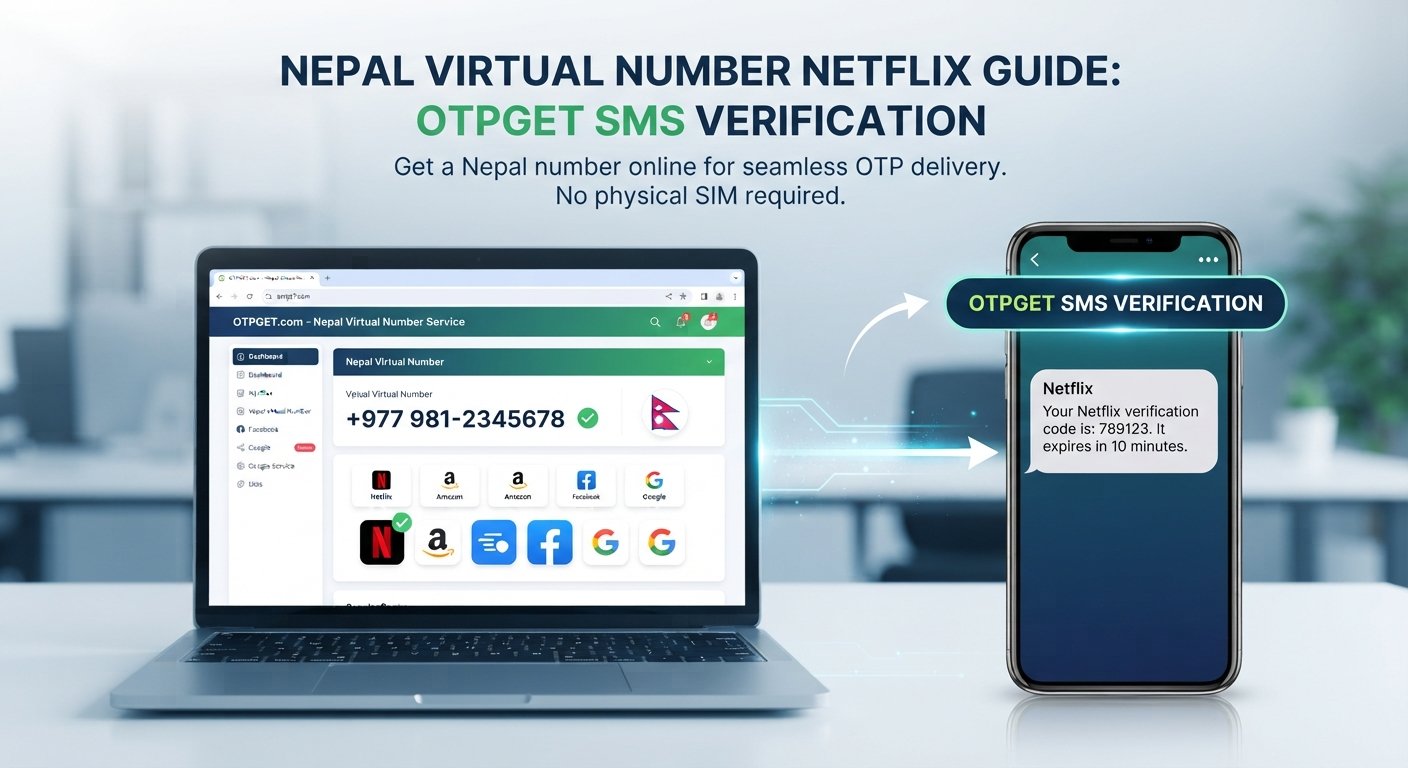
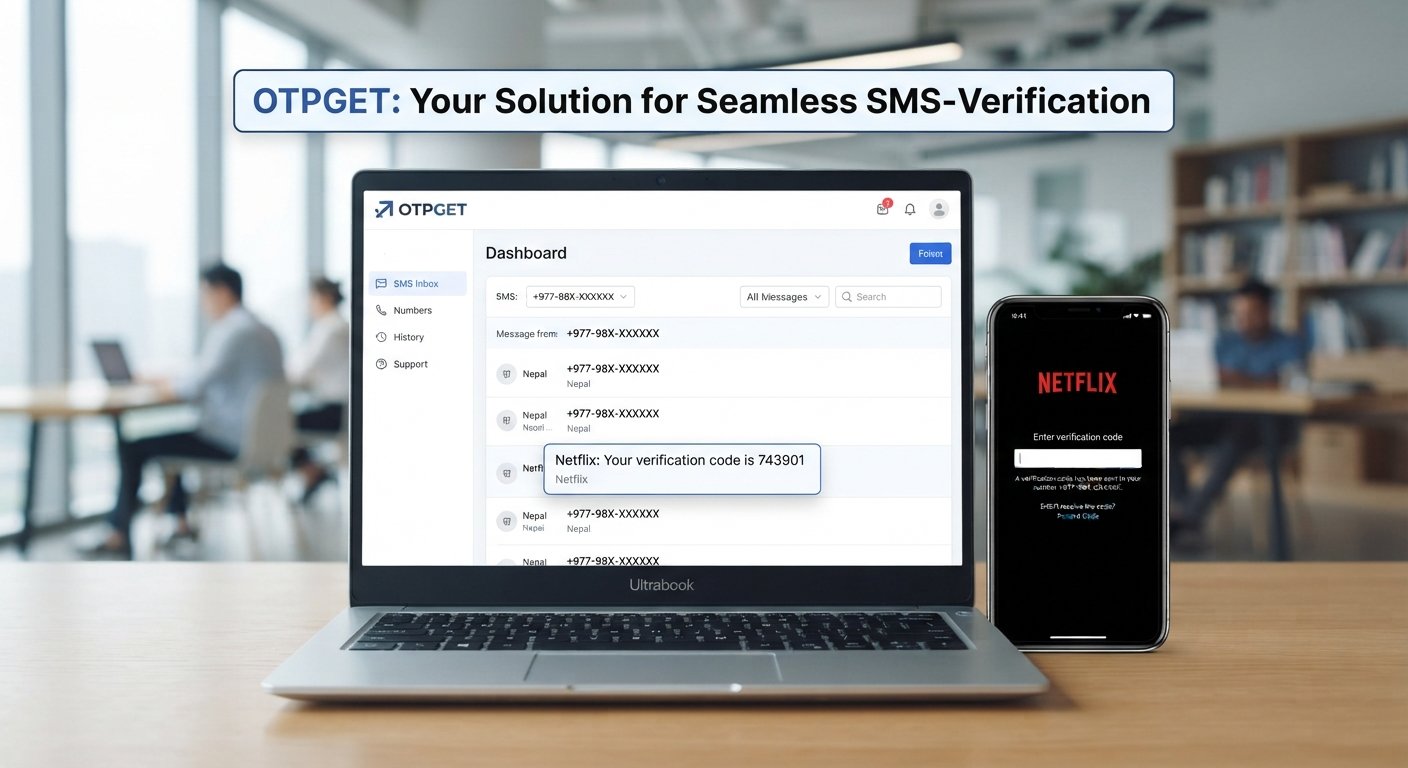
Online SMS Verification: Complete Guide to OTPs, Codes & OTPGET
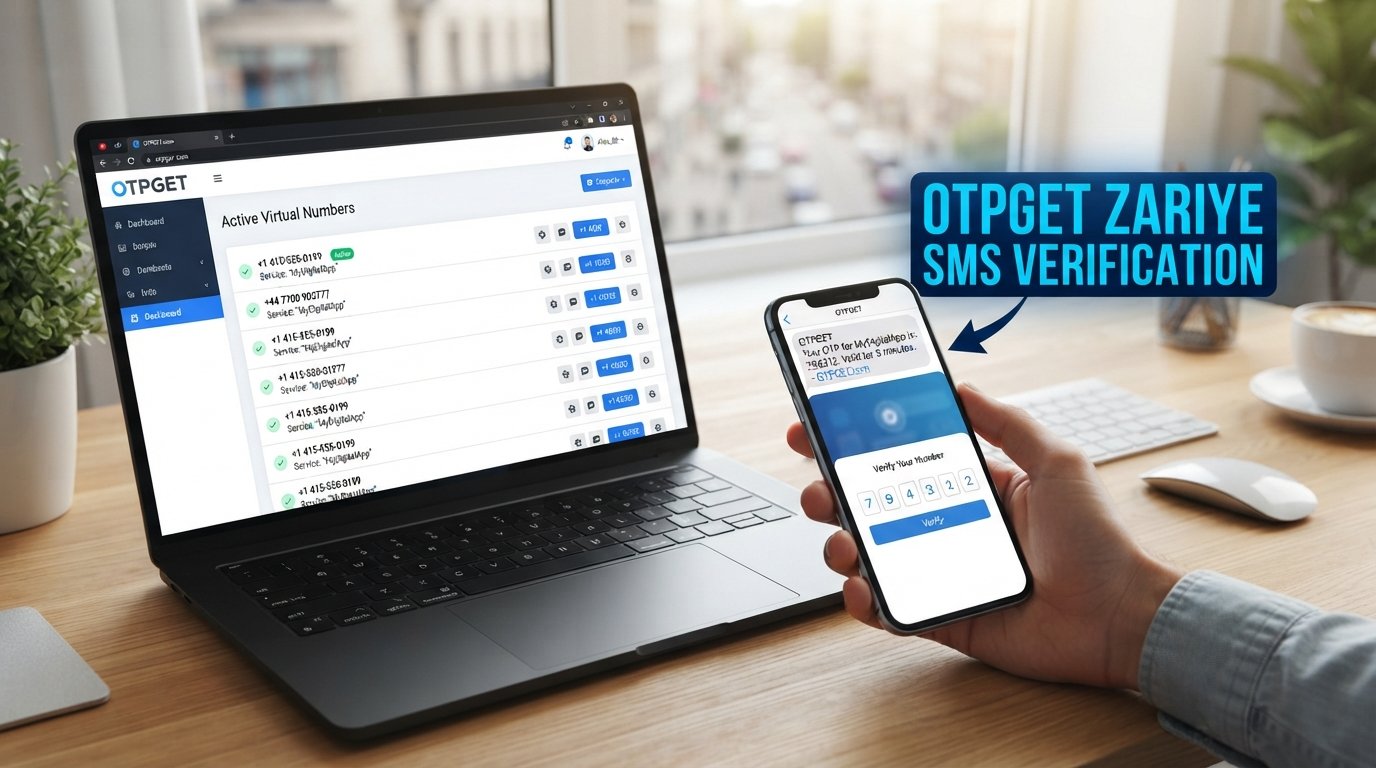
Online SMS Verification: Complete Guide to OTPs, Codes & OTPGET
Introduction
Phone verification has become a familiar part of signing up, logging in, recovering accounts, and testing digital products. Instead of asking users to create another password, a website or app can send a short verification code by SMS and use that code to confirm access to a phone number.
For many people, however, using a personal mobile number for every online service is inconvenient. Developers may also need numbers for QA workflows, while businesses can have legitimate reasons to separate service-related communication from personal communications. This is where online SMS verification services and virtual phone numbers can become useful.
An online SMS verification service provides a way to receive supported verification messages without relying exclusively on a personal SIM card. OTPGET is one practical option to consider when you need to handle SMS-based verification requirements. Its platform provides virtual numbers and SMS OTP functionality, with options that can also support longer-term number requirements and developer workflows.
This guide explains how SMS verification works, what OTPs are, when online verification services make sense, what to consider when choosing one, and how OTPGET fits into the process.
What Is Online SMS Verification?
Online SMS verification is a process in which a website, application, or digital service sends a verification code to a phone number by SMS. The recipient then enters that code into the requesting platform to confirm access to the number.
The code is usually called an OTP, or one-time password. Unlike a conventional password, an OTP is generally intended for a single authentication event or a limited period.
A typical verification scenario looks like this:
- A website asks for a phone number.
- The user provides an eligible number.
- The website sends a verification SMS.
- The SMS contains a temporary verification code.
- The user enters the code.
- The service validates the code and completes the relevant action.
SMS verification can appear during account registration, login, password recovery, phone-number confirmation, and other authentication workflows.
With an online SMS verification service, the incoming message can instead be received through an online dashboard or supported system associated with a virtual number.
How Does SMS Verification Work?
Although individual platforms use different interfaces, the basic process is straightforward.
- A service requests a phone number. The website or app presents a phone verification field.
- The user provides a supported number. This might be a personal mobile number or an eligible virtual number, depending on the platform's rules.
- The service sends an OTP. A verification SMS is routed to the supplied number.
- The SMS is received. The code becomes available through the relevant phone, dashboard, or SMS receiving service.
- The user enters the code. The verification code is submitted to the original website or application.
- The platform verifies it. If the code is correct and still valid, the verification step is completed.
OTPGET's documented SMS OTP workflow includes obtaining a number, checking its activation status, and retrieving the received code. Its developer documentation also provides API-based methods for programmatic number and SMS handling.
Why Do Websites Use SMS Verification?
SMS verification serves several practical purposes. It gives a service another way to confirm that a user has access to a particular phone number.
Common applications include:
- Account registration: Confirming a phone number during signup.
- Login verification: Adding another authentication step.
- Two-factor authentication: Combining a password with a temporary code.
- Password recovery: Helping confirm ownership during account recovery.
- Fraud prevention: Adding friction to certain automated or suspicious activity.
- Phone-number confirmation: Verifying that a submitted number can receive messages.
- Sensitive actions: Requiring an additional confirmation before certain account changes.
SMS verification is useful, but it is not a complete security system by itself. SIM-related risks, phishing, number recycling, delivery issues, and social engineering can affect SMS-based authentication. For particularly sensitive accounts, users should follow the security methods recommended by the service.
What Is OTP Verification?
OTP verification uses a one-time password to authenticate a particular action. In an SMS-based workflow, the OTP arrives inside a verification SMS.
An OTP is normally designed to have a limited validity period. This reduces the usefulness of an old code after the verification attempt has ended.
SMS OTP verification is therefore simply OTP verification delivered through SMS. Online OTP verification can refer to workflows where the verification SMS is received through an online service rather than directly on a user's personal handset.
A few simple rules matter:
- Never share an OTP with an unexpected caller or message sender.
- Enter codes only on the legitimate service requesting verification.
- Do not reuse expired verification codes.
- Check the website or app before submitting a sensitive code.
- Treat OTPs as confidential authentication information.
Why People Look for Online SMS Verification Services
There are legitimate reasons to use an online SMS verification service. Developers, testers, businesses, and individual users can have different requirements from someone simply verifying a personal account.
For example, online SMS receiving can be useful for:
- Testing application registration and authentication flows.
- Supporting QA and development workflows.
- Separating service-related communication from a personal number.
- Handling temporary project requirements.
- Receiving verification messages for services that permit virtual numbers.
- Managing specific business or testing workflows without relying on a personal SIM.
A temporary phone number or virtual phone number can be convenient in these situations, but compatibility is important. Some platforms restrict temporary, VoIP, recycled, or virtual numbers. A number being available through an SMS verification service does not guarantee that every third-party website will accept it.
Responsible use is equally important. Online verification services should not be used to impersonate others, commit fraud, create abusive accounts, bypass security controls, or violate a platform's terms.
OTPGET as an Online SMS Verification Solution
OTPGET is designed to provide users with a convenient way to handle SMS-based verification requirements through virtual numbers and related services.
Its documented platform supports temporary virtual numbers for receiving SMS OTPs, while its API documentation describes programmatic workflows for obtaining numbers and checking received verification messages. OTPGET also offers rental-number functionality for situations where a longer-lived virtual number is more appropriate.
That makes OTPGET relevant to several practical scenarios:
- Receiving supported verification codes online.
- Keeping some service-related verification separate from a personal number.
- Supporting application testing and QA workflows.
- Working with virtual numbers where a third-party service permits them.
- Building automated workflows around SMS OTP retrieval through its documented API.
The key point is to match the service to the actual requirement. If a platform specifically requires a personal mobile number, an online SMS verification service may not be appropriate. Users should always check the requesting platform's requirements before proceeding.
How to Use OTPGET for SMS Verification
The exact interface and available options can vary, so users should follow the instructions displayed by OTPGET. At a general level, the workflow can look like this:
- Visit OTPGET and review the available verification options.
- Choose a relevant number or service for your legitimate verification requirement.
- Follow the platform's instructions to obtain or use the supported number.
- Enter the number on the requesting service where virtual numbers are permitted.
- Request the verification SMS through the normal verification process.
- Check OTPGET for the incoming verification message.
- Retrieve the OTP once the message is available.
- Enter the code into the requesting service and complete its normal verification process.
OTPGET's API documentation describes a number-request and status-check workflow, including a response indicating when an SMS code has been received.
Benefits of Using an Online SMS Verification Service
An online SMS verification service can offer practical advantages when used for an appropriate purpose.
Convenience: Verification messages can be handled through an online interface instead of depending entirely on a physical SIM.
Separation: A virtual number can help keep certain service-related communications separate from a personal phone number.
Testing flexibility: Developers and QA teams may find virtual numbers useful when testing phone-number verification flows.
Simplified workflows: A dedicated SMS receiving service can make it easier to locate verification messages when several projects or services are involved.
Flexible number requirements: Some providers offer temporary numbers as well as longer-term rental options. OTPGET documents both temporary number and rental-number functionality.
These benefits should be weighed against compatibility, privacy, cost, and the rules of the platform being verified.
Online SMS Verification vs. Traditional Phone Verification
Both approaches can serve legitimate verification needs, but they work differently.
| Consideration | Traditional Phone Verification | Online SMS Verification |
|---|---|---|
| Number source | Personal mobile/SIM | Virtual or supported online number |
| Convenience | Familiar and direct | Managed through an online service |
| Privacy considerations | Personal number is shared | Can separate personal and service communication |
| Testing | Less flexible for repeated QA | Can be useful for testing workflows |
| Setup | Usually minimal | Requires choosing a suitable service/number |
| Compatibility | Generally broad | Depends on the requesting platform |
| Main limitation | Personal number dependency | Some services restrict virtual or temporary numbers |
Neither method is universally suitable. The right choice depends on the service, the sensitivity of the account, and the user's specific requirements.
What to Look for in an SMS Verification Service
Before choosing an SMS verification service, look beyond the headline price. Practical evaluation criteria include:
- Number availability: Check whether suitable numbers are available for your intended country or service.
- Service compatibility: Confirm that the requesting platform permits the type of number being used.
- Message visibility: Understand how incoming verification SMS messages are displayed.
- Privacy: Review what information the provider collects and how it handles account and message data.
- Security practices: Look for clear policies and responsible handling of authentication information.
- Pricing: Understand how temporary numbers, rentals, and other services are charged.
- Transparency: Provider documentation should explain how the service works and what limitations apply.
- Support: Accessible customer support can be useful when verification messages do not arrive.
- Terms of service: Make sure your intended use complies with both the provider's rules and the third-party platform's policies.
OTPGET can be evaluated using these same criteria. Its public documentation provides information about its SMS OTP API, number acquisition workflow, status checking, rental numbers, and related developer functionality.
Is Online SMS Verification Safe?
The safety of online SMS verification depends on how and where it is used.
A reputable provider can make SMS-based workflows more convenient, but users should still treat verification codes as sensitive credentials. Anyone who obtains a valid OTP may potentially use it within the authentication flow for which it was issued.
There are also compatibility and privacy considerations. Not every website accepts virtual or temporary numbers, and some verification services may have their own restrictions.
For safer use:
- Use reputable online verification services.
- Read the provider's privacy and usage policies.
- Never disclose OTPs to strangers.
- Avoid entering codes on suspicious websites.
- Use online numbers only where the requesting service permits them.
- Keep recovery methods for important accounts secure.
- Never use verification services for fraud, impersonation, spam, or security bypasses.
Common Problems With SMS Verification
Even a straightforward verification process can occasionally fail.
OTP Not Arriving
The requesting platform, carrier, or number provider may experience a delay. Wait briefly, confirm the number, and check whether another verification attempt is permitted.
Delayed SMS
Network and provider routing can introduce delays. Repeatedly requesting new codes may also create confusion if several messages arrive later.
Expired OTP
An OTP is normally temporary. If the code has expired, request a new one and use the newest valid code.
Unsupported Number
Some platforms block temporary or virtual numbers. If the number is not accepted, check the platform's requirements rather than repeatedly requesting codes.
Incorrect Number Format
International numbers may require the correct country code and formatting. Review the number before submitting the verification request.
Service Restrictions
Availability can vary by country, provider, service, and number type. OTPGET's documentation specifically exposes country and service selection as part of its number workflow, so users should check current availability before starting a verification attempt.
Best Practices for Online SMS Verification
A few habits make SMS-based verification safer and easier:
- Use the correct phone number and country format.
- Choose a provider with transparent policies.
- Check whether virtual numbers are accepted before starting.
- Never share an OTP unnecessarily.
- Avoid suspicious verification links.
- Do not use SMS services to bypass account-security controls.
- Keep important account recovery information protected.
- Follow the requesting platform's terms.
- Use dedicated numbers when your workflow genuinely requires separation.
- For development and QA, test only accounts, applications, and environments you are authorized to test.
Frequently Asked Questions
What is online SMS verification?
Online SMS verification is a process where a website or application sends a temporary verification code to a phone number by SMS. The user receives the verification SMS and enters the code to confirm access to that number or complete an authentication step.
How does SMS OTP verification work?
The requesting service generates a one-time password and sends it by SMS. The recipient enters the code into the relevant verification screen. If the code matches and has not expired, the service completes the associated verification process.
Can I receive SMS verification codes online?
Yes, supported online SMS verification services can provide virtual numbers that receive verification messages online. However, not every website accepts virtual or temporary numbers, so users should check the requesting platform's requirements first.
What is an online SMS verification service?
An online SMS verification service provides access to numbers or SMS receiving functionality that can be used for supported verification workflows. Depending on the provider, this may include temporary numbers, longer-term rentals, or API access.
How does OTPGET help with SMS verification?
OTPGET provides virtual numbers intended for receiving supported SMS OTP codes. Its documentation also describes APIs for obtaining numbers and checking whether verification SMS messages have arrived, making it an option for both practical and developer-oriented workflows.
Why is my verification code not arriving?
Possible causes include provider delays, an incorrect number, an unsupported number type, network issues, or restrictions imposed by the requesting platform. Verify the number, wait for a reasonable period, and check whether the platform supports the selected number.
Are temporary phone numbers suitable for every verification service?
No. Some websites and applications restrict temporary or virtual numbers. Before using a temporary number for verification, review the requesting service's rules and make sure the number type is permitted.
What should I look for in an SMS verification service?
Consider number availability, compatibility, privacy practices, security policies, pricing, message visibility, support, transparency, and terms of use. The service should fit your specific verification requirement rather than simply offering the cheapest number.
Conclusion
Online SMS verification provides a practical way to handle phone-based authentication, from account registration and login confirmation to application testing and other legitimate workflows. Understanding how OTPs work, why verification messages can fail, and which limitations apply makes the process much easier to navigate.
A virtual or temporary number can also help separate certain online activities from a personal phone number, but it should always be used responsibly. Compatibility matters, and not every platform accepts every type of virtual number.
For users looking for a practical online SMS verification service, OTPGET is worth considering. Its platform offers virtual numbers and SMS OTP functionality, with documented workflows for receiving codes and API-based integration.
Explore OTPGET for SMS verification and choose an option that fits your legitimate verification, testing, or communication requirements.