Understanding OTP Codes and Verification SMS: A Complete Guide
Understanding OTP Codes and Verification SMS
Introduction
Few things are more frustrating during an online signup or login than waiting for a verification code that never arrives. Whether you are creating an account, recovering access, or confirming a phone number, OTP codes and verification SMS are now a familiar part of the process.
An OTP, or one-time password, gives a service a temporary code that can be used to confirm access or verify a phone number. For many people, however, the challenge is not understanding what an OTP is—it is finding a practical way to receive verification messages without using their primary phone number for every online service.
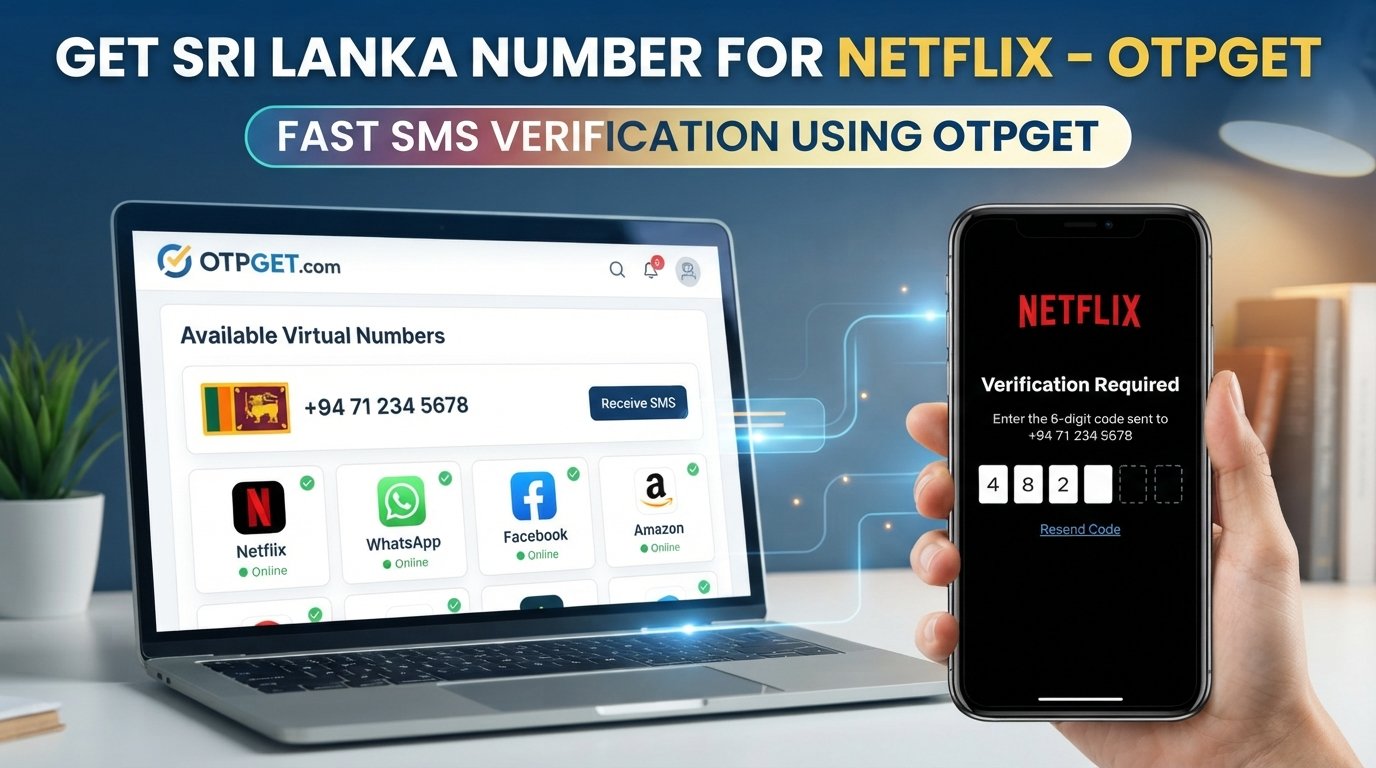
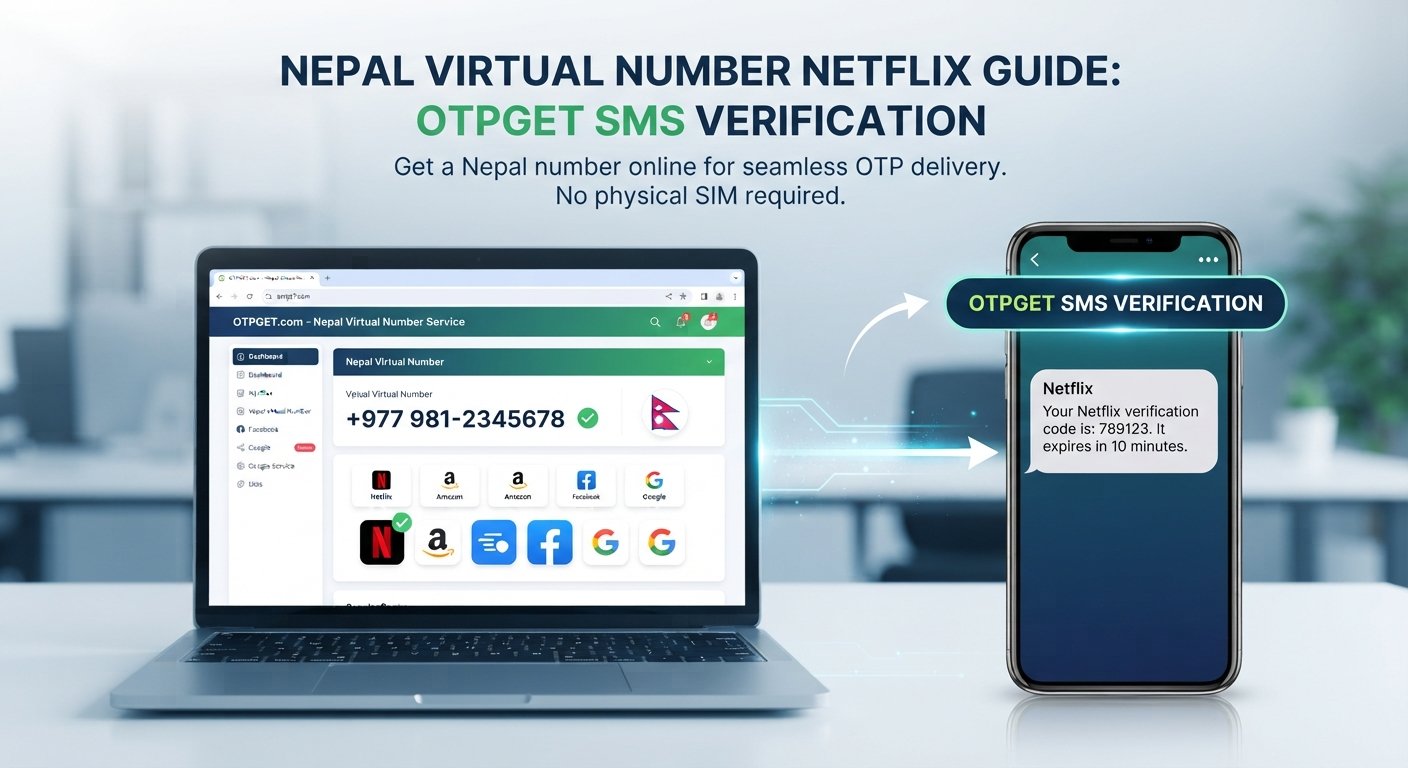
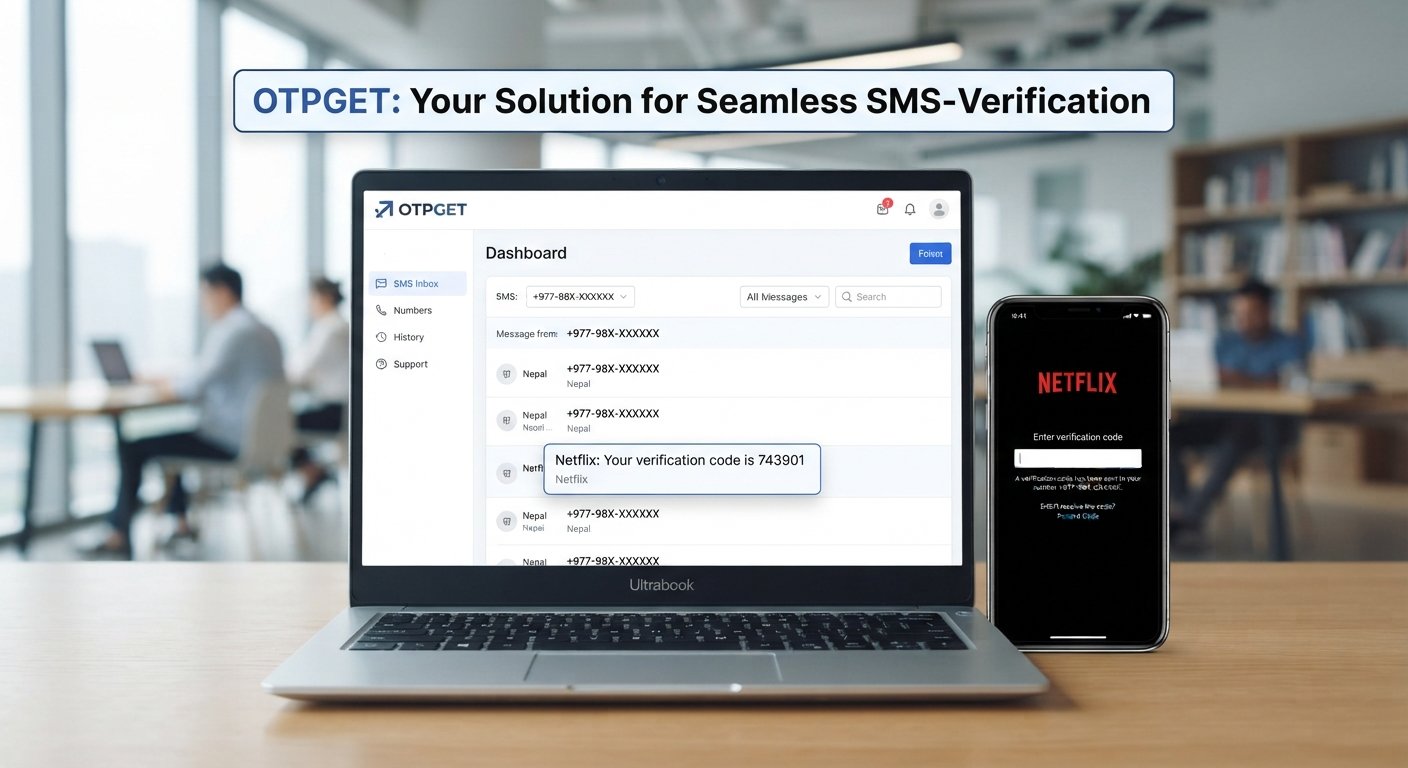
That is where an OTP receiving service such as OTPGET can be worth considering for appropriate verification scenarios. OTPGET provides virtual numbers that can be used to receive supported SMS verification codes, giving users another option when a service permits an alternative number. Its documentation also describes SMS OTP and longer-term virtual number functionality.
What Is an OTP Code?
OTP stands for One-Time Password. It is a temporary verification code generated for a particular authentication or verification event.
Unlike a regular password, which may remain valid until it is changed, an OTP is generally designed for limited use. It may also expire after a short period. This makes OTPs useful as an additional verification step when a website or application needs to confirm that a user has access to a particular phone number, email address, or authentication device.
An OTP may be delivered through:
- SMS
- An authenticator application
- Push notifications
- Other supported authentication methods
For SMS-based verification, the service generates a verification code and sends it to the phone number associated with the verification request.
What Is a Verification SMS?
A verification SMS is a text message containing information used to confirm a user's phone number or complete an authentication process. The message often contains an SMS verification code consisting of several digits.
For example, a website might ask a user to enter a phone number and then send a message containing a temporary code. The user enters that code on the website, allowing the platform to perform phone number verification.
Verification SMS messages are commonly used for:
- New account registration
- Login verification
- Password recovery
- Phone number confirmation
- Two-factor authentication
- Transaction or action confirmation
- Certain account-security checks
The exact process varies between services, and not every platform accepts every type of virtual or temporary number.
How OTP Verification Works
Although individual platforms use different systems, the basic OTP verification process is straightforward.
- The user enters a phone number.
The number is submitted on the website or application requesting verification. - The platform generates an OTP.
A temporary verification code is created for the request. - The OTP is sent through SMS.
The service sends a verification SMS to the submitted number. - The user receives the message.
The verification SMS contains the required code. - The user enters the code.
The OTP is entered into the original verification screen. - The platform validates the OTP.
The service checks whether the code matches the request and is still valid. - Verification is completed.
If the code is accepted, the requested verification step can proceed.
OTPGET's documented SMS OTP workflow follows a similar pattern: a user selects relevant service and country options, obtains a number, and checks the activation status for an incoming SMS code.
Why Do Websites Use OTP Verification?
OTP verification provides a convenient way for services to add a phone-based confirmation step. It does not eliminate every security risk, but it can be useful as part of a broader authentication system.
Common applications include:
Account Registration
A service may request phone number verification when someone creates a new account. This can help the platform confirm that the submitted number can receive messages.
Login Verification
Some services use OTPs as an additional authentication factor during login, particularly when two-factor authentication is enabled.
Password Recovery
A verification code sent to an eligible phone number may be one of several ways a service confirms a user's identity during account recovery.
Identity Confirmation
Websites and applications may use verification codes to confirm control of a phone number before allowing a particular action.
Transaction Confirmation
Some platforms use SMS authentication to confirm sensitive actions or transactions.
Reducing Automated Registrations
Phone verification can make automated account creation more difficult, although it should not be treated as a complete solution for fraud or abuse.
Common Problems With Verification SMS
SMS verification is convenient, but it is not flawless. Users can encounter several practical problems.
Delayed messages: Network congestion or routing issues can sometimes cause a verification SMS to arrive late.
No SMS received: The message may fail to arrive because of carrier, service, number, or platform-related issues.
Incorrect number: A single incorrect digit can send the verification code somewhere else.
Repeated requests: Requesting several OTPs in quick succession can sometimes result in older codes becoming invalid or additional requests being temporarily restricted.
Expired codes: OTPs are generally time-sensitive. A code that arrives after its validity period may no longer work.
Privacy concerns: Some users prefer not to associate their personal phone number with every online registration.
Travel and access issues: Access to a particular SIM or mobile number may be inconvenient when traveling or when managing multiple verification workflows.
These issues explain why some users look for alternatives to relying exclusively on a personal number.
Looking for a practical way to handle verification SMS?
OTPGET can be considered when you need a convenient option for receiving OTP-related verification messages without relying on your primary phone number for every verification scenario. Availability and compatibility depend on the originating service and the number options available through OTPGET.
What Is OTPGET?
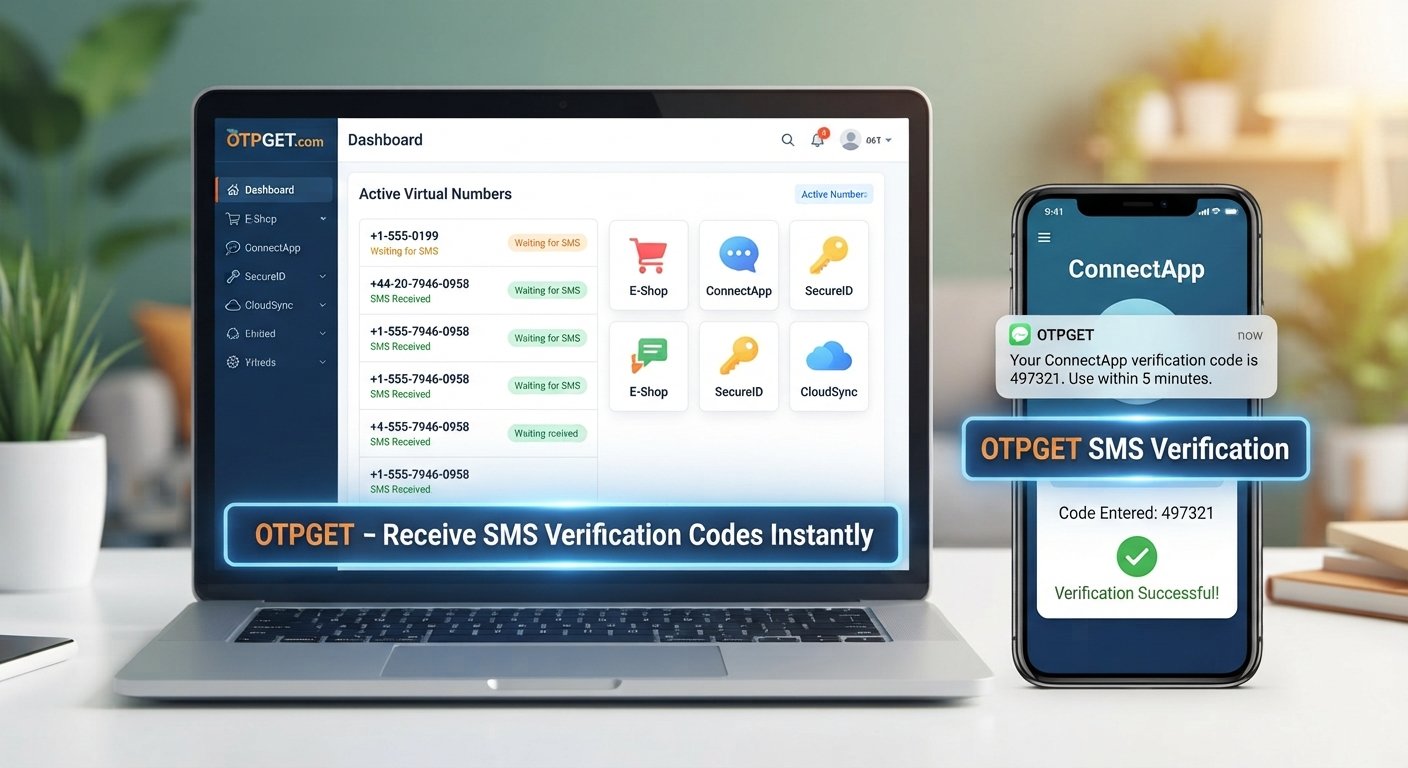
OTPGET is a platform offering virtual numbers and SMS OTP functionality for supported verification workflows. Its documentation describes an SMS OTP API that allows users or developers to obtain virtual numbers and check the status of incoming verification messages. It also documents rental-number functionality for longer-term virtual number use.
For users, the practical appeal is straightforward: instead of automatically using a personal mobile number for every eligible verification request, they can consider an available OTPGET number when the originating service permits it.
Potential benefits include:
- Convenient access to supported verification SMS
- Separation of certain verification activities from a personal number
- A practical option for online verification workflows
- Access to received OTP messages through the applicable OTPGET interface
- Options for temporary or longer-term virtual number use, depending on availability
OTPGET should not be viewed as universally compatible with every website or application. Number availability, country selection, supported services, and the originating platform's acceptance of virtual numbers can vary.
How OTPGET Can Simplify OTP Verification
For an appropriate and permitted verification workflow, the process can look like this:
- Identify the service requiring SMS verification.
- Select an appropriate verification option through OTPGET.
- Enter the provided number where the original service permits it.
- Request the verification code.
- Wait for the verification SMS to arrive.
- Retrieve the received OTP through the appropriate OTPGET interface.
- Enter the code into the original service.
- Complete the normal verification process.
OTPGET's documentation describes status checking for an activation until an SMS code is received, after which the activation can be completed.
Compatibility should always be checked before starting a verification request. A platform may restrict virtual numbers, specific countries, or particular number types.
OTPGET vs. Using Your Personal Phone Number
A personal number remains useful for many important accounts, especially services that require a long-term number or explicitly prohibit temporary or virtual numbers. OTPGET is better understood as an alternative for suitable scenarios rather than a replacement for every personal-number use case.
| Factor | Personal Number | OTPGET |
|---|---|---|
| Separation from personal number | Verification is tied directly to your number | Can separate eligible verification activity from a primary number |
| Convenience | Familiar and always available when your phone is accessible | Provides an alternative workflow for supported SMS verification |
| Verification use cases | Broad, but subject to the service's requirements | Useful for supported services and available number options |
| Privacy considerations | Personal number is shared with the service | Can reduce the need to provide a primary number in suitable cases |
| Availability | Depends on your mobile service and device access | Depends on available numbers and supported services |
| Compatibility | Usually suitable where a normal mobile number is required | May vary depending on the originating platform |
The right option depends on what the service requires and how important long-term access to the number is.
When Should You Consider Using an OTP Service?
An OTP service can be practical in situations such as:
- Testing verification workflows
- Separating certain online registrations from a personal number
- Handling temporary verification requirements
- Development or testing environments where permitted
- Working with a service that explicitly accepts an alternative number
- Managing verification workflows that do not require a personal, long-term number
Always follow the terms, policies, and verification requirements of the website or application involved. An OTP service should not be used to access an account you do not own, impersonate another person, or bypass a platform's security controls.
OTP Security Best Practices
An OTP is sensitive authentication information. Treat a verification code with the same care you would give other credentials.
Follow these basic practices:
- Never share an OTP with strangers.
- Do not post verification codes publicly.
- Be cautious about unexpected OTP messages.
- Check the website or application before entering a code.
- Use strong, unique passwords alongside OTP-based authentication.
- Enable two-factor authentication where appropriate.
- Do not repeatedly request codes unless necessary.
- If you receive an unexpected OTP, investigate why it was sent rather than automatically using it.
It is also important to understand that OTP-based authentication is only one component of account security. Protecting passwords, devices, recovery methods, and authentication accounts remains important.
OTP vs Password: What's the Difference?
Passwords and OTPs serve different purposes.
| Authentication Method | What It Is | Typical Characteristic |
|---|---|---|
| Password | A secret chosen or assigned for an account | Usually reusable until changed |
| OTP | A temporary one-time password | Intended for limited or single use |
| Verification code | A code used to confirm an action or identity | Often delivered through SMS or email |
| Two-factor authentication | A process using multiple authentication factors | Adds another verification layer |
An OTP can therefore be part of two-factor authentication, but an OTP received by SMS is not automatically the same thing as a complete 2FA security system.
Frequently Asked Questions
What is an OTP code?
An OTP code is a temporary one-time password used to verify an authentication or account-related request. It is commonly delivered through SMS, although other delivery methods are also available.
What is a verification SMS?
A verification SMS is a text message sent to confirm a phone number or support an authentication process. It typically contains a short verification code that the user enters into a website or application.
How does OTP verification work?
A service generates an OTP after a user submits a phone number or begins an authentication request. The code is sent by SMS, the user enters it into the relevant interface, and the service validates it before completing verification.
Can I receive OTP codes online?
Yes, some services provide virtual numbers that can receive supported SMS verification codes online. However, compatibility depends on the originating platform, its verification rules, number type, country, and current availability.
What is OTPGET?
OTPGET is a platform offering virtual numbers and SMS OTP functionality for supported verification workflows. Its documentation describes obtaining numbers and checking incoming SMS status through its SMS OTP functionality.
Is using an OTP service safe?
Safety depends on the service, the verification scenario, and how the user handles received codes. Do not assume that using a virtual number provides complete anonymity or absolute security. Use reputable services, protect OTPs, and follow the originating platform's rules.
Why am I not receiving my verification SMS?
Possible causes include carrier delays, incorrect numbers, unsupported virtual numbers, platform restrictions, network issues, expired requests, or repeated OTP attempts. Checking the number and waiting briefly before requesting another code can help.
Can OTPGET receive every verification SMS?
No service should be assumed to have universal compatibility. OTPGET's available numbers and supported services can vary, and an originating website or application may restrict virtual or temporary numbers. Check the available options and the service's own verification requirements before proceeding.
Conclusion: A Practical Approach to OTP Verification
OTP codes and verification SMS have become common tools for confirming phone numbers, authenticating users, recovering accounts, and completing other online verification steps. They are simple to use, but delayed messages, unavailable numbers, privacy concerns, and service restrictions can make SMS verification inconvenient.
For suitable scenarios, OTPGET provides a practical option to consider when receiving verification SMS through a virtual number makes sense. Its documented SMS OTP workflow supports obtaining numbers and checking for incoming verification codes, while availability and compatibility remain dependent on the relevant service and available number options.
If you regularly encounter legitimate verification requirements and prefer not to use your primary phone number for every eligible request, explore OTPGET and check whether its available options fit the service and verification workflow you need.