OTP Not Received? Fix OTP Delivery Issues with OTPGET Today!

OTP Not Received — Here is How to Fix It
Waiting for an OTP that never arrives can be one of the most frustrating experiences during online verification. You enter your phone number, click “send code,” and expect a message within seconds — but nothing appears. You refresh, check your inbox repeatedly, and wonder why the OTP not received problem keeps happening.
This issue is more common than many people realize. OTP delivery depends on several systems working together, including mobile networks, messaging services, phone settings, and verification platforms. A small problem anywhere in this chain can delay or prevent your verification code from arriving.
Whether you are creating an account, signing into an application, verifying a service, or completing an online registration, a missing OTP can interrupt the entire process.
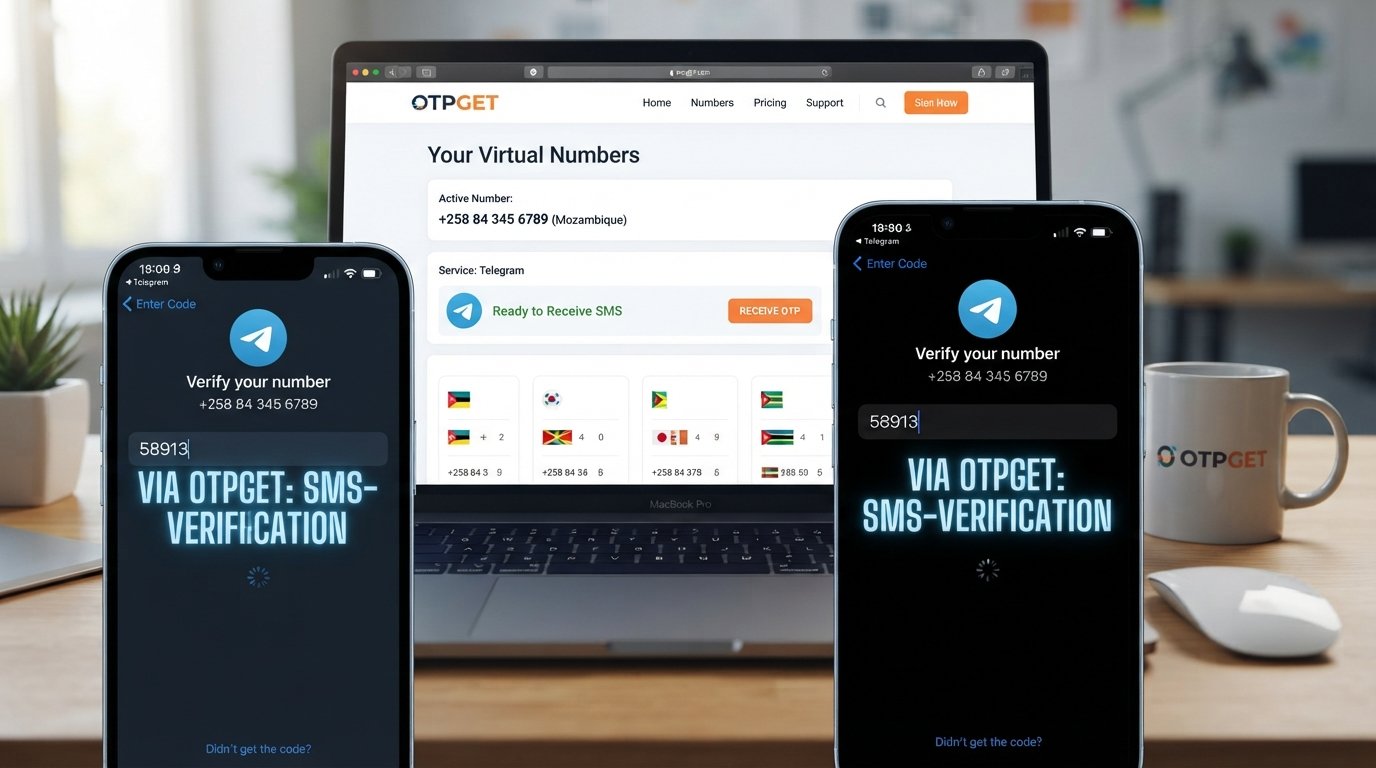
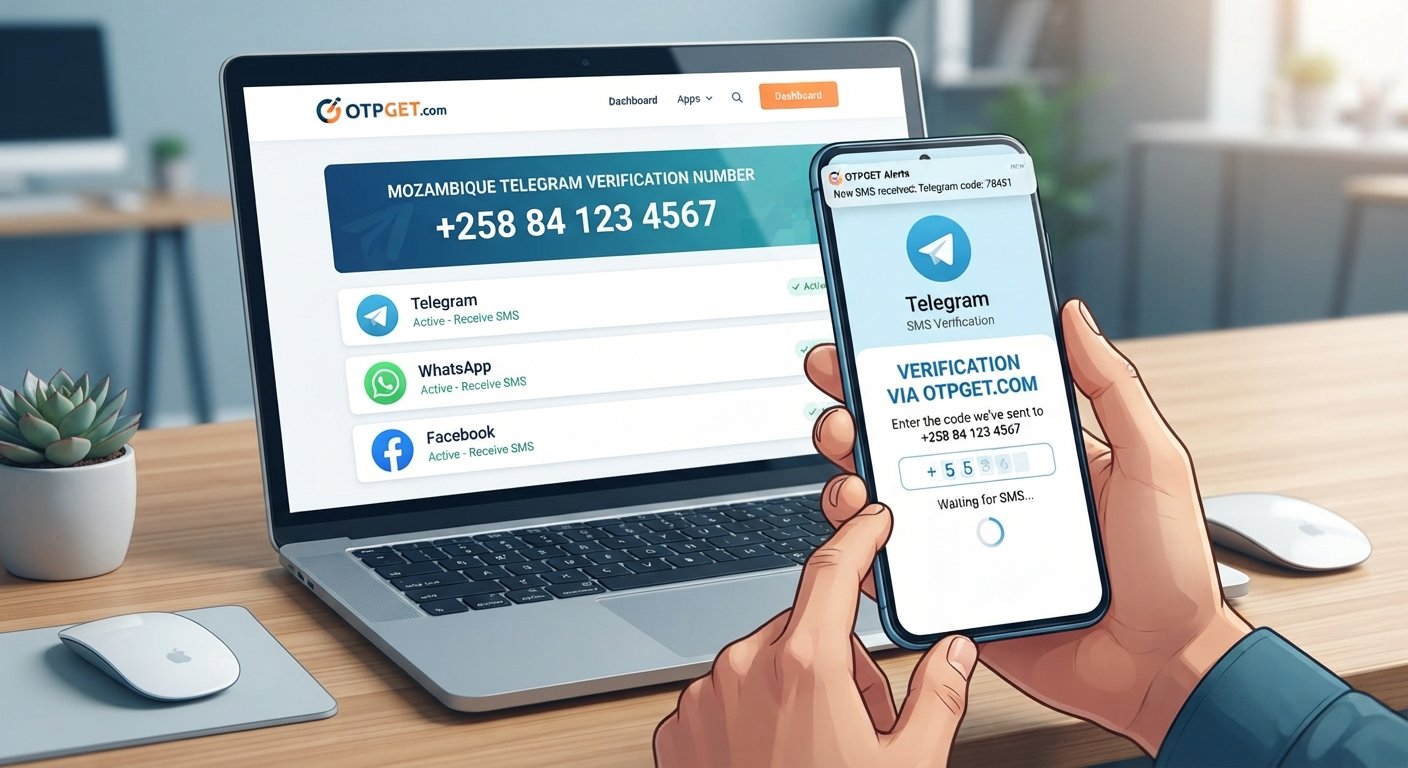
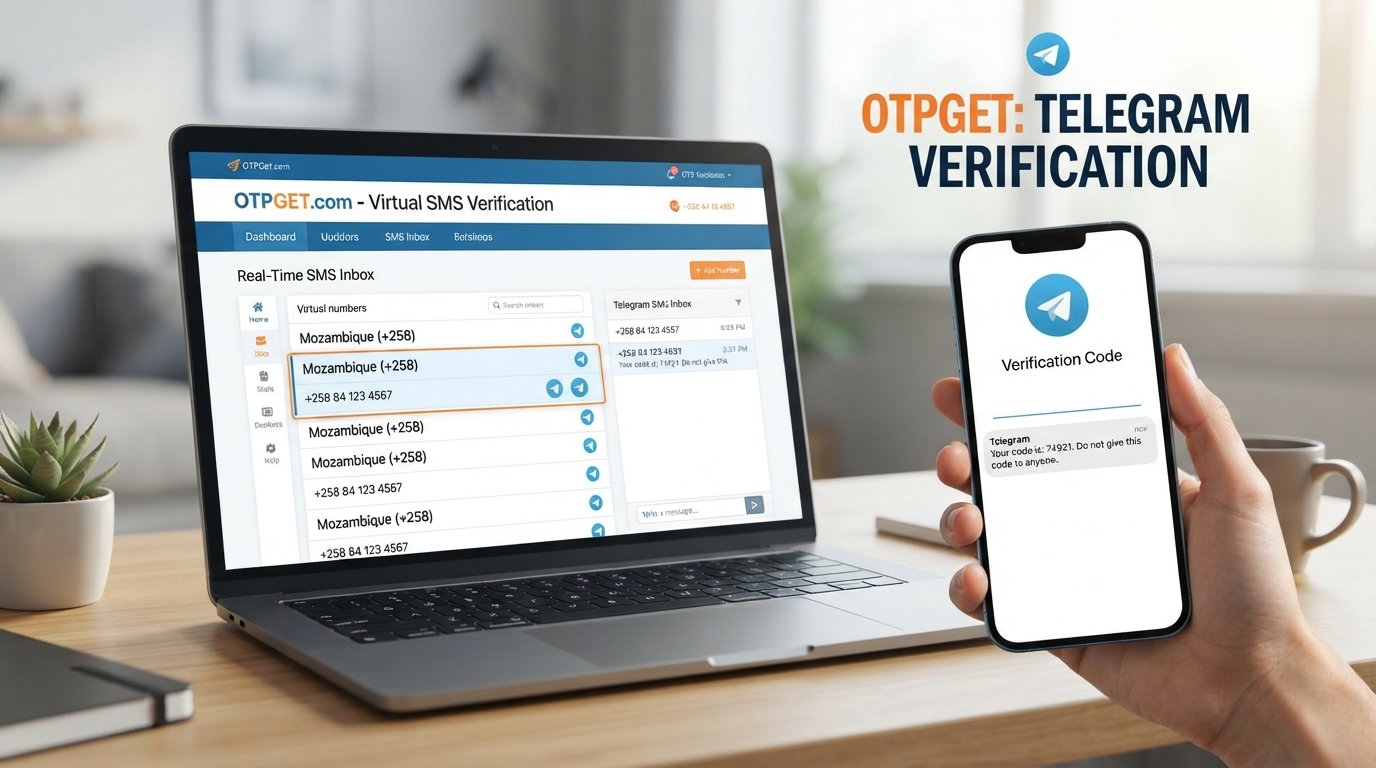
That is where OTPGET helps. The OTPGET platform provides a convenient and reliable way to handle OTP receiving challenges with a smoother verification experience. Instead of depending only on unreliable SMS delivery methods, users can access a more flexible OTP solution designed for faster and easier verification.
What Does "OTP Not Received" Mean?
An OTP, or One-Time Password, is a temporary security code used to confirm a user's identity during online verification. Many websites, applications, and digital services use OTPs as an additional security layer.
When someone says OTP not received, it means the expected verification code has not arrived through the selected delivery method, usually SMS. Users may also search for solutions using terms like OTP not coming, OTP not arriving on phone, or verification code not received.
OTPs are important because they help protect accounts from unauthorized access. They are commonly used for:
- Account registration
- Login verification
- Password recovery
- Payment confirmation
- Mobile number verification
- Digital service access
A successful OTP process requires speed and reliability. When codes fail to arrive, users experience delays, failed registrations, and unnecessary frustration.
Common Reasons Why OTP Is Not Received
Many factors can cause an OTP not received problem. Understanding the reason makes it easier to find the right solution.
1. Network Problems
A weak mobile signal or unstable network connection is one of the most common causes of OTP delays. If your device cannot properly communicate with your carrier network, SMS messages may arrive late or fail completely.
Network congestion can also affect delivery speed, especially when many users are accessing the same mobile network at once.
2. Incorrect Phone Number
A simple typing mistake can prevent an OTP from reaching you. Before requesting another code, always confirm that your phone number and country code are entered correctly.
An incorrect number is one of the easiest OTP problems to fix.
3. Delayed SMS Delivery
Sometimes the OTP is generated successfully but takes longer to reach your device. Messaging systems can experience delays between the verification platform, SMS gateway, and mobile carrier.
This can lead to situations where the SMS OTP is not received immediately.
4. Carrier Restrictions
Some mobile carriers apply restrictions to certain types of automated messages. Short-code messages, international SMS, or verification messages may sometimes be delayed or blocked.
These carrier-level limitations can create unexpected OTP delivery issues.
5. Blocked Messages
Your phone settings may accidentally block important verification messages. Spam filters, message-blocking applications, or device security settings can prevent OTP messages from appearing.
Check your blocked messages list if you are unable to receive OTP.
6. Service Provider Issues
The verification service itself may experience technical problems. If the platform generating the OTP has connectivity issues, users may see an OTP failed message or receive no code at all.
7. Device Problems
Phone-related issues can also affect OTP delivery. These may include:
- Full SMS storage
- SIM card problems
- Software glitches
- Incorrect messaging settings
- Device restrictions
How to Fix OTP Not Received Problems
If your OTP is not coming, try these practical troubleshooting steps.
Check Your Network Connection
Make sure your phone has a stable signal. Moving to an area with better reception or switching network modes may help improve SMS delivery.
Verify Your Phone Number
Double-check your entered phone number before requesting another OTP. A small mistake can send the code to the wrong destination.
Restart Your Device
Restarting your phone can refresh network connections and resolve temporary device-related problems.
Check Your SMS Inbox
Make sure your inbox is not full and that messages from unknown senders are not being filtered or blocked.
Wait Before Requesting Multiple Codes
Requesting too many OTPs quickly can sometimes create delays. Wait briefly before trying again.
Try Alternative Verification Methods
Some services provide alternative verification options. Using a trusted instant OTP service can also help users avoid repeated SMS delivery problems.
Use a Trusted OTP Service
When regular OTP methods become unreliable, a professional OTP service provider can offer a more convenient verification approach.
This is where OTPGET becomes useful for users who need a dependable way to manage OTP receiving challenges.
Why Traditional OTP Delivery Sometimes Fails
Traditional SMS-based OTP systems depend on multiple external factors. The message must travel from the verification platform through SMS gateways and mobile networks before reaching the user.
This process can face challenges such as:
- Network delays
- Carrier filtering
- International messaging limitations
- High traffic periods
- Compatibility issues
For businesses and users, these problems can reduce trust and create poor verification experiences.
A failed OTP attempt may cause users to abandon registrations, lose access to services, or repeatedly request new codes.
Modern verification needs a solution that focuses on convenience, security, and accessibility.
How OTPGET Solves OTP Receiving Problems
OTPGET provides a smarter approach for users who face frequent OTP verification challenges. The OTPGET service is designed to make receiving verification codes easier, faster, and more convenient.
Instead of depending only on traditional SMS delivery methods, OTPGET helps users access OTP solutions that support smoother online verification experiences.
Key ways OTPGET helps include:
Faster Verification Process
OTPGET helps reduce unnecessary waiting during verification by providing a streamlined way to receive OTPs when users need them.
A faster verification experience improves account creation, login processes, and online registrations.
Reliable OTP Access
Users choose OTPGET because they need a dependable platform for verification tasks. The service helps reduce the frustration caused by missing or delayed verification codes.
Better User Experience
A smooth OTP process improves confidence. Whether users are signing up for a new service or completing a verification step, OTPGET helps make the process simpler.
Secure and Convenient Verification
Security is essential for digital accounts. OTPGET supports safer verification workflows while giving users a convenient way to handle OTP requirements.
Flexible OTP Solution
The OTPGET OTP solution can support different online verification needs, making it useful for individuals, businesses, and developers who require reliable OTP access.
Benefits of Using OTPGET for OTP Verification
Choosing a reliable OTP platform can improve the entire verification experience.
Benefits of using OTPGET include:
- Fast OTP delivery: Reduce delays during verification processes.
- Reliable verification: Avoid repeated failures caused by unreliable OTP methods.
- Easy access: Simplify the process of receiving verification codes.
- Improved privacy: Use flexible verification options when appropriate.
- Multiple use cases: Support different online verification requirements.
- Smooth registrations: Improve account creation and user onboarding experiences.
A strong verification system helps users complete digital tasks without unnecessary interruptions.
Who Can Use OTPGET?
OTPGET can support many types of users who need OTP verification solutions.
Common use cases include:
Online Accounts
Users creating accounts on different platforms may need OTP verification to confirm ownership of a phone number.
Apps and Websites
Application developers and website owners often require dependable verification methods to improve user registration.
Business Verification
Companies can use OTP solutions to support customer onboarding and digital identity checks.
Digital Services
Online platforms offering financial, communication, or subscription-based services often depend on reliable OTP systems.
Testing and Development
Developers may need OTP solutions for testing registration flows, authentication systems, and verification features.
Tips to Avoid OTP Problems in the Future
Following a few simple practices can reduce OTP-related problems:
- Keep your phone number updated on important accounts.
- Maintain a stable mobile connection.
- Avoid repeatedly requesting OTP codes within a short period.
- Keep your phone software updated.
- Check message-blocking settings regularly.
- Choose a trusted OTP platform for important verification needs.
Using a reliable service like OTPGET can also help create a smoother verification experience when traditional OTP delivery becomes inconvenient.
Conclusion
The OTP not received problem can happen for many reasons, including network issues, incorrect details, blocked messages, and limitations in traditional SMS delivery systems.
While basic troubleshooting can solve many problems, users and businesses often need a more reliable approach for online verification.
OTPGET offers a convenient, secure, and user-friendly OTP solution designed to improve the verification process. With better OTP access, smoother registrations, and a more reliable experience, OTPGET helps users overcome common OTP delivery challenges.
If you need a dependable way to handle OTP verification challenges, explore how OTPGET can simplify your verification experience.
FAQ Section
Why am I not receiving OTP?
You may not receive an OTP because of network problems, incorrect phone numbers, SMS delays, blocked messages, carrier restrictions, or service provider issues. Checking your phone settings and network connection can help identify the problem.
What should I do if OTP is not coming?
If your OTP is not coming, verify your phone number, check your network connection, restart your device, review blocked messages, and try a trusted OTP solution like OTPGET.
How can I receive OTP online?
You can receive OTP online by using a reliable OTP platform that supports secure verification processes. Services like OTPGET help users access convenient OTP solutions for online verification.
Why does SMS OTP fail?
SMS OTP can fail because of network delays, carrier restrictions, message filtering, technical problems, or issues with the verification service sending the code.
Is OTPGET a reliable OTP solution?
OTPGET is designed to provide a convenient and dependable way for users to manage OTP verification needs with a smoother user experience.
How does OTPGET help with verification?
OTPGET helps simplify verification by providing easier access to OTP services, reducing common delivery problems, and supporting faster verification workflows.
What is the best solution for OTP delivery problems?
The best solution depends on the cause of the problem. For ongoing OTP delivery issues, using a trusted OTP platform like OTPGET can provide a more reliable verification experience.