OTP Verification Explained: Complete Guide for Businesses & Apps
-
OTP Verification Explained: Everything You Need to Know
Introduction
When someone creates an account, signs in from a new device, resets a password, or performs an important action online, businesses need a reliable way to know that the person is actually in control of the account or contact information they provided.
One of the most common ways to do this is OTP verification.
An OTP, or one-time password, is a temporary verification code that can be delivered through channels such as SMS, email, voice, or an authenticator application. Because the code is designed for limited use and usually expires quickly, it can add another layer of protection to digital authentication workflows.
For businesses, however, implementing OTP authentication is more than simply sending a six-digit number. The process involves code generation, OTP delivery, validation, expiration, rate limiting, user experience, and security controls.
This guide explains how OTP verification works, where it is used, the challenges businesses face, and what to consider when choosing an OTP verification service such as OTPGET.
What Is OTP Verification?
OTP verification is an authentication process that uses a temporary one-time password to confirm a user's identity, contact information, or authority to perform an action.
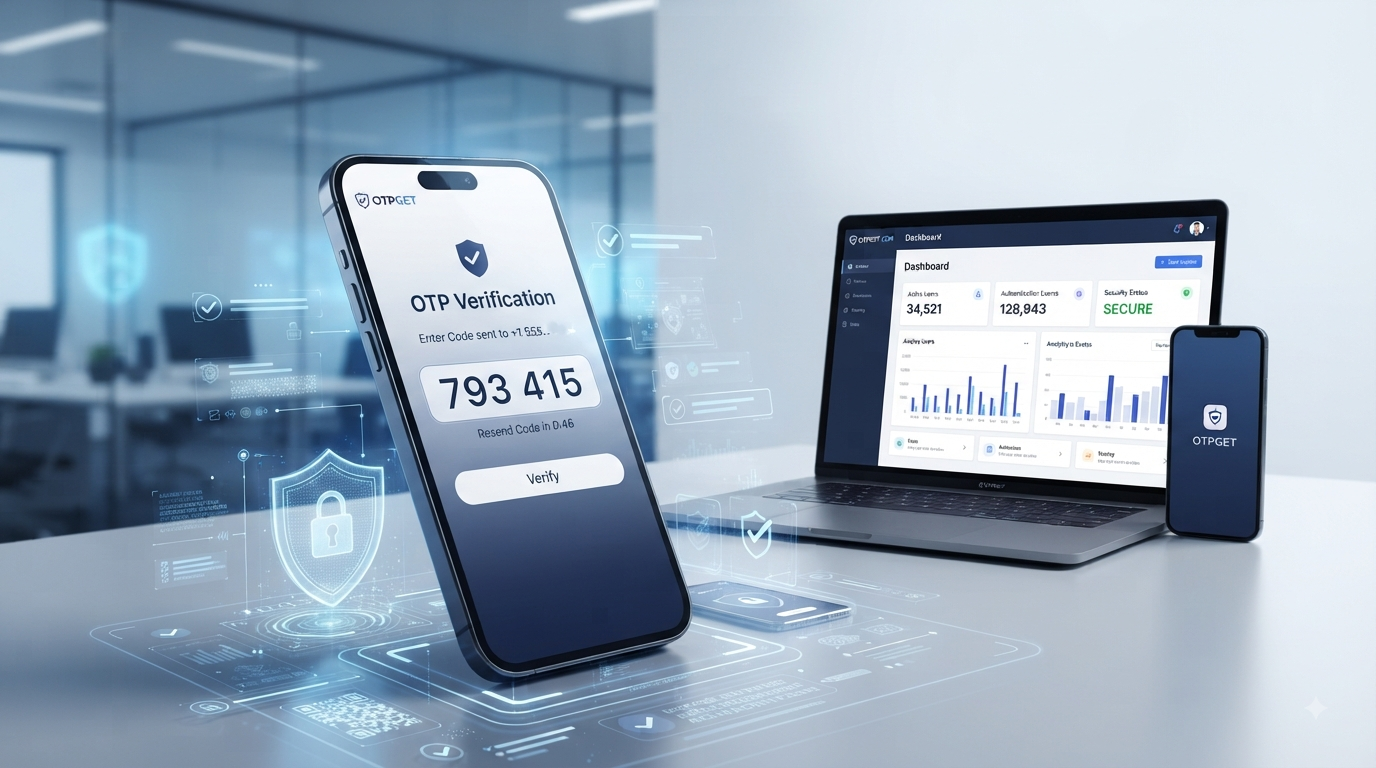
For example, a user may enter their phone number while registering for an application. The system generates an OTP code and sends it to that number. The user enters the code into the application, and the system checks whether it is valid.
If the code matches and has not expired, the verification succeeds.
Unlike a permanent password, an OTP is intended to have a limited lifetime and purpose. This makes it useful for situations where a business needs an additional confirmation step without requiring the user to remember another long-term credential.
A Simple OTP Example
A typical interaction might look like this:
- A customer enters a mobile number.
- The application requests an OTP.
- A temporary verification code is generated.
- The code is delivered through SMS or another supported channel.
- The customer enters the OTP code.
- The application validates the code.
- The requested action is approved if verification succeeds.
This basic process can support everything from phone number verification to login authentication and account recovery.
How Does OTP Verification Work?
Although implementations vary, an OTP verification system generally follows a predictable workflow.
1. The User Provides an Identifier
The user enters information such as a phone number, email address, or another account identifier.
2. The Application Requests an OTP
The application sends a request to its OTP service or verification infrastructure.
3. An OTP Is Generated
A temporary verification code is generated according to the system's security rules. Good implementations avoid predictable codes and associate the OTP with the appropriate verification request.
4. The OTP Is Delivered
The verification code is sent through an available delivery channel, such as SMS, email, or voice.
5. The User Enters the Code
The user receives the verification code and enters it into the application.
6. The Code Is Validated
The application or OTP API checks whether the submitted code is correct, valid, associated with the appropriate request, and still within its allowed lifetime.
7. The Action Is Completed
If validation succeeds, the application can proceed with registration, login, account recovery, or another authorized action.
This automated OTP verification workflow allows businesses to incorporate verification into existing applications without requiring users to complete complicated authentication procedures.
Why Is OTP Verification Important?
OTP verification can provide value to both businesses and their customers.
For businesses, it can help confirm that a user controls a particular phone number or email address. It can also add an additional authentication step before sensitive account actions.
Common benefits include:
- Account security: An OTP can add another verification layer.
- Phone number verification: Businesses can confirm that a submitted mobile number is accessible to the user.
- Login protection: OTP authentication can strengthen selected login workflows.
- Password recovery: Temporary codes can support account recovery processes.
- Customer verification: Businesses can verify users during registration or onboarding.
- Reduced fake registrations: Verification can make automated or low-quality sign-ups more difficult.
- Transaction confirmation: OTPs can be used as an additional confirmation step where appropriate.
The exact security benefit depends on how the overall authentication system is designed. OTP should be treated as one component of a broader security strategy rather than a complete solution by itself.
Common Types of OTP Verification
Different applications use different OTP delivery and generation methods.
SMS OTP
SMS OTP is one of the most familiar forms of verification. A business sends a verification code to the user's mobile number, and the user enters it into the application.
It is particularly useful for phone number verification, registration, login verification, and account recovery.
Email OTP
With email OTP, the temporary code is delivered to the user's registered email address. This can be convenient when email is already central to the account workflow.
Voice OTP
Voice OTP uses an automated voice call to communicate a verification code. It can be useful as an alternative when text-based delivery is not suitable.
App-Based or Authenticator OTP
Authenticator applications can generate temporary codes directly on a user's device. Unlike SMS OTP, the code does not depend on receiving a text message for each verification attempt.
No single method is universally best. The appropriate approach depends on the application's users, risk profile, authentication workflow, and technical requirements.
OTP Verification vs Password Authentication
Traditional passwords remain common, but they create several usability and security challenges.
Users can forget passwords, reuse credentials across services, choose weak passwords, or accidentally expose them through phishing and other attacks.
OTP authentication can complement password-based authentication by adding another verification factor or by supporting passwordless flows in appropriate situations.
For example, a service may require a password during login and then request an OTP for additional verification. Alternatively, an application may use a temporary code as the primary login mechanism.
The important consideration is not simply whether OTP replaces passwords, but how authentication methods work together to create an appropriate balance between security and usability.
Where Is OTP Verification Used?
OTP verification can fit into many digital workflows, including:
- User registration and onboarding
- Login authentication
- Password resets
- Account recovery
- E-commerce checkout flows
- Customer verification
- Mobile application authentication
- Appointment or booking verification
- Business platform access
- Confirmation of sensitive account actions
For example, an online service might use SMS verification when a new customer registers. A business application could request an OTP before allowing a user to change important account information.
The workflow should always be designed around the sensitivity of the action being protected.
Common OTP Verification Challenges
Building a reliable verification experience involves more than generating codes.
Delayed OTP Delivery
Users may become frustrated if a verification code takes too long to arrive. Delivery issues can result from network conditions, carrier behavior, configuration problems, or other factors.
Expired OTPs
Short expiration periods improve security, but codes that expire too quickly can create unnecessary friction.
Repeated OTP Requests
Users may request multiple codes when the first message is delayed. The application needs to handle these requests carefully so that users understand which code is valid.
Incorrect Phone Numbers
A typo during registration can prevent the user from receiving the verification code and create unnecessary support requests.
Fraud and Abuse
Verification endpoints can be targeted by automated requests, repeated code attempts, or other forms of abuse. Rate limiting, attempt controls, monitoring, and sensible workflow design are important safeguards.
Integration Complexity
Businesses that build verification infrastructure internally may need to manage code generation, delivery, validation, retries, expiration, logging, security controls, and scaling.
This is one reason dedicated OTP services can be attractive to development teams.
What Makes a Good OTP Verification Service?
When evaluating an OTP verification solution, businesses should consider more than whether it can send a code.
Important characteristics include:
- Reliable OTP delivery
- Secure OTP generation
- Appropriate code expiration
- Verification attempt limits
- Rate limiting and abuse controls
- Accessible APIs
- Developer-friendly integration
- Monitoring and operational visibility
- Scalability
- Clear documentation
- A straightforward user experience
Security and usability should be considered together. A highly restrictive system that constantly prevents legitimate users from completing verification can create as many practical problems as it solves.
Why Choose OTPGET for OTP Verification?
Once a business decides to use OTP authentication, the next question is how to implement the infrastructure behind it.
OTPGET can be considered by businesses and developers looking for an OTP verification solution that simplifies the process of adding verification to applications and business workflows.
Rather than building every part of an OTP verification system independently, a business can evaluate a dedicated OTPGET OTP API as part of its authentication architecture.
Depending on the intended workflow, OTPGET can be considered for use cases involving:
- OTP verification
- SMS-based verification
- Phone number verification
- Automated OTP delivery
- OTP generation and validation workflows
- User authentication
- Account verification
- Customer verification
The practical advantage of a dedicated OTP verification service is that development teams can focus on their application's user experience and business logic instead of unnecessarily rebuilding every component involved in a verification workflow.
For teams evaluating OTPGET authentication, the important consideration is how its available capabilities fit the application's specific requirements. Businesses should review the provider's current documentation and service details before implementation rather than assuming that a particular feature or integration is available.
How to Integrate an OTP Verification API
An OTP verification API typically connects an application's authentication workflow with an external verification service.
A high-level implementation might look like this:
- Create an account with an OTP provider.
- Obtain the required API credentials.
- Connect the application to the OTP API.
- Send an OTP request when verification is required.
- Deliver the verification code to the user.
- Collect the user's submitted OTP.
- Validate the OTP through the appropriate verification workflow.
- Complete the requested action after successful validation.
Developers considering OTPGET API integration should follow the provider's current documentation for authentication, endpoints, request formats, response handling, error management, and security requirements.
[Internal Link: OTP API Guide]
Avoid hard-coding credentials into client-side applications, and make sure sensitive API credentials are protected on the server side.
Best Practices for Secure OTP Verification
A well-designed OTP authentication workflow should include appropriate security controls.
Use Short, Appropriate Expiration Periods
An OTP should not remain valid indefinitely. The expiration period should balance security with the time users reasonably need to receive and enter the code.
Limit Verification Attempts
Restrict the number of incorrect attempts associated with a verification request. This can reduce the opportunity for brute-force guessing.
Implement Rate Limiting
Control how frequently users or systems can request new OTPs. Rate limiting can help reduce abuse and unnecessary verification traffic.
Avoid Predictable OTPs
OTP generation should use appropriate security mechanisms rather than simple predictable sequences.
Protect API Credentials
API credentials should be treated as sensitive information and stored securely. They should not be exposed unnecessarily in browser-side code or public repositories.
Monitor Suspicious Activity
Businesses should watch for unusual patterns such as excessive requests, repeated failed attempts, or suspicious verification behavior.
Make Resending Controlled
A resend option is useful when a code does not arrive, but it should have sensible limits and clear messaging.
Keep Error Messages Helpful
Users should understand whether they need to enter a different code, request another code, or check their delivery channel without exposing sensitive information.
Good OTP security is therefore a combination of technology, sensible limits, monitoring, and thoughtful user experience.
OTP Verification for Businesses
For businesses, OTP verification can become an important part of the customer journey.
During registration, it can help verify a phone number. During login, it can add another authentication step. During account recovery, it can provide a temporary verification mechanism.
The goal is to protect important workflows without making legitimate customers jump through unnecessary hoops.
A dedicated service such as OTPGET can be considered when a business wants to introduce these workflows without building its entire OTP infrastructure from the ground up. Developers can evaluate the available OTPGET verification service capabilities against their application's requirements and choose the integration approach that fits their architecture.
The best implementation is one that combines appropriate security controls with a verification experience users can understand and complete easily.
Frequently Asked Questions
What is OTP verification?
OTP verification is a process that uses a temporary one-time password to confirm a user's identity, contact information, or authorization to perform an action.
How does OTP verification work?
An application requests an OTP, generates or obtains a temporary verification code, delivers it to the user, and validates the code when the user submits it. If the code is valid and has not expired, the verification can succeed.
Why is OTP verification important?
OTP verification can add an additional authentication layer, help verify phone numbers or email addresses, support account recovery, and protect selected user actions.
What is an OTP verification API?
An OTP verification API allows an application to communicate with an OTP service for workflows such as requesting verification codes, delivering them, and validating user-submitted codes.
Is SMS OTP secure?
SMS OTP can provide useful protection, but it is not risk-free. Businesses should combine it with appropriate expiration, rate limiting, attempt controls, credential protection, and broader authentication security practices.
How can businesses implement OTP verification?
Businesses can build their own infrastructure or use a dedicated OTP verification service. A provider such as OTPGET can be considered when a development team wants to integrate OTP-based verification through an external service.
What is the difference between OTP and 2FA?
An OTP is a temporary authentication code. Two-factor authentication, or 2FA, is an authentication approach that uses two distinct factors. An OTP can serve as one factor in an appropriate 2FA implementation, depending on how the authentication system is designed.
How can OTPGET help with OTP verification?
OTPGET can be considered as an OTP verification solution for businesses and developers looking to implement workflows involving OTP delivery, user verification, and authentication. Its current documentation should be reviewed to determine which capabilities and integration options fit a particular application.
Conclusion
OTP verification provides a practical way to confirm users, protect accounts, and add authentication steps to important digital workflows.
From registration and phone number verification to login protection and account recovery, OTPs can support many different use cases. But successful implementation requires more than simply sending a code. Businesses also need to consider delivery, expiration, validation, rate limiting, abuse prevention, API integration, and user experience.
For development teams that do not want to build every component of verification infrastructure themselves, a dedicated service can simplify the implementation process. OTPGET is an option businesses and developers can explore for OTP verification, SMS-based verification, and authentication workflows.
If you're planning to add OTP verification to an application, review your security and user-experience requirements first, then evaluate whether OTPGET fits your technical workflow and implementation needs.


