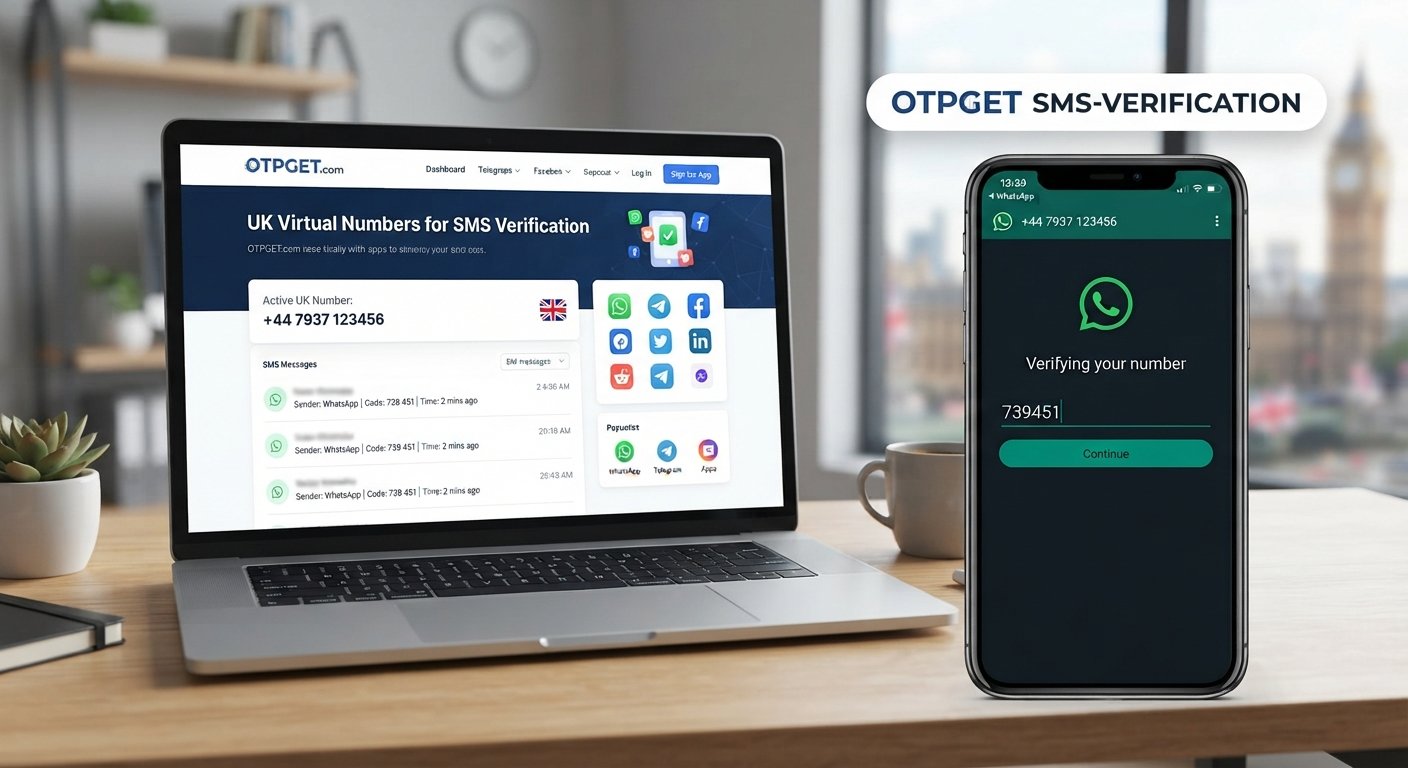
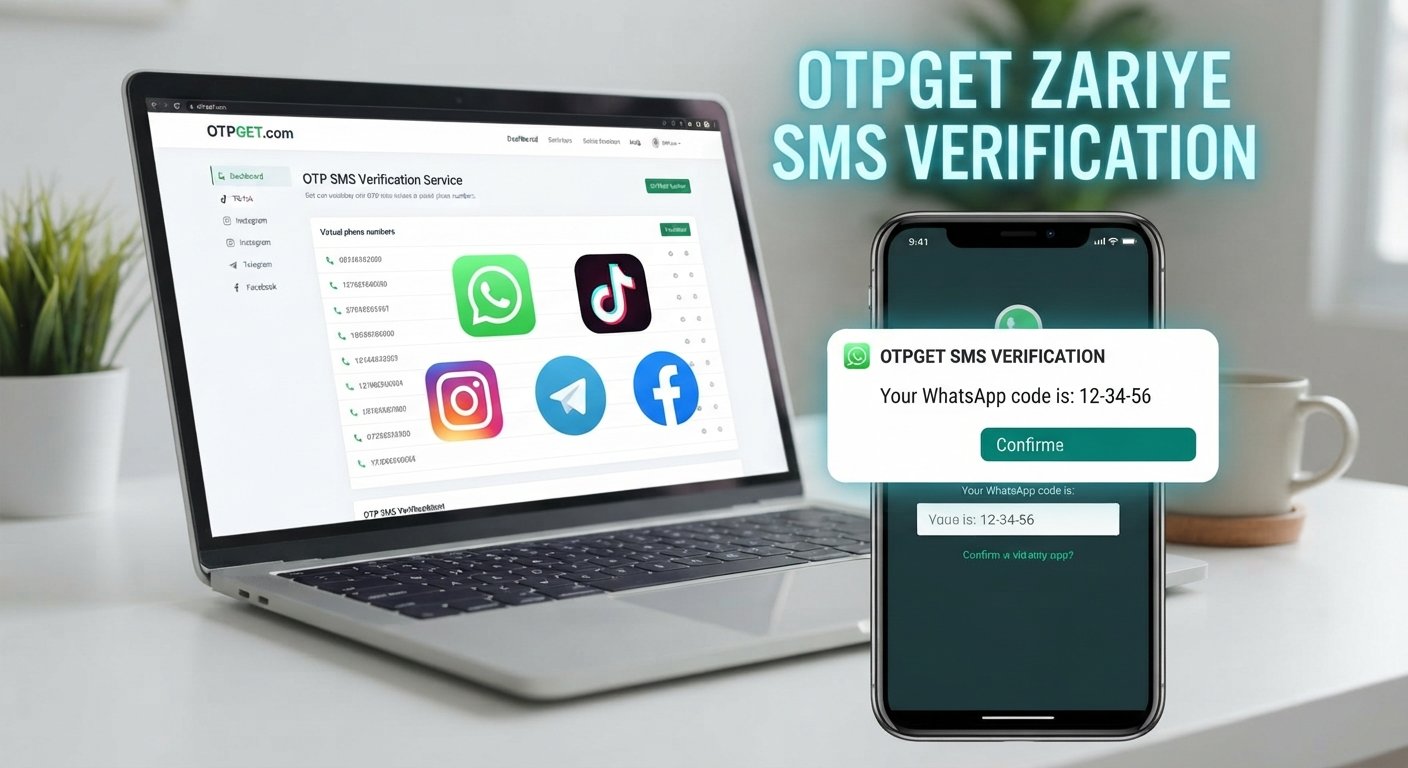
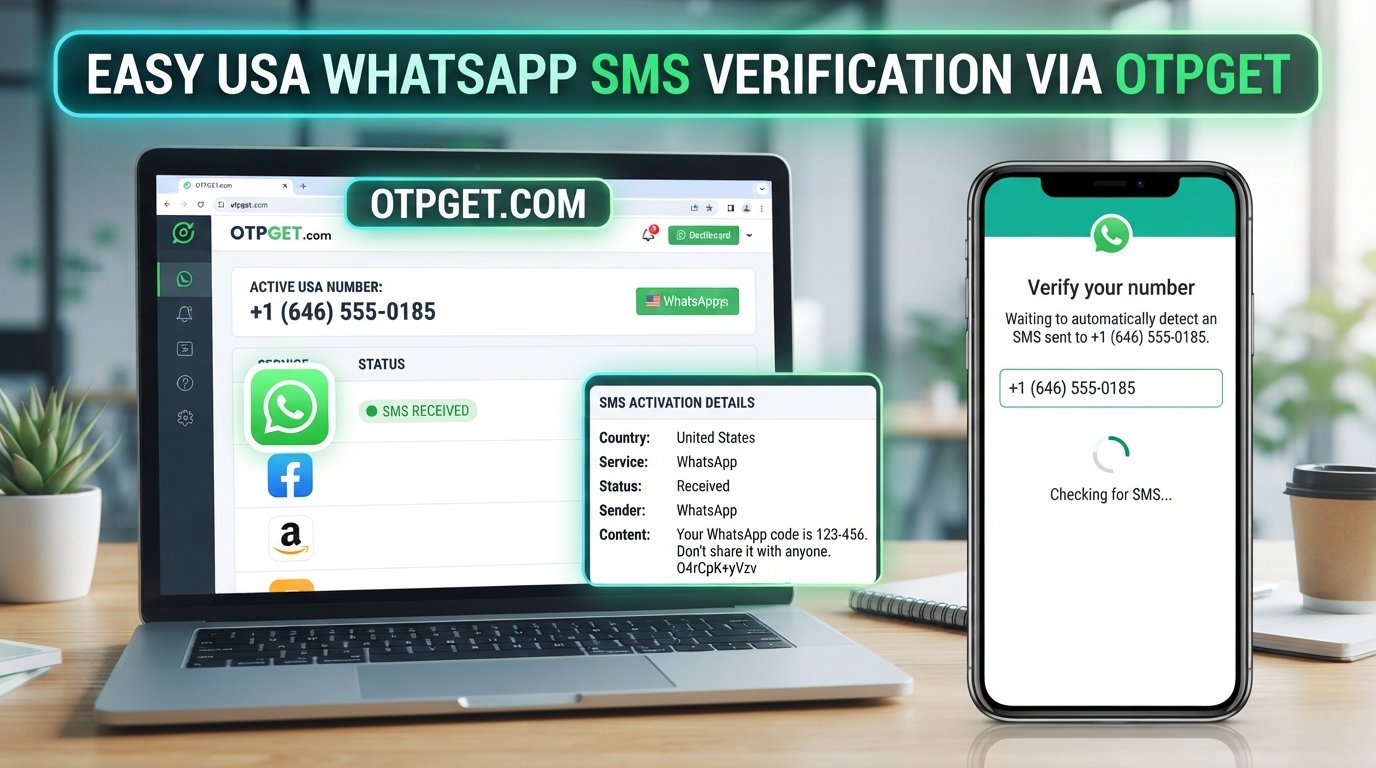
Verify WhatsApp, TikTok, Instagram, Telegram, Facebook | OTPGet
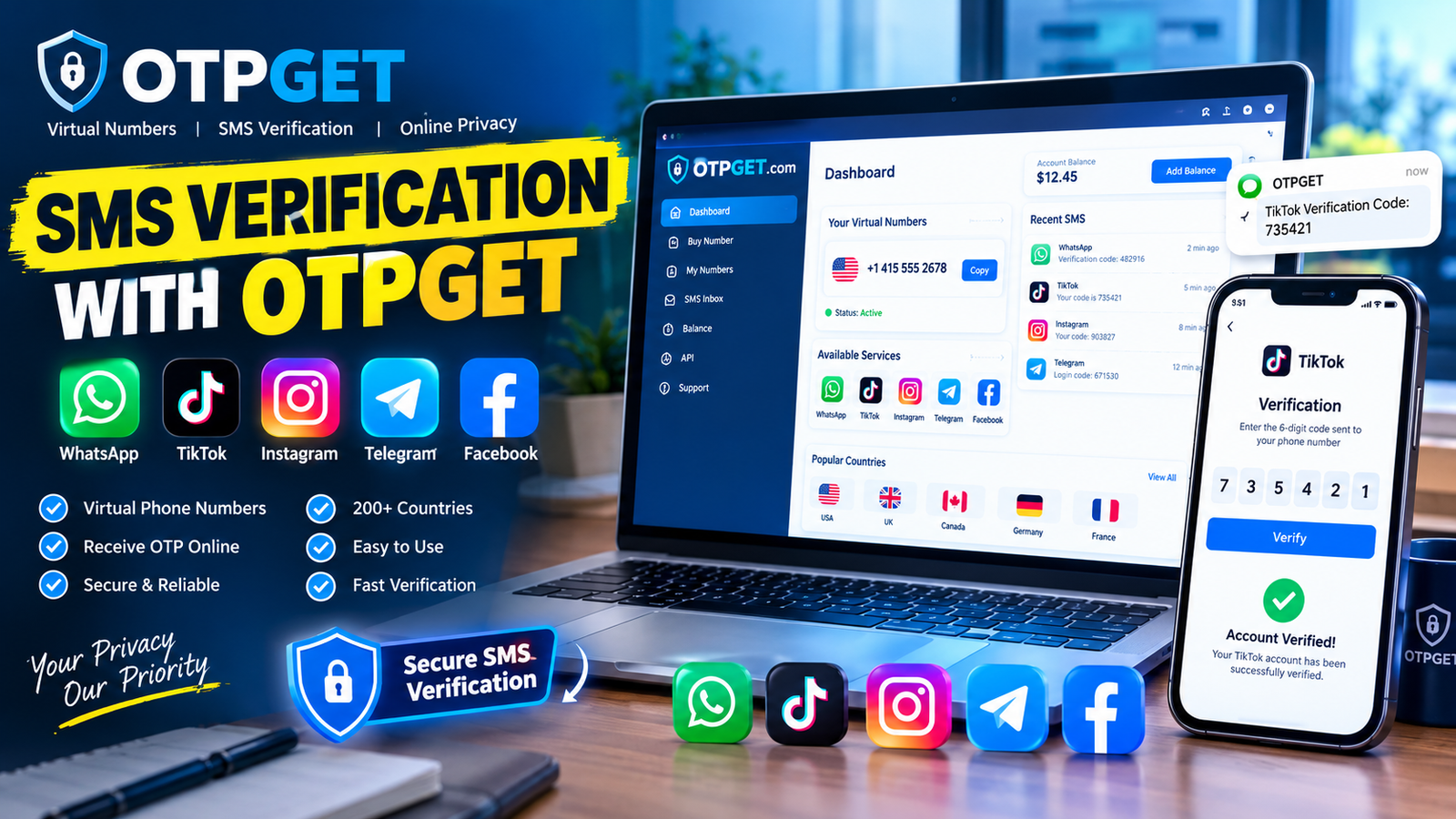
Verify WhatsApp, TikTok, Instagram, Telegram, Facebook | OTPGet
Creating or accessing an online account often comes down to one small step: entering a verification code.
That sounds simple until the SMS does not arrive, the number you need is unavailable, or you want a more convenient way to manage verification messages. This is where OTP verification and online phone verification services can make the process easier.
OTPGET provides a practical way to handle supported OTP and SMS verification workflows. Depending on service and number availability, users can use temporary or virtual phone numbers to receive verification codes online instead of relying exclusively on a personal mobile number.
This guide explains how OTP verification works, why receiving codes can sometimes be difficult, and how OTPGET may help with verification for platforms such as WhatsApp, TikTok, Instagram, Telegram, and Facebook.
What Is OTP Verification?
OTP stands for One-Time Password. An OTP is a temporary verification code generated for a specific authentication or account-verification request.
When a platform needs to confirm that you can access a particular phone number, it may send an SMS containing a verification code. You enter that code into the platform's verification screen, and the service checks whether it matches.
A typical SMS OTP process looks like this:
- Enter a phone number into the platform's verification flow.
- Request a verification code.
- The platform sends an SMS.
- Receive the verification code.
- Enter the code into the appropriate field.
- The platform completes its verification process if the code is accepted.
This is commonly called phone number verification, SMS verification, or online OTP verification.
The important point is that an OTP is normally intended for one specific verification event. It should be treated as sensitive information and never shared with someone who is not authorized to access the account.
Why Online OTP Verification Can Be Difficult
The basic idea is straightforward, but real-world verification can be less convenient.
Common issues include:
- Delayed SMS: A verification message may take time to arrive because of network or delivery conditions.
- Unavailable numbers: You may not have access to a suitable phone number when you need one.
- International verification: Some services handle numbers differently depending on country or region.
- Privacy concerns: You may prefer not to use your personal number for every legitimate verification workflow.
- Multiple workflows: Managing verification messages across different accounts or testing environments can become cumbersome.
- Repeated requests: Asking for several codes in quick succession can sometimes create confusion over which code is current.
These challenges explain why people search for terms such as "receive OTP online," "receive SMS online," and "online phone verification."
A dedicated OTP verification service can provide a more organized way to handle supported verification requests.
How OTPGET Helps With Phone Verification
OTPGET is designed around the practical need to receive OTP and verification messages through an online service.
Instead of treating every verification SMS as an isolated problem, an OTP receiving service can provide a centralized workflow for supported numbers and verification requests.
Depending on the service and number availability, OTPGET may be useful when you need:
- Convenient access to OTP messages
- Online SMS verification
- A temporary phone number for supported verification purposes
- A virtual phone number where available
- A simple way to receive verification codes
- Easier management of verification messages
- A practical alternative to using a personal number for every supported workflow
The basic experience is straightforward: select an appropriate available number or service, use it within the relevant platform's verification process, and monitor the supported OTP service for the incoming verification SMS.
Availability and compatibility can vary. Not every temporary or virtual number will be accepted by every platform, so users should always follow the platform's own verification requirements.
OTPGET should be viewed as a practical OTP receiving and phone verification solution, not as a method for bypassing account security.
Verify WhatsApp With OTPGET
WhatsApp verification typically requires a phone number that can receive a verification code.
If you are authorized to verify the number and the selected service is supported, the general process can look like this:
- Select an appropriate number through the supported OTPGET workflow.
- Enter that number into the WhatsApp verification process.
- Request the WhatsApp OTP.
- Monitor the supported service for the WhatsApp verification code.
- Enter the received code into WhatsApp.
This is the basic process for trying to verify a WhatsApp number using an online OTP service.
However, number compatibility can vary. WhatsApp may not accept every temporary phone number or virtual phone number, so avoid assuming that any available OTP number will work.
The safest approach is to use the service only for accounts you are authorized to verify and follow WhatsApp's instructions throughout the process.
Verify TikTok With OTPGET
TikTok can use phone-based verification as part of its account and security workflows.
For a supported number, the general TikTok verification process involves entering the phone number, requesting a TikTok OTP, receiving the SMS, and entering the TikTok verification code where requested.
With OTPGET, the workflow can generally be approached as follows:
- Choose a suitable available verification number.
- Enter the number in TikTok's relevant verification screen.
- Request the verification SMS.
- Check the supported OTPGET service for the incoming code.
- Enter the latest code into TikTok.
If you are trying to verify a TikTok account, remember that availability and platform compatibility can change. A number that is suitable for one verification workflow may not necessarily be accepted by another.
Verify Instagram With OTPGET
Instagram verification can involve sending an SMS to confirm control of a phone number.
When an online number is supported by the platform, the general Instagram OTP process is simple:
- Select an available number suitable for the verification workflow.
- Enter the number into Instagram.
- Request an Instagram verification code.
- Receive the SMS through the supported OTP service.
- Enter the latest code to complete the requested verification step.
For users searching for an Instagram OTP or trying to verify an Instagram account, OTPGET can provide a convenient way to handle supported verification messages.
As always, compatibility depends on the number and the platform's current requirements.
Verify Telegram With OTPGET
Telegram can use phone-based codes as part of its sign-in and verification process.
A general Telegram verification workflow may involve:
- Entering an appropriate phone number.
- Requesting the Telegram OTP.
- Waiting for the verification message.
- Receiving the Telegram verification code through the supported service.
- Entering the current code into Telegram.
For someone searching for a way to verify a Telegram number, an OTP receiving service such as OTPGET may be useful when the selected number is compatible with Telegram's verification process.
Users should also pay attention to Telegram's own instructions, particularly when the service provides more than one possible authentication method.
Verify Facebook With OTPGET
Facebook may request phone verification as part of account setup, access, or security-related workflows.
For a compatible number, the general Facebook verification process is:
- Select an available number for the supported verification workflow.
- Enter it into Facebook's phone verification screen.
- Request a Facebook OTP.
- Wait for the verification SMS.
- Enter the Facebook verification code provided by the service.
If you are trying to verify a Facebook account, OTPGET may offer a convenient way to receive supported SMS verification messages.
Compatibility is not universal, so users should check the available number and follow Facebook's current verification instructions rather than assuming every virtual number will be accepted.
Why Choose OTPGET for Online OTP Verification?
A dedicated OTP verification service can be useful when convenience matters.
OTPGET focuses on the practical part of the process: making supported verification messages easier to receive and manage.
Key advantages include:
- Convenience: Handle supported OTP messages through an online workflow.
- Simplicity: The process is easier to understand than juggling multiple numbers and messages manually.
- Flexible workflows: Depending on availability, temporary or virtual numbers can support certain verification needs.
- Accessible messages: Receive supported verification SMS through the service rather than relying solely on a personal phone.
- Practicality: Useful for legitimate account-verification situations where an appropriate number is available.
- Privacy-conscious use: A supported alternative number can help separate certain verification workflows from a personal number.
No OTP service can responsibly promise that every number will work with every platform. The most useful service is one that makes the supported verification process clear and straightforward.
That is where OTPGET can fit into an online verification workflow.
How to Receive an OTP Online
If you are new to online SMS verification, the process can seem more complicated than it really is.
A typical workflow is:
- Choose a supported OTP service. Select OTPGET and review the available verification options.
- Select an appropriate number. Depending on availability, this may be a temporary or virtual phone number.
- Open the platform's official verification flow. Enter the number exactly as required.
- Request the verification code. The platform sends an SMS if the number and workflow are supported.
- Check for the incoming message. Look for the verification SMS through the supported OTPGET service.
- Enter the latest code. Use the current verification code in the platform's verification field.
- Complete the process. Follow any additional instructions provided by the platform.
If an OTP does not arrive immediately, give the message some time before requesting another one.
Tips for Successful OTP Verification
A few simple habits can make online phone verification easier:
- Double-check the country code and phone number before submitting it.
- Confirm that the number is compatible with the service you are using.
- Wait for an SMS before requesting another verification code.
- If multiple codes arrive, use the latest valid code requested by the platform.
- Follow the platform's verification instructions carefully.
- Avoid repeatedly submitting requests in a short period.
- Keep your account credentials and OTPs private.
- Only use verification numbers for accounts and activities you are authorized to access.
These steps will not guarantee successful verification, but they can reduce common mistakes.
Is Online OTP Verification Safe?
OTP verification exists to add a layer of protection around account access and phone-number ownership. The verification code itself is sensitive because someone with access to the correct code may be able to complete a verification step.
That makes responsible use essential.
When using an online OTP service, consider the following:
- Use legitimate services for legitimate verification purposes.
- Never give your OTP to strangers or untrusted parties.
- Do not use verification services to access accounts you do not own or control.
- Follow the rules and verification policies of the platform involved.
- Treat temporary and virtual numbers as verification tools, not as a way to bypass authentication.
- Avoid entering sensitive information into unfamiliar websites or services.
OTPGET can simplify the process of receiving supported verification messages, but users remain responsible for how they use the service and for protecting their accounts.
Frequently Asked Questions
What is an OTP verification service?
An OTP verification service helps users receive supported one-time passwords or verification messages, often through SMS. It can provide access to temporary or virtual numbers where available.
How can I receive an OTP online?
You can use a supported online OTP receiving service such as OTPGET, select an available number, enter it into the relevant platform's verification flow, and monitor the service for the incoming SMS.
Can OTPGET be used for WhatsApp verification?
OTPGET may be useful for supported WhatsApp verification workflows when an appropriate number is available. WhatsApp does not necessarily accept every temporary or virtual number.
Can I use OTPGET for TikTok verification?
Depending on number availability and TikTok's current requirements, OTPGET may support a TikTok verification workflow. Enter the number, request the code, and use the received OTP as instructed by TikTok.
How does Instagram OTP verification work?
Instagram may send a verification SMS to the phone number entered during its verification process. If the number is supported, the code can be received through an appropriate OTP service and entered into Instagram.
Can OTPGET receive Telegram verification codes?
OTPGET may support Telegram verification when the selected number is compatible and available for the required workflow. Follow Telegram's instructions and use the latest valid code.
Can I use an online OTP service for Facebook verification?
An online OTP service may work for supported Facebook phone-verification workflows. Compatibility can vary, so users should follow Facebook's current verification requirements.
What should I do if my verification code does not arrive?
First, confirm that the number is correct and compatible. Wait before requesting another code, check the OTP service for a delayed message, and follow the platform's troubleshooting instructions. If the number is not accepted, another supported option may be necessary.
Conclusion
Receiving a verification code should be a simple part of account verification, but SMS delays, number availability, privacy considerations, and platform-specific requirements can make the process frustrating.
OTPGET provides a practical way to handle supported OTP receiving and online phone verification workflows. Depending on number availability and platform compatibility, users can use temporary or virtual phone numbers to receive verification messages without relying on the same personal number for every supported situation.
From WhatsApp and TikTok to Instagram, Telegram, and Facebook, the basic process remains familiar: use an appropriate number, request the verification code, receive the SMS, and enter the latest valid OTP into the platform's official verification flow.
If you need a convenient OTP verification service, explore OTPGET and choose the option that fits your legitimate verification needs. Always protect your verification codes, follow each platform's rules, and use the service only for accounts you are authorized to access.
13. Internal Link Anchor Suggestions
- OTP verification service
- Receive OTP online
- SMS verification service
- Temporary phone number
- Online phone verification