OTPGet Account Sign In: Safe, Simple & Easy OTP Verification
OTPGet Account Sign In: Safe, Simple & Easy OTP Verification
Signing in should not feel more complicated than it needs to be. When an account, website, or online service asks for a one-time password, users generally want the same things: a clear verification process, an easy way to receive the required code, and straightforward account access.
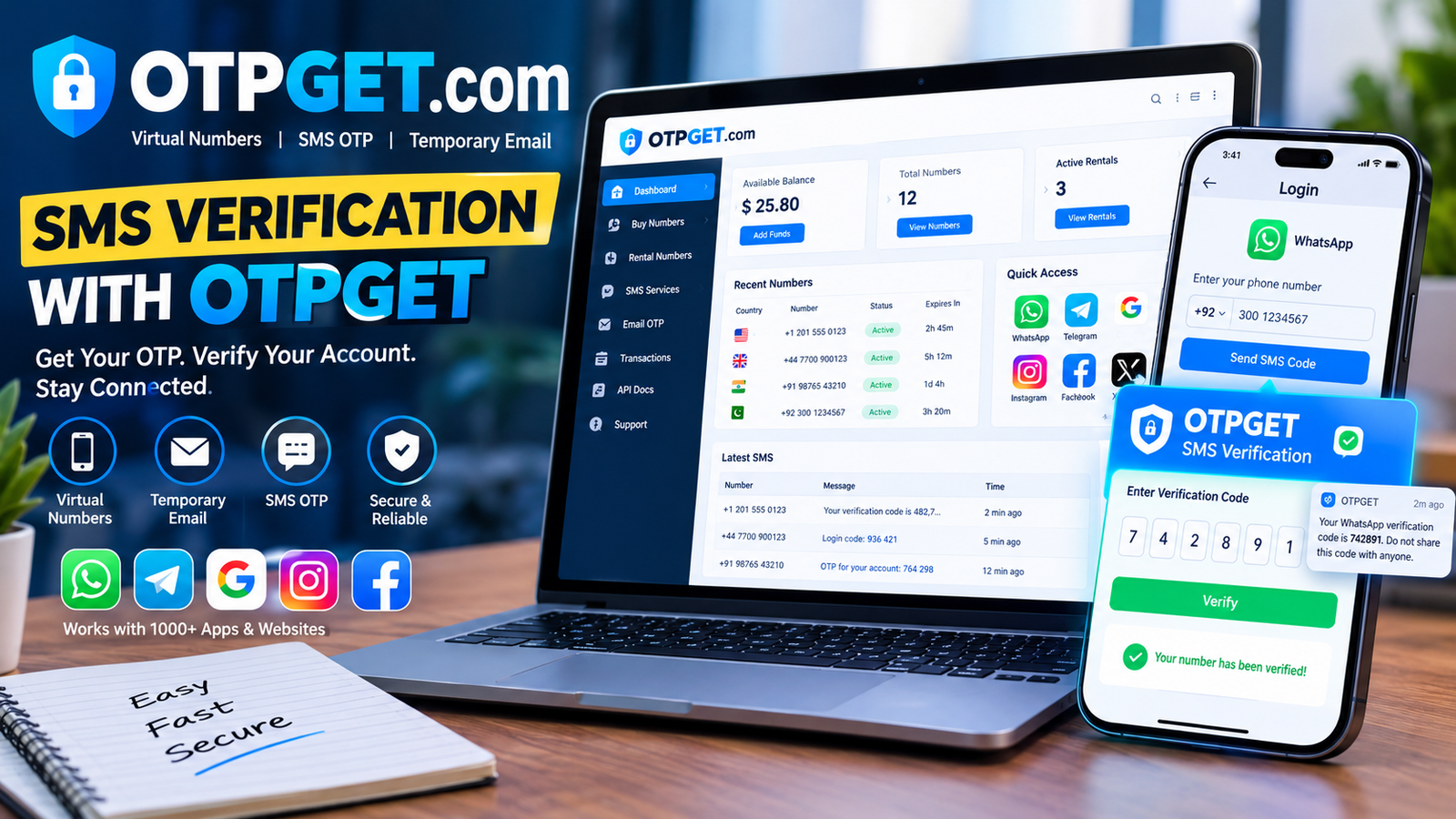
That is where OTPGET can be useful. OTPGET provides services centered on online verification, including temporary phone numbers, rental numbers, and temporary email services for receiving verification messages. Its documentation also describes SMS OTP, rental, and email OTP interfaces for verification-related use cases.
For someone searching for OTPGet account sign in, it is helpful to understand two related but distinct ideas: signing into an OTPGET account and using an OTP service to complete verification on another platform. Once that distinction is clear, the process becomes much easier to understand.
What Is OTPGET?
OTPGET is an online OTP and virtual-number service designed around verification use cases. Its published documentation covers temporary phone numbers, longer-term number rentals, and temporary email services that can receive verification messages.
An OTP, or one-time password, is a temporary verification code used to confirm an action such as account registration, login, or another authentication step. Depending on the service involved, that code may arrive through SMS or email.
OTPGET is particularly relevant when a user needs a way to receive an OTP for an online verification process. The platform's documentation describes options for obtaining numbers, checking activation status, and retrieving email verification codes.
It is important, however, not to confuse an OTPGET account login with the login process of another website or application. OTPGET can provide the verification-related service, while the third-party platform determines its own account and authentication requirements.
How OTPGET Account Sign In Works
The exact OTPGET account interface can change, so users should follow the current instructions presented through the appropriate official service route. In general, an OTPGet account sign in process can be understood as follows:
- Open the appropriate OTPGET sign-in route.
Use the legitimate OTPGET service rather than a link received from an unknown person or suspicious message. - Enter the requested account information.
Provide the credentials or other information requested by the sign-in page. - Complete OTP verification when required.
If the account requires a one-time password, request or receive the verification code through the applicable method. - Enter the OTP carefully.
A verification code is normally temporary, so enter it accurately while it remains valid. - Complete the sign-in process.
Once the required verification succeeds, access should proceed according to the service's normal authentication flow.
The precise screens, fields, and verification steps may differ depending on the account and service. Avoid relying on instructions that require entering credentials or OTPs into unofficial pages.
Why Choose OTPGET for Account Verification?
A good verification experience should be understandable rather than unnecessarily complicated. OTPGET's focus on OTP and verification-related services makes it a practical option for users who need access to verification codes through supported channels.
Convenience
OTPGET brings verification-related functions into an online service instead of requiring users to manage every verification task through a physical SIM or personal mailbox. Its documentation describes both SMS-based OTP services and temporary email OTP capabilities.
Straightforward verification
The basic idea behind OTP authentication is simple: receive a temporary code and use it to complete the required verification step. A clear process can reduce unnecessary friction.
Flexible verification options
OTPGET's published service documentation includes SMS OTP, number rental, and email OTP functionality. This gives users different options depending on the verification scenario and availability.
Practical account access
For users dealing with online registration or verification requirements, having a dedicated OTP service can make the process easier to organize. The important point is to use the service only where permitted and follow the rules of the platform being verified.
OTPGET Login and Sign-In Tips
A few simple habits can prevent many common login problems.
- Check your account details carefully. A spelling error in an email address, username, or other required field can prevent successful sign in.
- Enter the OTP accurately. One incorrect digit can cause verification to fail.
- Use the latest code. If several codes have been requested, an older OTP may no longer be valid.
- Do not repeatedly request codes without reason. Multiple requests can make it difficult to determine which code is current and may trigger temporary restrictions.
- Check your connection. Network problems can delay access to a verification service or prevent a page from loading correctly.
- Never share an OTP. Treat a verification code as sensitive authentication information.
- Check the website before entering credentials. Phishing pages can look convincing while attempting to collect account information.
- Follow the official service instructions. If OTPGET or another platform provides specific troubleshooting guidance, use that information rather than relying on unverified advice.
These steps are simple, but they can make a noticeable difference when dealing with login verification.
What to Do If the OTP Is Not Received
An OTP not received problem does not necessarily mean that the account or service is unavailable. There are several possible causes.
Start by checking whether the requested contact information is correct. If it is, wait briefly before requesting another code. A message can sometimes be delayed because of network conditions or temporary service issues.
You should also consider these possibilities:
- The OTP may have expired.
- Too many requests may have been made in a short period.
- The selected number or email method may not currently be available.
- The verification service may be experiencing a temporary issue.
- Your device, messaging app, or internet connection may be causing problems.
- The code may have arrived through a different supported channel.
If the first code eventually arrives after requesting another one, use the most recent valid code rather than repeatedly entering older codes.
For OTPGET users, the platform's documentation provides status-related functions for SMS activations and waiting or received states for email OTP services.
OTPGET vs. Traditional Password-Based Sign In
OTP-based authentication and traditional password-based authentication work differently.
With a conventional password-only login, the user provides a stored password to prove access to an account. With OTP verification, the service can require a temporary code as an additional authentication step.
This can be useful because an OTP is designed to be temporary rather than reused as a permanent password. However, OTP authentication is not a replacement for good security practices.
Many services combine passwords with an additional verification factor, while others may use different authentication methods. The best approach depends on the platform, the sensitivity of the account, and the authentication options it supports.
OTPGET can be relevant when the verification process requires an OTP delivered through a supported SMS or email channel. It should not be presented as a universal replacement for every form of authentication.
Is OTPGET Safe to Use?
Safety depends on how any online service is used, and OTPGET should be approached with the same care as other account and verification services.
Most importantly, never share an OTP with another person. Someone asking for your verification code may be attempting to gain access to an account.
Also verify that you are using the correct service before entering credentials or verification information. Avoid suspicious links, unofficial login pages, and messages that create unnecessary urgency.
OTPGET's published terms state that the service must not be used for illegal, fraudulent, abusive, or harmful activities. The terms also describe the collection of certain account, IP, transaction, and activity information for stated operational purposes.
That means users should read the applicable terms and privacy information and make informed decisions about how they use the platform.
Common OTPGET Sign-In Problems and Solutions
OTP not arriving
Possible cause: A delivery delay, incorrect details, connectivity problem, or temporary service issue.
Solution: Verify the requested information, wait briefly, check connectivity, and request another code only when necessary.
Incorrect OTP
Possible cause: A typing mistake or use of an older code.
Solution: Carefully enter the latest verification code and avoid mixing codes from multiple requests.
Expired OTP
Possible cause: The code was entered after its validity period.
Solution: Request a new verification code and complete the process promptly.
Too many OTP requests
Possible cause: Repeated attempts within a short period.
Solution: Stop requesting additional codes temporarily and allow the service time to process the previous requests.
Sign-in page not loading
Possible cause: Browser, network, or temporary service problems.
Solution: Check your internet connection, refresh the page, or try again later. Do not switch to an unofficial sign-in page simply because the normal page is temporarily unavailable.
Verification fails
Possible cause: Incorrect information, an invalid code, or a mismatch between the verification request and the code being entered.
Solution: Start with a fresh verification request and carefully follow the instructions shown by the relevant service.
Why OTPGET Can Make Sign-In Simpler
The value of OTPGET is its focus on a common point of friction: receiving verification information when an online service requires an OTP.
Instead of treating every verification request as a completely different problem, users can approach the process through a dedicated OTP platform. OTPGET's documentation covers SMS verification workflows as well as temporary email OTP services, giving the platform relevance across different verification scenarios.
For users, simplicity comes from understanding the flow: access the appropriate service, provide the required information, receive the verification code through the supported method, and complete the verification step.
That does not eliminate the need for caution. A simple login experience is most useful when paired with responsible account-security habits.
Frequently Asked Questions About OTPGET Account Sign In
What is OTPGET account sign in?
OTPGet account sign in refers to accessing your OTPGET account through its appropriate sign-in process. This is separate from using OTPGET's verification services for another website or application.
How does OTPGET login work?
The exact process depends on the current OTPGET account interface and authentication requirements. Generally, users provide the requested account details and complete any required verification step before accessing their account.
What should I do if I do not receive my OTP?
First, verify that the requested details are correct and check your network or messaging connection. Wait briefly before requesting another code, since repeated requests can create additional confusion or temporary restrictions.
Can I request another OTP?
If the relevant service provides a way to request another code, you can normally do so when the original code has not arrived or has expired. Avoid making repeated requests unnecessarily.
Why does my OTP expire?
An OTP is intended to be a temporary verification credential. Expiration limits how long a particular code can be used and means that a fresh code may be required after the validity period ends.
Is OTP verification safe?
OTP verification can be a useful authentication method, but users still need to protect their codes. Never disclose an OTP to another person and avoid entering it on suspicious or unofficial pages.
What should I do if my OTP is incorrect?
Check that you are entering the most recent code and that every character or digit is correct. If the code remains invalid, request a new verification code through the legitimate service.
How can I protect my OTP during sign in?
Keep your verification code private, verify the website before entering it, avoid sharing screenshots of OTP messages, and never provide a code to someone who contacts you unexpectedly.
Conclusion
A smooth verification process can make online account access much less frustrating. For users looking for a straightforward way to handle OTP-related verification, OTPGET provides a dedicated platform covering services such as SMS OTP, virtual-number workflows, and temporary email verification.
If you are searching for OTPGet account sign in, start with the appropriate official OTPGET service route and follow the instructions presented there. For verification tasks, use the method supported by the relevant service, enter codes carefully, and avoid sharing sensitive authentication information.
OTPGET can be a practical choice when the goal is a simple, organized OTP verification experience. The best results come from combining that convenience with careful account-security practices, legitimate use, and attention to the instructions provided by the service you are accessing.


