OTPGet Login Page – Enter Email and Password: Login Guide
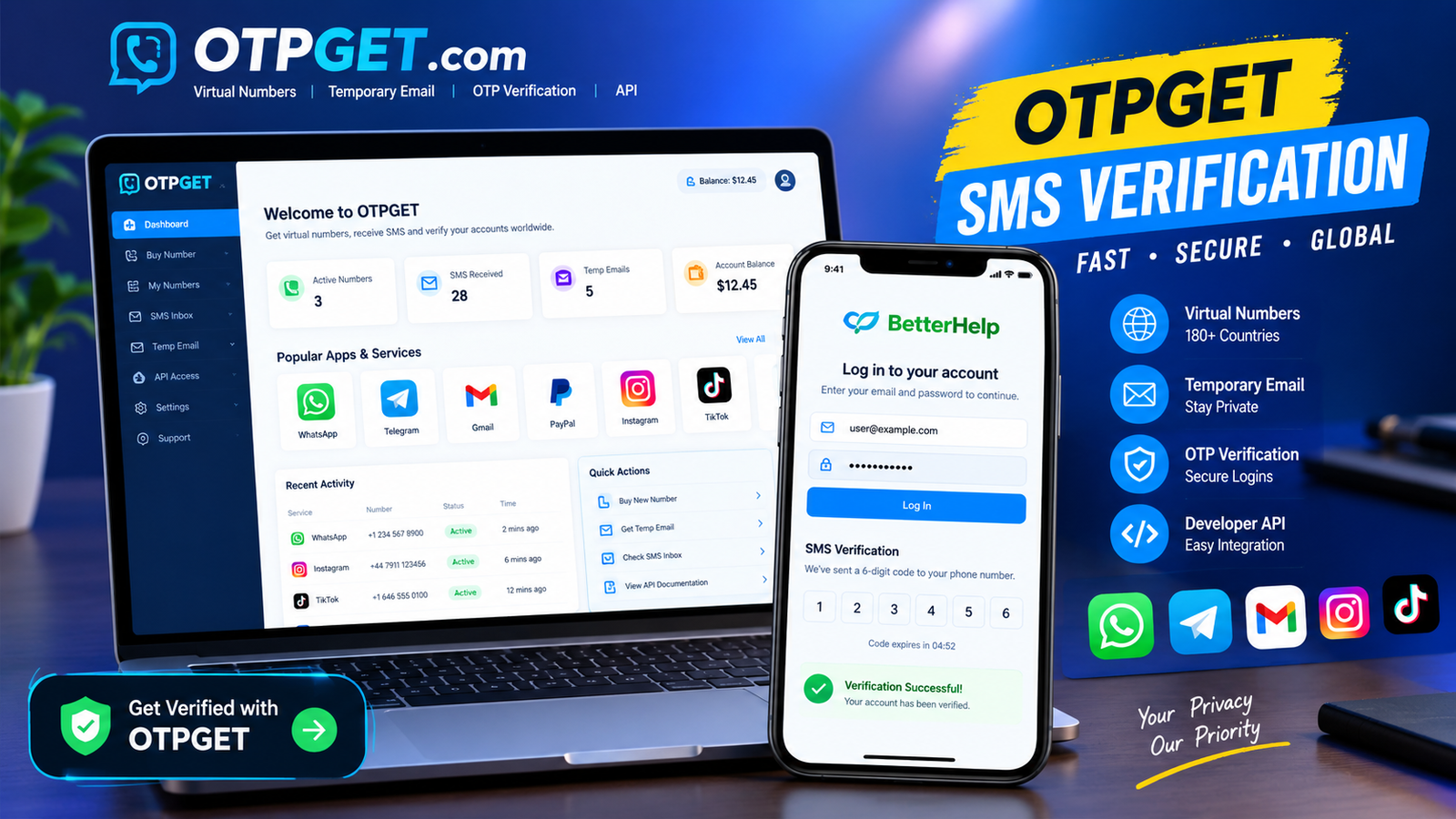
OTPGet Login Page – Enter Email and Password: Complete Login Guide
If you are searching for the OTPGet login page, you are probably trying to access your account quickly and wondering where to enter your email and password. OTPGet provides an account-based platform for services related to OTP verification, virtual numbers, temporary email, and related tools, and its website provides a Login Now option for account access.
In simple terms, the OTPGet login process involves opening the appropriate account-access page, entering the email address associated with your account, entering your password, checking the information carefully, and submitting the login form. If access does not work, a few basic troubleshooting steps can often identify the problem.
This guide explains the OTPGet login page, email and password login process, common access issues, and sensible security practices without asking you to share confidential credentials with anyone.
OTPGet Login Page – What You Need to Know
A login page is the gateway between a public website and your personal account area. Instead of creating a new account every time you use a service, you enter your existing login credentials to regain access to the account.
For an OTPGet account, your email address can serve as an important account identifier, while your password is used to authenticate the login attempt. The OTPGet website provides account registration and login access as part of its platform.
OTPGet describes its services around virtual phone numbers, rental numbers, temporary email, OTP verification, and developer API access. Its documentation also describes API authentication separately through an API key, so an API key should not be confused with the normal website login credentials.
For anyone looking for OTPGet account access, the safest approach is to start from the legitimate OTPGet website and follow its available login route rather than relying on unfamiliar links.
How to Access the OTPGet Login Page
The normal OTPGet login process is straightforward. The exact appearance of the page can change, but the basic account-access sequence is generally as follows:
-
Navigate to the appropriate OTPGet website.
Start from the legitimate OTPGet website rather than clicking an unexpected login link from an unknown source. The public OTPGet site provides a “Login Now” route. -
Locate the login form.
Look for the account sign-in or login area provided by the website. -
Enter your account email address.
Use the email address associated with your OTPGet account. Check spelling carefully before continuing. -
Enter your password.
Type the password associated with the account. Never send your password to another person or enter it into a page you do not trust. -
Review the information.
A small typing mistake in an email address or password can prevent a successful login. -
Select the login or sign-in option.
Submit the form using the button provided on the OTPGet login page. -
Continue to your account.
If the credentials are accepted, you should be taken into the relevant account area.
If the page looks different from what you expected, avoid guessing at unfamiliar fields. Instead, return to the main OTPGet website and navigate to the login option from there.
OTPGet Email and Password Login
The OTPGet email and password combination is intended to identify and authenticate an existing account. Because these credentials provide access to an account, they should be treated as private information.
When completing an OTPGet email login, pay attention to simple details:
-
Make sure you are using the email connected to the correct account.
-
Check for spelling errors or accidental spaces.
-
Make sure Caps Lock is not causing password problems.
-
Enter the password exactly as intended.
-
Do not copy credentials from an unknown source.
-
Never share your password with a person claiming to provide login assistance.
It is also useful to distinguish website credentials from OTPGet developer authentication. OTPGet's documentation states that API requests use an API key, which is a separate form of authentication for its APIs.
In other words, if you are simply trying to access your website account, you should follow the site's normal account-login route rather than attempting to use an API key as a password.
Common OTPGet Login Problems
Even when the login process is simple, users can encounter access problems. Not every issue means there is something wrong with the account itself.
Incorrect Email Address
An incorrect email is one of the easiest problems to overlook. Recheck the spelling, domain, and any accidental spaces before trying again.
If you have more than one email address, make sure you are using the one connected to the OTPGet account you are trying to access.
Incorrect Password
If your OTPGet password login fails, carefully enter the password again. Check Caps Lock and make sure your keyboard is entering the expected characters.
Avoid repeatedly guessing passwords. If you cannot remember the correct password, use the legitimate recovery option provided by the service if one is available.
Forgotten Password
A forgotten password does not necessarily mean you have lost access permanently. Look for an official password-recovery or reset option on the login page.
Follow only the instructions provided by the legitimate OTPGet website. Never give your password or verification code to someone who claims they can recover your account for you.
Login Page Not Loading
If the OTPGet login page does not load correctly, the problem may be related to your browser, connection, or a temporary service issue.
Try refreshing the page first. If that does not help, open the site in an up-to-date browser or try another browser. You can also check whether other websites are loading normally.
Browser Cache or Cookies
Outdated browser data can sometimes interfere with websites. If the page behaves strangely, clearing relevant cached data or cookies may help.
Remember that clearing cookies can sign you out of websites, so only do this when appropriate.
Temporary Service Problems
Sometimes a login problem is temporary rather than related to your credentials. If the correct email and password continue to fail after basic troubleshooting, waiting briefly and trying again may be reasonable.
What to Do If You Cannot Log In to OTPGet
If your OTPGet login is not working, work through the problem in a logical order rather than repeatedly submitting the same information.
Start by checking the email address. Then carefully re-enter the password and confirm that Caps Lock is not enabled.
Next, refresh the page. If the issue continues, try an up-to-date browser or another device. You can also clear relevant browser data if the page appears to be malfunctioning.
If you have forgotten your password, look for the password-recovery option made available through the legitimate OTPGet login process. Do not rely on unofficial recovery services or people offering to unlock the account.
If the problem remains unresolved, use the appropriate official OTPGet support or account-help route available through the website. Avoid using support details found on random websites or social-media posts unless you can verify that they belong to the service.
OTPGet Login Security Tips
A smooth OTPGet secure login is not just about entering the right information. It also means protecting the credentials you use.
Keep these habits in mind:
-
Never share your password. Legitimate support should not need you to publicly disclose it.
-
Never share an OTP or verification code. Treat one-time codes as confidential.
-
Check the website before signing in. Be cautious with unexpected login links.
-
Use a strong, unique password. Avoid passwords reused across important accounts.
-
Avoid logging in on shared or public computers when possible.
-
Do not save passwords on devices used by other people.
-
Log out after using a shared device.
-
Be cautious about suspicious messages asking you to confirm account credentials.
OTPGet's published policies also state that account-related information can include an email address and account activity information, which reinforces the importance of treating account details carefully.
Why OTPGET Is a Convenient Solution
For people searching for how to access OTPGet, the value of a clear account-login route is simple: it gives existing users a straightforward starting point for reaching the service.
OTPGet presents itself as a platform covering virtual numbers, temporary email services, OTP verification, rental numbers, and developer APIs.
That means users may arrive at the website for different reasons, but account access remains an important first step for people who already have an account.
The practical approach is to use the legitimate OTPGet website, follow its available sign-in route, enter your own credentials carefully, and keep those credentials private. When a login problem occurs, basic troubleshooting is usually a better starting point than repeatedly changing settings or trusting unofficial assistance.
For users looking for an OTPGet account login resource, this makes the official access route the most sensible place to begin.
Frequently Asked Questions About OTPGet Login
What is the OTPGet login page?
The OTPGet login page is the account-access area used by existing users to sign in. The public OTPGet website provides a Login Now option for reaching account access.
How do I log in to OTPGet?
Open the legitimate OTPGet website, select the available login option, enter the email address associated with your account and your password, review the information, and submit the login form.
Where do I enter my OTPGet email and password?
Enter them only into the legitimate OTPGet account-login form. If a page unexpectedly requests additional sensitive information, verify that you are on the correct website before continuing.
What should I do if my OTPGet password does not work?
First, recheck the email address and password. Confirm Caps Lock is not enabled and try again carefully. If you have forgotten the password, use the official recovery option available through the login process.
Why is the OTPGet login page not loading?
Try refreshing the page, checking your internet connection, using an up-to-date browser, or trying another browser or device. If the problem persists, it may be appropriate to check the official site for available support information.
Can I access OTPGet from a different browser or device?
Generally, account-based websites can be accessed from compatible browsers and devices, but the exact experience can vary. If you switch devices, make sure you are using the legitimate OTPGet website and keep your credentials private.
What should I do if I forget my OTPGet password?
Look for the official password-recovery option on the OTPGet sign-in page. Follow the site's instructions and never provide your password or verification code to an unofficial helper.
Conclusion
Finding the correct OTPGet login page should not be complicated. Start from the legitimate OTPGet website, use its available account-login route, enter the email address associated with your account, and carefully enter your password.
If you experience OTPGet login problems, check the email address and password first, then work through basic browser and connection troubleshooting. For forgotten credentials, use the official recovery process when available.
Most importantly, protect your login credentials. Never share your password, OTP, or verification codes with another person, and be cautious about unexpected login links.
For users searching for OTPGet account access, the practical solution is to use the appropriate OTPGet website login route and follow the service's own account-access instructions carefully.


