OTPGet Login: Start Receiving SMS Codes Today
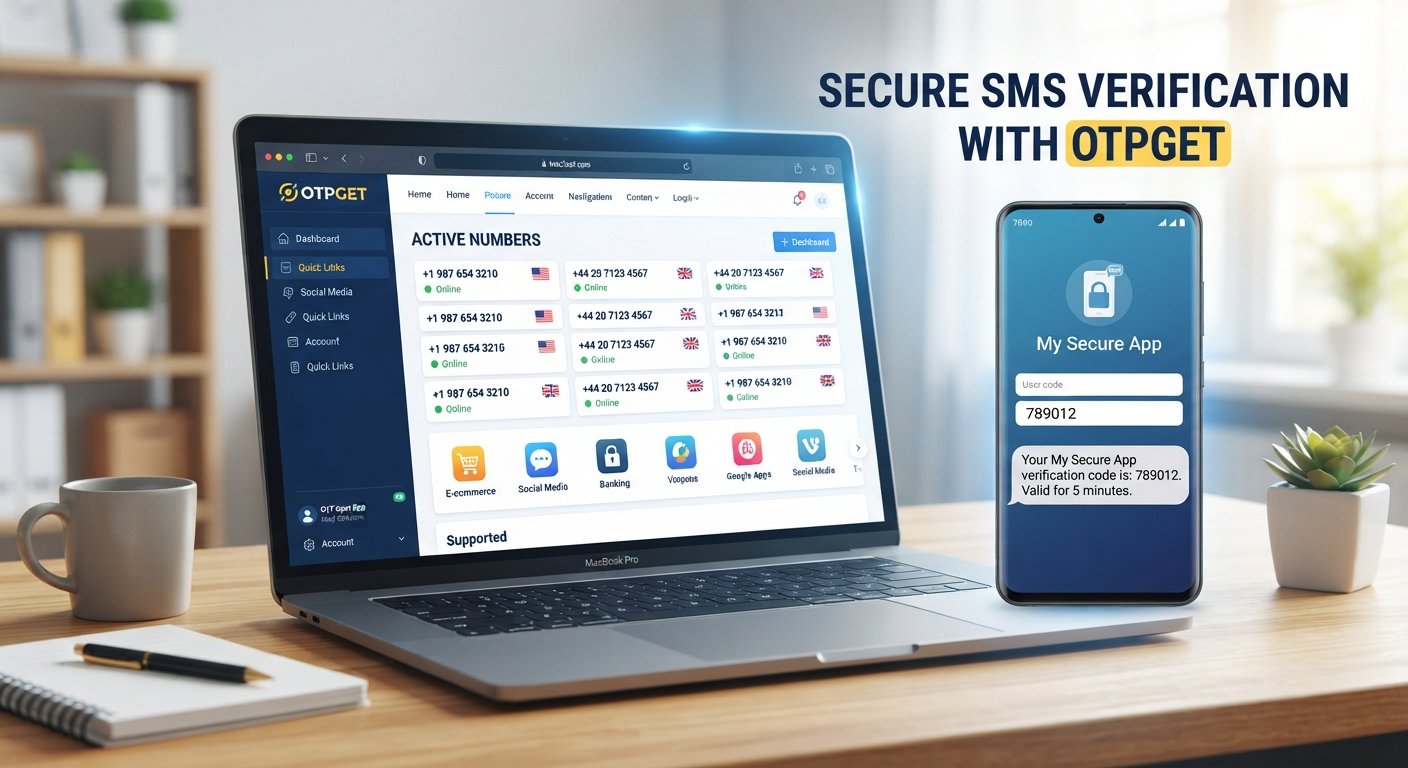
OTPGet Login: Start Receiving SMS Codes Today
Need an SMS verification code but would rather not rely on your personal phone number? Maybe you want to keep verification messages separate from everyday texts, or you simply need a convenient way to receive an SMS online where the relevant service permits it.
That is where OTPGET can be useful.
When people search for OTPGet Login, they are often looking for a straightforward way to access an OTP or SMS receiving service and handle verification messages online. Instead of treating SMS verification as a frustrating extra step, an online OTP receiving solution can make the process more convenient and organized.
This guide explains what OTPGet Login generally means, how online SMS verification works, what to expect when receiving an OTP, and how to use OTPGET responsibly.
What Is OTPGet Login?
OTPGet Login generally refers to accessing OTPGET so you can use its available SMS or OTP receiving functionality.
An OTP, or one-time password, is a temporary verification code sent by SMS to confirm that a person can access a particular phone number. It is commonly used during login verification, account verification, registration, and other legitimate authentication workflows.
OTPGET is positioned as a practical option for users who need to receive SMS verification codes online where such use is supported and permitted.
The exact interface, available numbers, supported services, and options can vary. For that reason, users should check the current OTPGET interface and terms rather than relying on assumptions about particular features.
The basic idea is simple: access the appropriate OTP receiving area, use an available number when permitted, request an SMS verification code from the relevant service, and check for the incoming message.
Why Do People Need to Receive SMS Verification Codes Online?
SMS verification is useful, but using a personal phone number for every verification request is not always convenient.
There are several legitimate reasons someone may look for an online SMS receiving option.
Keeping verification messages separate
If your personal phone receives messages from friends, family, work, and online services, verification codes can quickly become mixed into your normal conversations.
An online SMS receiving service can provide a more focused workflow for appropriate verification messages.
Convenience
Some users simply prefer handling certain verification tasks online. Instead of switching between different devices or searching through a crowded messaging inbox, they can use an online interface designed around SMS receiving.
Temporary or virtual numbers
A temporary phone number, online phone number, or virtual phone number can sometimes be appropriate for services that permit this type of verification.
However, users should always check the requirements of the website or application they are using. Some services may restrict temporary or virtual numbers.
Managing verification workflows
For people who regularly encounter legitimate SMS-based verification, having a dedicated method for receiving verification messages can reduce friction.
The important point is that online OTP receiving should be used for lawful, authorized activities and in accordance with the terms of the service requesting the verification.
How OTPGET Helps You Receive SMS Codes
The process of receiving an OTP online is usually straightforward. While the exact OTPGET interface may change, the general workflow can be understood in a few simple steps.
- Visit OTPGET.
Start by accessing the OTPGET service through its current website or login interface. - Log in or access the appropriate OTP/SMS receiving area.
Use the available access method shown by OTPGET. - Select an available option.
Depending on the current interface, choose an appropriate number or SMS receiving option for your intended, permitted verification task. - Enter the number where verification is allowed.
On the relevant service, enter the number provided through the OTP receiving workflow. - Request the verification code.
Follow the service's normal phone verification or account verification process. - Check OTPGET for the incoming SMS.
If the message is supported and successfully delivered, the SMS verification code should appear through the relevant receiving interface. - Enter the OTP into the verification field.
Copy the received one-time password into the appropriate verification field on the service you are using.
OTP delivery can depend on the sending service, number availability, network conditions, and other factors. Therefore, receiving an SMS should never be treated as an automatic guarantee for every website or application.
Key Benefits of Using OTPGET
When an online OTP receiving solution fits the requirements of a particular verification workflow, it can offer several practical advantages.
- Convenient SMS code receiving: Access verification messages through an online workflow rather than relying exclusively on a personal phone.
- Separation from personal messages: Keep certain verification communications apart from your everyday SMS inbox.
- Simple OTP receiving: The basic process of selecting an appropriate option, requesting a code, checking the incoming SMS, and completing verification is easy to understand.
- Online accessibility: An online SMS receiving service can be useful when managing verification tasks through a browser-based workflow.
- Focused verification workflow: Instead of treating every SMS as part of your personal communications, you can use a dedicated approach for appropriate verification tasks.
- Flexibility: Depending on availability and the requirements of the service involved, an online phone number may provide another option for receiving verification SMS.
These benefits do not mean every service will accept every online or virtual number. Always follow the requirements of the platform requesting the verification.
OTPGET vs. Traditional SMS Verification
Using your personal number and using an online OTP receiving solution serve different purposes.
| Factor | Personal Phone Number | Online OTP/SMS Solution |
|---|---|---|
| Convenience | Familiar and direct | Can simplify specific online verification workflows |
| Message separation | Verification texts mix with personal SMS | Can keep supported verification messages separate |
| Accessibility | Tied to your personal device and number | Access depends on the online service |
| Verification workflow | Straightforward for most personal accounts | Useful where online or virtual numbers are accepted |
| Privacy considerations | Uses your personal number | May reduce the need to use your personal number for certain permitted tasks |
| Flexibility | Consistent personal number | Options may depend on availability and service requirements |
Neither approach is universally better. The right choice depends on the verification service, its rules, your privacy preferences, and whether an online number is supported.
For users specifically looking for receive SMS online or receive OTP online options, OTPGET can be a practical solution to explore.
How to Receive an OTP Online Safely
An OTP is more than an ordinary text message. A one-time password can be part of an authentication process, so it should be handled carefully.
Keep these principles in mind:
- Use OTP services only for legitimate purposes. Do not use an online number to deceive a service or gain unauthorized access.
- Never share OTP codes with strangers. A verification code should be treated as sensitive authentication information.
- Be cautious with supposed support requests. If someone asks you to provide an OTP, independently verify who they are before taking any action.
- Respect platform rules. Some websites prohibit temporary or virtual numbers. Follow the terms and verification requirements of the service you are using.
- Review privacy practices. Before using an SMS verification service, understand how its numbers and received messages are handled.
- Do not reuse or expose verification codes unnecessarily. An OTP is intended for a specific authentication event and may expire quickly.
Good security practices matter regardless of whether you use a personal number or an online SMS receiving service.
Common Problems When Receiving SMS Verification Codes
Even with a suitable OTP receiving method, SMS verification may occasionally fail.
SMS delays
Messages can sometimes take time to arrive because of network traffic, the sender's systems, or other delivery conditions.
If a code is delayed, avoid repeatedly requesting new codes immediately. Multiple requests can sometimes create confusion when several codes arrive close together.
Expired OTP codes
One-time passwords are often time-sensitive. If a code has expired, request a new verification code through the legitimate service rather than attempting to use an old one.
Incorrect number selection
If the wrong number is entered or selected, the verification message may not appear in the expected place. Carefully check the number before requesting the SMS.
Unsupported services
Not every website or application accepts every type of online, temporary, or virtual number. If a service does not support the number you're using, follow its approved verification method.
Verification attempts fail
A failed attempt can result from several factors, including incorrect information, expired codes, service restrictions, or delivery problems. Check the verification instructions and try again only where appropriate.
Provider or network delays
SMS delivery involves multiple systems. Even when you have followed the correct steps, delays can occur outside the receiving interface.
The best approach is to remain patient, verify the number and code carefully, and use the service's official support or recovery options when necessary.
Why Choose OTPGET for Online OTP Receiving?
If you are searching for OTP receiving, receive OTP online, receive SMS online, SMS verification, or an online OTP service, OTPGET is worth considering as a focused solution for appropriate verification workflows.
The main appeal is simplicity. Rather than making SMS verification feel like a complicated technical task, an OTP receiving service gives users a dedicated way to approach supported verification messages online.
OTPGET can be particularly relevant when you want to:
- Keep verification messages separate from your personal SMS.
- Explore an online SMS receiving option.
- Handle supported verification workflows through an online interface.
- Use an alternative to your personal phone number where permitted.
- Reduce friction when completing legitimate SMS-based verification.
At the same time, responsible use matters. OTPGET should not be viewed as a way to bypass security controls or platform restrictions. Its value is in providing a convenient OTP receiving option for situations where the relevant service permits it.
That balance—convenience without compromising responsible use—is important when choosing any SMS verification service.
Getting Started With OTPGET
Getting started does not need to be complicated.
Begin by visiting OTPGET and exploring the current OTP or SMS receiving options available through its interface. Review the applicable terms and choose an option that matches the verification service you intend to use.
Then follow the normal verification process:
- Access OTPGET.
- Choose an appropriate available SMS receiving option.
- Enter the number only where the relevant service permits it.
- Request the verification SMS.
- Monitor the OTPGET receiving interface.
- Use the received verification code in the appropriate field before it expires.
Availability and compatibility can vary, so check OTPGET's current interface and the requirements of the service you are verifying.
Ready to simplify your next supported SMS verification task? Visit OTPGET and explore the available OTP receiving options.
Final Thoughts
SMS verification is useful for protecting accounts and confirming phone numbers, but it can also create unnecessary friction when you do not want to rely on your personal number for every verification workflow.
An online OTP receiving service can provide a more convenient approach for appropriate situations. It can help separate verification messages from personal communications and give users another option when online or virtual numbers are accepted.
If you are searching for OTPGet Login, online OTP, receive SMS online, or a practical OTP service, OTPGET is a solution worth exploring.
Use it responsibly, follow the requirements of the service requesting verification, protect your OTP codes, and check current availability before starting.
Visit OTPGET, explore its available SMS receiving options, and make your next supported verification workflow simpler.
Frequently Asked Questions
What is OTPGet Login?
OTPGet Login generally refers to accessing OTPGET so you can use its available OTP or SMS receiving functionality. The exact login process and interface should be checked directly through the current OTPGET service.
How can I receive an OTP online?
You can receive an OTP online by using an appropriate SMS receiving service where the relevant platform permits online or virtual numbers. The general process involves selecting an available number, requesting an SMS verification code, checking the receiving interface, and entering the code.
How does OTPGET help with SMS verification?
OTPGET provides an online approach to receiving SMS verification messages for supported and permitted use cases. The exact options available can depend on the current service interface and the requirements of the platform sending the SMS.
Can I receive SMS verification codes online?
Yes, online SMS receiving services can be used for verification codes where the relevant service accepts the type of number being used. Some platforms may restrict temporary or virtual numbers, so always check their requirements.
What should I do if my OTP does not arrive?
Check that the number is correct, confirm that the service supports the selected number, and allow reasonable time for delivery. If the code expires, request a new one through the legitimate verification process.
Are OTP codes safe to share?
No. Treat OTP codes as sensitive authentication information. Never share a verification code with strangers or with someone who asks for it unexpectedly, even if they claim to represent a service.
When should I use an online SMS receiving service?
An online SMS receiving service can be appropriate when you need a convenient way to handle supported SMS verification and the relevant platform permits online, temporary, or virtual numbers. Always follow the platform's terms and use the service for legitimate purposes.
If you need a convenient way to handle supported SMS verification, start with OTPGET and explore its available OTP receiving options.


