OTPGet Login – Welcome Back, Access Your Numbers Online Now
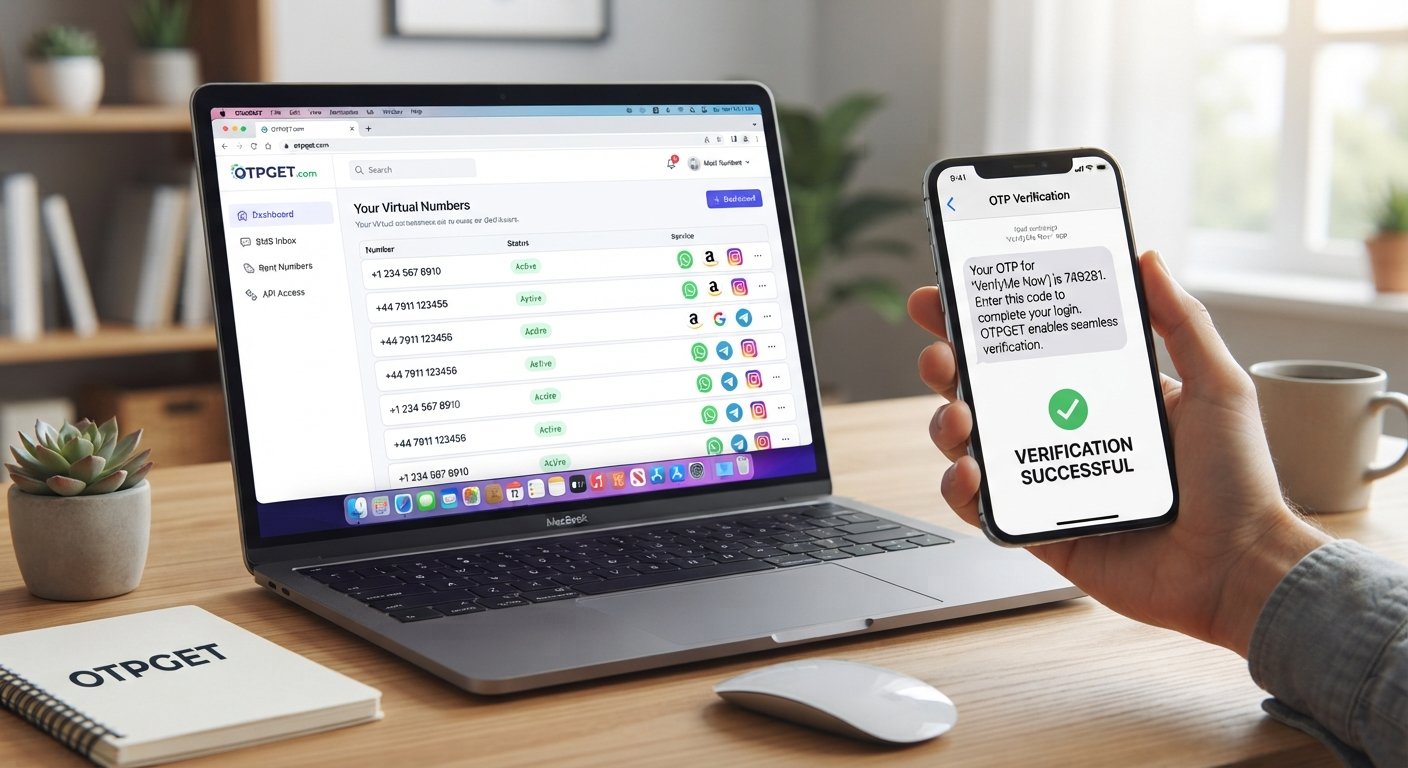
OTPGet Login – Welcome Back, Access Your Numbers
Introduction
Needing a verification code should be simple. Yet when an account asks for phone verification, users can quickly run into problems: their personal number may not be suitable, an SMS may be delayed, or they may simply need an online number for a legitimate testing or verification workflow.
That is where OTPGet Login becomes relevant. OTPGET provides access to virtual phone numbers designed for receiving SMS verification codes, giving users an online alternative to relying solely on a physical SIM card. According to OTPGET's official website, its platform provides virtual numbers, rental numbers, and tools for SMS OTP verification.
In this guide, we will explain what OTPGet Login means, why online numbers can be useful, how OTPGET can support verification workflows, and what to do when an OTP does not arrive.
If you are looking for a practical way to access phone numbers online and manage OTP verification, OTPGET is worth exploring.
What Is OTPGet Login?
OTPGet Login refers to accessing your OTPGET account so you can use the services available through the platform.
For someone new to virtual phone numbers, the basic idea is straightforward. Instead of depending entirely on a personal SIM card, an online service can provide a virtual number that is capable of receiving SMS messages for supported verification purposes.
OTPGET describes its service as a platform for virtual numbers and OTP verification, with numbers available across multiple countries and options for both temporary use and longer-term rentals.
After logging in, users can access the parts of the service relevant to their account and verification needs. The exact options available can depend on the service, country, number type, and account configuration.
For anyone searching for an OTPGET login, the safest approach is to start from the official OTPGET website rather than relying on an unfamiliar third-party login page.
[Internal Link: What Are Virtual Phone Numbers?]
Why Easy Access to OTP Numbers Matters
Phone verification has become a common part of online account registration, login verification, application testing, and other digital workflows.
An OTP, or one-time password, is generally a temporary verification code delivered through a channel such as SMS. When the code is entered correctly, the receiving service can use it as part of its verification process.
That sounds simple, but access to the right phone number can make a major difference.
For example, users may need:
- An online phone number instead of their personal number.
- A virtual phone number for a supported verification workflow.
- A temporary phone number for a one-time verification task.
- A number capable of receiving an SMS code.
- A verification number for testing or account-related workflows.
- An online SMS verification option when a physical SIM is inconvenient.
The practical advantage is convenience. Rather than managing every verification message through a personal handset, users can access supported numbers and verification messages through an online platform.
The important point is to use such services responsibly and only where the receiving platform permits the verification method.
How OTPGET Can Help With OTP Verification
OTPGET is designed around the idea of making virtual numbers available for SMS-based verification.
Its official service information describes virtual phone numbers for OTP verification, rental numbers for longer-term use, and developer-oriented API options.
For a typical verification workflow, the process can involve selecting an appropriate country and supported service, obtaining a number, and waiting for the verification SMS. OTPGET's documentation also describes API methods for requesting numbers and checking activation status.
This can be useful when you need to receive OTP online rather than depending exclusively on a personal mobile number.
However, not every website or application accepts every virtual number. Verification policies can differ between platforms, countries, carriers, and account types. A responsible user should always check the applicable rules before choosing an online number.
Key Benefits of Using OTPGET
Convenient access
OTPGET gives users an online way to work with virtual numbers instead of requiring every verification task to be tied to a physical SIM.
Flexible number options
The platform provides temporary virtual numbers as well as rental options for users who need a number for a longer period.
Online SMS reception
For supported services, users can receive verification messages through the platform rather than waiting for an SMS on their personal phone.
Practical verification workflow
A centralized online workflow can make it easier to request a number, monitor an activation, and retrieve a received SMS code.
Developer possibilities
For technical teams, OTPGET also documents API-based access for number and OTP-related workflows, allowing developers to integrate supported functionality into applications or testing processes.
These benefits do not mean every verification request will succeed. Availability and acceptance depend on the target service and the number being used.
OTPGet Login: What Users Should Know
If you are trying to access OTPGET, start with the official website rather than clicking an unfamiliar login advertisement or third-party result.
Visit the official OTPGET website
A few simple precautions can make the process safer and easier:
- Check the website address carefully. Make sure you are on the official OTPGET domain before entering credentials.
- Enter your login information carefully. Small typing errors can prevent successful account access.
- Keep credentials private. Never share your password or account access details with another person.
- Avoid suspicious login pages. If a page looks unusual or asks for unnecessary information, leave it and verify the destination.
- Troubleshoot methodically. If login fails, check your credentials, connection, browser, and any account-related messages before repeatedly attempting access.
If you are already an OTPGET user, keeping your account information secure is just as important as choosing the right number for verification.
Common OTP Verification Problems and How to Avoid Them
Even with an online SMS verification service, OTP delivery can occasionally encounter problems.
OTP not arriving
If you do not receive a verification code, first check whether the number is correct and whether the target service has actually sent the message. Delivery can also depend on the originating platform and network conditions.
Expired verification code
OTP codes are normally designed to be temporary. If a code has expired, request a new one instead of repeatedly entering the old code.
Incorrect number
Double-check the selected country, number, and formatting before submitting the number to a verification service.
Delayed SMS
Give the system a reasonable amount of time to process the message. Repeatedly requesting new codes can sometimes create additional confusion or trigger rate limits on the receiving platform.
Wrong verification code
Copy the SMS code carefully. Avoid accidentally adding spaces or entering digits from an older message.
Too many attempts
If a service temporarily restricts verification attempts, stop retrying and follow its instructions. Using a different number does not necessarily resolve a restriction imposed by the platform itself.
For users who regularly need online verification numbers, OTPGET can provide a practical option when the relevant service supports the number being used.
OTPGET vs. Traditional Verification Methods
Traditional verification typically means using your own mobile number and receiving an SMS directly on your personal device.
That approach can be perfectly appropriate, particularly when you need a long-term number tied to an important personal account.
An online or virtual number can make more sense in situations where you need separation between a verification workflow and your everyday phone number.
| Traditional Number | Virtual Number |
|---|---|
| Connected to a physical SIM | Accessed through an online service |
| Useful for long-term personal accounts | Useful for supported temporary or specialized workflows |
| SMS arrives on your phone | SMS can be accessed through the service |
| Usually tied closely to your identity | May provide greater separation from your personal number |
| Depends on mobile carrier access | Depends on virtual-number availability and platform acceptance |
Neither approach is universally better. The right choice depends on the purpose of the verification and the rules of the service you are using.
How to Get the Most From OTPGET
A good OTP verification experience starts with using the service carefully.
- Use the correct account information. Make sure your OTPGET login credentials are accurate.
- Choose an appropriate number. Select the country and service that match your legitimate verification requirement.
- Enter OTP codes promptly. Verification codes may expire after a limited period.
- Check the target service first. Confirm that it accepts the type of number you intend to use.
- Keep your credentials secure. Your OTPGET account should be treated like any other online account.
- Avoid unnecessary repeated attempts. If a verification request fails, investigate the cause before repeatedly requesting codes.
- Follow platform rules. Use virtual numbers only for legitimate purposes and comply with the terms of the website or application being verified.
For developers, OTPGET's documentation can also be useful when evaluating API-based verification workflows.
[Internal Link: SMS Verification Best Practices]
Is OTPGET Right for You?
OTPGET may be a useful fit if you need convenient access to virtual numbers for legitimate SMS verification, testing, development, or other supported workflows.
It can be particularly relevant when:
- You prefer not to use your everyday number for a particular verification task.
- You need an online number for a supported service.
- You need temporary or rental number options.
- You are working with application testing or development.
- You want an online workflow for receiving supported verification messages.
On the other hand, your regular mobile number may be the better choice for banking, critical personal accounts, recovery numbers, or services that specifically require a permanent personal phone number.
The best approach is to match the verification method to the purpose and follow the rules of the platform involved.
Frequently Asked Questions About OTPGet Login
What is OTPGet Login?
OTPGet Login is the account-access point for OTPGET users. Once logged in, users can access the services and number-related options available to their account.
How does OTPGET help with OTP verification?
OTPGET provides virtual phone numbers designed for receiving SMS verification codes from supported services. Its platform also includes rental numbers and developer API functionality.
Can I receive OTP codes online with OTPGET?
Yes, OTPGET is designed to support online receipt of SMS OTP codes for supported verification services. Availability and successful delivery can depend on the selected number, service, country, and target platform.
What is an online phone number?
An online or virtual phone number is a number that can be accessed through an internet-based service rather than being used exclusively through a physical SIM card. OTPGET provides virtual numbers for supported SMS verification workflows.
What should I do if my OTP does not arrive?
Check the number, country, target service, and verification status first. Wait for a reasonable delivery period, avoid excessive repeated requests, and request another code only when appropriate.
Is OTPGET suitable for verification purposes?
OTPGET is specifically positioned around virtual numbers and OTP verification. Whether it is suitable for a particular account depends on the requirements and policies of the service you are trying to verify.
How can I access my OTPGET account?
Use the official OTPGET website and navigate to the account login area. Always verify the website address before entering your credentials.
Final Thoughts
A verification code should not turn a simple online task into a frustrating process. Whether you need a temporary verification number, a virtual phone number, or a convenient way to receive supported SMS codes online, choosing the right verification method can make the experience much smoother.
OTPGet Login provides the starting point for accessing OTPGET's virtual-number and verification services. The platform is built around online numbers, SMS OTP verification, rental options, and developer-oriented tools, giving users different ways to approach legitimate verification needs.
The key is to use the service thoughtfully: choose the appropriate number, protect your account credentials, check the target platform's requirements, and follow its verification policies.
Ready to explore a more convenient approach to online phone-number verification? Visit OTPGET, access your account, and explore the available number options for your legitimate OTP verification needs.
[Internal Link: Complete Guide to OTP Verification]


