OTPGET Login: Access Your Account with Secure OTP Verification
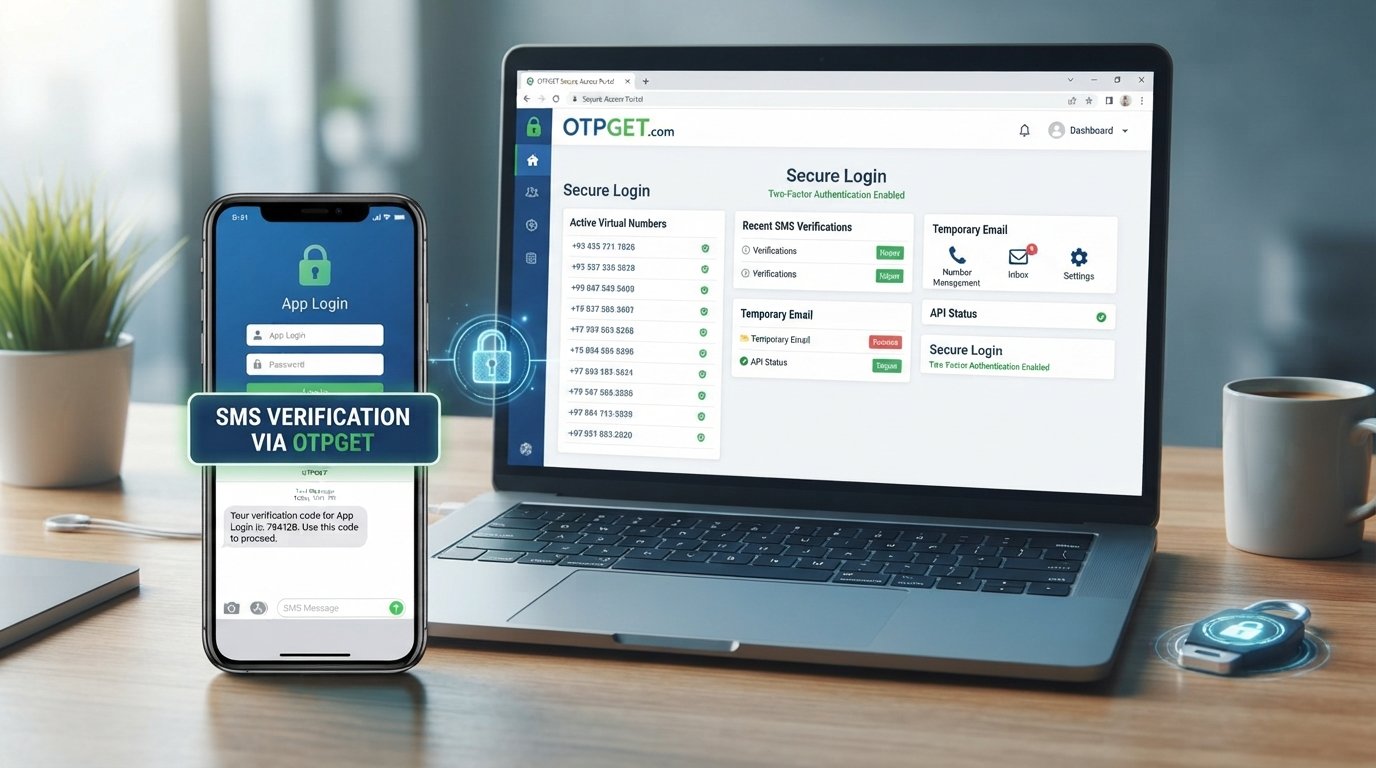
OTPGET Login: Access Your Account with Secure OTP Verification
Logging into an online account should be straightforward, but security still matters every step of the way. When account access involves a one-time password (OTP), users need to know where to sign in, how verification works, and what to do when a code does not arrive.
OTPGET provides a practical platform for OTP-related verification needs, including virtual numbers, temporary email services, and tools designed around receiving verification codes. For anyone searching for an OTPGET login guide, understanding the basic access process and following sensible security practices can make account use much smoother.
This guide explains what OTPGET is, how to approach account access, how OTP verification fits into the process, and how to troubleshoot common login problems without compromising your credentials.
What Is OTPGET?
OTPGET is a platform focused on virtual phone numbers and OTP verification. Its website describes services including virtual numbers for SMS verification, rental numbers, temporary email, and developer-oriented API access.
In simple terms, OTPGET can help users handle verification requirements that depend on receiving a temporary code. An OTP, or one-time password, is a temporary verification code used to confirm access or validate an action.
Depending on the service being used, OTPGET can provide a way to receive verification messages through supported virtual numbers or temporary email services. The exact process can differ depending on the service and account setup, so users should always follow the instructions displayed through the official platform.
The key point is simple: OTPGET brings OTP-related access and verification tools together in one platform, making it useful for users who need a practical way to manage verification requirements.
Why Secure OTPGET Login Matters
A login is more than entering a username and password. It is the gateway to your account, so protecting that gateway is essential.
OTP verification can add another layer of identity checking by requiring a temporary code in addition to other account credentials. However, an OTP should never be treated as something that can safely be shared with another person.
Good account security starts with a few basic principles:
- Keep your password and account credentials private.
- Never disclose an OTP or verification code to someone who asks for it unexpectedly.
- Check that you are accessing the legitimate OTPGET platform before entering sensitive information.
- Avoid suspicious links claiming to provide account recovery or login assistance.
- Use an updated browser and a trusted device when possible.
- Log out after using an account on a shared device.
OTPGET's published policies also emphasize responsible use and state that users are responsible for how they use its services.
Security is therefore a shared responsibility. A platform can provide security-focused mechanisms, but users still need to protect their credentials, devices, and verification codes.
How to Access Your OTPGET Account
If you already have an OTPGET account, the safest approach is to begin from the official OTPGET website rather than following an unfamiliar login link received through email, messaging apps, or social media.
Because interfaces can change, use the fields and instructions actually presented on the official access page rather than relying on screenshots or third-party instructions.
Follow these basic OTPGET login steps:
- Open the official OTPGET access page
Navigate to OTPGET through its legitimate website or a trusted bookmark. Avoid unofficial pages that imitate the brand. - Enter your account credentials
Provide the login information requested by the official interface. Check carefully for typing errors before submitting. - Complete any requested verification
If OTPGET asks for an additional verification step, follow the instructions shown on the official page. - Enter the verification code when prompted
If an OTP or temporary verification code is required, enter the correct code within the available verification process. - Confirm account access
Once authentication is completed successfully, continue to your account or dashboard as directed by the platform.
The important rule is to follow the actual OTPGET interface rather than assuming that every user will see exactly the same login fields or verification method.
OTPGET Login Troubleshooting
Even a straightforward login can sometimes fail. The problem may be related to credentials, an expired code, browser settings, connectivity, or a temporary service issue.
Incorrect login details
Recheck your account credentials carefully. Pay attention to capitalization, spaces, and keyboard settings. Avoid repeatedly guessing passwords, especially if the platform may temporarily restrict repeated unsuccessful attempts.
OTP does not arrive
First, give the verification message a reasonable amount of time to arrive. Check that the selected verification method is correct and that your connection is working.
If the code remains unavailable, avoid repeatedly requesting codes without understanding the platform's instructions. Multiple requests can sometimes create confusion about which code is currently valid.
OTP has expired
One-time passwords are temporary by design. If a code is no longer accepted, request or obtain a new verification code through the official process and use the newest valid code.
Verification code is rejected
Make sure you are entering the code exactly as received. Check for accidental spaces or typing errors and confirm that you are not using an older code after requesting a newer one.
Browser or connection problems
If the login page behaves unexpectedly:
- Refresh the page.
- Check your internet connection.
- Try an updated browser.
- Clear relevant browser cache or cookies if necessary.
- Temporarily test the process from another trusted browser or device.
Account access remains unavailable
If normal troubleshooting does not resolve the problem, use OTPGET's official support or account-recovery channels. Do not use third-party services that claim they can bypass account protections.
Never provide your full password or private verification codes to someone claiming to be helping you.
Tips for a Safer OTPGET Account
Secure OTP access depends heavily on everyday user habits. A few simple precautions can significantly reduce avoidable risks.
Keep credentials private
Your password belongs only to you. Do not send it through chat, email, screenshots, or social media messages.
Never share OTP codes
A verification code can be sensitive. Treat it like a temporary credential and never disclose it simply because someone claims to need it for support or account verification.
Watch for phishing attempts
Be cautious when you receive unexpected messages containing login links. Instead of clicking an unfamiliar link, open the official OTPGET website directly through a trusted bookmark or known address.
Use trusted devices and networks
When entering account credentials, use a device you control and a connection you trust whenever practical. Shared computers and unsecured networks can introduce additional privacy risks.
Protect your browser
Keep your browser and operating system updated. Avoid installing unknown extensions or software that could interfere with login sessions or expose sensitive information.
Log out from shared devices
If you use OTPGET from a public or shared computer, sign out when finished. Do not leave an authenticated session open for the next user.
Why Choose OTPGET?
For users who need practical OTP-related services, OTPGET is designed around convenient access to verification resources rather than forcing users to manage separate tools for every verification scenario.
Its platform currently presents virtual numbers, rental numbers, temporary email, and developer API capabilities as part of its OTP-focused service offering.
That makes OTPGET particularly relevant for people who need:
- Convenient OTP verification: A centralized platform for OTP-related requirements.
- Virtual number access: Options for receiving SMS verification codes through supported numbers.
- Temporary email: A separate option for verification workflows that use email.
- Developer access: API documentation for users building OTP-related workflows.
- Straightforward account management: A central place to manage OTP-related services.
The right solution depends on the user's specific verification requirement. OTPGET's published documentation should be the reference point for understanding the precise service, parameters, and authentication method available for a particular use case.
Rather than promising that every verification attempt will work identically, a better approach is to use OTPGET according to the instructions for the service you are accessing and to maintain good security practices throughout the process.
Frequently Asked Questions
How do I log in to my OTPGET account?
To log in, access the official OTPGET website, enter the credentials requested by the login interface, complete any required verification, and follow the instructions to reach your account. Always use the official access channel.
What should I do if my OTP does not arrive?
Check your connection and confirm that you are using the correct verification method. Wait briefly, then follow the official process for obtaining another code if necessary. Avoid relying on unofficial recovery services.
Can I access my OTPGET account securely?
Yes, users can take sensible steps to make account access safer, including using the official website, protecting credentials, avoiding suspicious links, keeping devices updated, and never sharing verification codes.
What happens if I enter the wrong OTP?
The verification attempt may fail. If the code is incorrect or no longer valid, follow the official instructions to obtain and enter the appropriate current verification code.
How can I protect my OTPGET login?
Use private credentials, avoid phishing links, keep your device and browser updated, use trusted connections, and never share passwords or OTP codes with other people.
Why is OTP verification important?
An OTP provides a temporary verification factor that can help confirm that the person completing a verification step has access to the relevant phone number, email, or verification channel. It is one part of a broader account-security process.
What should I do if I cannot access my account?
Start with basic troubleshooting: verify your credentials, check your connection, refresh the page, and try an updated browser. If the problem continues, use OTPGET's official support or account-recovery options rather than attempting to bypass security controls.
Conclusion
Secure account access should be simple, but it should never come at the expense of security. Whether you are trying to complete an OTP verification step, manage verification resources, or simply access your existing account, using the correct login channel and protecting your credentials are essential.
OTPGET offers a practical solution for users looking for OTP-related services, including virtual numbers, temporary email, and verification-focused tools. Its official documentation provides additional information for users who need more specialized functionality or developer access.
If you need to access your OTPGET account, start with the official OTPGET channel, follow the verification instructions presented there, and keep your login credentials and OTP codes private. A careful approach makes account access more straightforward while helping you maintain better control over your digital security.
INTERNAL LINKING SUGGESTIONS
- Anchor text: Secure OTP Verification
Suggested topic: A detailed guide to OTP verification, one-time passwords, and safer verification practices
Purpose: Helps readers understand how OTP verification works and why protecting temporary codes matters. - Anchor text: How to Receive SMS OTP Online
Suggested topic: A practical guide to receiving SMS verification codes through virtual numbers
Purpose: Provides a logical next step for readers who want to understand OTPGET's SMS verification use cases. - Anchor text: OTPGET API Documentation
Suggested topic: Developer-focused guide to OTPGET API integration and authentication
Purpose: Directs technical readers toward implementation guidance without distracting general account users. - Anchor text: Temporary Email for Verification
Suggested topic: Guide to using temporary email addresses for verification workflows
Purpose: Introduces an alternative verification method for situations where email rather than SMS is required. - Anchor text: Virtual Phone Numbers for OTP
Suggested topic: Educational guide explaining virtual numbers and their role in OTP verification
Purpose: Builds topical relevance around one of OTPGET's core service categories.
OPTIONAL EXTERNAL SOURCE SUGGESTIONS
- Official OTPGET documentation: Use it when explaining API authentication, endpoints, response formats, or developer workflows.
- Official OTPGET terms and policies: Reference this for responsible-use, privacy, or account-policy information rather than relying on third-party summaries.
- A recognized cybersecurity authority: Where appropriate, link to an authoritative consumer-security resource explaining phishing, password protection, and multi-factor authentication principles.


