OTPGET Sign In Help: Reset Password and Fix Login Issues Fast
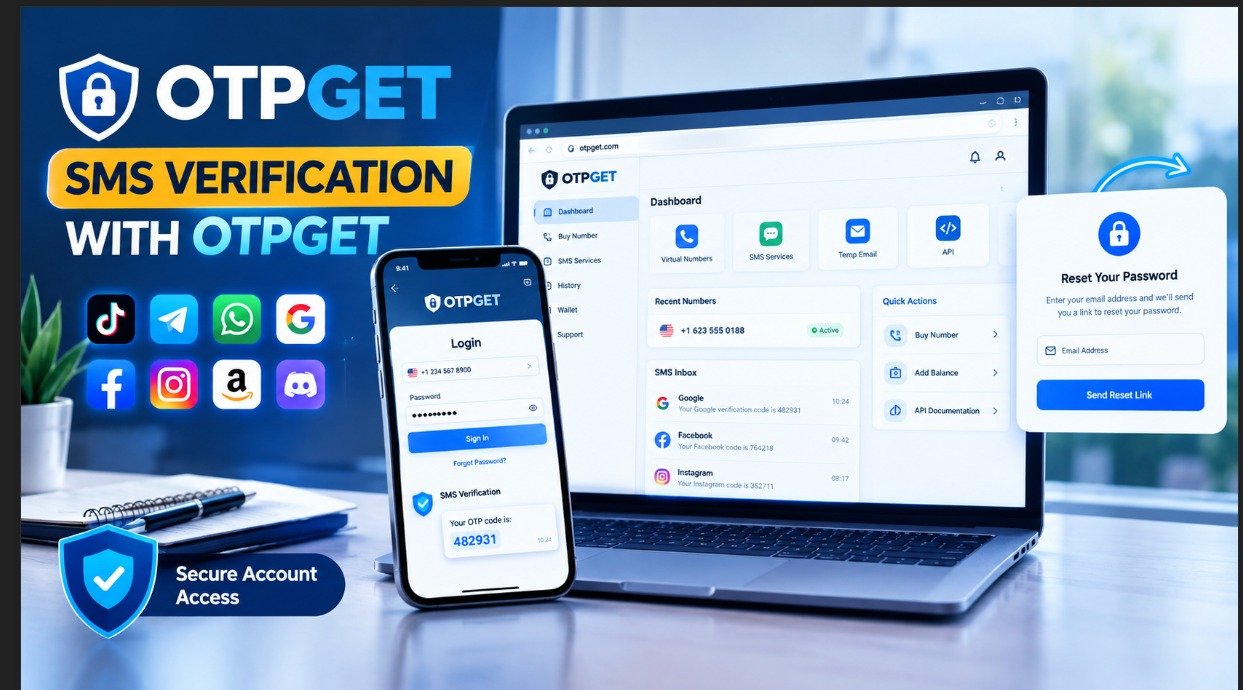
OTPGet Sign In Help – Reset Password if Needed
Introduction
Having trouble with an OTPGET sign in can be frustrating, especially when you need to access your account and are not sure whether the problem is your password, browser, connection, or login details.
The good news is that many sign-in problems have straightforward causes. A mistyped email address, forgotten password, browser issue, temporary connection problem, or incorrect login page can all prevent normal account access.
This guide explains how to approach OTPGET login problems safely and methodically. It covers the normal sign-in process, common troubleshooting steps, password recovery, and what to do if you still cannot access your account.
If you are looking for OTPGET sign in help, start with the basic checks below before assuming something is seriously wrong with your account.
What Is OTPGET Sign In?
OTPGET sign in is the process of accessing your OTPGET account using the account credentials or authentication information associated with it.
Account access may be necessary when you need to use a service, review account information, or continue an activity that requires you to be signed in. Because login details are sensitive, it is important to use the appropriate OTPGET access route rather than relying on unofficial pages or instructions from unknown sources.
If you are searching for OTPGET account login, OTPGET account access, or simply wondering how to sign in to OTPGET, the safest starting point is the official OTPGET sign-in or service page.
How to Sign In to OTPGET
The exact layout of a sign-in page can change, so avoid relying on instructions that assume a particular button or menu always exists. Instead, follow the general process below:
- Open the official OTPGET service or sign-in page you normally use.
- Check that you are on the correct website before entering any credentials.
- Enter the username, email address, or other account identifier associated with your account.
- Enter your password carefully.
- Complete any additional verification step if the service requests one.
- Submit the sign-in information and wait for the account page to load.
If the login succeeds, you should be able to continue using your account normally.
If it does not, avoid repeatedly entering random passwords. First check the information you entered and determine whether you may need OTPGET password recovery instead.
OTPGET Sign In Not Working? Common Reasons
When OTPGET sign in does not work, the cause is not necessarily a problem with the account itself. Consider these common possibilities.
Incorrect Login Information
A single character can prevent a successful login. Check your email address, username, and password carefully.
Pay attention to spelling, spaces, capitalization, and accidentally enabled Caps Lock. If your browser automatically fills credentials, make sure it has not inserted outdated information.
Forgotten Password
If you cannot remember your password, continuing to guess can make the situation more confusing. Use the official OTPGET password-recovery process instead.
Look for the available forgot-password or password-recovery option on the legitimate sign-in page.
Browser or Cache Problems
A browser can sometimes retain outdated page information or cookies that interfere with a login session.
Try refreshing the page first. If that does not help, a private or incognito browser window can be a useful diagnostic step. Clearing relevant cookies or cached data may also help, although doing so can sign you out of other websites.
Temporary Internet Problems
An unstable connection can prevent a login request from completing properly.
Check that your internet connection is working, then refresh the page and try again. If other websites are also loading slowly, resolve the connection problem before troubleshooting the account itself.
Account-Access Restrictions
An account may sometimes be subject to an access restriction or another condition that prevents normal sign-in.
If your credentials appear correct but access remains unavailable, use the official recovery or account-help route provided by OTPGET rather than attempting workarounds.
Verification Problems
If OTPGET asks for an additional verification step, make sure you are following the instructions displayed by the legitimate service.
Do not share verification codes with another person. If a code is not arriving or is not being accepted, use the available official recovery or assistance process rather than relying on unofficial instructions.
Incorrect Login Page
One of the easiest mistakes to overlook is using an outdated, incorrect, or unofficial login page.
When possible, navigate through the legitimate OTPGET service rather than clicking unfamiliar login links from messages, advertisements, or third-party websites.
How to Reset Your OTPGET Password
If you need an OTPGET password reset, the safest approach is to use the password-recovery process made available through the official OTPGET service.
Because the exact interface can change, the wording and location of recovery controls may vary. Generally, the process works like this:
- Open the legitimate OTPGET sign-in page.
- Look for the available password-recovery or forgot-password option.
- Select the recovery option and follow the instructions provided.
- Enter the requested account information accurately.
- If OTPGET sends recovery instructions through an authorized method, check the relevant inbox or account.
- Follow the instructions to create a new password if the recovery process allows it.
- Return to the sign-in page and try logging in with the new credentials.
This approach is preferable to searching for unofficial password-reset links because it keeps sensitive account information within the appropriate recovery process.
Forgot Your OTPGET Password?
For users searching specifically for OTPGET forgot password help, the first step is to stop guessing and use the official password-recovery route.
Before beginning recovery, make sure you are using the correct account identifier. If recovery instructions are expected by email, check the spam or junk folder as well as the normal inbox.
When creating a replacement password, choose one that is difficult for others to guess and avoid reusing a password from another important account.
It is also wise to keep recovery information private. Never send your password or a verification code to someone who asks for it through an unsolicited message.
If the recovery process does not work, record the exact error or problem you are seeing. That information can make it easier to determine what type of OTPGET account help you need.
OTPGET Login Troubleshooting Tips
If you are experiencing OTPGET login issues, work through this checklist:
- Confirm your login details. Check the account identifier and password for typing errors.
- Check your connection. Make sure your internet service is working normally.
- Refresh the page. A simple page reload can resolve temporary loading problems.
- Try a private browser window. This can help identify browser-session issues.
- Clear relevant cache or cookies. Do this when browser data appears to be interfering with the sign-in page.
- Try another browser or device. This can help determine whether the problem is device-specific.
- Check for temporary service problems. If the service itself is unavailable, repeated login attempts are unlikely to help.
- Use password recovery. If you have forgotten your credentials, use the official recovery process.
- Seek official assistance. If normal sign-in and recovery steps fail, use the legitimate OTPGET account-help route available to you.
Working through these steps one at a time is usually more effective than changing several things at once.
How OTPGET Can Help You Regain Account Access
When the problem involves accessing an OTPGET account, the most practical solution is to use the appropriate OTPGET sign in, login, or account-recovery process directly.
This matters because unofficial guides may contain outdated instructions, while unfamiliar websites can create unnecessary security risks. Starting from the legitimate OTPGET service gives you a clearer path to determine whether the issue is a forgotten password, incorrect credentials, technical problem, or another account-access issue.
If you know your credentials, try the normal login process first. If you have forgotten your password, move to the official recovery option. If neither approach resolves the problem, follow the legitimate OTPGET assistance route available through the service.
The goal is simple: use the correct access method, protect your credentials, and troubleshoot the problem without exposing sensitive account information.
Security Tips for Your OTPGET Account
Good account-security habits are just as important as knowing how to reset a password.
Keep these practices in mind:
- Use a strong, unique password for your account.
- Never share your password with another person.
- Never disclose verification codes to someone who contacts you unexpectedly.
- Check the website address before entering login information.
- Avoid entering credentials on suspicious or unfamiliar websites.
- Be cautious when using shared or public computers.
- Avoid saving sensitive passwords on devices other people can access.
- Use trusted account-recovery methods rather than unofficial services.
- Sign out after using an account on a shared device.
These habits can reduce the chance of accidentally exposing your login information while also making future account-access problems easier to manage.
Frequently Asked Questions
How do I sign in to OTPGET?
Open the legitimate OTPGET sign-in page and enter the account credentials associated with your account. Check the information carefully before submitting it. If you cannot remember your password, use the available recovery process.
What should I do if my OTPGET login is not working?
First, check your username, email address, and password for mistakes. Then check your internet connection, refresh the page, and consider trying a private browser window or another browser. If you forgot your password, use the official recovery process.
How can I reset my OTPGET password?
Use the legitimate OTPGET sign-in page and look for the available password-recovery or forgot-password option. Follow the instructions provided by the service rather than using an unofficial reset link.
What if I forgot my OTPGET password?
Use the official OTPGET password-recovery process. Make sure you are using the correct account identifier, and check your spam or junk folder if recovery instructions are expected by email.
Why can't I access my OTPGET account?
Several factors can cause account-access problems, including incorrect credentials, browser issues, connection problems, forgotten passwords, verification difficulties, or possible access restrictions. Troubleshoot these possibilities one at a time.
What should I do if the password reset does not work?
Double-check the information you entered and make sure you are using the legitimate OTPGET recovery process. If the problem continues, use the official OTPGET assistance or account-help route available to you.
Is it safe to use unofficial OTPGET login pages?
It is safer to use the legitimate OTPGET service rather than an unfamiliar third-party login page. Before entering a password or verification code, check that you are using the correct website and a trusted access route.
Conclusion
Problems with OTPGET sign in do not always mean that something is seriously wrong with your account. Simple issues such as incorrect credentials, a forgotten password, browser problems, or a temporary connection issue can often explain why login is not working.
Start by checking your sign-in details and connection. If you cannot remember your password, use the official OTPGET password-recovery process instead of repeatedly guessing credentials. For persistent problems, follow the legitimate account-help or recovery route available through OTPGET.
By using the proper OTPGET login and recovery process, checking common technical causes, and protecting your account information, you can approach most access problems safely and methodically


