OTPGet User Sign In – Your Numbers Are Waiting When You Need Them
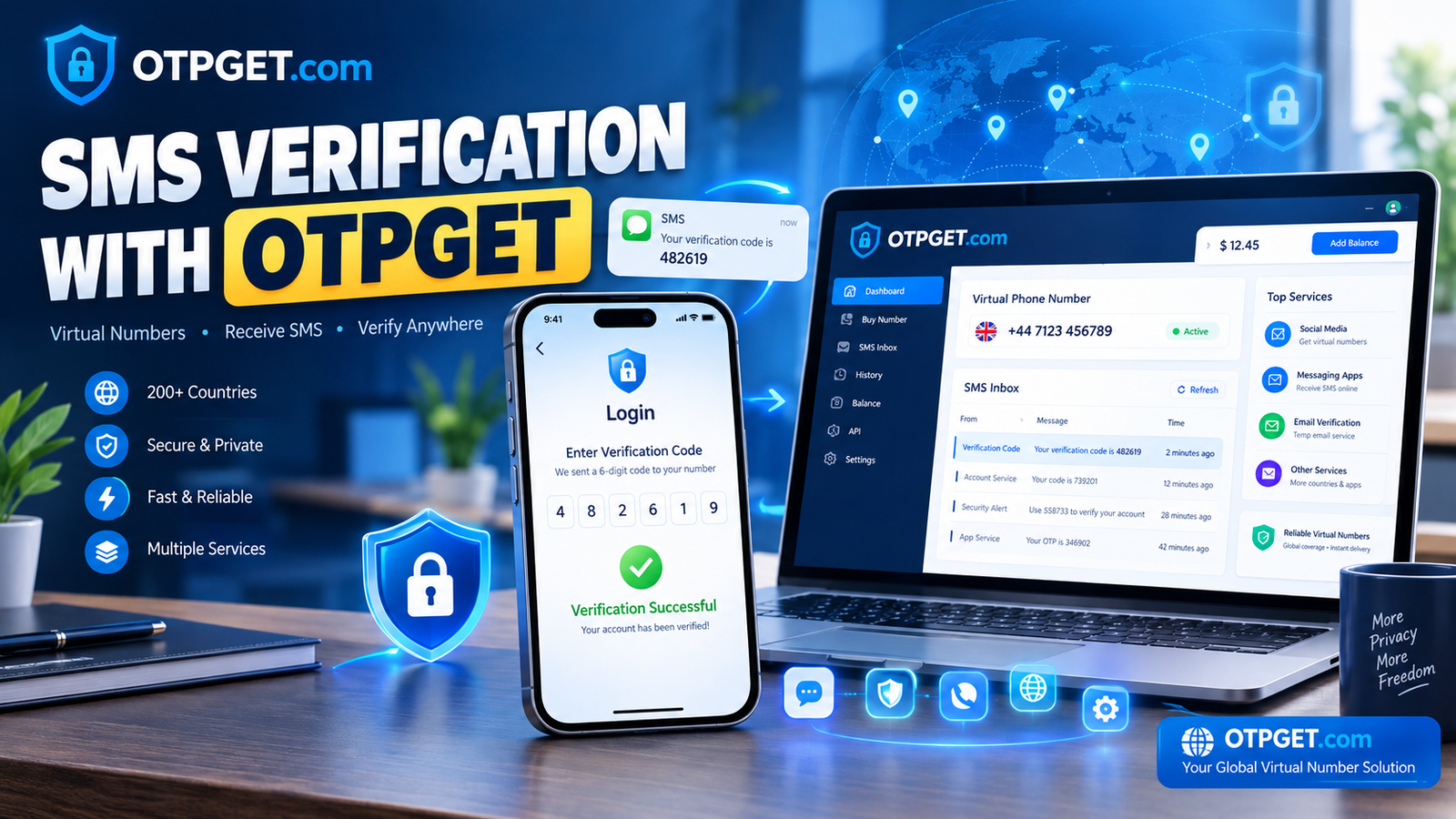
OTPGet User Sign In – Your Numbers Are Waiting When You Need Them
Needing a phone number for an online verification process can be surprisingly frustrating. You may be asked to enter a number, wait for an SMS, find the verification code, and then return to the service before the process can continue.
That is where a virtual number service can make the experience more straightforward.
If you are searching for OTPGet User Sign In, OTPGet login, or a convenient way to access numbers for receiving verification messages, OTPGET is worth exploring. It is designed around the practical need for numbers that can be used for supported SMS and OTP verification scenarios.
Whether you are trying to receive an OTP online, looking for a temporary phone number, or simply want an alternative to using your personal number for certain verification tasks, understanding how the service fits into the process can help you make a more informed choice.
What Is OTPGet User Sign In?
OTPGet User Sign In refers to accessing your OTPGET account or service so you can use the available number-related functionality offered by the platform.
For someone searching for an OTPGet login or OTPGet user login, the goal is usually simple: access the service, review the available options, and obtain a suitable number for a supported verification requirement.
The exact appearance and available options can depend on the service interface and what is currently offered. For that reason, it is better to think of sign-in as the starting point rather than assuming a particular button, menu, or account workflow.
Once you have access to your OTPGet account, you can use the service according to the options available to you. If your purpose is receiving a verification message, the important consideration is whether the selected number and service are appropriate for the verification you are attempting.
Why People Need Numbers for OTP Verification
Phone-based verification is common across online services. A platform may ask for a number to confirm that a user can receive an SMS containing a one-time password or verification code.
For legitimate users, this can create several practical situations where a virtual or temporary number is useful.
For example, someone may want to:
- Receive an OTP without using their everyday personal number
- Complete an SMS verification step for a supported service
- Use a temporary phone number for a short-term verification need
- Keep verification-related messages separate from regular personal communication
- Access a virtual phone number for an online service that supports it
- Receive SMS online instead of relying exclusively on a personal mobile inbox
A virtual number can therefore serve a different purpose from your regular phone number. However, not every verification platform accepts every type of number, so checking the requirements of the service you are using remains important.
OTPGET: A Simple Solution for Receiving Verification Codes
The main appeal of OTPGET is straightforward: it gives users a place to explore available numbers for supported verification and SMS-related needs.
Instead of treating phone verification as a complicated technical process, you can approach it as a simple sequence: access the service, select an appropriate number or option, use it where permitted, and monitor for the verification message.
For users searching for OTPGet numbers, OTP verification, or an online SMS number, that straightforward approach can reduce unnecessary friction.
The service can be particularly relevant when you do not want to use your personal number for a particular verification task. A virtual number can provide a separate channel for receiving an SMS while keeping your everyday communications separate.
Of course, availability and compatibility can vary. A responsible approach is to use the number only with legitimate services and to make sure the verification platform permits the type of number you are using.
How OTPGET Can Make the Verification Process Easier
The basic journey is easy to understand without relying on specific interface details.
1. Sign in or access OTPGET
Start by accessing your OTPGET account or the available service. If you arrived by searching for OTPGet user sign in, this is the point where you move from searching to using the service.
2. Choose an appropriate number or service
Review the available options and select a number that fits your intended verification purpose. The right choice can depend on the service you are trying to verify.
3. Enter the number where verification is supported
Use the provided number on the legitimate platform requesting SMS verification. Always follow that platform's requirements and terms.
4. Wait for the verification SMS
If the service supports the selected number and the verification message is delivered, check the appropriate OTPGET interface or message area for the code.
5. Complete verification
Enter the received OTP into the service requesting it and finish the verification process according to its instructions.
The key advantage of this approach is simplicity. You are using a dedicated number for a specific verification purpose rather than mixing every online verification message with your personal communications.
Benefits of Using OTPGET for Online Verification
A virtual number service can be useful for several practical reasons.
Convenience: You can access a number specifically for a verification-related task instead of immediately relying on your personal phone number.
Separation: Keeping certain verification messages separate from personal SMS communication can make your digital activities easier to organize.
Virtual number access: For supported use cases, OTPGET can provide access to numbers intended for online SMS and verification purposes.
Less friction: Having a number available when a service asks for SMS verification can make the process more straightforward.
Focused verification: A number dedicated to a particular online task can help keep verification messages distinct from everyday conversations.
These benefits should be viewed realistically. A virtual number is not automatically suitable for every platform, and compatibility can vary depending on the service requesting verification.
OTPGET vs. Using Your Personal Phone Number
Your personal phone number remains a sensible choice for many important, long-term accounts. It may be especially appropriate when an account is closely tied to your identity, ongoing communications, account recovery, or other personal services.
A virtual or temporary number can make more sense for certain short-term or separate verification needs.
| Personal Phone Number | OTPGET Number |
|---|---|
| Tied to your everyday mobile service | Intended for supported online number needs |
| Convenient for long-term personal accounts | Useful for certain verification scenarios |
| Already connected to your regular SMS inbox | Can help separate verification messages |
| Suitable when a service requires your personal number | Useful when a supported virtual number is appropriate |
The choice depends on what you are verifying and what the relevant platform permits. There is no need to replace your personal number for services where it is the better option.
When Should You Use an OTPGET Number?
An OTPGET number can be worth considering when you have a legitimate reason to use a separate number for an online verification process.
Potential examples include:
- A supported service asks you to confirm a number by SMS.
- You want to keep certain verification messages separate from personal texts.
- You need a temporary number for a legitimate short-term online task.
- You are researching virtual numbers for SMS verification.
- You want an alternative to using your everyday number for a permitted verification scenario.
The important distinction is how the number is used. A verification number should support legitimate access and account activity, not attempts to bypass security controls, create deceptive identities, evade platform restrictions, or gain unauthorized access.
Always follow the rules of the website or application you are using.
Tips for a Smooth OTP Verification Experience
A few simple habits can make the process easier.
- Enter the number carefully. A single incorrect digit can prevent a verification message from reaching the intended number.
- Check compatibility first. Make sure the type of number you select is appropriate for the service requesting verification.
- Give the SMS a moment. Messages may not appear instantly, so avoid requesting multiple codes unnecessarily.
- Check the correct message area. If a verification SMS is expected through the service you are using, make sure you are looking in the appropriate interface.
- Follow the platform's instructions. Verification requirements can differ from one service to another.
- Use legitimate accounts and services. A virtual number should be used responsibly and within applicable rules.
- Avoid repeated requests. Requesting many OTPs in quick succession can make the verification process more confusing and may affect how the service handles requests.
Good verification habits are often less about complicated technology and more about selecting the right number and following the instructions carefully.
Why OTPGET Is Worth Considering
If your search began with OTPGet User Sign In, you are probably looking for more than a definition. You want to know what comes next and whether the service can help with your verification needs.
That is where OTPGET becomes relevant.
It provides an option for people who are looking for virtual numbers, SMS verification numbers, or a way to receive verification codes online for supported and legitimate purposes. Rather than relying on your personal number for every online verification request, you can consider whether a dedicated number is more appropriate for the task at hand.
The important point is to use the service with realistic expectations. Number availability, compatibility, and verification support can vary. No virtual number service should be assumed to work with every website or application.
Still, when the goal is simple—finding a practical way to access a number for a supported OTP or SMS verification process—OTPGET is a solution worth exploring.
Final Conclusion
Searching for OTPGet user sign in, OTPGet login, or OTPGet numbers usually comes down to one practical need: having access to a suitable number when an online service asks for SMS verification.
OTPGET offers a straightforward option to explore virtual numbers for supported verification scenarios. Whether you need to receive an OTP online, keep verification messages separate from your personal phone, or use a temporary number for a legitimate online task, the service is worth considering.
If that matches what you need, access OTPGET, sign in to your account, review the available options, and choose the number or service that fits your verification requirement.


