How to Get a Discord Verification Code Online: Safe Methods Guide
Introduction
Getting a Discord verification code is usually straightforward: Discord asks for a valid phone number, sends an SMS, and you enter the code on the verification screen. The problem starts when your regular phone does not receive the message, you need an appropriate SMS-capable number, or you prefer not to use your personal number for a particular legitimate verification workflow.
That is where online SMS verification can become useful. Services such as OTPGET provide access to virtual or rental numbers that can receive SMS messages online, depending on availability and compatibility. However, an important distinction comes first: Discord controls which phone numbers it accepts, and Discord specifically states that VoIP, burner, and landline numbers cannot be used for its phone verification process.
So, if you are looking for a Discord verification code online, the goal should not be to bypass Discord's security. Instead, use a legitimate, supported number and complete the normal verification process.
What Is a Discord Verification Code?
A Discord verification code is a temporary code sent by SMS when Discord requires phone verification. The code confirms that you have access to the phone number being used for the verification process.
Discord says phone verification can be required as part of its safety system and may appear when additional account verification is needed or when a server requires a verified account.
The basic process is simple:
- Discord asks for a valid phone number.
- You enter the number with the correct country code.
- Discord sends an SMS verification code.
- You enter the code in Discord.
- The phone-verification process is completed if the number meets Discord's requirements.
Discord's own getting-started guidance describes receiving a six-digit SMS code and entering it in the verification interface.
These codes are an important security layer. They help platforms distinguish legitimate users from automated or abusive activity and add another barrier against unauthorized access.
Why You Might Need to Receive a Discord Verification Code Online
There are several legitimate reasons someone might consider an online SMS option.
You may have trouble receiving SMS on your normal phone because of a carrier issue, device problem, or temporary delivery delay. You may also be working with a legitimate testing or development workflow where an appropriate SMS-capable number is available and permitted.
Privacy can be another consideration. Some users prefer not to expose their personal phone number to every service they use. An online phone verification service can provide an alternative where the platform accepts that particular number type.
However, online numbers are not automatically compatible with every platform. Discord's requirements matter. Its support documentation specifically says that a valid phone number is required and that VoIP, burner, and landline numbers cannot be used.
That means you should always check compatibility before purchasing or using a number. An online SMS service should be treated as a tool for legitimate verification—not as a way to evade restrictions, bans, rate limits, identity checks, or other platform enforcement.
How to Get a Discord Verification Code Online
If you need to receive a Discord verification SMS online, the general process is straightforward when you have an eligible number.
- Choose an appropriate SMS verification service. Make sure the service provides a number type that the intended platform accepts.
- Visit OTPGET. OTPGET
- Check available numbers and services. Availability can vary by country, provider, and service.
- Select a suitable SMS-capable number. Do not assume that every number offered by an online service will work with Discord.
- Enter the number in Discord's normal verification screen. Use the correct country code and follow Discord's instructions.
- Request the verification SMS. Discord sends the code if the number is accepted and the verification request is successful.
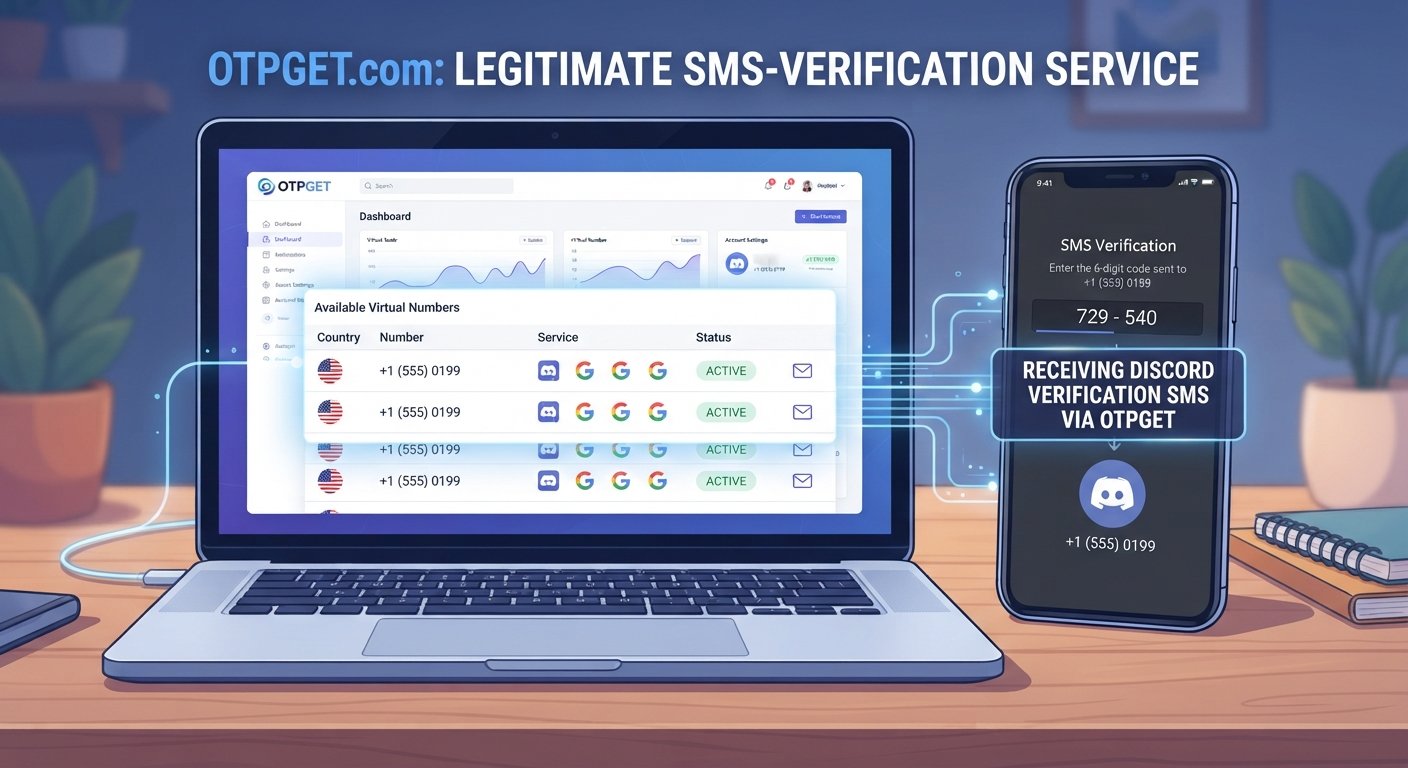
- Monitor the OTPGET inbox or number interface. OTPGET's documentation describes an SMS workflow for obtaining a number and checking its activation status for an incoming message.
- Enter the received code into Discord. Complete the verification through Discord's legitimate verification screen.
If Discord rejects the number, do not try to circumvent that restriction. Instead, use a number that meets Discord's requirements or follow Discord's support process.
How OTPGET Can Help With Online SMS Verification
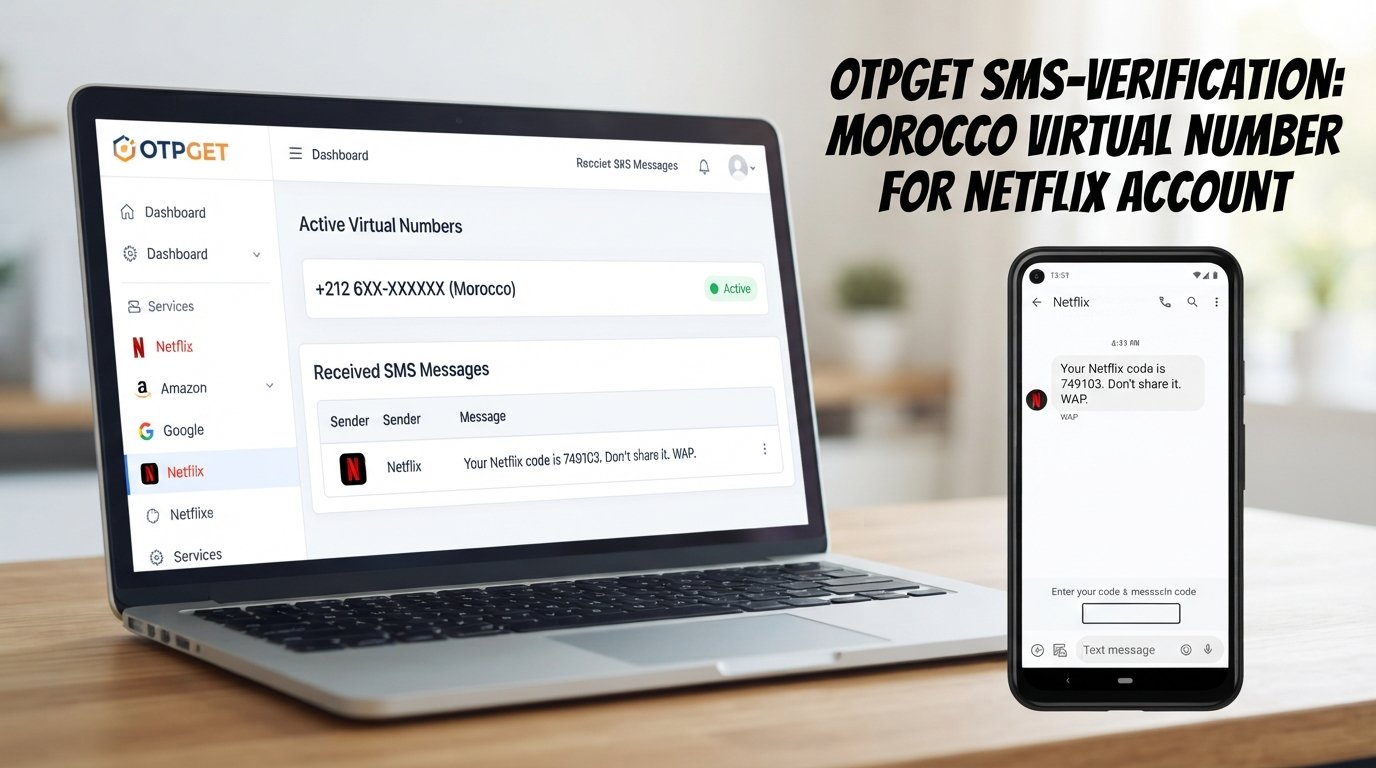
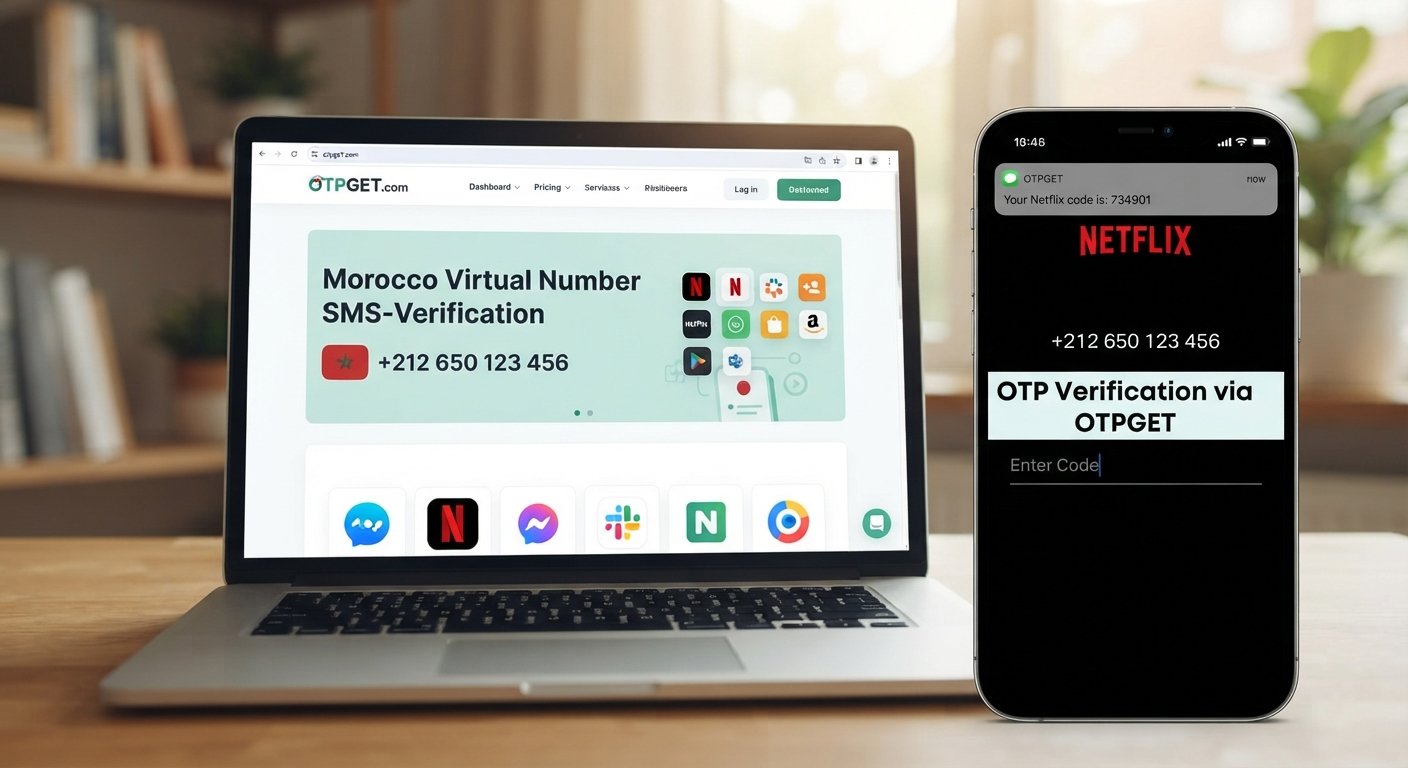
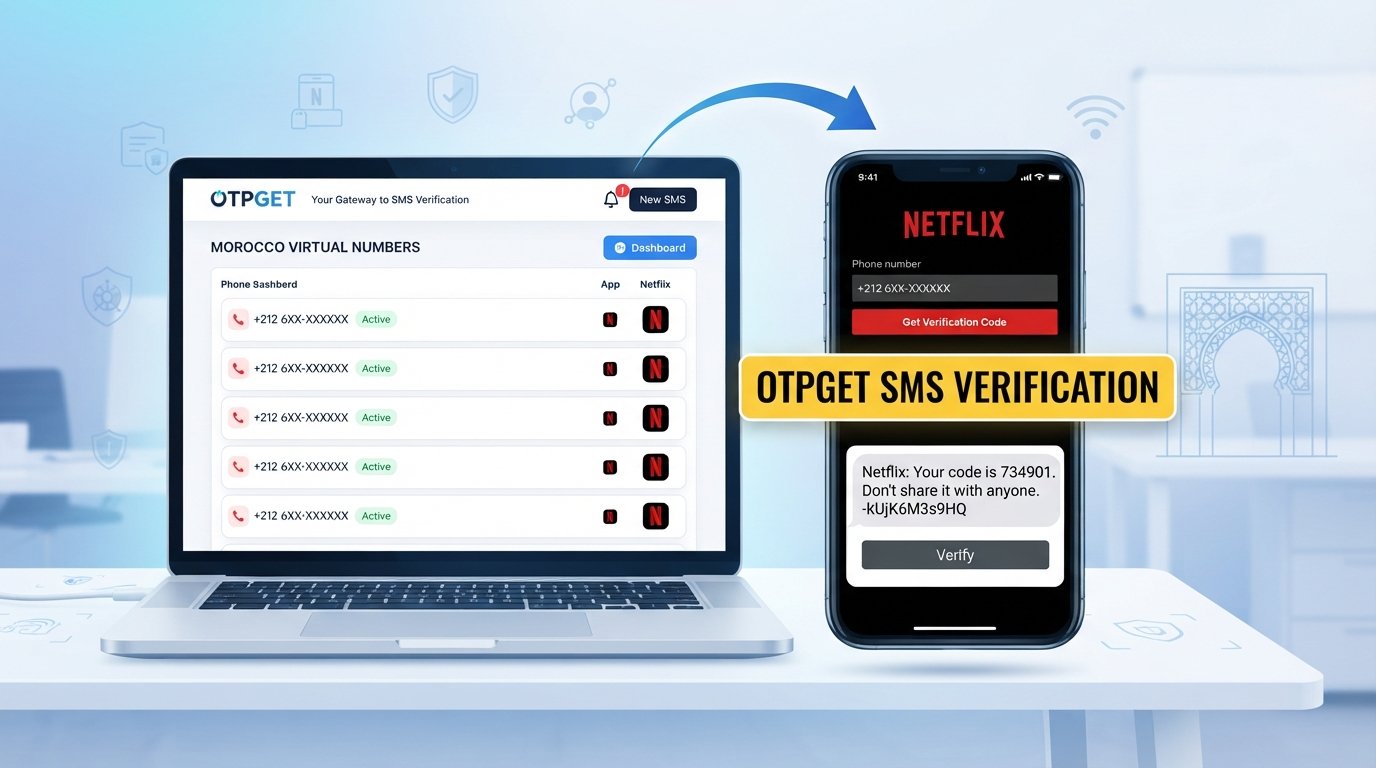
OTPGET is an online platform offering virtual numbers, rental numbers, and SMS OTP services. Its documentation describes workflows for obtaining numbers, receiving SMS messages, and checking the status of incoming verification messages.
For someone who needs to receive SMS online, the practical advantage is convenience: instead of relying exclusively on a physical SIM and handset, an eligible number can be accessed through an online service.
Potentially useful aspects include:
- Online access to incoming SMS messages
- Virtual and rental number options
- Centralized access to verification messages
- Availability of numbers across different countries, depending on current inventory
- An API for users with technical integration requirements
OTPGET also states that its services are intended for online verification and account registration and prohibits illegal, fraudulent, abusive, or harmful use.
Compatibility remains the key consideration. OTPGET may have numbers suitable for particular services, but that does not mean every number will work with Discord. Discord's own phone-number requirements should take priority.
Step-by-Step: Using OTPGET for a Verification SMS
For a beginner, the process can be approached as a simple SMS-receiving workflow:
- Open OTPGET and review the currently available number or service options.
- Select the appropriate country and service, where available.
- Choose a number that is suitable for your legitimate verification purpose.
- Copy the provided number and enter it into Discord's standard phone-verification field if Discord permits that number type.
- Request the SMS verification code through Discord.
- Watch for the incoming message through the OTPGET interface.
- Enter the newest verification code into Discord's verification screen.
- Finish the verification process according to Discord's instructions.
If the message does not arrive, check that the number was entered correctly and that the selected number supports the relevant workflow. OTPGET's published documentation notes that number availability and service availability can vary.
You can also wait briefly for a delayed SMS or request another code when Discord provides that option. Avoid repeatedly requesting codes, since verification systems can impose limits.
Common Reasons a Discord Verification Code May Not Arrive
A missing Discord verification code does not necessarily mean the verification system is broken. Common causes include:
- Incorrect phone number: A single digit or country-code error can prevent delivery.
- Unsupported number type: Discord says VoIP, burner, and landline numbers cannot be used for its phone verification.
- SMS delivery delays: Carrier or network conditions can delay messages.
- Verification limits: A number may be temporarily restricted after recent verification activity.
- Existing account association: Discord says the phone number cannot already be associated with an existing Discord account for the relevant verification process.
- Expired code: Verification codes are temporary, so an older code may no longer work.
- Service availability: An online number provider may not currently have a suitable number for the required workflow.
Discord also documents rate-limit and recently-used-number situations and advises waiting before trying again in those circumstances.
Online SMS Verification vs. Using Your Personal Phone Number
Both approaches have advantages and trade-offs.
| Factor | Personal phone number | Online SMS number |
|---|---|---|
| Convenience | Familiar and always available if your phone works | Accessible through an online service |
| Privacy | Requires sharing your personal number | May reduce the need to expose your personal number |
| Reliability | Usually strong when carrier service is working | Depends on number availability and platform compatibility |
| Long-term access | Generally easier to retain | Depends on the service or rental period |
| Recovery | Often better for long-term account ownership | May be unsuitable if you later lose access to the number |
| Platform compatibility | Usually more broadly accepted | Can vary by number type and service |
The biggest issue is long-term account access. If a Discord account may require phone verification again later, losing access to the number can create complications.
For that reason, consider whether an online number is appropriate for your specific account before using it. Convenience and privacy should be weighed against ownership, recovery, and compatibility.
Is It Safe to Receive a Discord Verification Code Online?
Online SMS verification can be useful, but users should treat verification codes as sensitive information.
Never give a verification code to another person. Do not publish an OTP, paste it into an unrelated website, or enter it into a page that is not the legitimate Discord verification interface.
It is also important to understand that temporary numbers may not be suitable for long-term account recovery. If an account depends on a number you can no longer access, future verification can become difficult.
Use reputable services, review their terms and privacy practices, and follow Discord's account-security requirements. OTPGET's own policies prohibit fraudulent or abusive use and state that its service provides numbers and message-receiving functionality rather than guaranteeing that a third-party platform will accept a particular number.
Most importantly, never use an online number to impersonate another person, access someone else's account, or circumvent Discord security or enforcement.
Tips for a Smooth Discord Verification Process
A few simple habits can prevent unnecessary verification problems:
- Double-check the phone number and country code before submitting it.
- Confirm that the number type is accepted by Discord.
- Check service availability before selecting an online number.
- Avoid repeatedly requesting verification codes.
- Use the newest code you receive.
- Enter the code promptly when appropriate.
- Keep passwords, backup codes, and OTPs private.
- Consider long-term recovery needs before using a temporary number.
- If Discord rejects a number, follow its official support and verification requirements rather than attempting to bypass them.
A little preparation can make the difference between a smooth SMS verification process and repeated failed attempts.
Frequently Asked Questions
Can I receive a Discord verification code online?
Yes, an online SMS service can receive verification messages when it provides a number that Discord accepts. Compatibility is not guaranteed for every online number, so check Discord's requirements first.
How do I get a Discord verification code?
Enter an eligible phone number in Discord's normal verification interface and request the SMS. Discord then sends a temporary verification code to that number.
Can OTPGET receive Discord verification SMS?
OTPGET provides virtual and rental numbers for SMS verification and its published material references Discord among supported services. However, Discord's own requirements still apply, and not every OTPGET number should be assumed to work.
Is it safe to use an online number for Discord verification?
It can be appropriate for legitimate verification, but consider privacy, number ownership, future recovery, and compatibility. Never share the resulting verification code with anyone else.
Why is my Discord verification code not arriving?
Check the number, country code, number type, SMS delivery status, and any verification limits. Discord also notes that recently used numbers can enter a temporary timeout period.
Can I use the same online number repeatedly?
That depends on the number, service, provider terms, and Discord's requirements. Do not assume that a temporary number will remain available or accepted for future verification.
Does a temporary number work for every verification service?
No. Compatibility varies. Some platforms restrict virtual, VoIP, burner, or other number types, so always check the requirements of the specific service.
What should I do if my verification code expires?
Request a new code through the legitimate verification screen if Discord provides that option, then enter the newest code received.
Final Thoughts
A Discord verification code is designed to confirm access to an eligible phone number and strengthen account security. For users who cannot or do not want to rely on their personal number, online SMS verification can be a practical alternative when the selected number is compatible with Discord's requirements.
OTPGET can be useful for receiving SMS online through virtual or rental numbers, with availability and compatibility depending on the current service options. Its documentation provides workflows for obtaining numbers and receiving SMS verification messages, but it does not replace Discord's own verification requirements.
If you have a legitimate need for online phone verification, explore the available options through OTPGET and choose a number only after confirming that it is appropriate for your intended verification workflow. Use verification services responsibly, protect every OTP you receive, and always complete account verification through the platform's official process.
Suggested Internal Link Opportunities
- online SMS verification — Link to a guide explaining how online SMS verification works and when it is appropriate.
- receive SMS online — Link to an educational page covering online SMS inboxes and message delivery.
- OTP verification — Link to a broader guide explaining one-time passwords and common verification workflows.
- temporary phone number — Link to a guide comparing temporary, virtual, and rental phone numbers.
- online phone verification — Link to an overview of legitimate online phone-verification use cases.
- SMS OTP service — Link to a page explaining SMS-based OTP services and their typical workflow.
- OTPGET — Link to the main OTPGET service page or product overview.
- phone verification service — Link to a comparison or educational page about choosing an SMS-capable verification service.