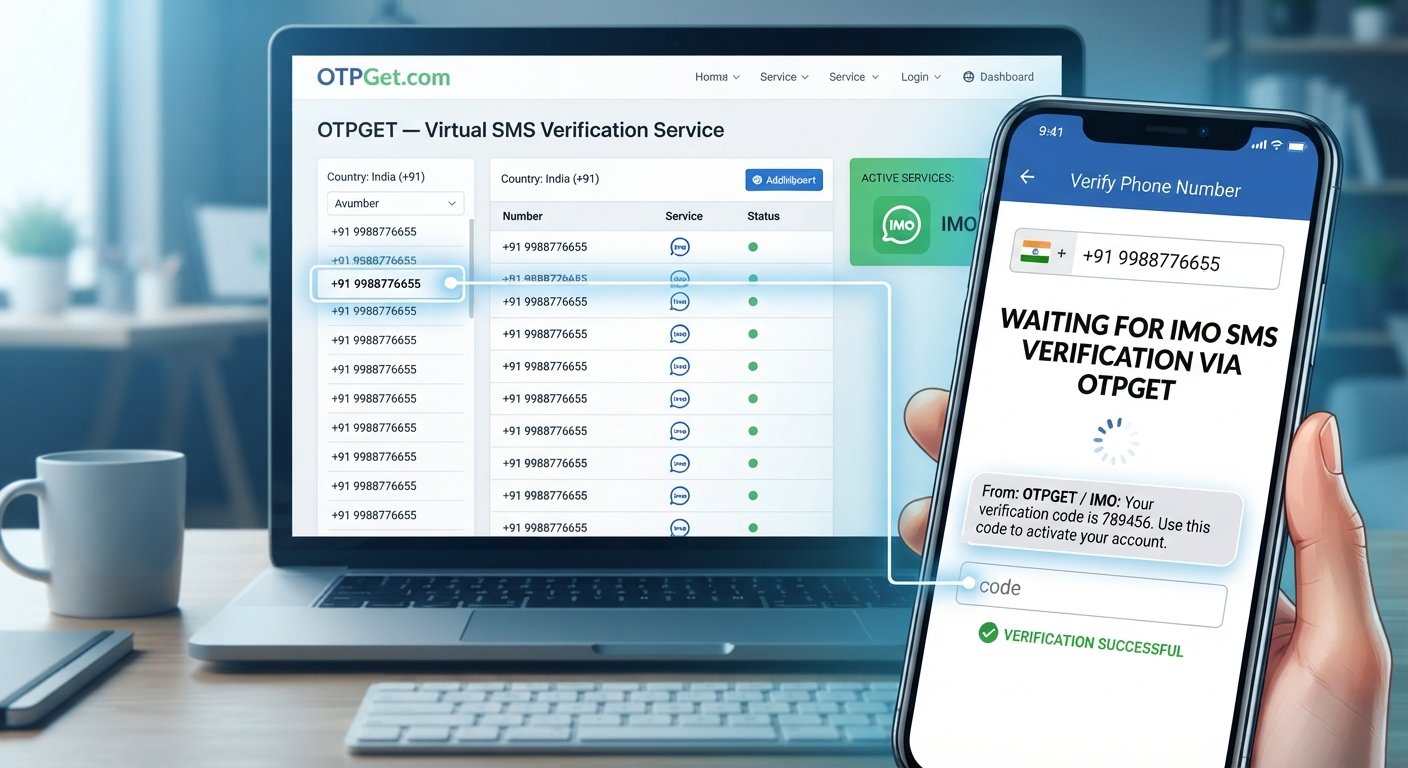
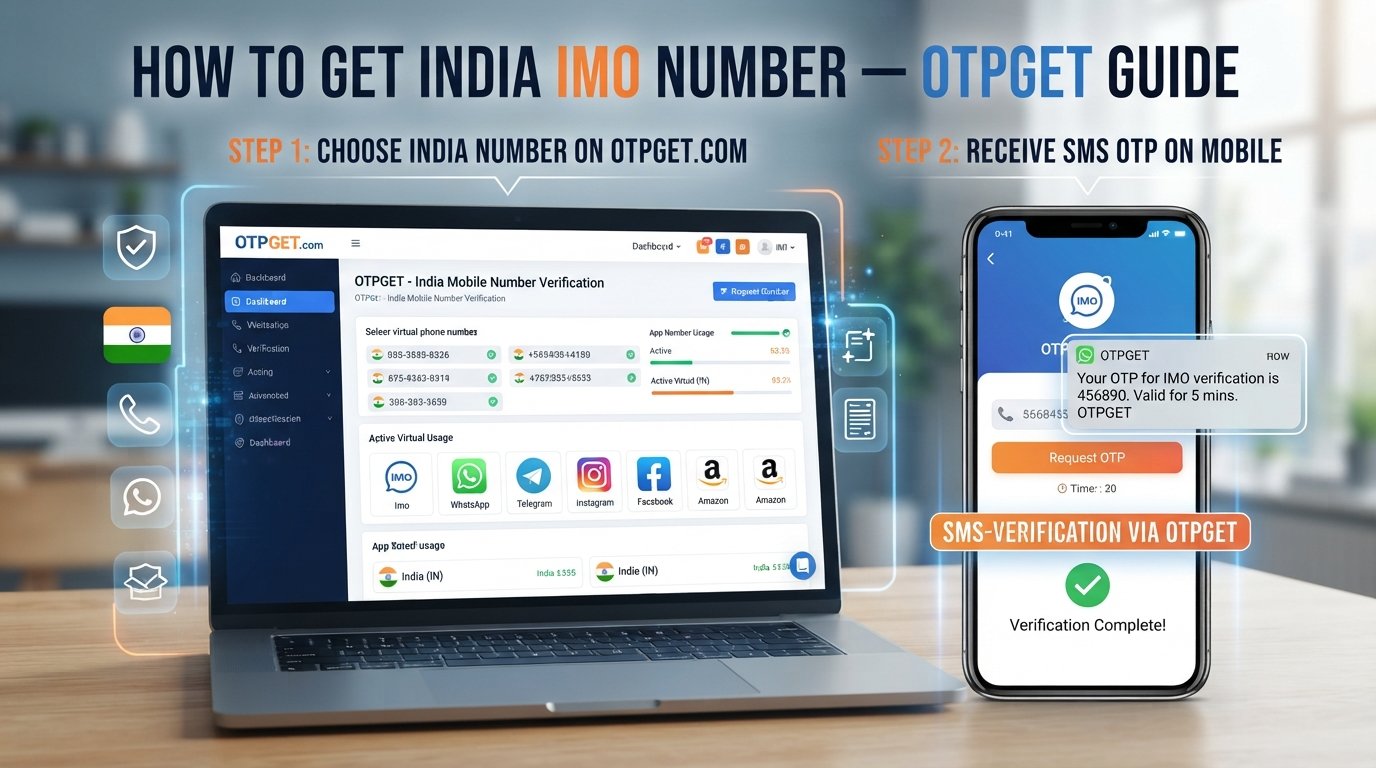
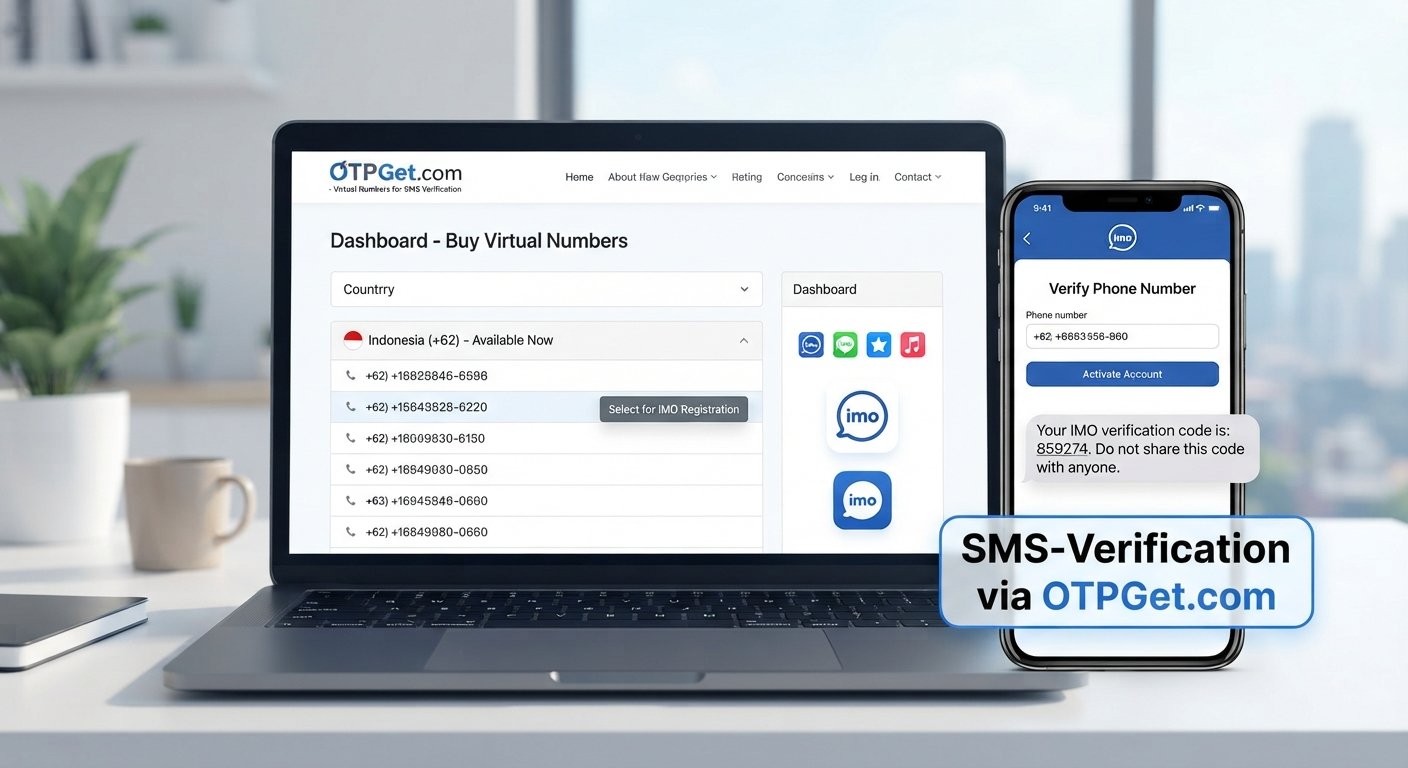
How to Get a Pakistan IMO Number: Step-by-Step OTPGET Guide
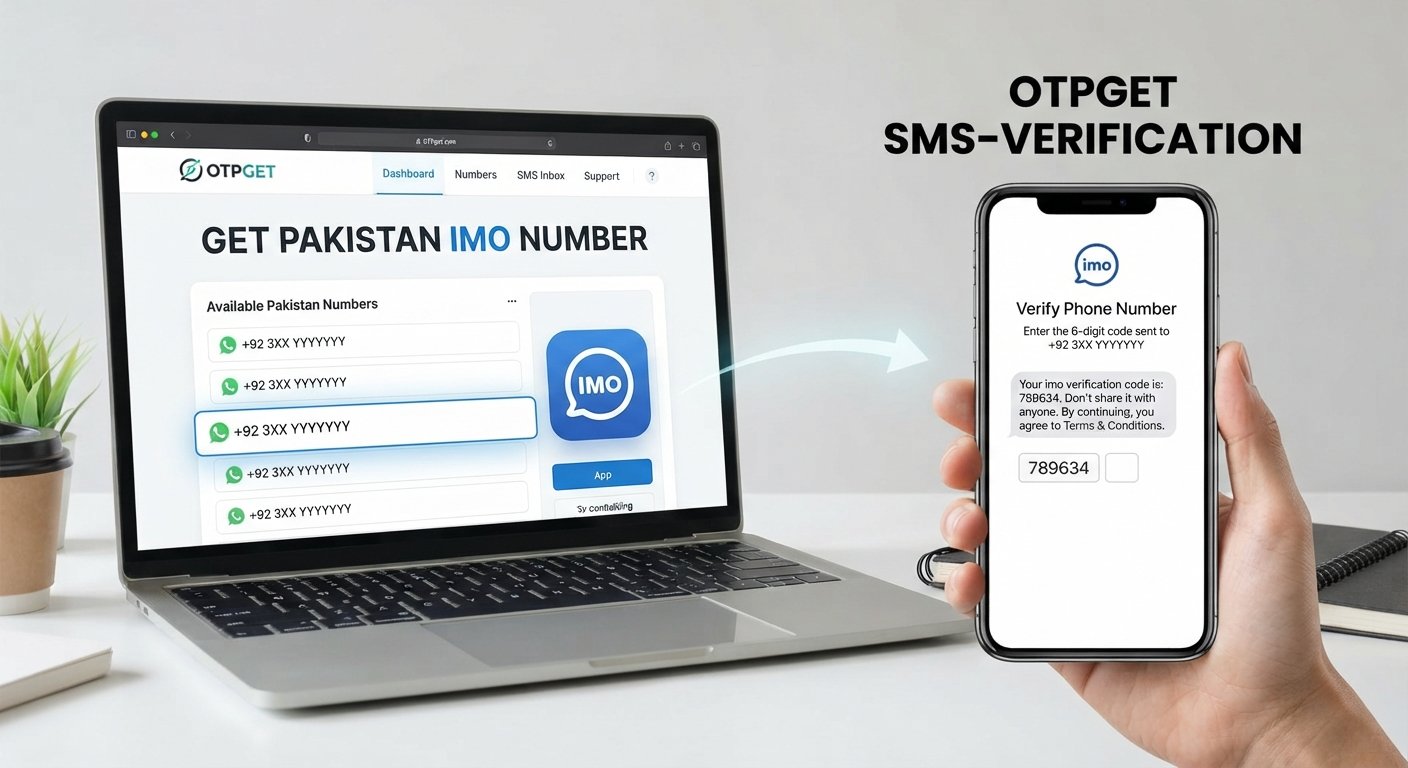
How to Get a Pakistan IMO Number: Step-by-Step OTPGET Guide
Getting the right phone number for account registration can sometimes be harder than expected, particularly when a service requires a number from a specific country. If you are searching for a Pakistan IMO number, you may be looking for a convenient way to access a Pakistan-based number for registration or SMS verification without relying entirely on your personal SIM.
A virtual phone number can be useful in supported situations, but availability and acceptance depend on the service you are trying to verify. OTPGET provides a practical option for users who need access to a Pakistan number for legitimate OTP verification purposes.
This guide explains what a Pakistan IMO number means, how the verification process generally works, and how you can use OTPGET to check for an incoming verification code where supported.
What Is a Pakistan IMO Number?
A Pakistan IMO number generally refers to a Pakistani phone number that someone wants to use when registering or verifying an IMO account. The term may also be used by people searching for a Pakistan virtual phone number that can receive SMS verification messages.
A traditional mobile number is connected to a physical SIM card issued by a mobile operator. A virtual phone number, by comparison, is accessed through an online service rather than requiring the user to insert a physical SIM into a phone.
The important distinction is that a virtual number is not automatically accepted by every platform. Whether a particular number can be used for IMO account verification depends on the service's own verification requirements, number availability, and other technical factors.
For someone looking for a Pakistan number online, a virtual-number service such as OTPGET can therefore be a convenient option to explore when the intended verification scenario is supported.
Why Do People Need a Pakistan Number for IMO?
There are several legitimate reasons someone might search for a Pakistan number for IMO or a Pakistan number for verification.
Common situations include:
- Registering an account that requests a Pakistani phone number
- Completing SMS-based OTP verification
- Using a separate number instead of a personal mobile number where permitted
- Testing a legitimate registration or messaging workflow
- Accessing a service that specifically requires a Pakistan telephone number
For these purposes, users may search for terms such as Pakistan IMO phone number, Pakistan OTP number, or Pakistan number for IMO verification.
However, having access to a Pakistani number does not mean every service will accept it. Third-party platforms control their own verification systems, including which number types they accept and whether a particular number has previously been used.
How to Get a Pakistan IMO Number With OTPGET
If you need a Pakistan virtual number for a supported verification purpose, OTPGET offers a straightforward online workflow. The exact interface and availability can vary, so always follow the instructions displayed by the service.
Step 1: Open OTPGET
Start by visiting OTPGET and reviewing the available number options.
Look for a Pakistani number that matches your intended verification requirement. Before selecting one, check the service details so you understand what the number is intended to support.
Step 2: Select a Pakistan Number
Choose an available Pakistan number through OTPGET.
This gives you access to a Pakistani virtual number rather than requiring you to obtain another physical SIM. Number availability can change, so the options displayed to you are the best indication of what is currently available.
If your goal is to get a Pakistan number for IMO, make sure the number and the intended verification service are compatible before proceeding.
Step 3: Use the Number for IMO Verification
Open the relevant IMO registration or verification screen and enter the Pakistan number in the requested phone-number field.
Pay close attention to the country code and number format. An incorrectly entered number can prevent the verification message from reaching the intended destination.
The third-party service may also apply its own eligibility or verification rules.
Step 4: Request the OTP
After entering the number, request the verification code.
If the service sends an SMS, the IMO OTP is directed to the number associated with the verification request. OTP delivery is controlled by the third-party service, so delivery time and acceptance can vary.
Avoid repeatedly requesting codes if the first message is delayed. Multiple requests can sometimes create additional verification attempts or cause an older code to become invalid.
Step 5: Check OTPGET for the Code
Return to the OTPGET interface and check whether the incoming verification message is available, where supported.
If the SMS arrives, identify the verification code carefully. Make sure you are using the code associated with your current verification request rather than an older message.
Step 6: Enter the Verification Code
Enter the received code into the relevant IMO verification field.
If the code is accepted, continue with the normal account setup process. If it is rejected, expired, or never arrives, use the troubleshooting steps below rather than repeatedly requesting codes.
OTPGET can provide access to a number for supported verification scenarios, but it cannot control IMO's verification decisions or guarantee that every number will be accepted.
Benefits of Using OTPGET for a Pakistan Virtual Number
For users who need a virtual phone number for verification, OTPGET can be a practical option when the required number and service are supported.
Potential advantages include:
- Online access: You can explore available numbers without obtaining a physical SIM first.
- Convenient verification workflow: The process can make SMS-based verification easier to manage.
- Separate number: A virtual number may be useful when you do not want to use your personal number for a permitted verification purpose.
- Pakistan number availability: OTPGET may offer Pakistan numbers when they are available through the service.
- Simple process: The basic workflow involves selecting a number, requesting an OTP, checking for the message, and entering the code.
- Useful for supported scenarios: The service can be considered when a platform permits the relevant type of virtual number.
Availability, SMS delivery, and third-party compatibility can change. For that reason, it is better to treat OTPGET as a practical option rather than a guarantee that a particular service will accept every number.
Pakistan Virtual Number vs. Traditional SIM Number
Both options can provide a phone number, but they work differently.
| Feature | Pakistan Virtual Number | Traditional SIM Number |
|---|---|---|
| Physical SIM required | No | Yes |
| Online access | Generally yes | Usually no |
| Convenience | Useful for supported online verification | Familiar and widely supported |
| Verification use cases | Depends on the third-party service | Often broadly supported |
| Personal-number separation | Can provide separation where permitted | Usually tied to your personal or dedicated SIM |
| Availability | Depends on provider inventory | Depends on mobile operator and registration |
| Service compatibility | Varies by platform | Usually determined by the platform and carrier |
The right choice depends on the verification requirement. A traditional SIM may be more appropriate for services that specifically restrict virtual numbers, while a virtual option may be convenient for supported online verification scenarios.
Common Problems When Getting an IMO OTP
Even when the number is entered correctly, verification may not always work immediately. Several issues can affect Pakistan SMS verification and IMO OTP delivery.
OTP Not Arriving
The SMS may be delayed because of network conditions, service-side processing, or temporary availability issues. Wait before requesting another code.
Number Already Used
A service may reject a number that has already been associated with an account or previous verification activity. In that case, another available number may be necessary.
Verification Request Expired
OTP codes are often time-sensitive. If you wait too long, the code may no longer work and you may need to start a new verification request.
Service Rejects the Number
Some platforms limit virtual, temporary, or previously used numbers. This is controlled by the third-party service, not by OTPGET.
Temporary Availability Issues
A suitable Pakistan number may not always be available. Number inventory and supported services can change.
If a problem occurs, confirm the country code, check the selected number, review the platform's instructions, and avoid repeatedly submitting verification requests.
Tips for Using a Pakistan Number for IMO Verification
A few simple habits can make the process easier:
- Enter the Pakistani number and country code exactly as requested.
- Confirm that the selected number is intended for your verification purpose.
- Request an OTP only when you are ready to complete the verification process.
- Give delayed SMS messages reasonable time to arrive before trying again.
- Check whether the relevant service permits virtual phone numbers.
- Follow the platform's account and verification rules.
- Never share an OTP with another person.
- Do not use a number to bypass identity checks, account restrictions, or other security controls.
Most importantly, remember that OTP verification involves two separate systems: the number provider and the service requesting the code. OTPGET can provide the number-side functionality where supported, while IMO controls its own registration and verification process.
Why OTPGET Can Be a Practical Option
If your search is specifically for an OTPGET Pakistan number or an OTPGET IMO number, the main appeal is convenience: you can look for a suitable Pakistani virtual number online instead of immediately obtaining a physical SIM.
The workflow is straightforward. Select an available number, enter it into the relevant verification form, request the SMS, and check OTPGET for the incoming code when the service supports that workflow.
That makes OTPGET relevant to users searching for a Pakistan number online, a Pakistan virtual phone number, or a number for a legitimate SMS verification task.
At the same time, expectations matter. OTPGET does not control IMO's verification policies, and no virtual-number provider can reasonably promise that every number will be accepted by every third-party platform. Compatibility should always be checked against the rules of the service you are using.
If you need a Pakistan number for a supported verification scenario, explore the available options through OTPGET and choose a number that matches your intended use.
Frequently Asked Questions
How can I get a Pakistan IMO number?
You can look for an available Pakistan virtual number through a provider such as OTPGET. Select a suitable number, enter it into the relevant IMO verification field, request the SMS code, and check OTPGET for the incoming message where supported.
Can I use a Pakistan virtual number for IMO verification?
It may be possible when the relevant service accepts that type of number. Acceptance is determined by IMO and can vary depending on its verification rules and the number's status.
How do I receive an IMO OTP?
Enter the requested phone number into the IMO verification process and request an SMS code. If the selected number and verification workflow are supported, check OTPGET for the incoming message and enter the current code into the verification screen.
Can OTPGET provide a Pakistan number?
OTPGET can offer access to available Pakistan numbers through its service when such numbers are available. The exact inventory and supported verification scenarios can vary.
Why is my IMO verification code not arriving?
Possible reasons include SMS delays, temporary service issues, an unavailable number, an expired request, or restrictions on the type of number being used. Check the number and country code, wait briefly, and review the service's verification instructions.
Is a Pakistan virtual number the same as a physical SIM?
No. A virtual phone number is accessed through an online provider, while a traditional SIM number is associated with a physical SIM issued by a mobile carrier. Their compatibility with verification services can also differ.
What should I do if the verification number is not accepted?
First, confirm that the number was entered correctly and that the service permits virtual numbers. If the platform rejects the number, follow its verification requirements rather than attempting to bypass the restriction. You can also check OTPGET for another suitable option if available.
Conclusion
Finding a Pakistan IMO number does not necessarily require obtaining another physical SIM. For supported verification scenarios, a Pakistan virtual number can provide a convenient alternative for receiving SMS-based verification codes.
The basic process is simple: choose a Pakistan number through OTPGET, enter it into the relevant verification form, request the OTP, check OTPGET for the incoming message where supported, and enter the valid code.
Remember that number availability, SMS delivery, and acceptance are ultimately dependent on both the number provider and the third-party service. A virtual number should always be used according to the platform's rules and verification requirements.
If you need a Pakistan number for IMO verification or another legitimate SMS verification task, explore OTPGET to see which Pakistan numbers are currently available for your intended use.