Pakistan Telegram SMS Verification with a Virtual Number | OTPGET
Pakistan Telegram SMS Verification with a Virtual Number: A Practical OTPGET Guide
If you want to complete Telegram verification without putting your personal phone number into every online service, a virtual number can be a practical alternative. For users in Pakistan, the goal is usually simple: obtain a suitable number, receive the Telegram verification code, and complete legitimate account verification without unnecessary exposure of a personal number.
That is where a service such as can be useful. OTPGET provides virtual numbers for SMS-based verification, including support for Telegram where compatible numbers are available. Its documentation also describes SMS OTP and virtual-number services for supported countries and services.
The important point is to understand how the process works, what a virtual number can and cannot do, and how to choose an option that fits your account-security needs.
What Is Telegram SMS Verification?
Telegram SMS verification is the process of confirming a phone number when registering or accessing an account. Telegram uses a verification code, commonly called an OTP, to establish that the person attempting to use the number can receive the required verification message.
A Telegram verification code is a temporary code sent through an available verification channel. When SMS is used, the code is delivered to the phone number entered during the verification process.
In simple terms:
- Enter a valid phone number in Telegram.
- Telegram initiates the verification process.
- A verification code may be sent to the number.
- Enter the legitimate code into Telegram.
- If the verification succeeds, continue with the account setup or login process.
The exact verification experience can vary depending on Telegram's security systems, account history, and available verification methods. A virtual number therefore should be viewed as a practical number-access option, not a guarantee that every verification attempt will succeed.
Why Use a Virtual Number for Telegram?
A personal mobile number is convenient, but not everyone wants to use it for every online registration. A virtual number can provide separation between personal communications and a specific online verification task.
Common legitimate reasons include:
- Privacy: You may prefer not to expose your primary mobile number unnecessarily.
- Separation: A dedicated number can keep online registrations separate from personal communication.
- Convenience: You can access SMS through an online interface instead of relying on another physical SIM.
- Account management: A virtual number can be useful when a separate number is appropriate for a legitimate online service.
- Flexibility: Depending on availability, you may be able to choose a number from a particular country or service.
This does not mean virtual numbers should be used to create fake identities, send spam, evade restrictions, or circumvent Telegram security measures. Responsible use matters, and users should follow Telegram's rules as well as the terms of the virtual-number provider.
What Is a Telegram Virtual Number?
A Telegram virtual number is a phone number provided through an online service rather than through a physical SIM card in your own handset.
The basic relationship is straightforward:
Virtual number → SMS reception → verification code → Telegram verification
When a service supports SMS reception for Telegram, the virtual number acts as the destination for the verification message. You then access the incoming SMS through the provider's supported interface and use the legitimate code during Telegram's verification process.
A virtual phone number can therefore be useful when you need a number for SMS verification but do not want to use your everyday personal number.
However, there is an important distinction between temporary access and long-term account ownership. If an account is important to you, think carefully about whether you will retain access to the number later. Losing access to a number can create account-recovery complications.
How OTPGET Helps With Telegram SMS Verification
For readers specifically looking for Pakistan Telegram SMS verification with a virtual number, OTPGET provides a straightforward option to explore.
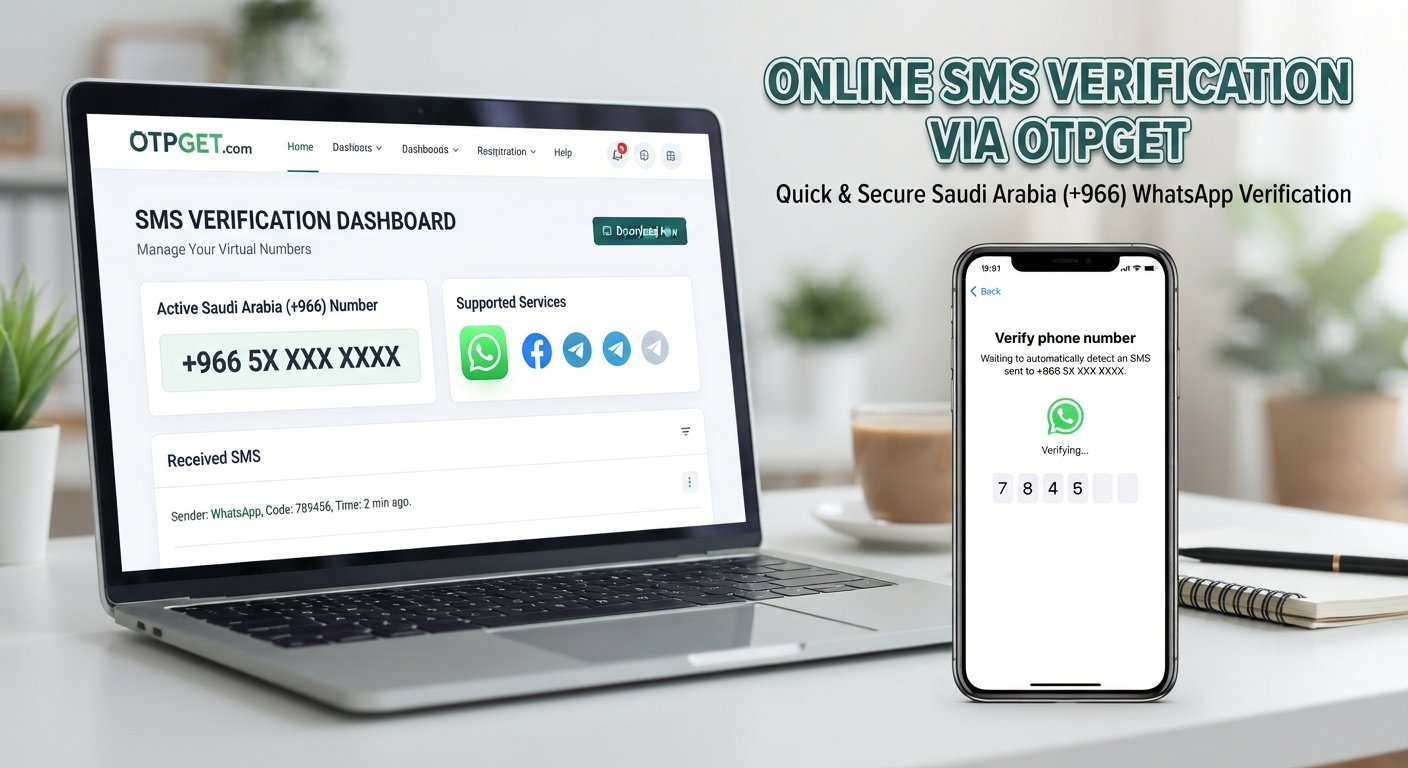
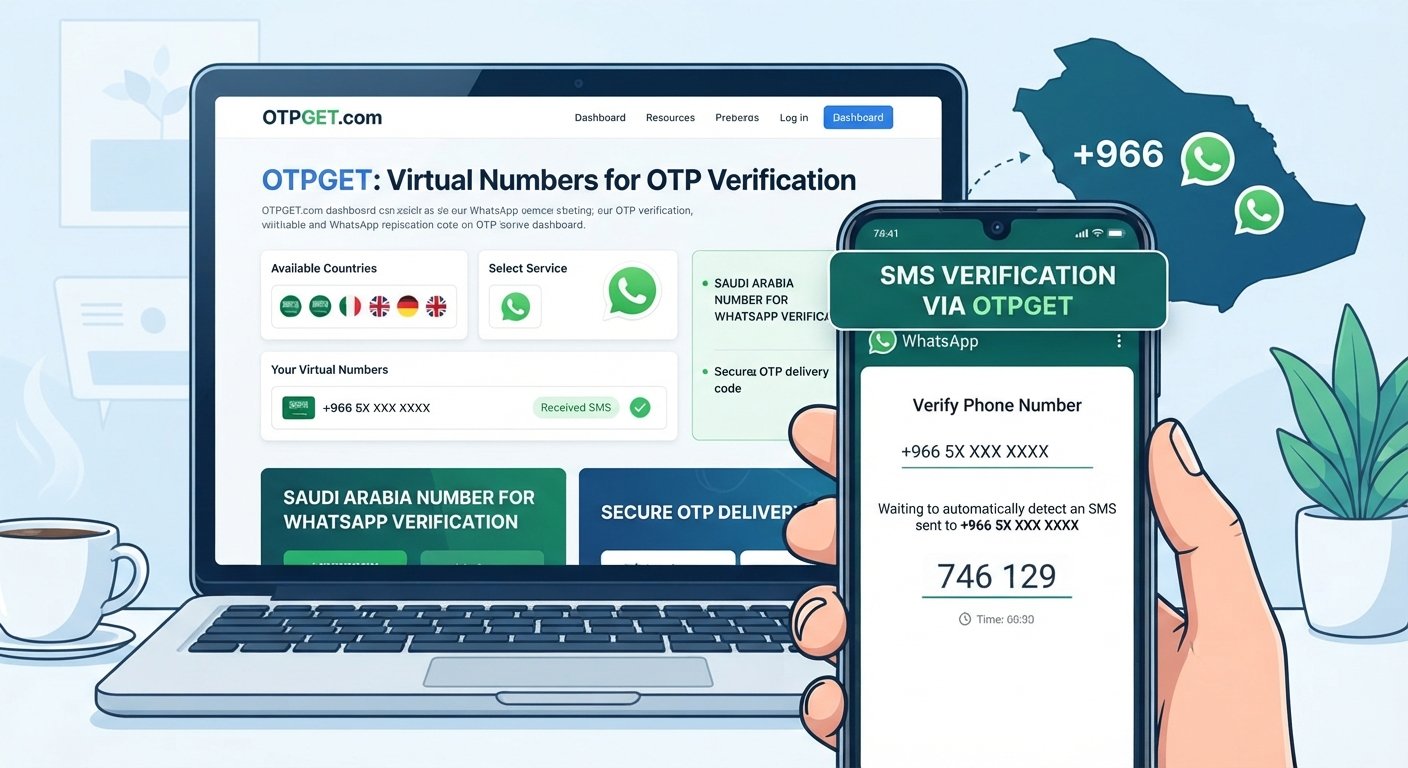
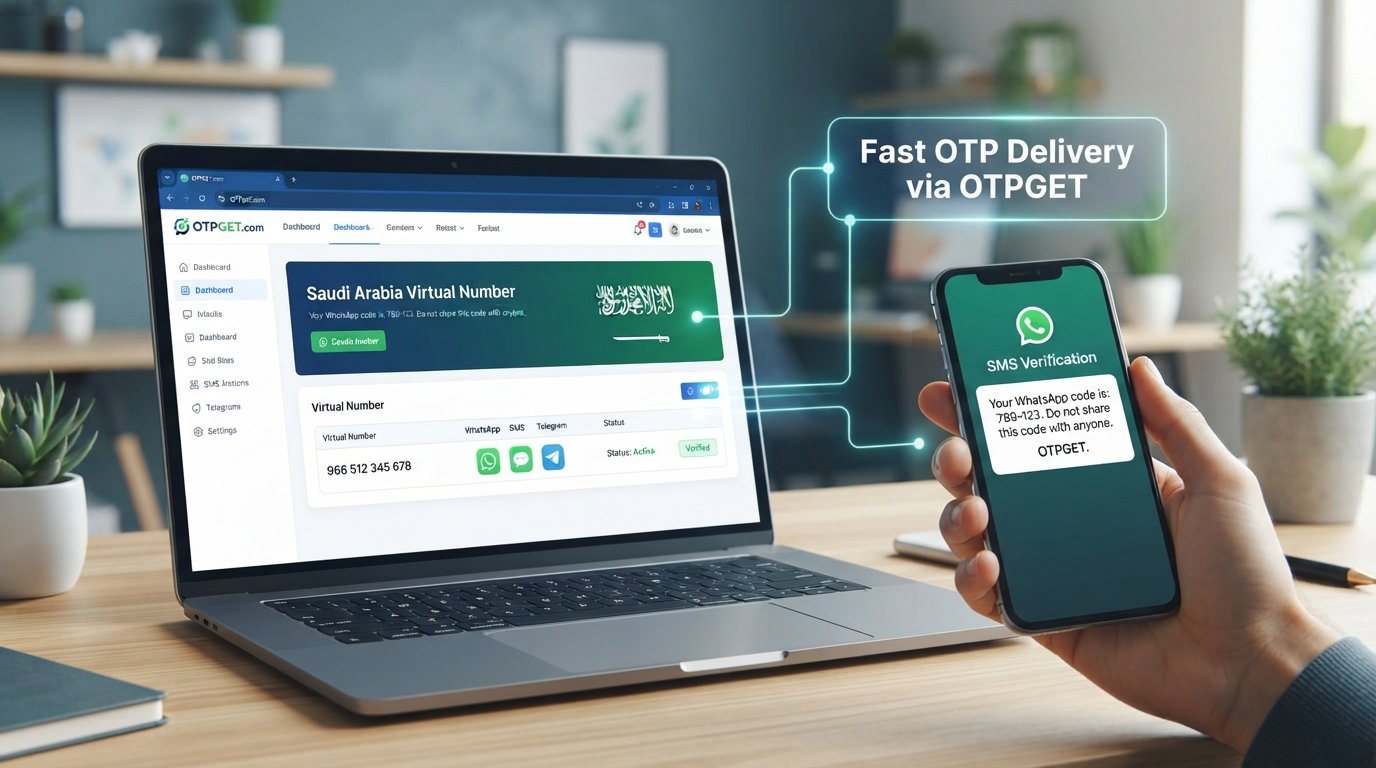
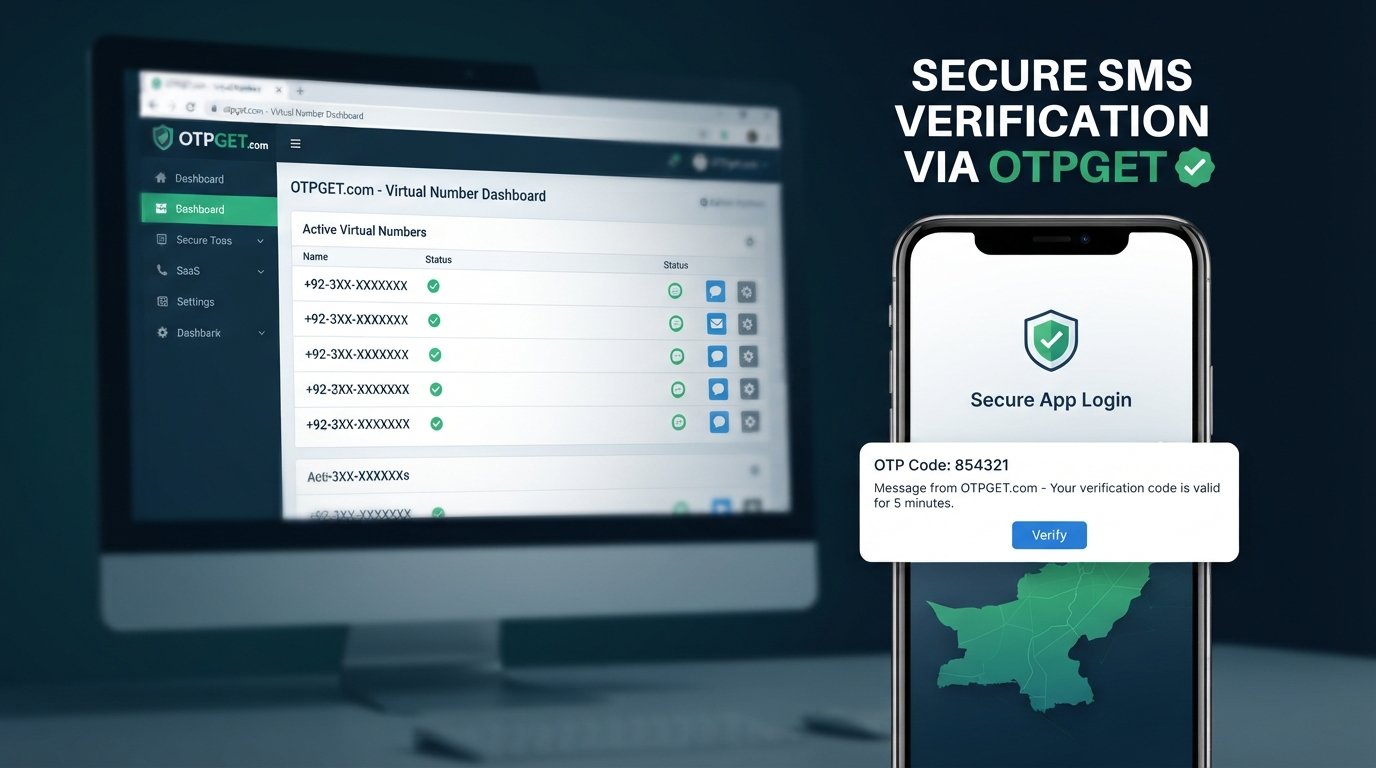
OTPGET's published service information describes virtual numbers for SMS OTP verification and lists Pakistan among its supported country options. Its documentation also shows a workflow for checking available countries and services, requesting a number, and checking the status for an incoming SMS code. Availability can vary by service and provider.
A typical workflow looks like this:
- Visit and access the available virtual-number service.
- Select a suitable country and Telegram-related service when available.
- Obtain the displayed virtual number according to the service's instructions.
- Enter that number in Telegram during legitimate signup or verification.
- Wait for Telegram to send the verification SMS if SMS verification is offered for that attempt.
- Check the supported OTPGET interface for the incoming verification code.
- Enter the legitimate Telegram OTP into Telegram to complete the verification step.
The important qualification is availability. A number that is technically valid is not automatically guaranteed to receive a message from every platform. Service compatibility, number availability, and Telegram's own verification process can affect the outcome.
Need a convenient virtual number for Telegram verification? Explore OTPGET's currently available options and choose one that matches your legitimate verification requirements.
Benefits of Choosing OTPGET
OTPGET can be a practical choice when your main requirement is access to a virtual number for SMS-based verification.
The biggest benefit is convenience. Instead of obtaining another physical SIM solely for a verification task, you can use an online virtual-number workflow where a suitable number is available.
Other potential advantages include:
- Reduced exposure of your personal number: A separate number can help keep personal contact details away from an online registration.
- Simple OTP workflow: The basic process is designed around obtaining a number and receiving a verification message.
- Country selection: OTPGET's published information indicates support for multiple countries, including Pakistan, subject to current availability.
- Online SMS access: The service provides tools for receiving SMS OTPs through its supported platform.
- Different use cases: OTPGET also documents rental numbers and API-based services, which may be relevant to users with longer-term or technical requirements.
The key is to select the service based on your actual need rather than assuming every number will work for every Telegram account.
How to Use a Virtual Number for Telegram Verification
If you are new to SMS verification online, the process is easier when you treat it as a normal verification workflow rather than a way around platform controls.
Step 1: Choose the appropriate number
Check OTPGET for a number and service combination that is currently available for Telegram. If you specifically need a Pakistani virtual number, look for the relevant Pakistan option when available.
Step 2: Enter the number correctly
Use the number exactly as provided and follow Telegram's formatting requirements. An incorrect country code or missing digit can prevent the SMS from reaching the intended destination.
Step 3: Request verification
Enter the number in Telegram and proceed through its normal verification process. Do not repeatedly request codes if the first attempt is delayed, because repeated requests can complicate verification.
Step 4: Check for the OTP
If Telegram sends an SMS, check the OTPGET interface associated with your number. Use only the code legitimately delivered for your verification request.
Step 5: Complete verification
Enter the code in Telegram and follow any additional security prompts. If Telegram asks for another verification method, follow Telegram's instructions rather than attempting to bypass the requirement.
For important accounts, consider whether a number that you can access only temporarily is appropriate. Long-term account recovery is an important part of choosing a verification method.
Virtual Number vs Personal Number for Telegram
Both options have advantages, and the better choice depends on how you intend to use the account.
| Factor | Personal Number | Virtual Number |
|---|---|---|
| Privacy | Lower separation from personal identity | Greater separation from everyday number |
| Convenience | Familiar and always available | Depends on provider availability |
| Long-term control | Usually strong if SIM remains active | Depends on number type and access period |
| Recovery | Often easier if you retain the SIM | Can become difficult if access expires |
| Verification | Generally familiar to mobile networks | Compatibility can vary |
| Best suited for | Long-term personal accounts | Specific privacy or verification needs |
If the Telegram account is important for ongoing communication, think beyond initial signup. A number that you cannot access later may not be ideal for account recovery.
Common Problems With Telegram SMS Verification
Even with a suitable number, verification may not always go smoothly.
The verification code does not arrive
Wait briefly and confirm that the number and country code were entered correctly. Check whether the number is still active and whether the selected service supports Telegram. If using OTPGET, review the relevant order or SMS status through its available interface.
The SMS is delayed
Verification messages can sometimes take longer than expected. Avoid repeatedly requesting new codes because an older code may expire or become invalid.
The number is unavailable
Virtual-number inventory changes. If a particular Pakistan SMS verification number is unavailable, another suitable option may need to be selected.
The verification code has expired
Request a new code through Telegram and use the newly issued code rather than an older message.
The number is already associated with an account
Telegram may identify that the number has an existing account or may require additional steps. Follow Telegram's displayed instructions instead of trying to work around them.
Telegram requests additional verification
This is a Telegram-side security decision. A virtual number does not guarantee that every account will receive identical verification treatment.
Is Using a Virtual Number for Telegram Safe?
A virtual number can improve privacy by separating your personal mobile number from an online account. However, it should not be confused with complete anonymity or guaranteed account security.
There are several things to consider:
- Number ownership: Know whether the number is temporary, rented, or otherwise limited in duration.
- Recovery: Make sure you understand what happens if you lose access to the number.
- Provider reliability: SMS availability can vary between numbers and services.
- Account security: Use Telegram's available security features where appropriate.
- Platform policies: Use the number for legitimate activity and follow Telegram's terms and security requirements.
OTPGET's published terms also prohibit fraudulent, abusive, harmful, or illegal use of its services.
Why OTPGET Can Be a Practical Choice
If your goal is straightforward Telegram OTP verification without immediately exposing your personal number, OTPGET is worth considering.
Its published platform information specifically covers virtual numbers for OTP verification, while its documentation explains how supported services and numbers can be selected and how incoming SMS status can be checked.
For users in Pakistan, the most useful approach is to check current availability, select a number appropriate for Telegram, complete the normal verification process, and think about future account access before choosing a temporary number.
That makes OTPGET a practical solution for people who want an online virtual number for a legitimate Telegram verification task, without presenting the service as a substitute for Telegram's own security controls.
Frequently Asked Questions
Can I use a virtual number for Telegram verification?
Yes, a virtual number may be used when Telegram accepts that number for the verification method being offered. Compatibility can vary, so availability should be checked before obtaining a number.
How does Telegram SMS verification work?
Telegram sends a verification code to the phone number associated with the verification attempt when SMS is the available method. You enter the legitimate code in Telegram to confirm access to that number.
What is a Telegram virtual number?
It is a phone number provided through an online service rather than through a physical SIM in your personal phone. When compatible with Telegram, it can receive the SMS used during verification.
How can I receive a Telegram OTP online?
Use a supported virtual-number service such as OTPGET, select an available number for Telegram, enter it in Telegram, and check the provider's supported interface for the incoming SMS when the code is sent.
Is a virtual number better than my personal number for Telegram?
It depends on your priorities. A virtual number can provide greater separation and privacy, while a personal number may offer stronger long-term control and easier recovery.
What should I do if my Telegram verification code does not arrive?
First, check the number and country code, confirm that the selected number supports the intended service, and review the SMS status. Avoid repeatedly requesting codes and follow any instructions Telegram displays.
How does OTPGET help with Telegram verification?
OTPGET provides virtual numbers and SMS OTP services. Its published documentation describes selecting supported countries and services, obtaining a number, and checking for an incoming verification code. Availability can change.
Can I use a Pakistan virtual number for Telegram?
A Pakistan virtual number can be an option when a compatible number and Telegram service are available. OTPGET's published country information includes Pakistan, but actual availability should be checked when you need the number.
Conclusion
Telegram SMS verification does not have to mean immediately exposing your everyday mobile number. For legitimate users who value privacy, separation, or convenience, a virtual number can be a useful alternative.
The key is to choose a number that is actually available for the required service, understand whether you will retain access to it, and follow Telegram's verification and security requirements.
For readers searching specifically for a Pakistan Telegram SMS verification virtual number, OTPGET offers a practical place to explore available virtual-number and SMS OTP options. Check the currently available service, choose the option that fits your needs, and use it responsibly.
Suggested Internal Links
-
Suggested anchor text: Telegram verification code guide
Suggested destination/topic: A beginner-friendly guide explaining Telegram OTPs, verification methods, and common code-delivery issues.
Where to place it: In the “What Is Telegram SMS Verification?” section. -
Suggested anchor text: how virtual numbers work for SMS
Suggested destination/topic: An educational article covering virtual phone numbers, SMS reception, temporary numbers, and long-term rentals.
Where to place it: In the “What Is a Telegram Virtual Number?” section. -
Suggested anchor text: receive SMS online with a virtual number
Suggested destination/topic: A practical guide to receiving online SMS verification codes and understanding number availability.
Where to place it: In the “How OTPGET Helps With Telegram SMS Verification” section. -
Suggested anchor text: OTPGET virtual number guide
Suggested destination/topic: A detailed guide explaining how to select and use virtual numbers through OTPGET.
Where to place it: In the “Why OTPGET Can Be a Practical Choice” section. -
Suggested anchor text: virtual number security and privacy tips
Suggested destination/topic: An account-security article covering recovery access, temporary numbers, privacy, and responsible use.
Where to place it: In the “Is Using a Virtual Number for Telegram Safe?” section.