Pakistan Telegram Verification Number: OTPGET Guide for Users
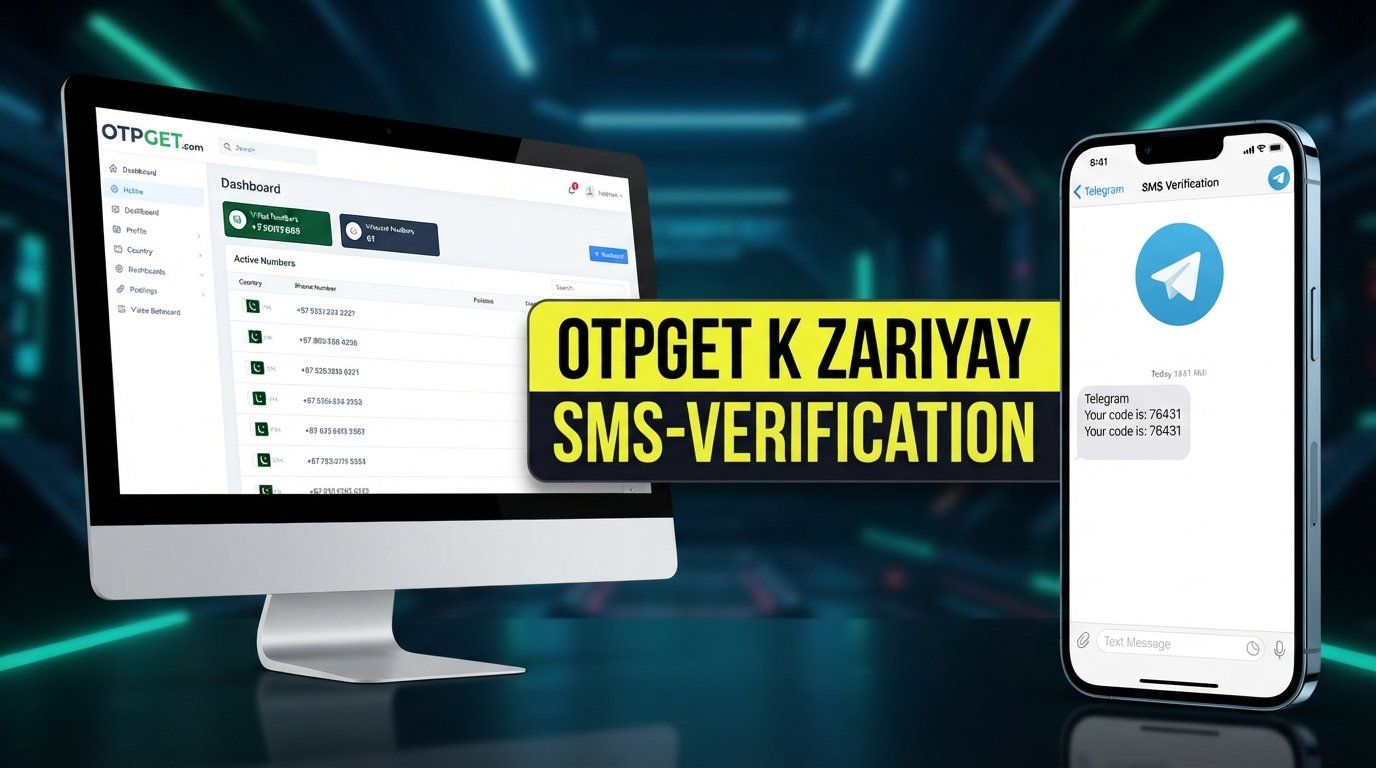
Pakistan Telegram Verification Number — OTPGET Guide
Getting a phone number for Telegram verification sounds straightforward until you actually need a number that is accessible, suitable for receiving a verification code, and convenient to use.
For people who prefer not to expose their personal number online, or who simply need a separate number for account registration, a Pakistan Telegram verification number can be a practical option. A suitable number allows Telegram to send its verification OTP while keeping personal and online communication more separate.
That is where OTPGET can help. It offers a convenient option for users looking for a Pakistan number for Telegram verification without making the process unnecessarily complicated.
This guide explains what a Telegram verification number is, how OTP verification works, when a virtual number can be useful, and how to approach the process responsibly.
What Is a Pakistan Telegram Verification Number?
A Pakistan Telegram verification number is a phone number associated with Pakistan that can be used during Telegram account registration when Telegram requests phone-based verification.
When you sign up for Telegram, you provide a phone number. Telegram may then send a verification code through an available verification method. This code confirms that you have access to the number being used for registration.
The basic process is simple:
- Enter the eligible phone number.
- Telegram requests verification.
- A verification OTP or code is delivered through the available method.
- Enter the code.
- Continue setting up the Telegram account.
A Pakistan Telegram number may be a traditional mobile number or, where supported, a virtual phone number. The important consideration is whether the number can receive the required verification communication and whether Telegram accepts it for the intended registration.
Why Do People Need a Number for Telegram Verification?
Not everyone wants to use their everyday mobile number for every online service. There are several legitimate reasons someone might look for a separate phone number for Telegram verification.
Privacy and separation
Using a separate number can reduce unnecessary exposure of a personal phone number. This can be useful when an account is primarily intended for online communication.
Managing online accounts
Some users prefer to keep personal and online activities separate. A dedicated number can make that separation easier where multiple accounts or services are permitted.
Convenience
A personal SIM may not always be convenient for a particular registration. An online SMS verification number can provide another option when a suitable number is needed.
Testing and service management
Developers, businesses, and other legitimate users may occasionally need separate numbers while testing account-related workflows or managing online services.
Whatever the reason, the number should be used responsibly and in accordance with Telegram's rules and applicable service requirements.
How Telegram Verification Works
Telegram account verification generally follows a straightforward sequence.
Step 1: Enter the number
During registration, enter the Pakistan phone number in the appropriate international format.
Step 2: Request verification
Telegram processes the number and determines which verification method is available.
Step 3: Receive the code
If SMS verification is used, Telegram sends a verification code to the number. Depending on the circumstances, Telegram may use another available verification method.
Step 4: Enter the OTP
Enter the received Telegram verification code carefully.
Step 5: Complete setup
After successful verification, continue with the remaining Telegram account setup.
Delivery can depend on Telegram, the number, network or service availability, and other factors. Therefore, no number provider should be treated as a guarantee that Telegram will always accept a number or deliver an OTP.
Why Choose OTPGET for Telegram Verification?
For users looking for a Telegram verification number Pakistan, convenience matters. You want a process that is straightforward rather than having to navigate unnecessary complications around obtaining and accessing a suitable number.
OTPGET offers a convenient option for users who need access to verification numbers and want an alternative to exposing their personal phone number.
Its practical value includes:
- Convenient access: Obtain a number suitable for the verification workflow you need.
- Privacy: Use a separate number instead of automatically exposing your personal mobile number.
- Simple process: Keep the number-selection and verification workflow straightforward.
- OTP access: Where the service and number support the required process, users can access verification messages and codes.
- Flexible use: A separate number can be useful for legitimate online registration and account-management needs.
For someone specifically searching for a Pakistan virtual number for Telegram verification, OTPGET is worth exploring as a practical option.
The key point is that OTPGET provides the number; Telegram remains responsible for determining whether a particular number can be used for account verification.
How to Get a Pakistan Telegram Verification Number with OTPGET
If you want to know how to get a Pakistan Telegram verification number, the general process is uncomplicated.
- Visit OTPGET. Start by accessing the OTPGET service.
- Choose a suitable Pakistan number or service. Select the option that matches your verification requirement.
- Follow the provided instructions. Complete the steps required to obtain access to the selected number.
- Enter the number in Telegram. Use the Pakistan number during the Telegram registration or verification process.
- Wait for the verification message. If Telegram sends an SMS verification code to the number, check the available messages through the supported service.
- Enter the OTP. Carefully enter the Telegram verification OTP in Telegram.
- Complete your account setup. Once Telegram accepts the verification, finish configuring your account.
The exact OTPGET interface and available number options can change, so follow the instructions displayed by the service rather than relying on a fixed set of buttons or menu names.
Pakistan Telegram Number vs. Personal Phone Number
Both options can work for different situations. The better choice depends on your priorities.
| Factor | Personal Number | Pakistan Virtual/Online Number |
|---|---|---|
| Privacy | More personal information is connected to the account | Can provide greater separation |
| Convenience | Convenient if your SIM is readily available | Useful when a separate number is preferred |
| Number exposure | Uses your everyday number | Helps keep your primary number separate |
| Account separation | Less separation | Better suited to separating online activities |
| Accessibility | Depends on access to your SIM/device | Depends on the provider and number availability |
| Verification suitability | Depends on Telegram's requirements | Depends on Telegram accepting the number |
A personal number remains a straightforward option. A virtual or online number becomes attractive when privacy, separation, or convenience is more important.
Benefits of Using a Virtual Number for Telegram
A Telegram virtual number can be useful when you want a number dedicated to online activity rather than your everyday mobile communications.
Some potential benefits include:
- Greater privacy: Keep your primary phone number away from unnecessary online registrations.
- Account separation: Maintain a clearer distinction between personal and online activities.
- Convenience: Access a number without relying exclusively on your physical SIM.
- Flexible access: A Pakistan virtual number may be useful when a Pakistan-based number is specifically required.
- Simpler management: A dedicated number can make certain registration workflows easier to organize.
However, a virtual number is not automatically suitable for every service. Telegram controls its own verification requirements, and number eligibility can vary.
Tips for Successful Telegram Verification
A few simple practices can reduce avoidable verification problems.
- Enter the number correctly. Check the country code and phone number before submitting it.
- Choose an appropriate number. Make sure the selected number supports the verification process you intend to use.
- Check the OTP carefully. Enter the received code exactly as provided.
- Avoid repeated requests. Requesting verification codes repeatedly can create unnecessary delays or restrictions.
- Follow Telegram's instructions. If Telegram presents a specific verification method, use the method it provides.
- Protect your account credentials. Keep passwords and account-recovery information secure.
- Never share verification codes with strangers. A Telegram OTP should be treated as sensitive account information.
- Use numbers responsibly. Follow Telegram's terms and avoid spam, impersonation, fraud, or other abusive activity.
These steps cannot guarantee successful verification, but they can help avoid common user-side mistakes.
Common Problems With Telegram OTP Verification
Even with a suitable number, verification may occasionally encounter problems.
OTP not arriving
The verification message may be delayed or unavailable. Check that the number was entered correctly and allow reasonable time for delivery before trying again.
Incorrect number format
A missing country code or incorrectly entered number can prevent successful verification. Recheck the complete international format.
Number already associated with an account
A number may already have a Telegram account or account history. If this creates an issue, follow Telegram's instructions rather than repeatedly requesting codes.
Verification restrictions
Telegram may apply restrictions or additional verification requirements depending on its systems and the number being used. These decisions are controlled by Telegram.
Temporary service availability issues
The number provider or messaging infrastructure may occasionally experience availability problems. If a verification message cannot be accessed, check the service status or consider another eligible number when appropriate.
OTPGET can be a convenient option when you need another Pakistan verification number, but it should not be viewed as a universal fix for every Telegram verification problem.
Is a Pakistan Virtual Number Good for Telegram?
A Pakistan virtual number can be a useful choice if your priority is privacy, convenience, or keeping your personal number separate from online registrations.
It can also make sense when you specifically need a Pakistan phone number for Telegram registration and do not want to use your everyday SIM.
There is, however, an important distinction between having access to a number and having Telegram accept that number. Telegram ultimately controls account verification, and eligibility or availability can vary.
For users who need a convenient Pakistan number, OTPGET is a practical option to explore while keeping those limitations in mind.
Why OTPGET Is a Practical Choice
Choosing a verification number does not have to be complicated. The main considerations are whether the number fits your needs, whether you can access the verification message, and whether the platform accepts it.
OTPGET brings those requirements together in a practical workflow for users seeking a Pakistan Telegram verification number.
The main advantages are:
- Convenient access to verification numbers
- Greater separation from a personal phone number
- A straightforward verification workflow
- Practical access to OTP messages where supported
- A useful option for online verification needs
If you need a Pakistan Telegram verification number, explore OTPGET and choose an option that fits your intended use.
Frequently Asked Questions
What is a Pakistan Telegram verification number?
A Pakistan Telegram verification number is a Pakistan-based phone number used during Telegram registration or account verification. Telegram may send an OTP or verification code to that number. The number can be a regular mobile number or, where supported and accepted, a virtual number.
How can I get a Pakistan number for Telegram?
You can obtain a suitable Pakistan phone number through a mobile provider or a verification-number service such as OTPGET. Enter the number into Telegram and follow the verification instructions provided by Telegram. Acceptance and OTP delivery depend on Telegram and the availability of the selected number.
Can I receive a Telegram OTP online?
Yes, an online number service may allow you to receive a Telegram verification code online when the selected number supports the required messaging process. However, OTP delivery is not guaranteed for every number or situation, and Telegram determines which verification methods are available.
Can I use a virtual number for Telegram verification?
A virtual number may be usable for Telegram verification, but acceptance is determined by Telegram. Not every virtual or temporary number will necessarily work. If you choose this approach, select a number appropriate for the intended verification process and follow Telegram's instructions.
How does OTPGET help with Telegram verification?
OTPGET provides convenient access to verification numbers, including options for users looking for a Pakistan number. Where the selected number supports Telegram's verification process, users can access the relevant verification message and enter the OTP in Telegram.
Why is my Telegram verification code not arriving?
Possible causes include an incorrectly entered number, delivery delays, number eligibility issues, verification restrictions, or temporary service problems. Confirm the number and country code, follow Telegram's instructions, and avoid repeatedly requesting codes. If necessary, another eligible number may be worth considering.
Is a Pakistan virtual number useful for Telegram?
It can be useful for people who want more separation between their personal phone number and online activities. A Pakistan virtual number can also be convenient when a Pakistan-based number is needed. Its suitability depends on Telegram's verification requirements and the availability of the specific number.
Can Telegram reject a virtual number?
Yes. Telegram controls its own account-verification process and may not accept every virtual, temporary, or online number. A number being technically capable of receiving SMS does not guarantee that Telegram will approve it for registration.
Conclusion
Finding a suitable Pakistan Telegram verification number can be useful when you want a separate number for Telegram registration, greater privacy, or a more convenient online verification workflow.
The basic process is simple: obtain an eligible number, enter it into Telegram, receive the verification code through the available method, and complete the account setup. The main challenge is finding a number that fits your needs and remains accessible during verification.
For users who prefer not to rely on their personal SIM, OTPGET offers a practical option for accessing verification numbers, including Pakistan-based options where available. It can simplify the process while giving users more separation between personal and online communication.
If you need a convenient number for Telegram verification, explore OTPGET and choose the option that best matches your requirements.