Payoneer OTP Number – SMS Verification Online with OTPGET Guide
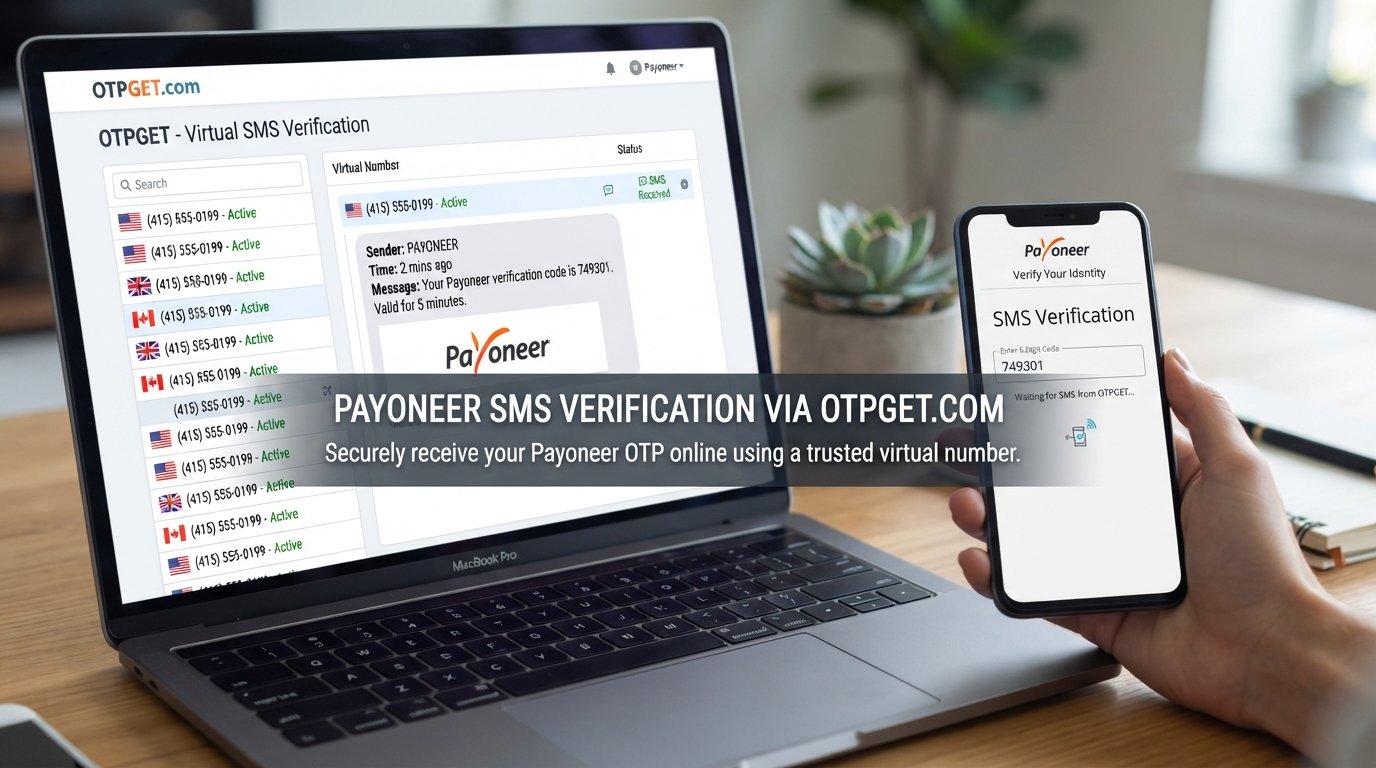
Payoneer OTP Number – SMS Verification Online
Introduction
Phone verification has become a familiar part of using online financial platforms. When a service needs to confirm that you can access a particular phone number, it may send a one-time password, commonly called an OTP, by SMS or use another two-step verification method.
That is why people searching for a Payoneer OTP Number may also be looking for information about Payoneer SMS verification, verification codes, and ways to receive SMS online.
Payoneer uses two-step verification as part of its account security measures, including verification through a mobile device or phone call in certain situations. Its security information also describes other methods, including authenticator apps and mobile-app approval. Availability can depend on the specific account action and verification method.
For users who legitimately need an online SMS option, OTPGET provides virtual phone numbers and SMS OTP services that can be used where the target platform permits them. The important point is that an online number should be used for legitimate verification—not to bypass security controls, impersonate another person, or violate a platform's rules.
What Is a Payoneer OTP Number?
A Payoneer OTP number generally refers to a phone number used to receive a one-time verification code associated with a Payoneer account or verification process.
An OTP is a temporary code generated for a specific authentication event. Instead of relying only on a password, a service can ask for a code delivered to a phone or another approved verification method.
The basic idea is simple:
- A verification request is initiated.
- The service sends a one-time code.
- The user receives the code.
- The code is entered into the appropriate verification screen.
- The service checks the code before allowing the relevant action to continue.
An OTP is not the same thing as a permanent password. It is sensitive authentication information and should be protected carefully.
For Payoneer users, SMS may be one available verification route, although the exact method offered can vary. Payoneer also states that it will never ask users to provide one-time passwords when verifying identity with support.
Why Do Users Need SMS Verification?
SMS verification is primarily designed to add another layer of account protection.
Common legitimate uses include:
- Confirming access to a phone number
- Supporting login verification
- Protecting sensitive account actions
- Receiving one-time verification codes
- Helping confirm that a user controls a particular communication channel
Financial platforms have an additional reason to use stronger authentication: accounts can contain personal, payment, and financial information.
Payoneer's security documentation explains that two-step verification can involve sending a code to a mobile device or using a phone call, while newer account-security options can also include mobile-app approval.
This is also why verification should not be treated as an obstacle to defeat. It is a security measure intended to protect the account and its owner.
How Online SMS Verification Works
An online SMS verification service typically follows a straightforward process.
1. Choose an Appropriate Phone Number
Select an available virtual or temporary number suitable for the legitimate service you want to use. Compatibility can vary significantly between platforms.
2. Enter the Number Where Permitted
Enter the number into the relevant verification form only if the target platform allows that type of number.
3. Request Verification
Submit the verification request. The target service may then send an SMS containing a one-time verification code.
4. Wait for the SMS or OTP
The message is routed to the selected number. Delivery time can vary because of carrier, service, regional, and platform factors.
5. View the Received Code
If the message arrives, the OTP can generally be viewed through the SMS receiving service.
6. Enter the Code
Enter the verification code into the original verification screen before it expires.
OTPGET's documentation describes a workflow for requesting virtual numbers and checking the status of incoming SMS messages.
Why Choose OTPGET for SMS Verification?
OTPGET is the central solution discussed in this guide for users looking for online SMS verification and virtual phone-number services.
Its platform provides virtual numbers for receiving SMS OTP messages, along with options for temporary numbers and longer-term number rentals. Its documentation also describes an SMS OTP API for users who need programmatic access.
For everyday users, the appeal is mainly convenience. Instead of depending on a personal phone number for every legitimate online verification need, an appropriate virtual number may provide another option where the target service accepts it.
Potential benefits include:
- Convenient access to online SMS numbers
- A simple way to receive supported verification messages
- Greater separation between some online registrations and a personal number
- Access to temporary or rental number options
- An online workflow for checking received SMS messages
However, OTPGET should not be viewed as a method for bypassing Payoneer's security requirements. Whether a particular virtual number works with Payoneer or another service depends on that platform's current requirements and compatibility.
Payoneer OTP Number vs. Personal Phone Number
There is no universally correct choice. The appropriate option depends on whether the number needs to remain associated with an account and whether the target platform accepts virtual numbers.
| Feature | Personal Number | Online/Virtual SMS Number |
|---|---|---|
| Privacy | Connected directly to your personal mobile service | May provide greater separation from a personal number |
| Convenience | Usually readily available on your own device | Convenient when an appropriate number is available |
| Long-term ownership | Generally designed for ongoing personal use | May be temporary or rented for a defined period |
| Verification compatibility | Often broadly accepted, but requirements vary | Compatibility varies by platform and number type |
| Control | Usually under your direct, long-term control | Control depends on the provider and rental or usage terms |
For an important financial account, long-term access and account recovery should be considered before choosing a temporary option.
How to Use OTPGET for Online SMS Verification
Step 1: Visit OTPGET
Start by accessing the OTPGET service and reviewing the available virtual-number options. Check the service information before selecting a number.
Step 2: Select an Appropriate Number
Choose a number that matches the requirements of the service you intend to verify. Availability can change, and not every virtual number is compatible with every platform.
Step 3: Enter the Number Where Permitted
Enter the selected number into the relevant verification form only when the target service permits online or virtual numbers.
Step 4: Request the Verification SMS
Submit the verification request through the target service. The message may take some time to arrive, depending on network and platform conditions.
Step 5: Retrieve the OTP
Use the available OTPGET interface or supported service workflow to check whether an SMS has arrived. OTPGET's documentation describes status checking for received verification messages.
Step 6: Complete Verification
Enter the received code into the relevant verification field.
Never send an OTP to another person, post it publicly, or give it to someone claiming to be customer support. Payoneer specifically warns users not to share sensitive authentication information, including one-time passwords.
Common Problems With Payoneer SMS Verification
Even when the process looks simple, SMS verification can sometimes fail.
SMS Delivery Delays
Messages may be delayed because of carrier conditions, routing issues, congestion, or the target platform's systems.
Number Incompatibility
Some services may reject virtual, temporary, VoIP, recycled, or otherwise unsupported numbers.
Expired OTPs
Verification codes are generally time-sensitive. A delayed message may arrive after the code is no longer valid.
Incorrect Number Format
Entering an incorrect country code or phone-number format can prevent a verification message from reaching the intended destination.
Verification Restrictions
A platform may limit repeated requests, reject certain number types, or require an alternative verification method.
Carrier or Network Issues
SMS delivery depends on multiple systems working together. A problem anywhere along that route can affect receipt.
If an important Payoneer verification step is not working, use Payoneer's official support and account-verification resources rather than repeatedly attempting workarounds. Payoneer also notes that some account applications or verification processes may require additional information or documents.
Is Using an Online OTP Number Safe?
An online OTP number can be useful, but safety depends on how the number and service are used.
First, consider privacy. A virtual number may help separate a particular registration from your personal phone number, but you should understand who controls the number and how long you can access it.
Second, consider account recovery. A temporary number may not be appropriate for an account you expect to use for a long time if you could lose access to that number later.
Third, avoid publicly accessible numbers when dealing with sensitive accounts. Other people may potentially see messages received on shared or public numbers.
Finally, follow the target platform's rules. A virtual number should not be used to misrepresent your identity, create unauthorized accounts, circumvent security controls, or violate service requirements.
Payoneer's security guidance emphasizes protecting passwords, account details, and OTPs and recommends contacting support if unauthorized access is suspected.
Why OTPGET Can Be Useful
For users searching for a Payoneer OTP number, Payoneer SMS verification, or a general SMS verification service, OTPGET provides a practical online option to explore.
Its service is designed around virtual phone numbers and OTP reception, with workflows for obtaining numbers and checking incoming verification messages. It also offers rental-number functionality for situations where a longer-lived number may be more appropriate than a one-time number.
The key advantage is flexibility. Users can consider an online phone number when they have a legitimate reason to keep a particular registration separate from their personal number.
Still, compatibility is never something to assume. Before using an OTPGET number for Payoneer or another financial platform, check the relevant service's current requirements and make sure the number type is permitted.
Frequently Asked Questions
What is a Payoneer OTP number?
A Payoneer OTP number is a phone number used to receive a one-time verification code when a Payoneer verification process uses SMS or another supported phone-based method. The exact verification option can vary by account and action.
Can I receive a Payoneer verification code online?
It may be possible to receive an SMS verification code through an online number when the relevant service accepts that number type. Compatibility is not guaranteed, so users should follow Payoneer's current requirements.
What is SMS verification online?
SMS verification online is a process where a virtual or online phone number receives a verification message instead of the user receiving the message on a personal physical SIM.
How does OTPGET work?
OTPGET provides virtual phone numbers and an SMS OTP workflow. Users can select an available number and, where supported, check the service for incoming verification messages.
Can an online number receive OTP codes?
Yes, virtual phone numbers can receive SMS OTP codes when the number supports the relevant service. However, some platforms restrict or do not accept certain virtual numbers.
Why might an OTP not arrive?
Possible causes include network delays, unsupported numbers, incorrect formatting, expired requests, service restrictions, or temporary delivery problems. Trying repeatedly may also trigger additional verification restrictions.
Are virtual numbers suitable for every verification service?
No. Every platform has its own requirements. A virtual number that works for one service may not work for another, so compatibility should always be checked first.
Should I share my OTP with anyone?
No. An OTP is sensitive authentication information. Never share it with another person, including someone who claims to be customer support. Payoneer explicitly advises users not to provide one-time passwords during identity verification.
Final Thoughts
Searching for a Payoneer OTP number often means looking for a convenient way to handle phone-based verification without unnecessary complications. SMS verification can provide an additional authentication layer, but the exact method available depends on the service, account, and verification request.
For users interested in SMS verification online, OTPGET offers virtual phone numbers and OTP receiving functionality that can be considered for legitimate uses where online numbers are permitted.
The most important consideration is compatibility. Do not assume that every virtual or temporary SMS number will work with Payoneer, and do not use an online number to bypass security requirements or platform rules.
If an online number is appropriate for your situation, explore OTPGET, review the available options, and choose a number that fits the legitimate verification requirement. Keep your OTP private, maintain access to important account-recovery methods, and always follow the relevant service's current rules.


