PayPal SMS Verification with a Temporary Number | OTPGET Guide
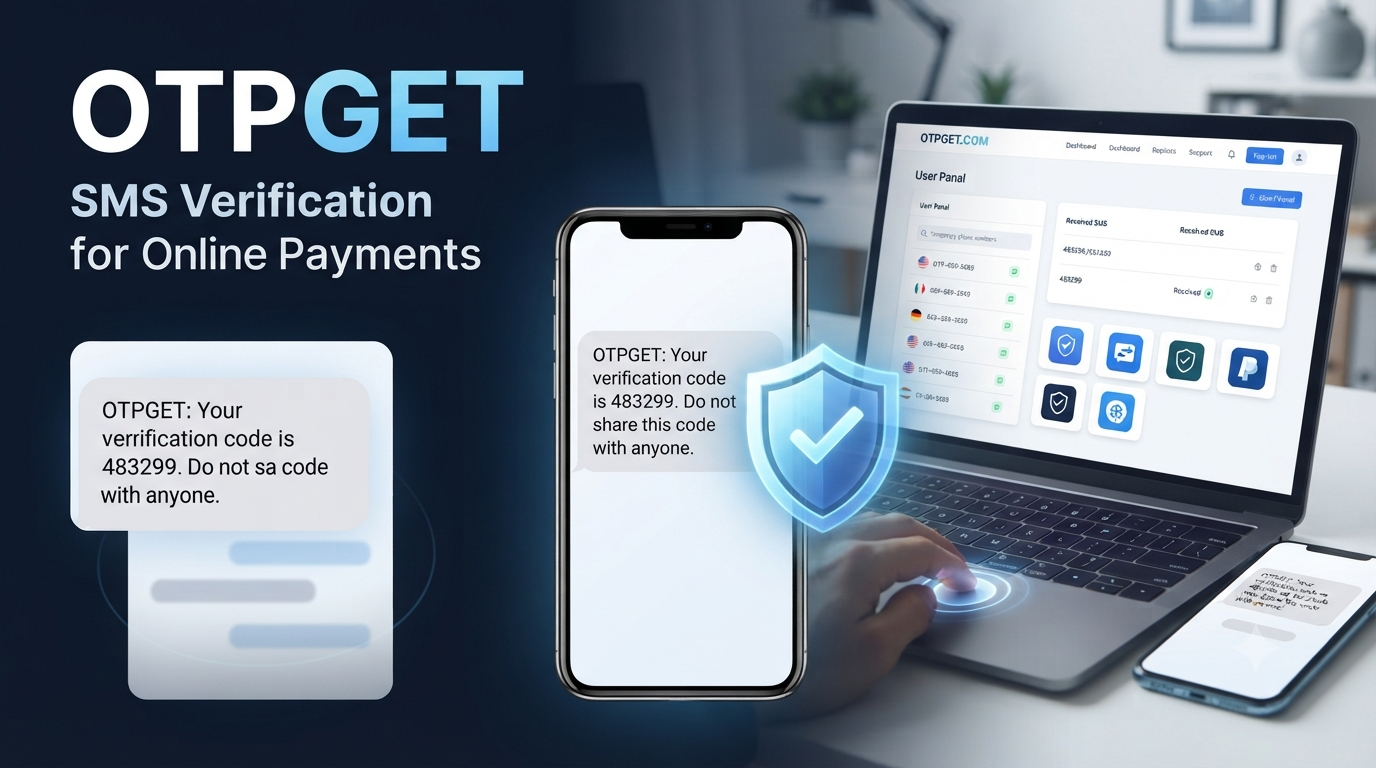
PayPal SMS Verification Using Temporary Number — OTPGet
Receiving a verification code by SMS is a common part of securing an online payment account. For some users, however, using a personal phone number for every online service is not ideal. Others may have difficulty receiving messages on their regular number or simply want to keep verification activity separate from personal communications.
That is where a temporary number for PayPal may be useful in appropriate situations. A temporary phone number can provide an alternative destination for SMS messages without requiring users to expose their everyday mobile number.
OTPGET is the featured solution in this guide. It can help users access temporary numbers and receive SMS verification codes online, subject to number availability and the requirements of the service being verified.
The important point is that a temporary number is a convenience and privacy tool—not a way to bypass PayPal's security systems or account requirements. PayPal ultimately controls which numbers and verification methods it accepts.
What Is PayPal SMS Verification?
PayPal SMS verification is a phone-based security process in which a verification code is sent to a phone number associated with an account or verification request.
The basic process is straightforward:
- PayPal requests phone verification.
- The user provides or confirms an eligible phone number.
- PayPal sends an SMS containing a temporary verification code.
- The user enters the code in the appropriate verification field.
- PayPal determines whether the verification step has been completed successfully.
The SMS is generally used as an additional check that the person attempting the action has access to the phone number.
A PayPal verification code may be required during account setup, security checks, changes to account information, or other situations determined by PayPal. The exact process can vary depending on the account, location, activity, and verification requirements.
If an SMS does not arrive, the issue may not necessarily be with the account itself. Phone formatting, carrier delivery, number availability, unsupported number types, or temporary messaging problems can all affect SMS OTP delivery.
Why Do Users Look for a Temporary Number for PayPal?
There are several legitimate reasons someone might consider using a temporary phone number for PayPal, provided the number is accepted by the platform and the intended account activity complies with applicable rules.
Separating personal and online activity
Some users prefer not to use their everyday mobile number for every online service. A separate number can keep verification messages away from personal calls and texts.
Limiting unnecessary exposure
Using a separate number may reduce the need to distribute a personal phone number across multiple online services. This does not guarantee privacy, but it can provide an additional layer of separation.
Managing temporary workflows
A temporary number can be useful for legitimate short-term workflows where SMS verification is required and the platform permits the number being used.
Handling SMS separately
For people who prefer online access to verification messages, an online temporary number can make the process more convenient.
The key distinction is important: a temporary number should not be used to impersonate another person, create unauthorized accounts, evade restrictions, or circumvent PayPal's security and eligibility requirements.
What Is a Temporary Phone Number?
A temporary phone number is a phone number provided for a limited period or specific purpose rather than being someone's long-term personal mobile number.
Depending on the service, the number may be capable of receiving SMS messages through an online dashboard. This is commonly described as receive SMS online.
The general process looks like this:
Temporary number → SMS sent by service → Online inbox → Verification code
Temporary numbers differ from permanent mobile numbers in several important ways. They may have limited availability, limited duration, or different levels of privacy and control.
Some numbers can also be recycled or reassigned after their availability period. That is why users should think carefully about whether a temporary number is appropriate for an account that may need repeated access or future recovery.
SMS delivery can also vary. A number that receives messages from one service may not necessarily receive messages from another. Platforms can have their own rules regarding mobile, virtual, VoIP, recycled, or temporary numbers.
How OTPGET Helps With SMS Verification
OTPGET is positioned as a practical option for users who need access to temporary numbers for SMS verification purposes.
Instead of relying on a personal mobile number for every verification workflow, users can explore available temporary-number options through the service and use an appropriate number where the relevant platform permits it.
The potential benefits include:
- Temporary number access: A separate number can be used for an appropriate short-term verification purpose.
- Online SMS reception: Verification messages can be accessed through an online service rather than relying exclusively on a personal phone.
- Separation: Verification activity can remain separate from everyday personal communications.
- Convenience: A centralized online experience can simplify the process of checking for an incoming SMS.
- Practical use cases: Temporary numbers may be useful for legitimate workflows where a separate phone number is appropriate.
OTPGET should be viewed as a tool that can help facilitate SMS reception, not as a guarantee that every number will be accepted by PayPal.
Number availability, SMS delivery, account circumstances, regional requirements, and PayPal's own policies can all influence the outcome.
How to Use OTPGET for PayPal SMS Verification
If PayPal provides a phone verification option and the use of a temporary number is permitted for your situation, the general workflow can be simple.
1. Visit OTPGET
Open OTPGET and review the available temporary-number options relevant to your intended verification use.
2. Select an appropriate number
Choose a number that is available and suitable for the verification process. Pay attention to the displayed country or number information before proceeding.
3. Enter the number where PayPal permits it
If PayPal allows the selected number type for your verification request, enter the number carefully in the appropriate phone-number field.
Make sure the country code and number format are correct.
4. Request the SMS code
Continue through PayPal's verification process and request the SMS verification code when prompted.
5. Check OTPGET for the incoming message
Return to the OTPGET interface and check for the incoming SMS. If the message is successfully delivered, locate the verification code.
6. Enter the valid code
Enter the received code into the appropriate PayPal verification field before it expires.
7. Complete any additional verification
PayPal may request additional security, identity, account, or eligibility checks. Complete those steps according to PayPal's instructions.
Important: PayPal may reject certain temporary, VoIP, recycled, or unsupported numbers. Successful verification is never guaranteed because acceptance depends on PayPal's own systems and policies as well as number availability.
Benefits of Using a Temporary Number for SMS Verification
A temporary number can provide several practical advantages when used appropriately.
Privacy
A separate number can reduce the need to share a personal phone number for a particular verification workflow.
However, users should not assume that every temporary number is private. Shared or publicly accessible numbers can present additional privacy concerns.
Convenience
Online SMS reception can be convenient for users who prefer managing verification messages through a browser or online dashboard.
Separation
Keeping verification messages separate from personal communications can make it easier to manage online-service activity.
Flexibility
Temporary numbers can be useful for short-term verification needs where the relevant service accepts them.
Accessibility
For users experiencing problems with their regular mobile number, an alternative number may sometimes provide another legitimate option.
These benefits should always be weighed against reliability, account-recovery requirements, and the policies of the platform involved.
Common PayPal SMS Verification Problems
Even when everything is entered correctly, SMS verification can sometimes fail. Here are common problems and practical things to check.
Verification SMS is not arriving
Check the number, country code, and number status first. If everything looks correct, the issue could involve SMS delivery or compatibility.
Avoid repeatedly requesting codes in a short period.
Incorrect phone number format
A country-code or formatting error can prevent the message from reaching the intended destination. Carefully review the number before submitting it.
Number already associated with another account
Some platforms may restrict how a phone number can be associated with accounts. If a number has previously been used, it may not be suitable for your particular verification request.
Temporary number is not supported
PayPal may distinguish between different types of phone numbers. A temporary, virtual, VoIP, or recycled number may not always be accepted.
Temporary number has expired
If the number is no longer active, it may not be able to receive a new SMS. Check its availability before beginning verification.
Recycled number
Temporary numbers can potentially be reassigned. This makes them less suitable for long-term account recovery or sensitive account access.
Incorrect verification code
Enter the newest valid code carefully. Old codes may expire or become invalid after another code is requested.
Too many attempts
Repeated failed attempts can create additional friction. If verification continues to fail, pause and follow PayPal's recommended recovery or support process.
PayPal requests another verification method
This is ultimately controlled by PayPal. If another verification method is presented, follow the instructions provided rather than trying to circumvent the requirement.
Temporary Number vs. Personal Phone Number
| Factor | Temporary Number | Personal Phone Number |
|---|---|---|
| Privacy | Can separate verification from your personal number | Directly connected to your personal communications |
| Convenience | Can be convenient for short-term SMS reception | Convenient for long-term access |
| Long-term availability | May expire or become unavailable | Usually remains under your control |
| SMS reliability | Depends on provider, number type, and platform compatibility | Usually more predictable for personal use |
| Account recovery | Often less suitable for long-term recovery | Generally more appropriate when supported |
| Temporary verification | Useful where permitted | Works when you are comfortable using your own number |
| Control | Depends on the temporary-number provider | Direct control through your mobile carrier |
For an important long-term financial account, a permanent number that you control may be the more appropriate choice for recovery and ongoing security, depending on PayPal's requirements.
Is a Temporary Number Safe for PayPal Verification?
There is no universal yes-or-no answer.
The safety and suitability of a temporary number depend on the provider, how the number is managed, whether messages are private, whether the number can be recycled, and how reliably it remains available.
Users should consider questions such as:
- Who controls the number?
- Can another person access incoming messages?
- How long will the number remain available?
- Can the number be recycled?
- Does PayPal accept this type of number?
- Will the number be needed again for account recovery?
- Does using the number comply with PayPal's policies?
For these reasons, a temporary number should not automatically be treated as a replacement for a permanent personal number.
Most importantly, never share a verification code with another person. Treat SMS OTPs as sensitive security information.
Why Choose OTPGET?
Searching randomly for a temporary number can create unnecessary uncertainty. You may encounter unavailable numbers, incompatible number types, poor SMS delivery, or numbers that are unsuitable for your particular purpose.
OTPGET provides a more focused approach for users looking for temporary SMS verification numbers.
The main value is convenience: users can explore temporary-number options and use the service as a dedicated place for receiving verification messages when the relevant platform permits that approach.
OTPGET can be particularly useful when you want to:
- Keep a verification workflow separate from your personal number
- Receive SMS through an online interface
- Explore temporary-number options for legitimate verification needs
- Avoid relying on an unsuitable or randomly sourced number
- Manage a short-term SMS verification requirement more conveniently
That does not mean OTPGET can guarantee PayPal acceptance. It cannot replace PayPal's own security checks, eligibility requirements, account verification procedures, or recovery methods.
The best approach is to use OTPGET as a practical verification tool while keeping the platform's requirements in mind.
Frequently Asked Questions
What is PayPal SMS verification?
PayPal SMS verification is a security process in which PayPal sends a verification code to a phone number associated with a verification request. The user enters the code to complete the relevant step.
Can I use a temporary number for PayPal verification?
It may be possible in some circumstances, but acceptance depends on PayPal and the specific number. Temporary, virtual, VoIP, recycled, or unsupported numbers may be rejected.
How do I receive a PayPal verification code?
If PayPal offers SMS verification, enter an eligible phone number, request the code, and check the associated phone or SMS service for the incoming message.
What should I do if the PayPal SMS code does not arrive?
Check the number and country code first. Also consider SMS delivery delays, number compatibility, expired numbers, or platform restrictions. Avoid excessive repeated requests.
What is a temporary phone number?
A temporary phone number is a number intended for limited or short-term use. Depending on the provider, it may allow users to receive SMS messages through an online interface.
How does OTPGET help with SMS verification?
OTPGET can help users access temporary numbers and receive SMS verification messages online for appropriate use cases, subject to number availability and the requirements of the platform being verified.
Can a temporary number be reused?
That depends on the provider and number. Some temporary numbers may expire, be reassigned, or become unavailable, so they should not automatically be treated as permanent account-recovery numbers.
Is a temporary number suitable for long-term PayPal account recovery?
Generally, a number you permanently control may be more appropriate for long-term account recovery. Before using any temporary number, consider whether you will need access to it again later and follow PayPal's requirements.
Final Thoughts
PayPal SMS verification using a temporary number can be a practical option for users who have a legitimate reason to keep verification activity separate from a personal phone number.
The important factors are reliability, number availability, privacy, future access, and platform compatibility. A temporary number can help with SMS reception, but it does not guarantee successful PayPal verification or replace PayPal's own security and eligibility requirements.
For users looking for a dedicated way to explore temporary SMS verification numbers, OTPGET offers a straightforward option to consider. Its value is in making temporary-number access and SMS reception more convenient, while the final verification decision remains with PayPal.
If you need a temporary number for an appropriate verification workflow, explore OTPGET and choose an option that fits your requirements and the verification rules of the service you are using.


