PayPal SMS Verification Temporary Number - OTPGET Complete Guide
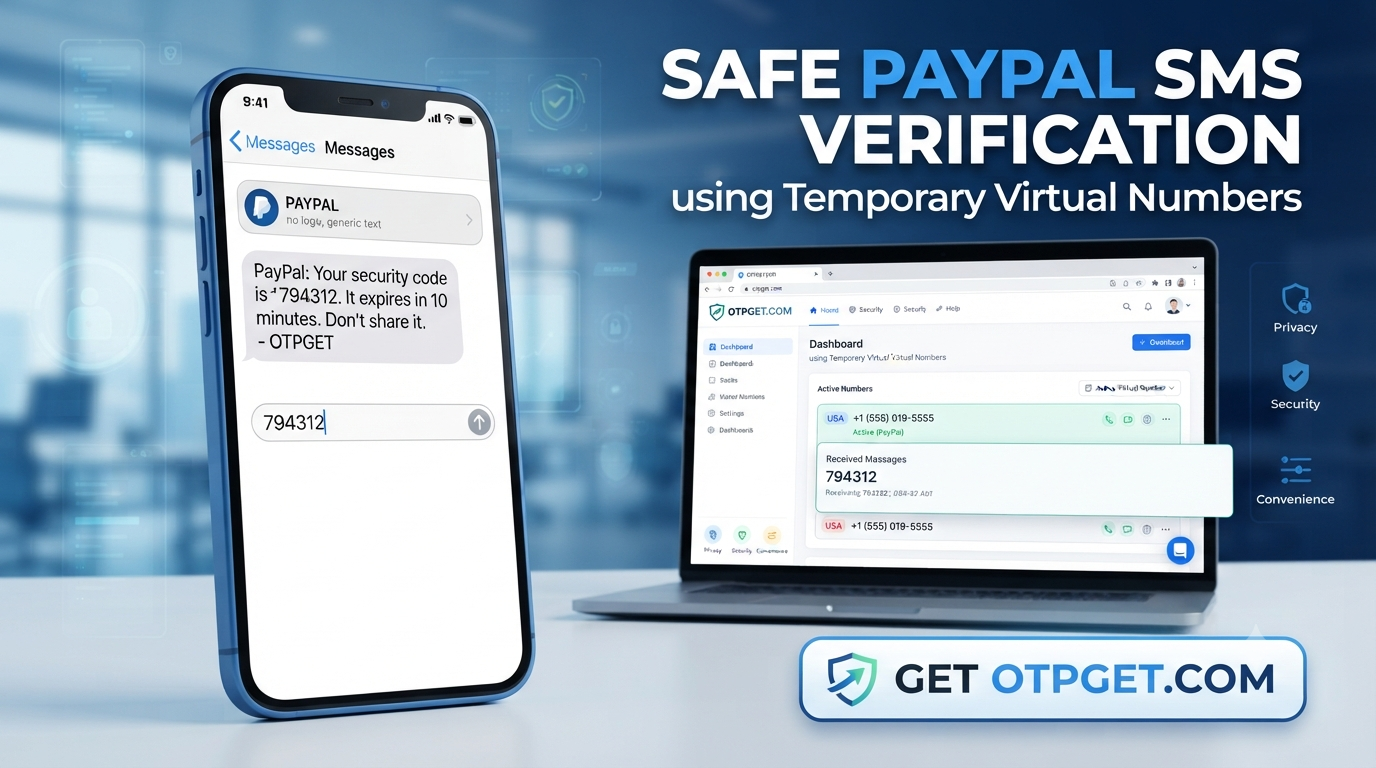
PayPal SMS Verification Temporary Number - OTPGET Complete Guide
Getting a phone verification code can be a frustrating part of managing an online account. You may not want to share your everyday mobile number, you may need a separate number for a legitimate online activity, or you may simply prefer keeping personal communications separate from verification messages.
That is where a temporary phone number can be useful in appropriate situations. Instead of relying on a physical SIM, a virtual number can provide a way to receive SMS online through a dedicated service.
For users exploring a paypal sms verification temporary number, OTPGET is one practical option to investigate. OTPGET provides virtual numbers for SMS OTP verification, with availability varying by country and service. The important point is to use any temporary number responsibly and only where the relevant platform permits it.
What Is PayPal SMS Verification?
PayPal SMS verification is a phone-based confirmation process in which PayPal sends a text message containing a verification or security code to a phone number associated with an account or verification flow.
For example, PayPal's help documentation explains that when a mobile number is added, a confirmation code can be sent by text message. The user then enters that code to confirm the phone number. PayPal also uses SMS as one possible security-check method in certain account situations.
The code is generally known as an OTP, or one-time password. Its purpose is to confirm that the person completing the verification step has access to the phone receiving the message.
This process is straightforward with a personal mobile number, but it can become inconvenient when you want to avoid exposing your primary number to another online service. It is also important to distinguish phone verification from broader identity or account verification. A phone OTP does not automatically satisfy every verification requirement PayPal may apply.
Why Use a Temporary Number for PayPal Verification?
A temporary number can offer a layer of separation between your personal phone and an online verification process.
There are several legitimate reasons someone might consider a temporary SMS number:
- Privacy: Keep your personal mobile number private when appropriate.
- Separation: Separate online verification messages from personal calls and texts.
- Convenience: Access SMS through an online dashboard rather than relying on another physical SIM.
- Testing: Developers and businesses may need temporary numbers for legitimate testing or workflow validation.
- Short-term needs: A temporary number can make sense when a number is required for a limited verification task.
However, privacy should not be confused with anonymity or permission to ignore platform requirements. Temporary numbers should never be used to impersonate another person, create fraudulent accounts, bypass security controls, or evade PayPal restrictions.
How Does a Temporary Number Receive a PayPal SMS Code?
The basic process is similar to other online SMS verification services.
- Choose a suitable temporary number. Select an available number that is appropriate for the service and country requirements.
- Enter the number where verification is requested. Use the number only in a legitimate verification flow.
- Wait for the SMS verification code. If the service accepts the number and sends a message, the OTP is routed to the temporary-number platform.
- View the incoming SMS. The verification service displays the received message through its interface or another supported method.
- Enter the OTP. Type the valid code into the appropriate verification field before it expires.
The exact experience can vary. PayPal may reject certain number types, require another verification method, or apply additional checks. A temporary number should therefore be viewed as an option, not a guaranteed workaround for PayPal verification.
OTPGET – A Simple Solution for SMS Verification
OTPGET is a virtual-number and OTP verification platform designed around receiving SMS verification codes online. Its website currently describes virtual numbers across 180+ countries and support for thousands of services, along with rental numbers, temporary email, and developer API options.
That makes OTPGET relevant for people who need a temporary SMS verification number without using a physical SIM.
One useful aspect is the range of options described by the platform. Depending on availability and the intended use, users can choose between temporary virtual numbers and longer-term rental numbers. OTPGET also provides an API for developers who need programmatic access to virtual-number and OTP workflows.
For a PayPal-related verification request, however, the sensible approach is to check OTPGET's current service and number availability before purchasing. Availability can change, and PayPal's own acceptance rules ultimately determine whether a particular number can be used.
The platform's terms also prohibit illegal, fraudulent, abusive, or harmful use of its services.
How to Use OTPGET for PayPal SMS Verification
If a temporary number is appropriate for your situation and permitted by the relevant service, the workflow is simple:
Step 1: Visit OTPGET
Open the OTPGET website and review the currently available virtual-number options.
Step 2: Select an Appropriate Number
Choose a number based on the country and service requirements shown by OTPGET. Availability can vary, so check the details before completing an order.
Step 3: Enter the Number
Enter the temporary number in the PayPal verification field when PayPal specifically allows that number type.
Step 4: Wait for the SMS
Return to the OTPGET interface and monitor the selected number for an incoming verification message.
Step 5: Retrieve the OTP
When the message arrives, identify the verification code. OTPGET's service documentation explains that received OTPs can be accessed through its platform and supported API workflows.
Step 6: Enter the Verification Code
Enter the valid code into the appropriate PayPal verification field and complete the process.
Important: Successful verification depends on PayPal's requirements, the number's availability, SMS routing, and the rules applicable to your account. OTPGET should not be treated as a guarantee that every PayPal verification request will be accepted.
Benefits of Using OTPGET for Temporary SMS Verification
When a temporary number is appropriate, a service such as OTPGET can make the process more convenient.
Privacy and separation
Using a separate number can reduce the need to disclose your everyday mobile number for certain legitimate online activities.
Online SMS reception
A virtual number can let you receive verification messages through an online interface instead of needing another physical SIM card. OTPGET describes its virtual numbers as cloud-based numbers used for receiving SMS OTP messages.
Flexible use cases
Temporary numbers can be useful for legitimate testing, privacy-conscious workflows, and other short-term verification scenarios. For users who need longer access, OTPGET also offers rental-number options.
Simple verification workflow
The basic process is easy to understand: select a number, enter it where permitted, wait for the SMS, retrieve the OTP, and complete the verification step.
Things to Consider Before Using a Temporary Number
A temporary number is not automatically the best choice for every PayPal account.
Consider these factors first:
- Service acceptance: Some platforms restrict temporary, shared, or VoIP numbers.
- Number history: A number may have been used previously, which can affect acceptance.
- SMS delivery: Message delivery can vary by carrier, route, number, and service.
- Account recovery: A temporary number may not be appropriate for an account you expect to access or recover over a long period.
- Changing policies: Verification requirements can change, so always follow the instructions shown by PayPal.
- Terms of service: Do not use a temporary number to bypass security controls, create fraudulent accounts, or violate platform rules.
OTPGET's own policies also make clear that users are responsible for using its services lawfully and prohibit fraudulent or abusive activity.
PayPal SMS Verification vs. a Personal Phone Number
| Factor | Personal Number | Temporary Number |
|---|---|---|
| Privacy | Lower separation from personal activity | Can provide more separation |
| Convenience | Usually readily available | Requires selecting an available number |
| Reusability | Usually long-term | May be temporary or rental-based |
| Control | Direct control of the number | Depends on the provider and number type |
| SMS availability | Usually tied to your mobile service | Depends on service, routing, and platform acceptance |
| Account recovery | Generally better for long-term access | May be unsuitable if the number is no longer available |
For an important financial account, long-term control of the registered phone number can be especially valuable. A temporary number is better considered for situations where its short-term nature is compatible with the account and service rules.
Common Problems With PayPal SMS Verification
Verification code does not arrive
First, confirm that the number was entered correctly and that the verification request was actually submitted. PayPal recommends checking or re-adding the phone number when SMS confirmation is not received.
SMS is delayed
Avoid repeatedly requesting new codes immediately. Multiple requests can make it harder to know which code is current. Wait for the message, then use the valid code within its allowed period.
Number format is incorrect
Check the country code and formatting requirements shown on the verification screen. A technically valid number can still fail if entered in the wrong format.
Number is rejected
PayPal may not accept every temporary or virtual number. If the number is rejected, using a supported personal number or another verification method may be necessary.
OTP has expired
Verification codes are time-sensitive. PayPal's documentation notes that confirmation codes can expire, so request a fresh code when the available option is provided.
Temporary number is unavailable
Number inventory changes. If a particular number or service is unavailable through OTPGET, check the currently displayed alternatives rather than assuming every number will work for every platform.
Frequently Asked Questions
What is a PayPal SMS verification code?
It is a one-time code sent by SMS during certain phone-confirmation or security processes. You enter the code in the relevant PayPal verification field to complete that step.
Can I use a temporary number for PayPal verification?
It depends on the verification flow and whether PayPal accepts the specific number type. Temporary numbers are not guaranteed to work, so check PayPal's current requirements before relying on one.
How does a temporary SMS number work?
A temporary virtual number is hosted through an online service rather than being tied to your personal physical SIM. When a supported service sends an SMS, the message can appear through the provider's platform.
Can OTPGET receive PayPal verification codes?
OTPGET provides virtual numbers for SMS OTP verification across supported services, but users should check the current OTPGET availability for PayPal before purchasing. Neither OTPGET nor a temporary number should be assumed to guarantee PayPal acceptance.
Why is my PayPal verification SMS not arriving?
Possible causes include an incorrect number, SMS delivery problems, number restrictions, carrier issues, or an expired verification request. PayPal recommends checking the registered number and, where appropriate, trying again or using another available verification method.
Is a temporary number suitable for account recovery?
Usually, a number you permanently control is preferable for important account recovery. If you lose access to a temporary number, you may also lose access to messages sent to it.
What should I consider before using a temporary phone number?
Check whether the service accepts the number type, whether the number is available for the intended service, how long you need access, and whether using it complies with the platform's terms and applicable laws.
Final Thoughts
A paypal sms verification temporary number can be useful when privacy, separation, or short-term SMS access matters. But temporary numbers are not a substitute for legitimate account ownership or a way to bypass PayPal's security requirements.
The safest approach is to understand what the verification process requires, use a number that the platform permits, and keep long-term recovery needs in mind.
For users who want to explore online SMS verification, OTPGET offers a practical platform for virtual numbers, with availability and supported services that should be checked before purchase.
If a temporary number fits your legitimate use case, explore , review the available options, and choose a number only when it is appropriate for the verification process you are completing.
12. INTERNAL LINK SUGGESTIONS
1. Temporary Phone Numbers
- Suggested anchor text: temporary phone number
- Suggested destination:
/temporary-phone-number - Why it should be linked: Provides a broader explanation of temporary numbers and gives readers a natural next step after learning about PayPal verification.
2. Receive SMS Online
- Suggested anchor text: receive SMS online
- Suggested destination:
/receive-sms-online - Why it should be linked: Expands on how online SMS reception works and supports users researching alternatives to a personal mobile number.
3. OTP Verification Guide
- Suggested anchor text: OTP verification
- Suggested destination:
/otp-verification - Why it should be linked: Explains OTP terminology and verification workflows for readers unfamiliar with SMS-based authentication.
4. OTPGET Guide
- Suggested anchor text: OTPGET guide
- Suggested destination:
/otpget-guide - Why it should be linked: Gives readers a dedicated resource for understanding OTPGET's available services and how to use them responsibly.


