Philippines Facebook Verification Number — OTPGET Practical Guide
Philippines Facebook Verification Number — OTPGET Practical Guide
Creating or securing a Facebook account can sometimes involve an extra step: confirming a phone number by SMS. For users specifically looking for a Philippines Facebook verification number, the challenge is often finding a suitable number without immediately relying on a personal mobile line.
That is where an online SMS or virtual-number service can be useful. OTPGET provides a practical option for users who need access to a verification number and want a straightforward way to receive an OTP when a suitable Philippines number is available.
This guide explains how Facebook phone verification works, why someone might consider a virtual number, how to use OTPGET for the process, and what to do if a verification code does not arrive. The key is to use these services responsibly and remember that Facebook ultimately decides whether a number and verification attempt are accepted.
What Is a Philippines Facebook Verification Number?
A Philippines Facebook verification number is simply a phone number with a Philippine country code that can be entered when Facebook asks for phone-based verification.
The purpose of this type of verification is generally straightforward. Facebook may send an SMS containing a one-time password, or OTP, to confirm that the person entering the number can access the associated message.
The usual process looks like this:
-
Enter an eligible phone number.
-
Request verification from Facebook.
-
Facebook sends a verification SMS.
-
Receive the code.
-
Enter the code on the Facebook verification screen.
A Facebook verification number Philippines search usually reflects the need for a number that can receive the required SMS. However, not every online or virtual number will necessarily be accepted. Facebook controls its own verification and security requirements.
Why Do People Need a Facebook Verification Number?
There are several legitimate reasons someone may need a Philippines phone number for Facebook.
For example, Facebook may request phone confirmation during account signup or as part of a security check. A user may also prefer to keep a personal mobile number separate from certain online services where that separation is practical and permitted.
Common situations include:
-
Facebook signup verification: A phone number may be requested during registration.
-
Phone-number confirmation: Facebook can use SMS to confirm access to a number.
-
Security checks: Additional verification may be requested when Facebook detects a situation requiring confirmation.
-
Privacy considerations: Some users prefer not to expose their everyday personal number when an alternative eligible number is available.
-
Separate online activity: A dedicated number can keep verification messages separate from personal communications.
The important distinction is that a verification number should not be viewed as a way to bypass Facebook's security systems. It is simply another phone-based verification option when Facebook accepts it.
How Facebook OTP Verification Works
The basic Facebook OTP Philippines process is easy to understand.
1. Enter an eligible number
On the relevant Facebook verification screen, enter the phone number in the requested format, including the correct country code.
2. Request the SMS
Facebook sends a verification message if the number is eligible and the verification request is processed.
3. Receive the OTP
The SMS normally contains a one-time verification code. Depending on the service being used, the message may appear in an associated online SMS inbox.
4. Enter the code
Return to Facebook and enter the code exactly as requested.
5. Complete verification
If Facebook accepts the number and code, the phone verification step can be completed.
A Facebook verification code Philippines search often comes from users who are looking for this exact workflow. Keep in mind that receiving an OTP does not itself guarantee successful verification. Facebook may apply additional checks or restrictions.
Why Use a Philippines Virtual Number?
A Philippines virtual number for Facebook can be convenient in situations where a user does not want to immediately use a personal phone number.
Potential advantages include:
-
Convenience: Access to a number can be easier than obtaining another physical SIM.
-
Privacy: A separate number may reduce unnecessary exposure of a personal mobile number.
-
Separation: Verification messages can remain separate from everyday calls and texts.
-
Online accessibility: An online SMS service may allow users to view incoming verification messages from a web-based interface.
There are limitations, too. Number availability can change, SMS delivery can vary, and some platforms may reject certain virtual or previously used numbers. A number that works for one service is not automatically guaranteed to work for another.
For that reason, choosing a virtual phone number Philippines option should be based on the actual verification requirement rather than assuming every number is interchangeable.
OTPGET — A Practical Solution for Facebook Verification
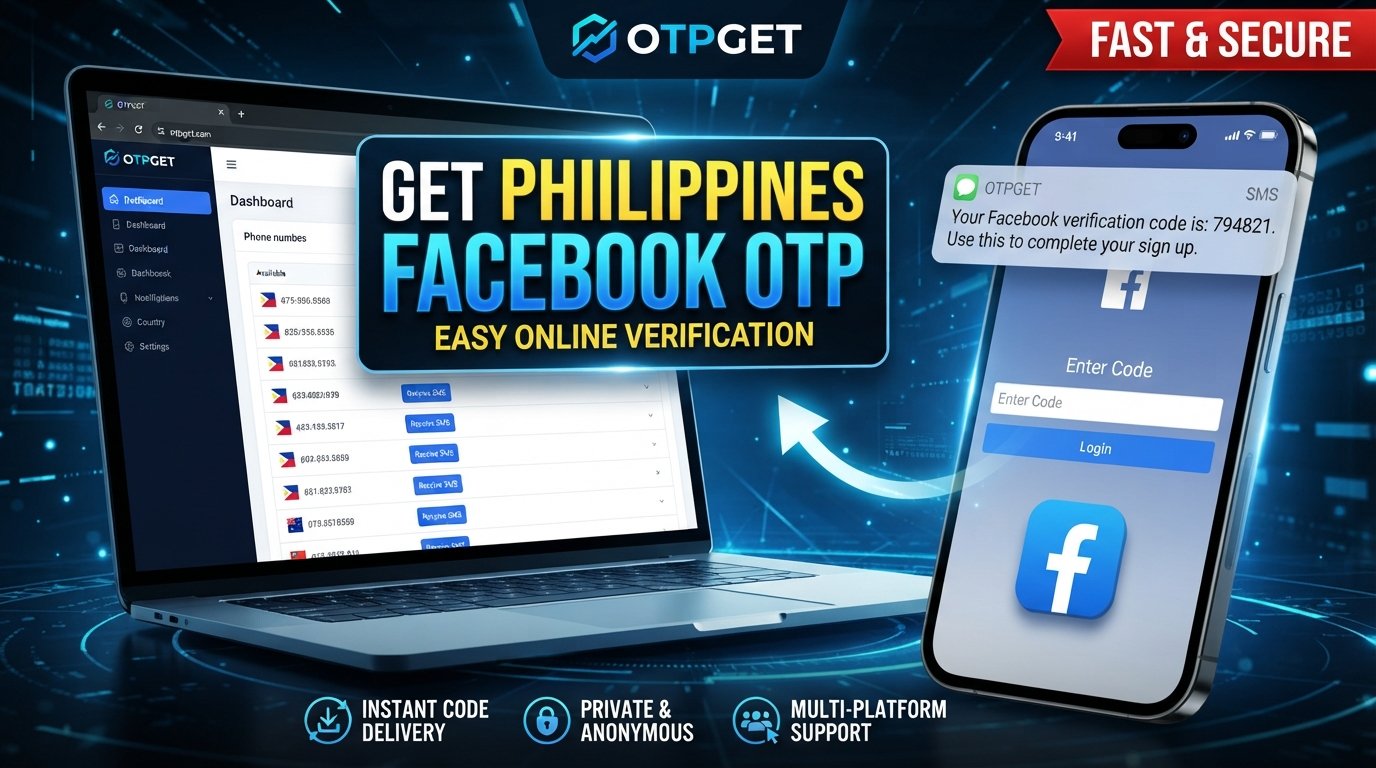
OTPGET is designed around a simple need: providing access to phone numbers and receiving verification messages or OTPs online when suitable services and numbers are available.
For someone searching for OTPGET Philippines or a Philippines SMS verification number, the appeal is convenience. Instead of immediately using a personal mobile number, the user can check whether an appropriate Philippines number is available through the service and use it for a legitimate verification task.
The basic value proposition is straightforward:
-
Access to available verification numbers
-
Convenient online SMS/OTP receiving
-
Less reliance on a personal number where an alternative is appropriate
-
A simple workflow for receiving verification messages
-
Philippines number options when offered by the service
OTPGET should be treated as a practical verification-number service, not as a method for bypassing Facebook rules. Facebook remains responsible for deciding whether a particular number, OTP, or verification attempt is accepted.
That distinction matters. A good verification service can make the process more convenient, but it cannot override another platform's security policies.
How to Use OTPGET for a Philippines Facebook Verification Number
If you need a Facebook OTP number and a suitable Philippines option is available through OTPGET, the process can be approached step by step.
Step 1: Visit OTPGET
Open OTPGET and review the available verification-number options. Look for the country and service combination relevant to your verification request.
Step 2: Select the appropriate country and number
If Philippines numbers are available for the required service, select an appropriate option. Carefully check the displayed number and any instructions associated with it.
Step 3: Use the number for Facebook verification
Enter the selected number into Facebook's phone-number verification field using the correct international format.
Step 4: Wait for the SMS or OTP
After requesting verification, check the SMS or OTP inbox associated with the selected number. Delivery can take some time, so avoid repeatedly requesting new codes immediately.
Step 5: Enter the verification code
When the Facebook SMS arrives, copy the OTP and enter it into the verification field on Facebook.
Never share a Facebook OTP or security code with another person.
Step 6: Finish Facebook's verification process
Follow any remaining instructions shown by Facebook. If Facebook requests an additional security check, complete that process through Facebook rather than attempting to circumvent it.
OTPGET vs. Using Your Personal Phone Number
Both options can have a place depending on what you need. A personal number may be the simplest choice for an account you expect to manage long term, while a suitable online number can provide separation and convenience for certain verification situations.
| Factor | OTPGET / Virtual Number | Personal Phone Number |
|---|---|---|
| Privacy | Can reduce exposure of a personal number | Uses your everyday number |
| Convenience | Useful when an eligible number is available online | Usually immediate if your phone is accessible |
| Setup | Requires selecting an available number | Little additional setup |
| SMS access | Depends on number and service availability | Delivered directly to your phone |
| Personal-number exposure | Can help keep verification separate | Your personal number is used |
| Availability | Depends on available numbers and platform acceptance | Depends on your mobile service |
| Best use case | Convenient alternative when appropriate | Long-term personal account use |
There is no universal winner. The right choice depends on your privacy preferences, account needs, and whether Facebook accepts the number.
Tips for Receiving a Facebook Verification Code Successfully
If you are trying to receive Facebook verification code messages, a few simple checks can prevent unnecessary frustration.
-
Check the country code. Make sure the Philippines country code and number format are correct.
-
Verify the number carefully. One incorrect digit can send the SMS somewhere else.
-
Give the message time to arrive. SMS delivery is not always instantaneous.
-
Avoid repeated requests. Requesting multiple codes in quick succession can create confusion about which code is current.
-
Check the SMS inbox. If you are using an online SMS verification service, make sure you are viewing the correct number.
-
Confirm SMS support. The selected number needs to support the type of message required.
-
Follow Facebook's instructions. Use the verification method Facebook provides.
-
Try another eligible option if appropriate. If a number is unavailable or rejected, another legitimate eligible number may be necessary.
-
Protect your OTP. A verification code should remain private and should never be forwarded to another person.
Common Problems With Facebook SMS Verification
Even when everything appears correct, Facebook SMS verification Philippines requests can occasionally run into problems.
The code does not arrive
Check that the number and country code were entered correctly. If the request was just submitted, wait before requesting another code. If the SMS still does not appear, the number may not be suitable or available for that verification attempt.
The SMS is delayed
Online SMS delivery can sometimes take longer than expected. Repeatedly requesting codes can make the situation more confusing, so patience is often better than sending many requests in succession.
The number is already associated with an account
Facebook may identify a number as already connected to another account or otherwise unsuitable for the current request. In that situation, use an eligible alternative rather than trying to circumvent Facebook's restrictions.
Facebook does not support the number
Not every virtual number is accepted by every platform. If Facebook rejects the number, OTPGET cannot override that decision. A different eligible number or another verification method offered by Facebook may be required.
Facebook requests additional verification
Phone verification is only one part of Facebook's broader security system. If additional verification appears, follow the instructions provided directly by Facebook.
Is OTPGET Right for You?
OTPGET may be a good fit if your main goal is online phone verification and you want to explore an alternative to immediately using your personal mobile number.
It can be particularly convenient when a suitable Philippines number is available and you simply need to receive an SMS verification code through an online service.
A personal number may still be preferable when you need a long-term, directly controlled phone number for an account you expect to use extensively. Permanent access, account recovery requirements, and Facebook's own policies are all worth considering.
The most important point is to choose a verification method that matches your legitimate use case and complies with the platform's requirements.
Frequently Asked Questions
What is a Philippines Facebook verification number?
It is a phone number using a Philippine number format that may be entered when Facebook requests phone-based verification. Facebook determines whether the number is eligible for a particular verification attempt.
How can I receive a Facebook OTP in the Philippines?
You can use an eligible personal mobile number or, where appropriate, a suitable online SMS verification number. If a Philippines number is available through OTPGET, it can be used to receive the verification SMS and view the OTP.
Can I use a Philippines virtual number for Facebook?
A Philippines virtual number may work for Facebook verification, but acceptance is not guaranteed. Facebook decides which numbers and verification attempts it accepts.
How does OTPGET work for Facebook verification?
OTPGET provides access to available verification numbers and associated SMS/OTP receiving services. When a suitable Philippines number is available, you can use it for the relevant verification request and check for the incoming code.
Can I receive Facebook SMS verification codes online?
Yes, an online SMS service can provide a way to receive verification messages when the selected number supports the required SMS and the platform accepts that number.
Why is my Facebook verification code not arriving?
Possible causes include an incorrectly entered number, delayed SMS delivery, an unsupported number, network or service issues, or Facebook limiting the verification attempt. Check the number first, wait briefly, and follow Facebook's instructions.
Is a virtual number suitable for Facebook verification?
It can be suitable for some users and verification situations. However, virtual-number acceptance varies by platform and circumstance, so there is no guarantee that every number will be accepted.
What should I do if Facebook rejects a verification number?
Do not attempt to bypass Facebook's restriction. Check the number format, review Facebook's instructions, and consider another eligible verification method or number if one is available.
Final Thoughts
A Philippines Facebook verification number can be useful when Facebook asks for SMS-based phone confirmation and you want an option beyond your everyday personal number.
Understanding the OTP process makes the experience much simpler: choose an eligible number, request the SMS, receive the code, enter it into Facebook, and complete any additional checks Facebook requires.
For users looking for a convenient Philippines SMS verification number, OTPGET offers a practical place to explore available verification-number options and online OTP receiving services. Availability and acceptance can vary, so it is best to approach the process realistically rather than expecting every number to work in every situation.
If you need a suitable number for a legitimate Facebook verification request, explore the options available through OTPGET and choose the solution that best fits your needs while following Facebook's verification and security rules.