Philippines Telegram Not Working? Fix OTP Issues with OTPGET
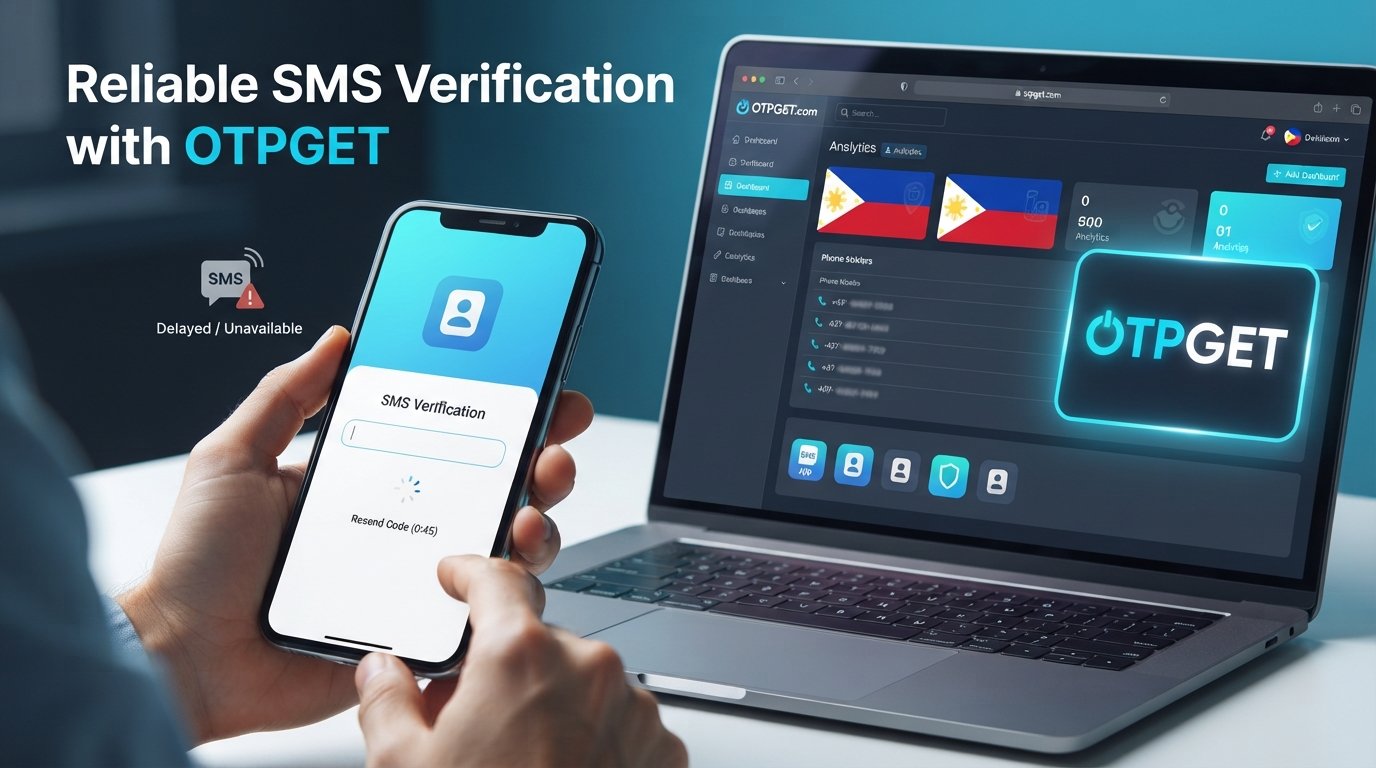
Philippines Telegram Not Working? Fix with OTPGet
Trying to log in to Telegram or create an account only to sit there waiting for a verification code can be incredibly frustrating. You enter your phone number, request the code, and then… nothing.
For users searching for Philippines Telegram not working, the problem may not necessarily mean that Telegram itself is down. Sometimes the issue is much narrower: an SMS is delayed, a phone number is entered incorrectly, a carrier has trouble delivering the message, or repeated code requests temporarily complicate the verification process.
If your main problem is that a Telegram OTP or SMS verification code is not arriving, there are several things worth checking first. And when ordinary phone verification is difficult, OTPGET provides virtual phone numbers designed for receiving SMS verification codes from supported services, including Telegram.
Why Is Telegram Not Working in the Philippines?
When Telegram appears to stop working during signup or login, it is useful to identify exactly where the process is failing. A messaging problem, for example, is different from a phone-number verification problem.
One common cause is OTP or SMS delivery delay. Verification messages depend on several systems working together, including the platform sending the code, telecommunications infrastructure, and the recipient's mobile network. A delay at any point can leave you waiting.
Another possibility is an incorrectly entered phone number. Country codes and phone-number formatting matter during account verification. A small mistake can send the verification message somewhere other than where you expect it.
Your mobile carrier or network connection may also play a role. If your phone is having trouble receiving ordinary SMS messages, Telegram's verification code may encounter the same problem.
There can also be temporary service or device issues. An outdated application, connectivity problem, notification issue, or unusual behavior on the device may interfere with the expected verification flow.
Finally, requesting codes repeatedly is not always helpful. If you keep pressing the resend button, you can make an already confusing verification process harder to troubleshoot.
The important point is that Telegram Philippines not working can describe several different situations. The exact cause varies from user to user.
Common Telegram OTP Problems
The most obvious problem is Telegram OTP not received. You submit your number, wait for the authentication message, and never see the expected code.
Another common situation is receiving the verification code much later than expected. If the code arrives after you have already requested another one, it may be unclear which code should be used.
Some users encounter a Telegram login code not received problem when attempting to access an existing account. Others experience Telegram signup not working while trying to register a new account.
There can also be a broader Telegram verification problem, where the phone number is accepted but the verification process does not complete.
From the user's perspective, these situations can look almost identical: the screen is waiting for verification, but the expected SMS code never appears.
That is why it is worth troubleshooting the SMS and phone-number side of the process before assuming that the entire Telegram service is unavailable.
Quick Things to Try When Telegram OTP Is Not Received
Before looking for another verification option, work through a few basic checks.
- Check the phone number and country code. Make sure the number belongs to you or is otherwise legitimately available for your intended verification and that the country selection is correct.
- Confirm that your phone receives SMS messages. Ask whether ordinary text messages are arriving normally. If they are not, the problem may be with the phone, SIM, carrier, or network.
- Check your internet connection. Telegram requires a working internet connection for its application and account processes.
- Wait before requesting another code. Rapidly requesting multiple OTPs can make it difficult to know which message is current.
- Look for another verification method. If Telegram presents an alternative method during the login or signup flow, follow the option it officially provides.
- Restart the application or device. A simple restart can sometimes resolve temporary application or connectivity problems.
- Keep the Telegram app updated. Using an outdated application can introduce avoidable compatibility issues.
- Check for blocked or filtered messages. Review your phone's messaging settings and make sure verification SMS messages are not being filtered unexpectedly.
If these steps do not solve the issue and the difficulty is specifically related to receiving an SMS verification code, a virtual-number service may be worth considering.
What Is OTPGET?
OTPGET is a virtual-number and OTP-verification platform that provides virtual phone numbers for receiving SMS verification codes. Its website states that the service supports Telegram along with thousands of other services and offers numbers across many countries.
The basic idea is straightforward. Instead of relying exclusively on your personal physical SIM card to receive a verification SMS, you can use a supported virtual number through OTPGET. The incoming verification message can then be viewed through the OTPGET platform.
OTPGET offers both one-time virtual numbers and longer-term rental numbers. Its platform also provides developer APIs for users who need programmatic access to virtual-number and OTP functionality.
For someone dealing with a persistent Telegram SMS verification not working situation, this can provide another verification route where the required number and service combination is available.
There is an important distinction, however: OTPGET provides numbers and message-receiving services. It does not control Telegram's verification decisions, application behavior, account restrictions, or security systems. OTP delivery therefore does not guarantee that every Telegram verification attempt will succeed.
How OTPGET Can Help With Telegram Verification
If you decide to use OTPGET for a legitimate Telegram verification need, the general workflow is simple.
1. Identify the verification requirement.
Determine whether your problem is specifically related to receiving an SMS verification code and whether using a virtual number is appropriate for your situation.
2. Access OTPGET.
Create or access your OTPGET account and review the available virtual-number options.
3. Choose the appropriate country and service.
OTPGET allows users to select available countries and supported services. Its platform specifically lists Telegram among supported services. Availability can vary, so check what is currently offered before purchasing a number.
4. Follow the Telegram verification process.
Where permitted by Telegram's current verification flow, use the selected number as the phone number for the verification process.
5. Retrieve the incoming code.
If Telegram sends an SMS to the supported number, OTPGET can display the received verification message through its system.
6. Enter the verification code into Telegram.
Use the code in the official Telegram verification screen and complete whatever additional steps Telegram requests.
The process is designed to address the Telegram verification code not received problem at the SMS-receiving stage. It should not be viewed as a way to bypass Telegram security or account restrictions.
OTPGET's own policies also prohibit fraudulent, abusive, or harmful use of its services.
Why Choose OTPGET for Telegram OTP Verification?
The biggest advantage is convenience. If the obstacle is your normal phone's ability to receive an SMS verification code, a virtual-number workflow gives you another way to handle the phone-verification requirement.
OTPGET also puts the incoming message in an online dashboard rather than requiring a physical SIM card for every verification number. The platform says its virtual numbers can be used for SMS OTP verification and that Telegram is among its supported services.
Another useful feature is flexibility. Depending on availability and requirements, users can choose between temporary numbers and longer-term rental numbers. This can be useful when a legitimate verification requirement is not limited to a single short session.
For developers and businesses with legitimate testing or integration requirements, OTPGET also provides REST APIs for virtual numbers and OTP retrieval.
Still, availability matters. OTPGET notes that its numbers rely on automated systems and third-party providers, so numbers and service availability can change and temporary failures can occur.
Telegram Verification Troubleshooting Checklist
Before treating a Telegram verification issue as a major technical problem, check the following:
- Correct Philippines country code and phone number
- Phone capable of receiving SMS
- Stable internet connection
- No unusual SMS filtering or blocking
- No repeated OTP requests in rapid succession
- Telegram's available verification methods checked
- Telegram application restarted or updated
- Device functioning normally
- OTPGET considered when standard SMS verification is problematic and a supported option is available
This approach keeps troubleshooting practical: identify the failure point first, then choose the appropriate solution.
Frequently Asked Questions
Why is Telegram not working in the Philippines?
Philippines Telegram not working can refer to several different issues, including login problems, signup failures, connectivity problems, or an SMS verification code that does not arrive. If Telegram opens normally but verification fails, focus first on the phone number, SMS availability, network connection, and verification method. Avoid assuming that the entire service is unavailable simply because one verification attempt failed.
Why am I not receiving my Telegram OTP?
A Telegram OTP may fail to appear because of SMS delivery delays, phone-number problems, carrier issues, connectivity problems, or other verification-related circumstances. First confirm the number and country code, make sure your phone receives SMS normally, and avoid repeatedly requesting new codes. If SMS delivery remains the problem, a supported virtual-number option such as OTPGET may provide an alternative route.
Why is my Telegram verification code not arriving?
If your Telegram verification code not received problem continues, check your phone's SMS capability and confirm that the number was entered correctly. Also check whether Telegram provides another verification method. When the problem is specifically with receiving SMS, OTPGET offers virtual numbers for supported services, including Telegram, although availability and successful verification can depend on the service's current requirements.
How can I fix Telegram SMS verification?
Start with basic troubleshooting: verify the phone number, check your network and SMS reception, wait before requesting another code, and update or restart the Telegram application. If ordinary SMS delivery remains unreliable, you can consider a legitimate virtual phone-number service. OTPGET is designed to receive SMS OTPs through virtual numbers, but it does not guarantee Telegram account verification or override Telegram's own security decisions.
Can OTPGET help with Telegram verification?
Yes, OTPGET lists Telegram as a supported service for its virtual-number OTP offering. Users can select an available number and receive supported SMS verification messages through the platform. However, OTPGET's role is to provide the number and receive the message; Telegram ultimately controls its own verification process. Availability of particular numbers or services can also change.
What should I do if Telegram won't send a login code?
First, verify that the phone number is correct and that your device can receive SMS. Check Telegram for any alternative verification option it provides, and avoid repeatedly requesting codes. If the issue is specifically the inability to receive SMS, consider a supported OTP service such as OTPGET. Remember that receiving an OTP does not guarantee successful login if Telegram applies another verification or account-security requirement.
Is OTPGET useful for phone-number verification?
OTPGET can be useful when you need a virtual number for SMS-based verification and the required service and country combination is available. Its platform provides temporary virtual numbers and rental numbers, while its documentation describes SMS OTP retrieval through its systems. Users should review current availability and use the service only for legitimate purposes.
Final Thoughts
A Philippines Telegram not working search does not always point to a problem with Telegram itself. If the application works but the verification code never arrives, the real obstacle may be SMS delivery, phone-number verification, network conditions, device settings, or repeated verification attempts.
Start with the simple fixes: confirm the number, check SMS reception, verify your connection, and give the verification process a little time.
If standard phone verification continues to be the sticking point, OTPGET offers a practical alternative through virtual numbers for supported SMS verification services, including Telegram. Its role is straightforward: provide an available verification number and receive the SMS code through its platform.
Just keep expectations realistic. OTPGET cannot control Telegram's account-security decisions or guarantee successful verification, and its terms require responsible use of the service.
If you're still dealing with a Telegram OTP problem after trying the normal troubleshooting steps, exploring the available options through OTPGET may be the next practical step.
INTERNAL LINK OPPORTUNITIES
- Suggested anchor: “Telegram OTP verification guide” — Link to a detailed guide explaining Telegram OTP and common verification-code issues.
- Suggested anchor: “How to receive SMS online” — Link to an educational page explaining virtual numbers and online SMS reception.
- Suggested anchor: “OTP verification guide” — Link to a broader guide covering OTP verification across different services.
- Suggested anchor: “OTPGET virtual numbers” — Link to the site's main virtual-number service page.
- Suggested anchor: “OTPGET API documentation” — Link to the developer documentation for readers interested in programmatic OTP workflows.


