Telegram Not Working in Philippines? Fix Login & OTP with OTPGET
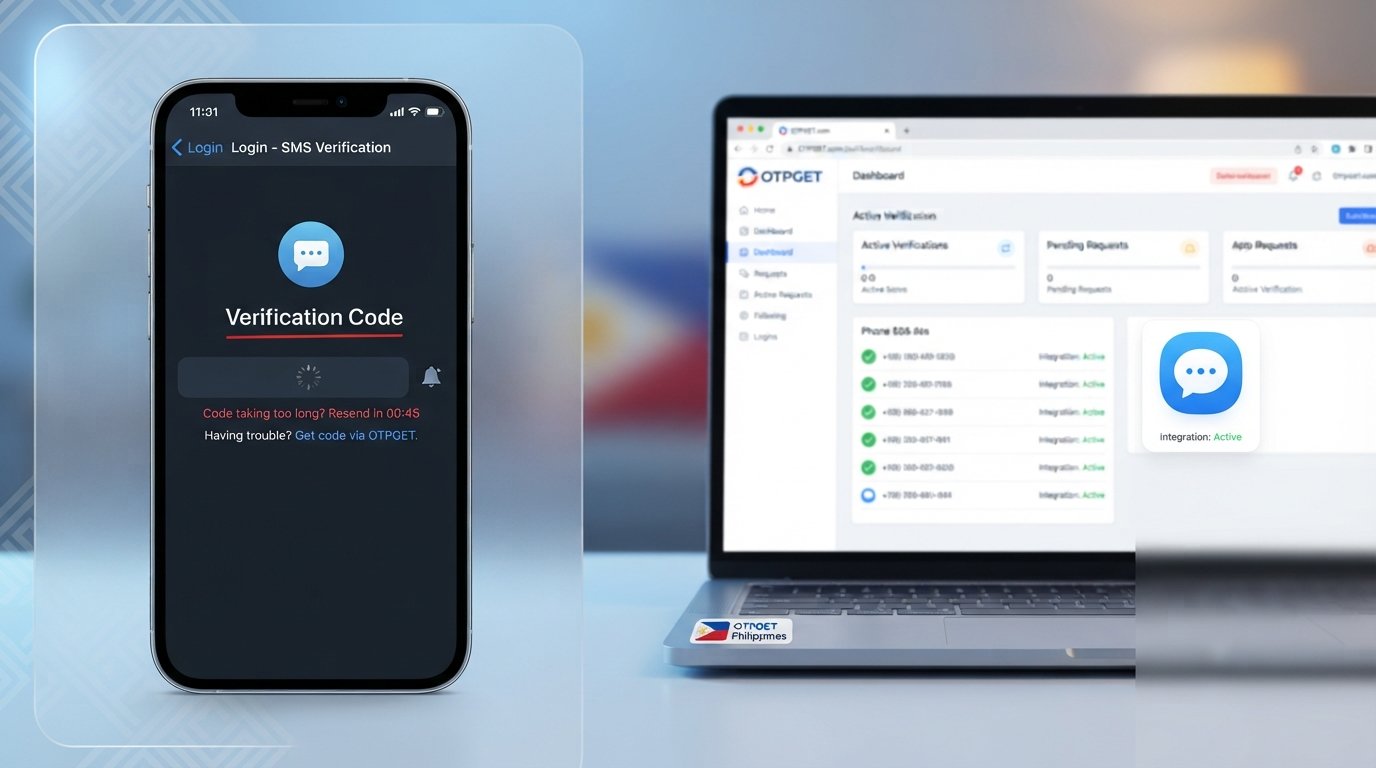
Telegram Not Working in Philippines? Practical Fixes for Login and OTP Problems
You open Telegram expecting to catch up on messages, but something is wrong. The app keeps loading, messages refuse to send, or you reach the login screen and wait for a verification code that never appears.
For users searching for Telegram not working in Philippines, the frustrating part is that there may not be one single cause. A Telegram problem can come from your internet connection, phone settings, the app itself, SMS delivery, or the account verification process.
The good news is that many of these issues can be checked and fixed systematically. And when the specific problem is receiving an OTP or verification code, an OTP-focused service such as can be a convenient option where supported.
Why Is Telegram Not Working in the Philippines?
When Telegram appears unavailable or unreliable, start by identifying exactly what is failing.
If the application will not open, the problem may be related to the app installation, device resources, or a temporary software glitch. If Telegram opens but messages remain stuck, your internet connection is a more likely starting point.
Login problems are different again. Telegram may require account verification, and the delivery of the required code can depend on your phone number, mobile network, SMS delivery, and the circumstances of the login attempt.
Common causes can include:
- Unstable Wi-Fi or mobile data
- Temporary connectivity problems
- An app that needs updating
- A temporary Telegram application glitch
- Incorrect phone-number formatting
- Delayed SMS delivery
- Mobile carrier issues
- Device settings affecting notifications or messages
- An existing Telegram session affecting how a login code is delivered
- Repeated verification requests in a short period
This is why searching for a single explanation for Philippines Telegram not working can be misleading. The right fix depends on what you are actually experiencing.
Common Telegram Problems Users May Experience
Telegram not opening
If the application crashes, freezes, or closes immediately, restart the phone first. You can also close Telegram completely and reopen it. If the problem continues, check whether an application update is available.
Telegram messages not sending
Messages that remain on a loading or sending state often point toward a connectivity problem. Test another website or application to see whether your internet connection is working normally.
Telegram verification code not received
This is one of the most frustrating Telegram login issues. The code may be delayed because of SMS delivery, phone-number problems, network conditions, or account/session circumstances.
Telegram OTP not arriving
If you are waiting for a Telegram OTP, avoid repeatedly requesting new codes. Multiple requests can make the situation more confusing and may not speed up delivery.
Telegram login code not received
Check whether Telegram provides another available method for completing the login, particularly if you are already signed in on another authorized Telegram session.
Telegram continuously loading
A constant loading indicator can be caused by a weak connection, temporary network problems, or an application issue. Switching networks is a useful first test.
Telegram account verification problems
Verification depends on correctly entering the requested information and receiving the appropriate code. If the number is incorrect or the verification message cannot reach it, the login process may stop.
How to Fix Telegram Not Working
Before looking for an alternative OTP service, work through these basic Telegram troubleshooting steps.
1. Check your internet connection
Open another website or application. If everything else is slow or unavailable, Telegram may not be the underlying problem.
Try moving between Wi-Fi and mobile data. If Telegram works on one connection but not the other, the network is an important clue.
2. Restart Telegram
Close the application completely and open it again. Temporary app glitches can sometimes disappear after a clean restart.
3. Restart your phone
A device restart can clear temporary software or connectivity problems that are difficult to identify manually.
4. Check your phone number
When dealing with a Telegram sign in problem, carefully check the number you entered and make sure the country selection and international formatting are correct.
A small number-entry mistake can prevent the verification process from reaching you.
5. Check another Telegram session
If Telegram indicates that a login code is available through another authorized session, check your existing Telegram devices.
This is particularly important because users sometimes keep waiting for an SMS when the login code has been delivered through another available Telegram method.
6. Avoid requesting codes repeatedly
If a verification code is delayed, patience can be more useful than repeatedly pressing the resend option.
Give the current request time to complete before starting another one.
7. Update Telegram
An outdated application can cause unexpected mobile app problems. Check your device's official app marketplace and install an available update when appropriate.
8. Review relevant device settings
Make sure your phone can receive SMS and that normal communication functions are working. Where relevant, review notification, messaging, and network permissions.
These checks are especially useful when Telegram itself opens normally but the verification message does not appear.
What If the Telegram Verification Code Is Not Received?
A Telegram verification code not arriving is not necessarily evidence that Telegram itself is broken.
OTP delivery involves multiple steps. The request has to be processed, the verification message has to reach the appropriate delivery channel, and your device or account needs to be able to receive it.
Possible causes include:
- Mobile network availability
- Delayed SMS delivery
- Incorrect phone-number information
- Temporary carrier problems
- Account or session circumstances
- Network connectivity issues
- Repeated verification attempts
Start by confirming that your phone can receive ordinary SMS messages. Then verify the number and country information you entered.
Also check whether Telegram has offered another legitimate login or verification method. If you are already signed in somewhere else, the required code may not necessarily arrive through the method you expected.
If the problem is specifically the availability of a verification OTP, an OTP service can be worth considering as a separate solution where the intended service supports that method.
How Can Help
When the main obstacle is not the Telegram app itself but the OTP verification process, is designed around virtual numbers and OTP verification.
OTPGET's platform describes virtual phone numbers that can be used for SMS-based verification on supported services, including Telegram. It also provides a workflow for obtaining a number and checking for an incoming verification message.
That makes OTPGET relevant to a specific type of problem: you need a practical way to receive a verification code, and the service you are using permits the selected verification method.
It is important to keep the distinction clear. OTPGET does not magically repair an application that will not open, fix a broken Wi-Fi connection, or resolve every Telegram login problem. It is an OTP-focused option for the verification part of the process.
You should also always follow the verification requirements and rules of the service you are trying to access. OTPGET should be viewed as a convenience for supported verification workflows, not as a way to bypass security controls.
Why Choose for OTP Verification?
For someone dealing specifically with an OTP problem, an OTP-focused platform can simplify the process.
Potential advantages include:
- Convenience: Manage verification-related numbers through an online platform instead of relying solely on a personal SIM.
- OTP-focused workflow: The service is built around receiving verification messages and codes.
- Accessibility: Virtual-number options can be useful when the supported verification setup does not require your personal number.
- Simplicity: The basic concept is straightforward: obtain an appropriate supported number, use it for the permitted verification process, and monitor for the incoming code.
- Multiple use cases: OTPGET presents virtual numbers for various supported services rather than limiting its platform to a single application.
Availability can depend on the service, country, number, and current options shown by OTPGET. For that reason, check the available choices before beginning a verification attempt.
Step-by-Step: Using for Verification
The exact interface and available options can change, so the safest approach is to follow the current instructions displayed by OTPGET.
In general, the process works like this:
- Visit and access the service.
- Select an appropriate supported OTP or verification option.
- Follow the displayed instructions for obtaining a virtual number or supported verification method.
- Use the provided number only where the service you are accessing permits it.
- Wait for the verification message to arrive.
- Retrieve the OTP through the available OTPGET interface.
- Enter the verification code into the relevant verification screen.
- Complete the verification process according to the service's instructions.
OTPGET's published documentation describes a workflow involving available countries and services, obtaining a virtual number, and checking its status for a received SMS code.
If a particular country, number, or service is not currently available, do not assume that another option will work. Check the choices actually presented by the platform.
Telegram Troubleshooting vs. OTPGET
These two approaches solve different parts of the problem.
Telegram troubleshooting is appropriate when:
- Telegram will not open
- Messages will not send
- The application keeps loading
- Your internet connection is unreliable
- The app needs updating
- Your device has a software or settings problem
OTPGET is relevant when:
- The main difficulty is obtaining a verification OTP
- You need a supported virtual number for SMS verification
- The intended service permits the verification method you are considering
This distinction matters. If your internet connection is down, using an OTP service will not fix the connection. Likewise, if Telegram is functioning normally but you cannot complete phone verification, an OTP-focused option may be more relevant.
Tips to Avoid Telegram Verification Problems
A few simple habits can reduce unnecessary login and verification frustration:
- Keep your phone number information accurate.
- Use the correct country and international number format.
- Maintain a stable internet connection.
- Make sure your phone can receive SMS normally.
- Keep Telegram updated.
- Avoid requesting multiple verification codes in rapid succession.
- Check existing Telegram sessions for alternative legitimate login-code delivery.
- Use only legitimate verification methods.
- Never share an OTP with another person.
- Be suspicious of messages, websites, or people asking you to reveal a Telegram verification code.
- If you use a third-party OTP service, confirm that its method is permitted by the service you are trying to access.
An OTP is effectively part of your account verification process. Treat it as sensitive information, even when the message appears routine.
Frequently Asked Questions
Why is Telegram not working in the Philippines?
There is no single cause. The issue may involve your internet connection, mobile data, Wi-Fi, Telegram application, device settings, phone number, SMS delivery, or account login circumstances. Identify whether the problem is connectivity, the app itself, or verification before choosing a fix.
Why am I not receiving my Telegram verification code?
Check your phone number, mobile network, SMS delivery, and existing Telegram sessions first. A verification code can also be delayed by circumstances outside the application itself.
Why is my Telegram OTP not arriving?
A Telegram OTP problem can involve network availability, SMS delivery, number accuracy, or the particular login session. Avoid repeatedly requesting codes and check whether Telegram offers another legitimate verification method.
How can I fix Telegram login problems?
Start with the basics: confirm your internet connection, verify your phone number, restart the app and phone, check for an application update, and look for another authorized Telegram session that may have received the login code.
Can OTPGET help with OTP verification?
Yes, OTPGET is designed to provide virtual numbers and OTP verification services for supported use cases. Its relevance depends on whether the service you are trying to verify allows the selected verification method.
Is OTPGET useful when an OTP is delayed?
It can be an option when your specific problem is obtaining a verification OTP and the intended service supports the available OTPGET method. However, it cannot guarantee that every verification request will succeed.
What should I do if Telegram SMS verification does not arrive?
First confirm that your phone can receive SMS, check the number you entered, verify your network connection, and look for another legitimate Telegram verification method. If the issue remains specifically related to receiving an OTP, you can explore an OTP-focused option such as OTPGET where supported.
How can I troubleshoot Telegram verification problems?
Separate the problem into three areas: connection, application, and verification. Test your internet connection, restart or update Telegram, confirm your number, avoid repeated code requests, and check available authorized login methods before considering an OTP service.
Conclusion
When you search for Telegram not working in Philippines, the answer is not always to reinstall the app or keep requesting another verification code.
Telegram problems can come from very different sources. A weak connection can stop messages from sending. An application issue can prevent Telegram from opening. A phone-number mistake or delayed SMS can create a frustrating verification problem.
Start with the basics: test your internet connection, restart the application and device, confirm your phone number, check for another authorized Telegram session, and avoid repeatedly requesting OTPs.
If the remaining problem is specifically about receiving a verification code, can be a convenient OTP-focused option where supported. The platform is built around virtual numbers and verification messages, giving users another approach to consider when the normal verification route is not working for their situation.
The key is to use the right solution for the actual problem. Troubleshoot Telegram when the app or connection is at fault, and consider OTPGET when the challenge is specifically obtaining a permitted verification OTP.


