Philippines Telegram Verification Number: OTPGET Guide
Philippines Telegram Verification Number — OTPGET Guide
Need a Philippines Telegram verification number but don't have a suitable Philippine mobile number available? You're not alone. Telegram uses phone-number verification as part of account setup, and receiving the required OTP can be inconvenient when you don't have access to the right number or SMS channel.
A suitable virtual or online number can provide another option, particularly when you want to separate Telegram registration from your everyday personal number. Services such as OTPGET are designed around online SMS and OTP verification use cases, giving users a practical way to look for an available Philippines number where the relevant service is supported.
Before choosing an option, however, it helps to understand how Telegram verification works, why OTP messages sometimes fail to arrive, and what to look for in a verification number.
Why Do You Need a Philippines Telegram Verification Number?
A Telegram account is associated with a phone number, which is used during the verification process. For someone specifically looking for a Telegram verification number Philippines, the main requirement is straightforward: access to a number that can receive the verification message required by Telegram.
There are several legitimate reasons someone might want a Philippine number:
- Account registration: You may need a Philippines number when setting up an account with a corresponding number.
- Separation from your personal number: A secondary number can help keep personal and other communications separate.
- Accessibility: You may not currently have access to a Philippine SIM but still need a Philippine number for a legitimate purpose.
- Testing and operational use: Developers, businesses, or teams may sometimes need country-specific numbers for legitimate testing or account-management workflows.
The important distinction is that having a number does not automatically mean Telegram will accept it. Number availability, previous usage, SMS delivery, and Telegram's verification process can all affect the outcome.
How Telegram Verification Works
Telegram phone verification is relatively simple from the user's perspective.
The typical process looks like this:
- Enter a phone number. You provide the number you want to associate with the Telegram account.
- Telegram requests verification. Telegram may send a verification code through its available verification process.
- Receive the OTP. If SMS delivery is used, the code arrives through the number's SMS channel.
- Enter the code. You enter the Telegram verification code into the app.
- Complete account setup. If Telegram accepts the verification information, you can continue with the account setup process.
The challenge is that the verification step depends on more than simply entering a number. SMS delivery can be affected by network or carrier conditions, number availability, previous use, service restrictions, or Telegram's own verification process.
That is why choosing a number specifically available for the intended verification service matters.
Common Problems With Telegram OTP Verification
Searching for a Telegram OTP Philippines solution often starts because the normal verification process isn't convenient. Several issues can interrupt the experience.
OTP Doesn't Arrive
The most obvious problem is not receiving the verification message. A delay can occur because of network conditions or other delivery issues. It is usually worth waiting briefly before repeatedly requesting another code.
The Number Is Already Used
A number may have been associated with Telegram previously. Depending on the circumstances, this can create additional complications during account setup.
Invalid or Unavailable Number
Not every number advertised online is necessarily available for every verification service. A number can exist while still being unsuitable for the particular verification process you are attempting.
Temporary Numbers Can Become Unavailable
With temporary or shared services, access may depend on the number's current availability. If access disappears before you finish the process, retrieving a later message may not be possible.
Carrier or Network Issues
SMS verification relies on communication infrastructure. Delays or failures can happen outside the user's direct control.
Repeated Verification Attempts
Requesting multiple codes in rapid succession can make an already confusing verification process harder to troubleshoot. Following the instructions shown by Telegram and allowing reasonable time for delivery is generally a better approach.
Why Use a Philippines Virtual Number for Telegram?
A Philippines virtual number is a phone number provided through an online service rather than necessarily through a physical SIM in your handset. Depending on the provider and number type, incoming SMS may be accessible through an online interface.
For someone searching for a virtual number for Telegram, the main attraction is convenience.
Potential advantages include:
- Access to a country-specific number without obtaining a physical SIM.
- Online access to incoming SMS where supported.
- Separation between a personal phone number and a particular online registration.
- Greater flexibility when a suitable Philippine number is otherwise difficult to obtain.
However, a virtual number is not automatically equivalent to a regular mobile number. Its availability, SMS capabilities, lifespan, and eligibility for particular services can vary.
Users should also make sure that their use of a virtual or temporary number complies with Telegram's applicable rules and any relevant laws or service requirements.
OTPGET — A Simple Solution for Telegram Verification
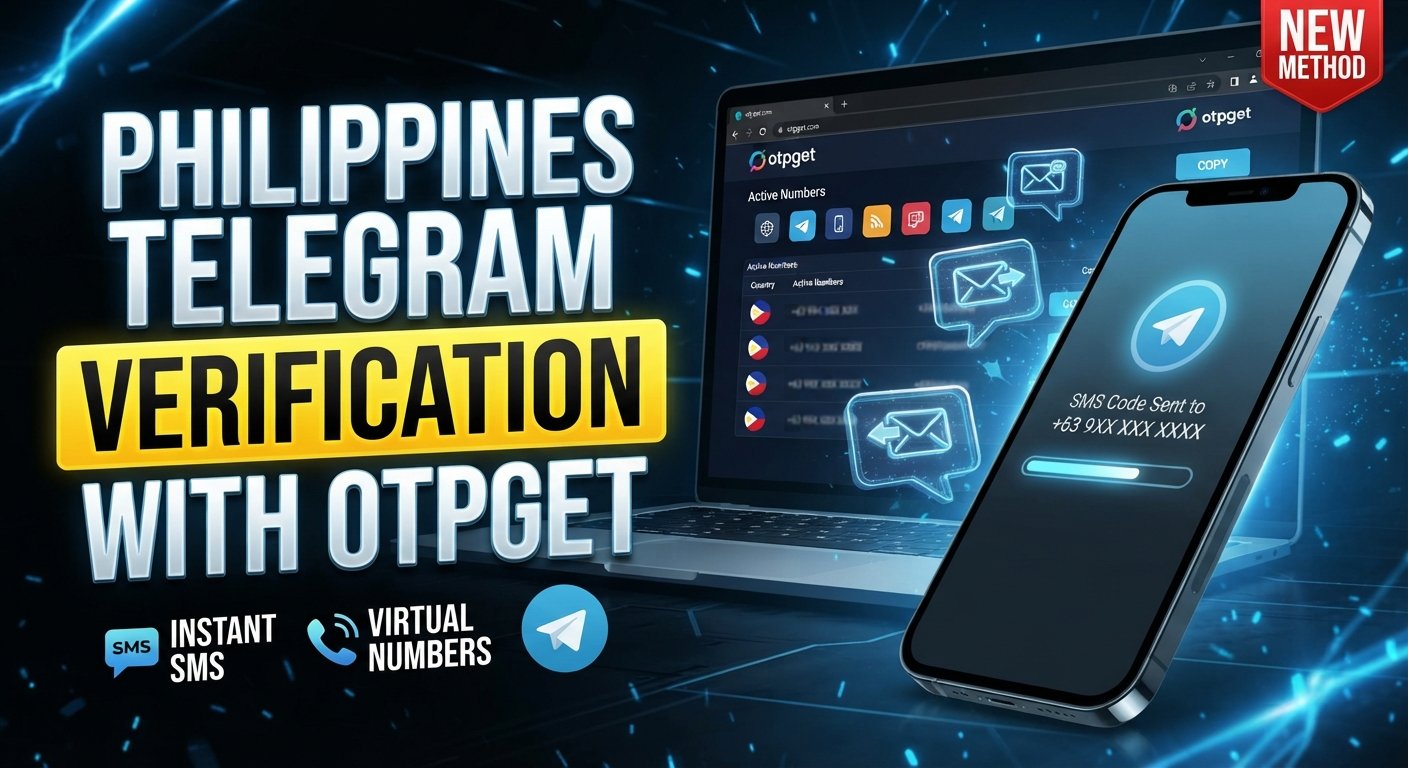
If your goal is to find a Philippines Telegram verification number, OTPGET can be a practical option to explore.
The basic idea is straightforward: instead of obtaining a Philippine SIM solely to receive a verification message, you can look for an available Philippines number through an online OTP verification service. Where Telegram is supported and the selected number is eligible, the incoming verification code can be retrieved through the available OTPGET interface.
A typical workflow is:
Choose a number → enter it in Telegram → request verification → check for the OTP → enter the code in Telegram.
The important qualification is that availability can vary. Not every number will necessarily be suitable for Telegram, and OTP delivery is not something that should be assumed to be guaranteed.
That makes it sensible to check the available number and supported service before beginning the verification process.
How to Get a Philippines Telegram Verification Number With OTPGET
If you want to try OTPGET Telegram verification, the process can be approached in a few simple steps.
Step 1: Open OTPGET
Start by accessing the OTPGET service and reviewing the available verification options.
Step 2: Select the Philippines
Look for an available Philippines SMS number or Philippines number option. Availability can change, so the numbers displayed to you may vary.
Step 3: Choose the Relevant Verification Service
If Telegram is listed as a supported service, select the appropriate Telegram-related option. Make sure you are choosing the service you actually need before proceeding.
Step 4: Copy the Number
Take the displayed Philippine number and enter it into Telegram's phone-number field, including the correct country code when required.
Step 5: Request the Telegram OTP
Continue through Telegram's verification process. If the selected number is eligible and SMS delivery is supported, Telegram may send a verification code to it.
Step 6: Check OTPGET for the Code
Return to the relevant OTPGET interface and check whether the incoming Telegram verification OTP has appeared.
Step 7: Enter the Verification Code
Once the code is available, enter it into Telegram's verification screen. Keep the code private and do not share it with anyone else.
Step 8: Complete Setup
If Telegram accepts the verification code, continue with the remaining account setup steps.
If the code doesn't arrive or the number isn't accepted, don't assume the service itself is necessarily at fault. The selected number, delivery conditions, previous number usage, or Telegram's verification process may all be factors.
OTPGET vs. Other Ways to Get a Telegram Verification Number
There isn't one ideal number type for every situation. Here's how the main options compare:
| Option | Convenience | Privacy/separation | Availability | Best suited for |
|---|---|---|---|---|
| Personal SIM | High | Low | Depends on user | Regular personal use |
| Secondary SIM | Moderate | Better | Requires another SIM | Long-term secondary use |
| Traditional mobile number | High | Depends on ownership | Country-dependent | Standard verification |
| Virtual number | High | Good separation | Provider-dependent | Online access and flexibility |
| Online SMS verification service | High | Depends on service | Varies | Specific OTP verification needs |
| OTPGET | Convenient online option | Depends on selected number | Varies | Users looking for supported OTP verification |
A personal or secondary SIM can make more sense when you need long-term control over the number. An online SMS verification service may be more convenient when your immediate requirement is receiving a verification code.
For someone specifically trying to get Philippines number for Telegram, OTPGET is worth considering when an appropriate number and Telegram-supported option are available.
Tips for a Smoother Telegram Verification Process
A few simple precautions can prevent unnecessary frustration.
- Check the country code carefully. Make sure the Philippines number is entered in the format Telegram expects.
- Confirm the number before submitting it. A single digit error can prevent the OTP from reaching the intended destination.
- Choose an available number for the intended service. Don't assume that every online number supports every platform.
- Allow time for delayed messages. An OTP may not appear immediately.
- Avoid repeatedly requesting codes. Multiple attempts can make troubleshooting more difficult.
- Keep your verification code private. Never give a Telegram OTP to another person.
- Follow Telegram's on-screen instructions. The app's verification flow should take priority over generic instructions.
- Check service availability first. Numbers and supported services can change over time.
These steps are especially useful when using a Telegram OTP number obtained through an online service.
Is a Philippines Telegram Verification Number Right for You?
It depends on what you actually need.
If you already have a Philippine mobile number that you control and can receive SMS on, using your own number may be the simplest option. A secondary SIM can also be preferable when you need continued access to the same number over a longer period.
A virtual or online number may make more sense when:
- You don't have access to a Philippine SIM.
- You want to separate a Telegram registration from your primary number.
- You need convenient online access to SMS.
- You have a legitimate reason to use a country-specific number.
For short-term or service-specific verification needs, an online OTP verification service can be convenient. But always consider whether you'll need continued access to the number after registration. If long-term account recovery or ongoing access depends on that number, controlling a permanent number may be more appropriate.
Frequently Asked Questions
What is a Philippines Telegram verification number?
It is a Philippine phone number used during Telegram's phone-number verification process. It may be a regular mobile number or, where supported, a virtual number capable of receiving the required verification message.
Can I use a Philippines virtual number for Telegram?
A virtual number may work where Telegram accepts the number and the service can receive the required verification message. Eligibility and availability can vary, so there is no universal guarantee that every virtual number will work.
How can I receive a Telegram OTP in the Philippines?
You can use a Philippine mobile number that can receive SMS or explore an online SMS verification service such as OTPGET where Telegram and an appropriate number are supported.
What should I do if my Telegram verification code does not arrive?
First, check that the number and country code are correct and that the selected number supports the intended service. Allow some time for delivery, follow Telegram's instructions, and avoid repeatedly requesting codes in quick succession.
Is OTPGET useful for Telegram verification?
OTPGET can be useful when you need to explore an online Philippines number for a supported OTP verification use case. The practical availability of numbers and Telegram verification support can vary.
How do I get a Philippines number for Telegram?
You can obtain a regular Philippine SIM or, depending on your requirements, use a virtual-number or online SMS verification service. OTPGET is one option to explore when a suitable Philippines number is available for Telegram verification.
Is a virtual number the same as a regular mobile number?
Not necessarily. A virtual phone number is generally provided through an online communications service, while a traditional mobile number is typically associated with a physical SIM or mobile network subscription. Their capabilities and long-term availability can differ.
Final Thoughts
Finding a Philippines Telegram verification number doesn't have to mean immediately obtaining another physical SIM. Depending on your situation, a virtual number or online SMS verification service can offer a more convenient alternative.
The key is to choose a number that is actually available for the intended service, understand that OTP delivery can vary, and keep your verification information private.
If you're looking for an online way to explore a Philippines Telegram number, OTPGET is a practical option to consider. Check the available Philippines numbers and supported services, then follow Telegram's verification process using the selected number.
The right choice ultimately depends on whether you need a temporary verification option, a secondary number, or long-term control of a mobile number.