Private Google Verification Number: A Practical Guide | OTPGET
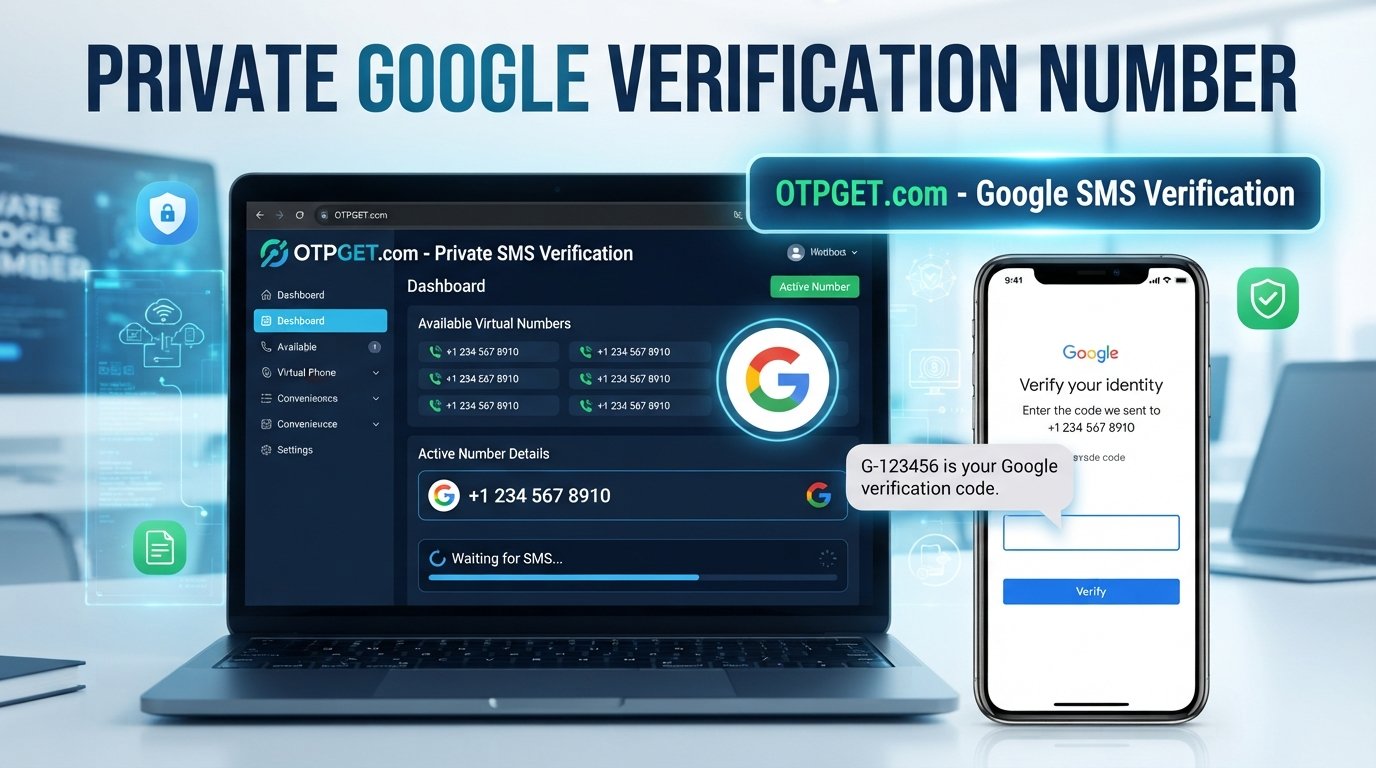
Private Google Verification Number: A Practical Guide | OTPGET
Phone verification is a familiar part of creating and managing online accounts. You enter a number, request a code, receive an SMS, and enter the one-time password to continue. The process is straightforward—until you would rather not use your personal mobile number.
That is where a private Google verification number can become useful. A separate virtual or temporary number can help keep your personal contact details separate from online verification activity, depending on the service and verification requirements involved.
For users exploring this option, OTPGET provides virtual and temporary numbers designed for SMS and OTP verification workflows. Its documentation also describes options for requesting numbers and checking the status of incoming verification messages.
Before choosing any verification number, however, it is important to understand how the process works, what these numbers can and cannot do, and why some verification attempts may still fail.
What Is a Private Google Verification Number?
A private Google verification number is a phone number used specifically for a Google-related verification process without exposing your usual personal number.
Depending on the provider, this may be a virtual, temporary, or rental number that can receive SMS messages online. The number is entered into the relevant verification screen, and if the service accepts it, the verification code is delivered through the number provider.
The key point is that a verification number does not bypass Google's security system. Google still decides whether a number is accepted and whether additional verification is required.
A separate number can simply provide another way to receive an SMS while keeping your primary phone number separate from the process.
Why Do People Use a Separate Number for Google Verification?
There are several legitimate reasons someone may prefer a separate number.
Privacy
Using your personal number across numerous websites and services can increase the amount of information associated with it. A separate number can reduce the need to disclose your everyday contact number.
Separation
Some people prefer to keep personal communications separate from registrations, testing, business activities, or other online workflows.
Convenience
If a physical SIM is unavailable or using a personal number is inconvenient, an online verification number may offer another option for receiving an SMS.
Temporary requirements
Some verification tasks are one-time events. In those situations, a temporary SMS number may make more sense than purchasing another physical SIM, although temporary numbers are not suitable for every account.
The important consideration is the intended use. A number that works for a one-time verification may not be appropriate for long-term account recovery or other situations where you may need continued access.
How Does Google SMS Verification Work?
Google SMS verification is essentially an access check. A service sends a one-time password to a phone number, and the person completing the verification enters that code into the requested field.
The basic process is:
-
Enter an eligible phone number on the verification screen.
-
Request an SMS verification code.
-
The service sends a one-time password to that number.
-
Retrieve the incoming SMS.
-
Enter the code before it expires.
-
Complete the verification step if the service accepts the number and code.
A Google verification code is generally intended for one-time use. It should be treated as sensitive information and should never be shared with another person.
A virtual number does not change the underlying verification rules. If Google does not accept the number, blocks the request, requires another verification method, or detects a limitation, receiving an SMS alone will not guarantee completion.
What Makes a Good Verification Number?
Not every online phone number is equally suitable for every verification scenario. Before selecting a service, consider several practical factors.
Privacy
A major reason for choosing a separate number is keeping your personal phone number private. Understand how the provider handles numbers and messages before using the service.
SMS accessibility
The number needs to be capable of receiving the type of message you are expecting. Availability can vary by country, service, number type, and provider.
Reliability
A verification workflow is only useful if the required message can actually be received. Delays, unavailable numbers, carrier issues, or platform restrictions can interrupt the process.
Appropriate use case
Temporary numbers are generally better suited to temporary verification needs than accounts that require reliable, long-term access.
Transparency about limitations
A responsible provider should not imply that every number will work with every platform. Verification is controlled by the service sending the SMS, so no number provider can reasonably guarantee acceptance in every situation.
OTPGET: A Practical Option for Verification Numbers
OTPGET is positioned as an online service for temporary phone numbers, rental numbers, and SMS/OTP verification. Its official documentation describes a system where users can select available countries and services, request a number, and check the status of an activation for incoming SMS.
That makes OTPGET a practical option for users who want a separate number rather than immediately exposing their personal mobile number.
The important distinction is that OTPGET provides the number and message-receiving service; it does not control Google's verification decisions. OTPGET's own terms state that verification can still be affected by application restrictions, device issues, server problems, or other platform-level factors.
For that reason, the best way to view OTPGET is as a tool within a verification workflow—not as a guarantee that a particular Google verification request will succeed.
How to Use OTPGET for a Verification Code
The general workflow is straightforward, although the exact options available can depend on the service, country, and number inventory at the time.
-
Visit OTPGET. Explore the available phone-number and verification options.
-
Choose an appropriate option. Select a number or service that matches your intended verification requirement where available.
-
Obtain the number. Use the available OTPGET workflow to request or activate the selected number.
-
Enter the number on the verification screen. Use the number only for a legitimate verification process that permits this type of number.
-
Request the SMS code. Complete the normal verification request on the relevant platform.
-
Check for the incoming message. OTPGET provides mechanisms for checking activation status and retrieving received SMS messages.
-
Enter the OTP. If a valid code arrives, enter it into the verification field before it expires.
If the number is unavailable, the service does not send an SMS, or the verification platform rejects the number, do not assume that repeatedly requesting codes will solve the problem. Follow the relevant service's limits and try an appropriate alternative if permitted.
Common Problems With Google Verification Codes
Even when everything appears correct, an OTP may not arrive. Several issues can cause this.
Delayed SMS
Carrier or network conditions can delay delivery. Give the system reasonable time before requesting another code.
Incorrect number entry
A simple formatting or digit error can prevent the message from reaching the intended number. Double-check the number and country selection.
Expired OTPs
Verification codes are generally time-sensitive. If a code has expired, request a new one rather than repeatedly entering the old code.
Number availability
A number may become unavailable or may not support the particular service you are trying to verify.
Verification limits
Platforms can impose limits on verification attempts or the use of particular numbers. Repeated requests may not improve the situation.
Platform restrictions
A verification service may reject certain virtual, temporary, or previously used numbers. This is one reason no responsible provider should promise universal compatibility.
If a verification code does not arrive, check the number first, wait for possible delivery delays, avoid excessive retries, and consider whether the platform permits the number type you selected.
Private Number vs. Personal Phone Number
The right choice depends on what you are trying to accomplish.
| Factor | Personal Phone Number | Private/Virtual Number |
|---|---|---|
| Privacy | Personal number is shared | Can keep personal number separate |
| Convenience | Already available | Requires obtaining a number |
| Temporary use | Less suitable | Often useful for temporary workflows |
| Long-term recovery | Generally more suitable | Depends on continued access |
| Physical SIM | Usually required | May not require a physical SIM |
| Verification compatibility | Often broader | Can vary by service |
| Control | Usually under your direct control | Depends on the provider |
A virtual number is therefore not automatically better. If you are creating an account that you expect to use for a long time and may need for account recovery, maintaining dependable access to the number can be important.
Is a Private Google Verification Number Right for You?
A separate number may make sense when your main priority is keeping your personal number away from a particular registration or verification workflow.
It can also be useful for legitimate testing, temporary registrations, or situations where an appropriate online number is more convenient than using a physical SIM.
However, there are clear limitations.
A temporary number should not be treated as a universal replacement for a personal number. If an account requires ongoing access to the same number for recovery, security alerts, or future verification, losing access to that number can create problems.
You should also follow the rules of the platform you are using. A phone-number service can provide access to a number, but it cannot override account policies or verification requirements.
Why Consider OTPGET?
For someone specifically looking for a private Google verification number, OTPGET offers a practical place to explore available virtual and temporary verification numbers.
Its documented workflow supports requesting numbers and checking incoming SMS status, while its broader service offering includes temporary and rental numbers for online verification.
The main advantage is separation: instead of immediately putting your everyday phone number into another online workflow, you can consider whether a dedicated verification number is more appropriate.
At the same time, expectations matter. Availability and acceptance can depend on the target service, number type, country, and current verification restrictions. OTPGET itself notes that it does not control failures caused by external platform restrictions or other verification issues.
Frequently Asked Questions
What is a private Google verification number?
A private Google verification number is a separate phone number used to receive an SMS verification code without using your primary personal number. It may be a virtual, temporary, or rental number, depending on the provider.
Can I receive a Google verification code online?
If the verification service accepts the selected virtual number and sends an SMS to it, the message may be accessible through the provider's online interface. Acceptance and delivery depend on the service and number involved.
What is an OTP verification number?
An OTP verification number is a phone number used to receive a one-time password sent by an online service. The number can be physical or virtual, depending on the verification setup.
Can OTPGET provide numbers for SMS verification?
OTPGET provides temporary and rental phone-number services for online verification, with documented workflows for requesting numbers and checking SMS activation status. Availability depends on the service and numbers offered at the time.
Why might a Google verification SMS be delayed?
Possible causes include network or carrier delays, platform-side processing, number availability, or temporary service restrictions. Checking the number and avoiding repeated requests can help prevent unnecessary verification attempts.
Is a temporary number suitable for every Google account?
No. A temporary number is not automatically appropriate for every account or verification scenario. Consider whether you will need continued access to the number for account recovery or future security checks.
What should I consider before using a virtual verification number?
Consider privacy, SMS availability, number reliability, platform compatibility, duration of access, and the provider's limitations. Most importantly, make sure your intended use follows the rules of the platform being verified.
Final Conclusion
A private Google verification number can be a useful option when you want to keep your personal phone number separate from an online verification process. Virtual and temporary numbers can offer convenience, but they are not a guaranteed solution for every verification request.
The key is choosing a number that fits your actual use case and understanding the limitations of SMS-based verification.
For users exploring a practical option, OTPGET provides temporary and rental numbers designed for online SMS and OTP workflows. If keeping your personal number separate is important, it is worth exploring the available options and checking which number and service combination fits your verification requirement.
Explore OTPGET and choose a verification approach that balances convenience, privacy, and the access you may need in the future.


