Need a PUBG Mobile OTP Number? Use OTPGET for SMS Verification
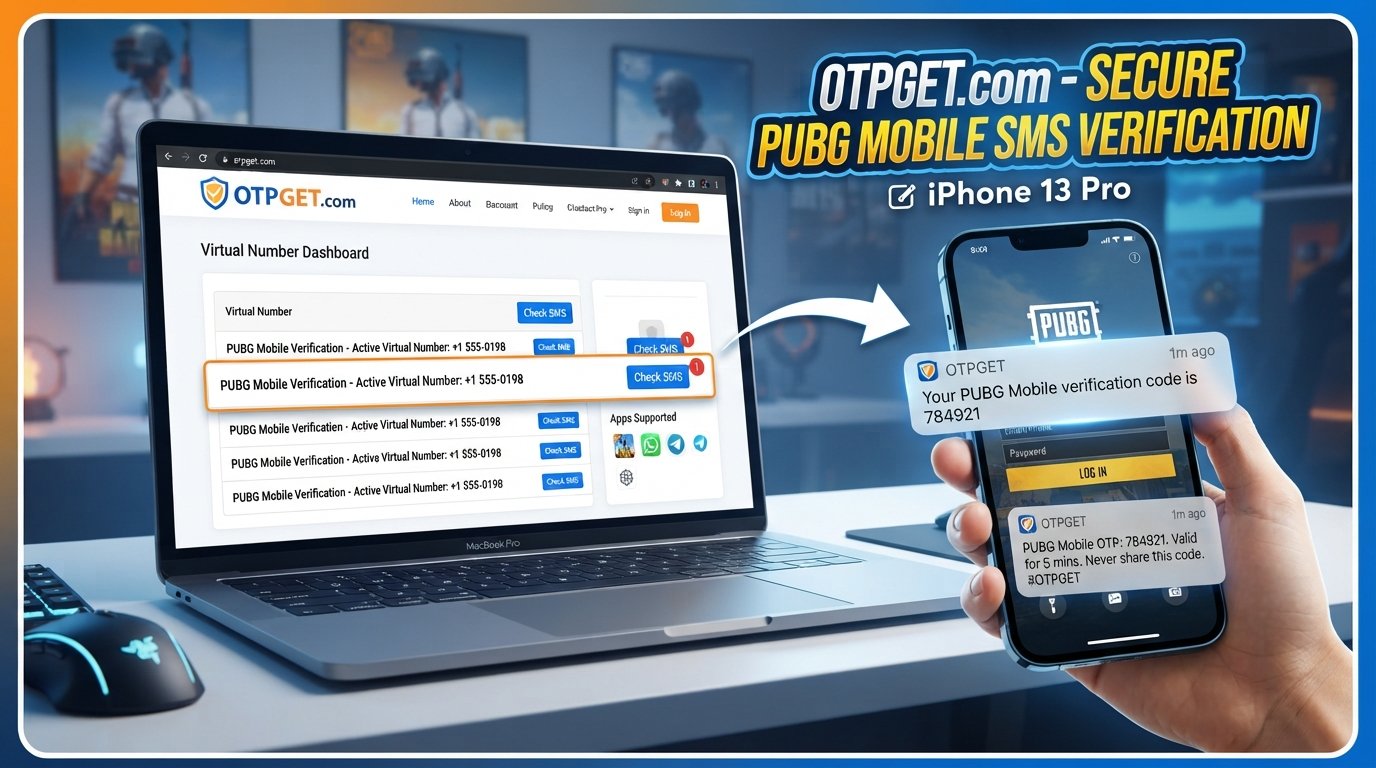
PUBG Mobile OTP Number – SMS Verification
Need a PUBG Mobile OTP Number because a verification SMS is not arriving on your regular phone? SMS verification can be frustrating when a code is delayed, a number is unavailable, or your carrier is having delivery problems.
An OTP, or one-time password, is simply a temporary verification code sent to a phone number. Depending on the account or feature being accessed, PUBG-related services may use SMS verification as part of account or security processes. PUBG support documentation confirms that SMS verification can be used for certain account-related security functions.
For legitimate verification needs, OTPGET provides virtual numbers and SMS OTP services that can be considered when receiving a verification message through a personal number is inconvenient. Its published documentation describes options for obtaining virtual numbers and checking received SMS codes.
The important point is to use any verification service responsibly and only for accounts and activities you are authorized to access.
What Is a PUBG Mobile OTP Number?
A PUBG Mobile OTP number is a phone number capable of receiving a one-time verification code when SMS verification is requested.
OTP stands for One-Time Password. Rather than using a permanent password, a service sends a temporary code to confirm that the person completing the verification process has access to the specified phone number.
The general process is straightforward:
- A service requests phone verification.
- You provide an eligible phone number.
- An SMS containing a verification code is sent.
- You enter the code into the relevant verification field.
- The verification process is completed if the code is accepted.
A verification code should always be treated as sensitive information. Never give an OTP to another person, even if they claim to be support staff or an account representative.
Why Is SMS Verification Needed for PUBG Mobile?
SMS verification can serve several legitimate security purposes. Depending on the specific PUBG service, account configuration, region, or feature, verification may be used for purposes such as:
- Account security
- Phone-number confirmation
- Login verification
- Account or identity confirmation
- Protection against unauthorized account use
- Additional security for particular account features
Not every PUBG Mobile user will encounter the same verification requirements. PUBG’s support documentation, for example, describes SMS verification in connection with certain security-related account functions.
This is why it is better to view a PUBG verification code as part of an account-security process rather than simply an inconvenience.
Why Aren’t You Receiving Your PUBG OTP?
If your PUBG Mobile verification code does not arrive, there are several possible explanations.
Incorrect phone number
Double-check every digit and make sure the country or region selection is correct. A single incorrect digit can prevent the SMS from reaching you.
Weak network or delayed SMS delivery
Mobile networks can experience delays. If your phone has poor reception, wait a little before requesting another code.
Carrier restrictions
Some mobile carriers may restrict certain types of automated or international SMS. If ordinary text messages are working but verification messages are not, your carrier may be worth checking with.
Temporary service issues
The verification provider or SMS delivery network may experience a temporary problem. Repeatedly requesting codes can make troubleshooting more difficult.
Number already associated with an account
Some verification systems limit how a phone number can be used. PUBG support documentation notes restrictions around phone-number associations and verification attempts in certain contexts.
Too many attempts
Repeated requests can trigger temporary limits. If you have requested several codes, waiting before trying again may be the better approach.
Before looking for another solution, confirm your number, country code, network connection, and account details.
How Does an SMS OTP Number Work?
A typical SMS OTP number works through a simple verification flow:
- Select an appropriate number. Choose a number that is available for your intended legitimate verification purpose.
- Enter the number. Use it in the phone-number field provided by the service requesting verification.
- Request the OTP. Submit the verification request.
- Receive the SMS. If the number and service are supported, the verification message is delivered to the number.
- Enter the code. Enter the OTP into the relevant verification field.
- Complete verification. Follow the service's normal account or security process.
OTPGET's documentation describes a workflow in which users can request a virtual number and check its activation status for an incoming SMS code.
This should not be confused with bypassing verification. The purpose is simply to provide another legitimate way to receive an SMS when a supported number is needed.
OTPGET – A Simple Solution for SMS Verification
OTPGET is a virtual-number and OTP verification platform that provides options for receiving SMS verification codes online. Its published service information describes virtual phone numbers, rental numbers, SMS OTP functionality, and tools for retrieving received verification messages.
For someone searching for a PUBG Mobile OTP Number, the appeal is straightforward: instead of depending entirely on a personal mobile number, users can explore an alternative number specifically intended for supported SMS verification purposes.
Some practical advantages include:
- Convenient access to virtual-number options
- A straightforward process for receiving SMS verification messages
- An alternative when regular SMS delivery is inconvenient
- Separation between verification-related messages and a personal number
- Options for one-time or longer-term number use, depending on the service available
OTPGET also publishes documentation for its SMS OTP service, including number selection and SMS-status retrieval.
That does not mean every number will work with every service. Compatibility can depend on the platform, number, carrier, region, and verification rules. For that reason, users should check the available options before proceeding.
If you need an alternative OTP verification number, exploring OTPGET is a practical place to start.
How to Use OTPGET for PUBG Mobile SMS Verification
The exact interface and availability can change, so users should follow the current instructions provided by OTPGET.
A general workflow is:
- Open OTPGET and review the available SMS verification options.
- Select an appropriate country or number option based on the legitimate verification requirement.
- Obtain the available virtual number through the service.
- Enter the number in the applicable verification field.
- Request the SMS verification code.
- Check the OTPGET interface for the incoming SMS.
- Enter the received verification code into the original verification field.
- Finish the normal account-verification process.
OTPGET's published documentation explains that its SMS OTP API can request a number and check the activation status for a received code.
Always make sure the service you are verifying with permits the type of number you are using. Do not use an OTP service to gain unauthorized access, circumvent account restrictions, or interfere with another person's account.
And most importantly, never share the received OTP with anyone else.
Benefits of Using a Dedicated OTP/SMS Verification Service
A dedicated SMS verification service can be useful when a personal number is not convenient for a particular verification task.
Convenience
Instead of relying exclusively on your physical SIM, a supported virtual number can provide another way to receive verification messages.
Separation from your personal number
Using a separate verification number can help keep certain verification-related SMS messages away from your everyday phone number.
Easier SMS management
Online verification services can make it easier to identify and access the message containing your code, depending on the service and number type.
Practical alternative when SMS delivery is problematic
If your normal number is experiencing delivery issues, an alternative number may be worth considering where the verification service accepts it.
OTPGET is particularly relevant here because its platform is designed around virtual numbers and OTP reception rather than traditional mobile-phone use.
PUBG Mobile OTP Number vs. Regular Phone Number
| Factor | Regular Phone Number | OTP/SMS Verification Number |
|---|---|---|
| Ownership | Usually tied to your personal SIM | Often provided through a virtual-number service |
| Convenience | Easy if your phone receives SMS reliably | Useful when an alternative number is needed |
| Privacy | Connected to your everyday number | Can provide separation from a personal number |
| Availability | Depends on your carrier and SIM | Depends on service and number availability |
| Best use | Long-term personal accounts | Supported, legitimate verification scenarios |
Neither option is automatically safer in every situation. A personal number may be preferable for an important long-term account, while a virtual number may be convenient for an appropriate verification task.
The right choice depends on the service's rules and your specific needs.
Tips for Safe PUBG Mobile SMS Verification
Treat verification codes as security credentials, not ordinary text messages.
Keep these practices in mind:
- Never share OTP codes with strangers.
- Avoid suspicious websites asking for your account credentials.
- Use established and trustworthy verification services.
- Do not provide unnecessary personal information.
- Follow PUBG's account and security rules.
- Use strong account-security features where available.
- Avoid verification services for unauthorized access or account abuse.
- Check that the number and service are appropriate before requesting a code.
- If a code expires, request a new one through the normal verification process.
For additional account-security information, users can consult the official PUBG Mobile security resources rather than relying on unofficial claims.
Frequently Asked Questions
What is a PUBG Mobile OTP number?
A PUBG Mobile OTP number is a phone number used to receive a one-time SMS verification code when a supported PUBG-related verification process requests one.
How does PUBG Mobile SMS verification work?
The service sends a temporary verification code by SMS to the number entered during verification. You then enter that code into the appropriate verification field.
Why am I not receiving my PUBG verification code?
Possible causes include an incorrect number, poor mobile connectivity, SMS delays, carrier restrictions, number-association restrictions, service issues, or too many verification attempts.
Can OTPGET help with SMS verification?
OTPGET provides virtual numbers and SMS OTP functionality designed to receive verification messages from supported services. Whether a particular number works depends on the destination service and its verification rules.
What is an SMS OTP number?
An SMS OTP number is a phone number capable of receiving a temporary one-time password through text message for a verification process.
Is it safe to share an OTP?
No. You should not share a verification code with another person. An OTP can be used as an important part of an account-security process.
Can I use a temporary number for OTP verification?
A temporary number can be used where the destination service accepts that type of number. Always check the applicable service rules and use it only for legitimate verification.
What should I do if my verification code expires?
Request a new code through the normal verification process. Avoid repeatedly submitting requests in rapid succession if the service has temporary limits.
Final Thoughts
Finding a PUBG Mobile OTP Number can become frustrating when a normal SMS is delayed, unavailable, or inconvenient. Understanding how OTP verification works makes it easier to troubleshoot the problem and choose an appropriate solution.
For legitimate SMS verification needs, OTPGET can be considered as a practical option for accessing virtual numbers and receiving supported verification messages online. Its published documentation provides tools for obtaining numbers and checking incoming SMS codes.
Before using any verification service, check the destination platform's rules, protect your account credentials, and never share your OTP with anyone.
If you need an alternative approach to PUBG Mobile SMS verification, explore OTPGET and review the currently available options to find one appropriate for your legitimate verification needs.
FAQ Section
What is a PUBG Mobile OTP number?
A PUBG Mobile OTP number is a phone number used to receive a one-time SMS verification code during a supported verification process.
How does PUBG Mobile SMS verification work?
A temporary code is sent by SMS to the entered number. The user enters that code into the relevant verification field to complete the process.
Why am I not receiving my PUBG verification code?
Check the phone number, country code, network connection, SMS delivery, carrier restrictions, and whether too many verification attempts have been made.
Can OTPGET help with SMS verification?
OTPGET offers virtual numbers and SMS OTP functionality for supported services. Compatibility depends on the destination platform and its rules.
What is an SMS OTP number?
It is a phone number that can receive a temporary one-time password through SMS.
Is it safe to share an OTP?
No. Treat OTPs as confidential security information and never give them to strangers.
Can I use a temporary number for OTP verification?
You can consider one where the destination service accepts it. Always follow the relevant platform's rules.
What should I do if my verification code expires?
Use the normal verification process to request another code, while avoiding excessive repeated requests.


