How to Get a Qatar Temporary OTP Number Online: OTPGet Guide

How to Get a Qatar Temporary OTP Number Online: OTPGet Guide
Need a Qatar temporary OTP number without putting your personal phone number into another online service? Temporary numbers can provide a practical alternative when a website or app requires SMS verification and you need a Qatar-based number for the process.
An OTP, or one-time password, is simply a short verification code sent by SMS. The challenge is that not everyone has access to a suitable Qatar SIM, wants to use their personal number, or needs a permanent phone line for a short verification task.
That is where services such as OTPGet can be useful. Instead of treating a temporary number as a complicated technical setup, you can use a service designed around temporary SMS and OTP verification. The important part is choosing the number carefully and using it only for legitimate purposes that comply with the service you are verifying.
What Is a Qatar Temporary OTP Number?
A Qatar temporary OTP number is a short-term phone number associated with Qatar that can be used to receive an SMS verification code.
When an online service asks for your phone number, it may send an OTP to confirm that the number can receive messages. A temporary number gives you an alternative to immediately providing your personal mobile number for a short-term verification need.
The basic idea is straightforward:
- A temporary phone number is provided for a limited purpose or period.
- You enter that number into the relevant verification form.
- The service sends an OTP by SMS.
- The verification message is received through the number provider.
- You retrieve the code and enter it where required.
A Qatar virtual number works in a similar way from the user's perspective. The difference is that you interact with the number through an online service rather than necessarily using a physical SIM card in your own phone.
This can be particularly useful when searching for a Qatar number for verification, a Qatar SMS number, or a temporary phone number for OTP.
However, temporary numbers are not universal keys. Some websites and apps may restrict virtual, temporary, or previously used numbers. The receiving platform ultimately decides which numbers it accepts.
Why Use a Temporary Qatar Number for OTP Verification?
There are several legitimate reasons someone might prefer a temporary Qatar number instead of their personal phone number.
Privacy is one of the biggest considerations. Giving your personal number to every website can create unwanted exposure. A separate number can help keep personal communications separate from short-term online activity.
Convenience also matters. If you need a Qatar phone number for OTP but do not have convenient access to a local SIM, an online option can simplify the process.
Temporary numbers can also make sense for:
- Testing registration and verification workflows.
- Temporary online services where a permanent number is unnecessary.
- Separating personal communications from online registrations.
- Situations where you need a Qatar verification number for a legitimate short-term purpose.
- Reducing the number of services that have your personal mobile number.
The key is to match the number to the importance of the account. A temporary number may be suitable for a short-lived verification task, but it may be a poor choice for an account that you expect to recover or access repeatedly.
For important accounts, financial services, or anything dependent on long-term account recovery, using your own established number may be more appropriate.
How Qatar OTP Verification Works
The actual verification process is usually simple. The exact screens and requirements vary between websites and applications, but the general workflow looks like this:
- Choose a Qatar number. Select an available temporary number suitable for SMS verification.
- Enter the number. Add the Qatar number to the website or app requesting verification, using the format it requires.
- Request the OTP. Submit the verification request so the service sends its one-time password by SMS.
- Receive the verification SMS. The message is routed to the temporary number through the number service.
- Retrieve the OTP. Check the available SMS information and locate the verification code.
- Enter the code. Return to the original verification form and enter the OTP before it expires.
Qatar numbers generally use the +974 country code, but always follow the format requested by the service you are using.
It is also worth remembering that an OTP is normally time-sensitive. Requesting multiple codes at once can create confusion because an earlier code may become invalid when a newer one is generated.
How to Get a Qatar Temporary OTP Number with OTPGet
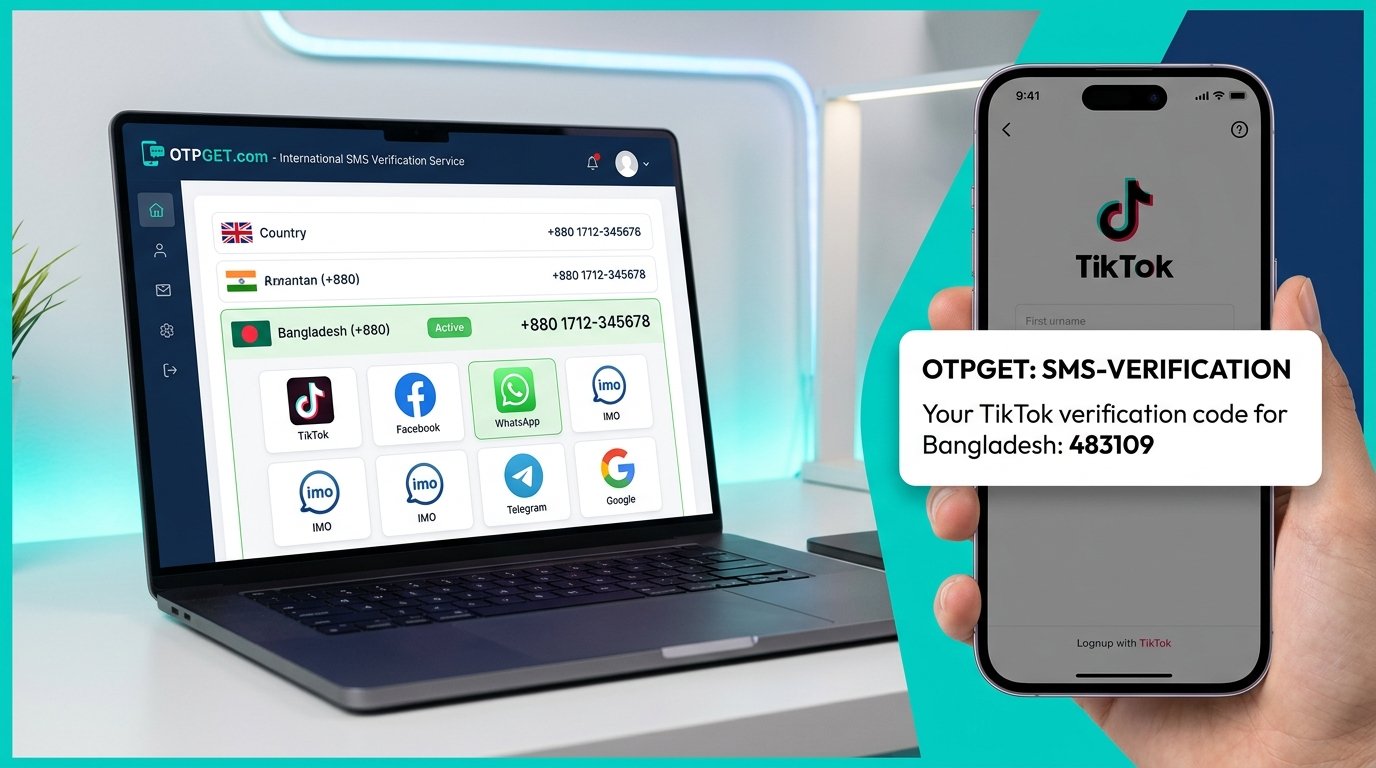
OTPGet provides a practical route for people specifically looking for a Qatar temporary OTP number. The idea is to obtain a suitable temporary number through the service, use it for the intended verification process, and retrieve the incoming SMS when the verification platform sends its code.
The general user journey is straightforward:
- Visit OTPGet. Start by accessing the OTPGet service.
- Select the Qatar option. Look for the relevant Qatar number or SMS verification option available through the service.
- Choose an available temporary number. Select the number that fits your intended verification purpose from the options presented.
- Enter the number into the verification service. Copy the Qatar number into the website or application requesting your phone number.
- Request the verification SMS. Initiate the OTP process from the service you are trying to verify.
- Check OTPGet for the incoming SMS. Return to OTPGet and look for the verification message associated with the number you selected.
- Enter the OTP. Copy the relevant verification code into the original verification form.
The important point is that OTPGet serves as the bridge between the temporary Qatar number and the SMS verification process. You do not need to turn a short-term verification requirement into a permanent change to your personal communications setup.
Availability and acceptance can depend on the specific service being verified, so there is no sensible reason to assume that every temporary number will be accepted everywhere. If a platform has restrictions on virtual or temporary numbers, those rules still apply.
For internal linking, consider using descriptive anchors such as [Qatar temporary OTP number], [OTP verification numbers], or [Temporary virtual numbers] when relevant pages are available on your website.
Benefits of Using OTPGet for Qatar OTP Verification
The appeal of a service like OTPGet is mainly practical. If your immediate requirement is to receive an SMS verification code through a Qatar number, obtaining a temporary number can be simpler than acquiring and maintaining another physical SIM.
Potential advantages include:
- Convenience: Handle a short-term verification requirement online rather than setting up another physical phone line.
- Privacy-conscious use: Keep a personal phone number separate from selected online registrations.
- Temporary access: Use a number for a specific verification need instead of treating every signup as a permanent communication relationship.
- Simpler SMS verification: The process is centered on receiving the message and retrieving the OTP.
- Flexibility: A temporary virtual number can be useful when your circumstances do not make a physical Qatar SIM convenient.
These benefits should be viewed realistically. Temporary numbers can have limitations, and individual websites may reject numbers based on their own verification policies. OTPGet can provide the number option, but the destination platform controls whether it accepts that number.
Qatar Temporary OTP Number vs. Personal Phone Number
Choosing between a temporary number and your personal number depends on what you are trying to accomplish.
| Factor | Temporary Qatar Number | Personal Phone Number |
|---|---|---|
| Privacy | Keeps selected verification activity separate | Directly connected to you |
| Convenience | Useful for short-term online verification | Convenient when already available |
| Temporary use | Designed around short-term needs | Generally intended for ongoing use |
| Personal communications | Separate from your main number | Used for calls, SMS, and other communication |
| Long-term recovery | May be unsuitable if access is lost | Usually better for accounts you need to recover |
There is no single best option for every situation. If an account is important and you expect to need it for a long time, continuity should be a priority. If the task is genuinely temporary, a temporary number may be more appropriate.
When Should You Use a Qatar Temporary OTP Number?
A temporary Qatar number makes the most sense when the verification requirement itself is temporary and the service's rules allow this type of number.
For example, you might use one when testing an online registration flow, separating a temporary signup from your personal communications, or completing a legitimate service verification where you do not want to use your everyday number.
Before proceeding, check the platform's terms and verification requirements. Some services specifically require a personal, mobile, or previously established number. Others may restrict temporary or virtual numbers.
Also think about what happens after verification. If you lose access to the number, you may not be able to receive another SMS later. That makes a temporary number a less suitable choice for accounts where future login, recovery, or two-factor authentication depends on the same phone number.
Tips for Successful Qatar SMS Verification
A few simple checks can prevent common verification problems.
- Check the country code. Make sure the number is being entered as a Qatar number and that the required country format is correct.
- Confirm SMS support. If your verification method requires SMS, make sure the selected number is intended to receive SMS.
- Copy the number carefully. A single incorrect digit can prevent the verification message from reaching the intended number.
- Keep the verification page ready. Request the OTP when you are prepared to enter it.
- Check the SMS promptly. Verification codes can expire.
- Avoid unnecessary resend requests. Repeatedly requesting codes can create delays or invalidate an earlier code.
- Follow platform rules. A temporary number should never be used to circumvent security controls, abuse a service, create deceptive accounts, or violate terms.
- Use a permanent number when continuity matters. If an account is important, make sure you have a reliable recovery method.
These practices cannot guarantee that an OTP will arrive. Delivery depends on the destination service, the number, SMS routing, and the verification policies involved.
Frequently Asked Questions
What is a Qatar temporary OTP number?
It is a short-term Qatar-based phone number used to receive an SMS containing a one-time password. It can provide an alternative to using your personal number for a legitimate temporary verification task.
How does Qatar SMS verification work?
A website or app sends a one-time verification code by SMS to the phone number you entered. With a compatible temporary number, you retrieve that SMS through the number service and enter the code into the original verification form.
Can I receive an OTP on a temporary Qatar number?
You can receive an OTP when the selected number supports the required SMS service and the destination platform accepts that type of number. Acceptance is controlled by the website or app requesting verification.
What is a Qatar virtual number?
A Qatar virtual number is a phone number that can be accessed through an online service rather than necessarily through a physical SIM in your own device. Depending on the service, it may support functions such as receiving SMS.
Why use OTPGet for Qatar OTP verification?
OTPGet is useful for readers looking for a practical way to obtain a Qatar temporary OTP number for SMS-based verification. It brings the temporary-number process into one online workflow, while the destination service remains responsible for its own verification requirements.
Is a temporary Qatar number the same as a personal phone number?
Not necessarily. A temporary number is intended for short-term or specific online needs, while a personal phone number is generally associated with your ongoing communications and account access. Temporary numbers may also have different availability and continuity considerations.
What should I do if an OTP does not arrive?
First, check that the number and country code were entered correctly and that the selected number supports SMS. Wait briefly before requesting another code. If the message still does not arrive, the destination platform may not support that number type or may be experiencing a delivery issue.
Final Thoughts
Finding a Qatar temporary OTP number does not have to mean buying a separate physical SIM or exposing your personal number every time an online service requests SMS verification.
Temporary Qatar numbers can be useful for legitimate short-term verification, testing, and privacy-conscious online activity. At the same time, they should be used with realistic expectations: some platforms may not accept virtual or temporary numbers, and important accounts often require a more permanent recovery method.
For readers who need a convenient way to obtain a Qatar number for SMS or OTP verification, OTPGet provides a practical solution to explore. Select an appropriate Qatar number, use it for the permitted verification process, retrieve the incoming SMS, and complete the OTP step.
If a temporary number fits your situation, exploring OTPGet can be a straightforward next step.
:::{"fallbackMarkdown":"","reference":{"matched_text":" ","prefix":null,"start_idx":16738,"end_idx":16738,"safe_urls":[],"refs":[],"alt":"","prompt_text":null,"type":"sources_footnote","sources":[],"has_images":false},"showLoginRequiredCard":false}